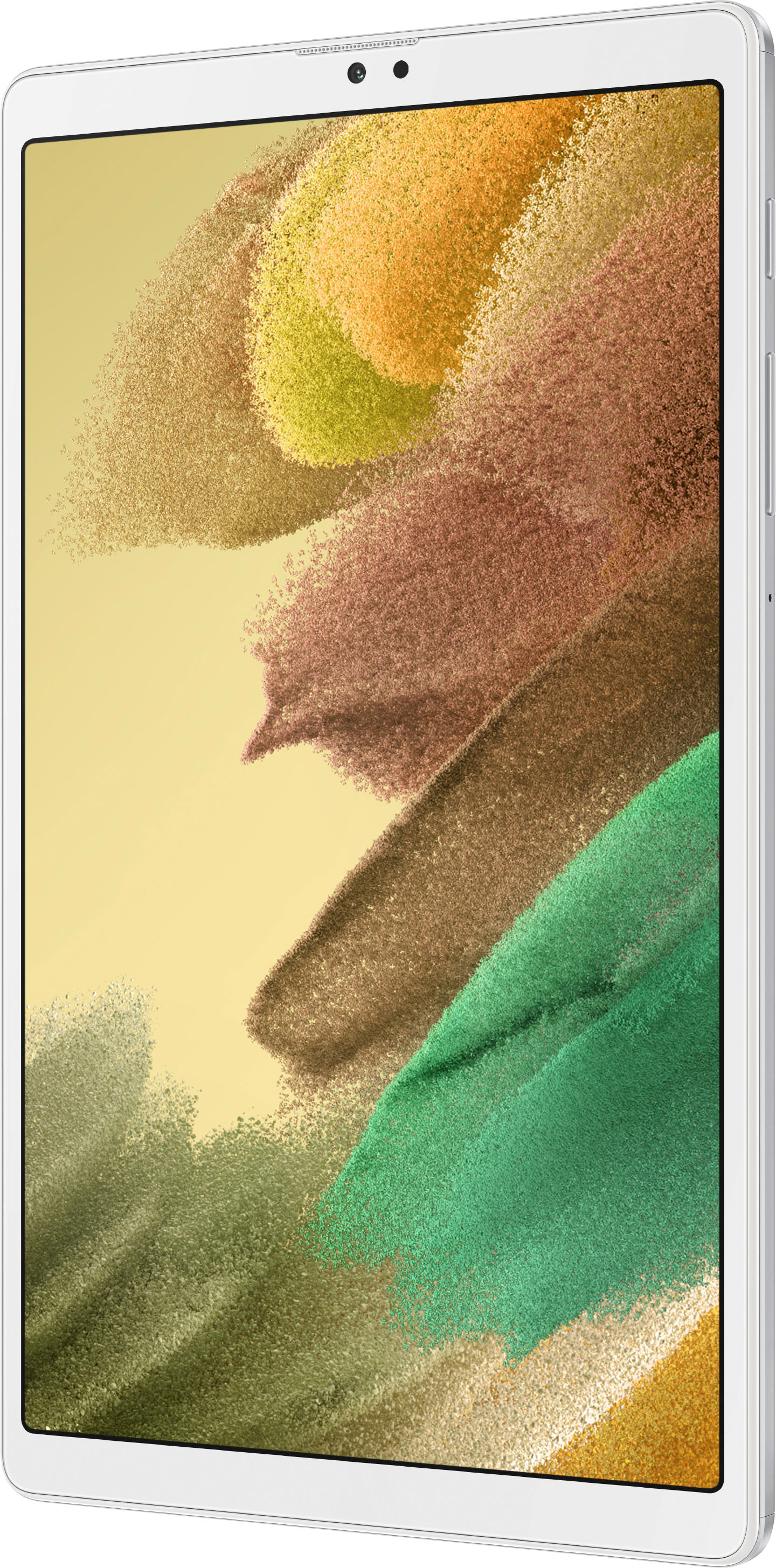
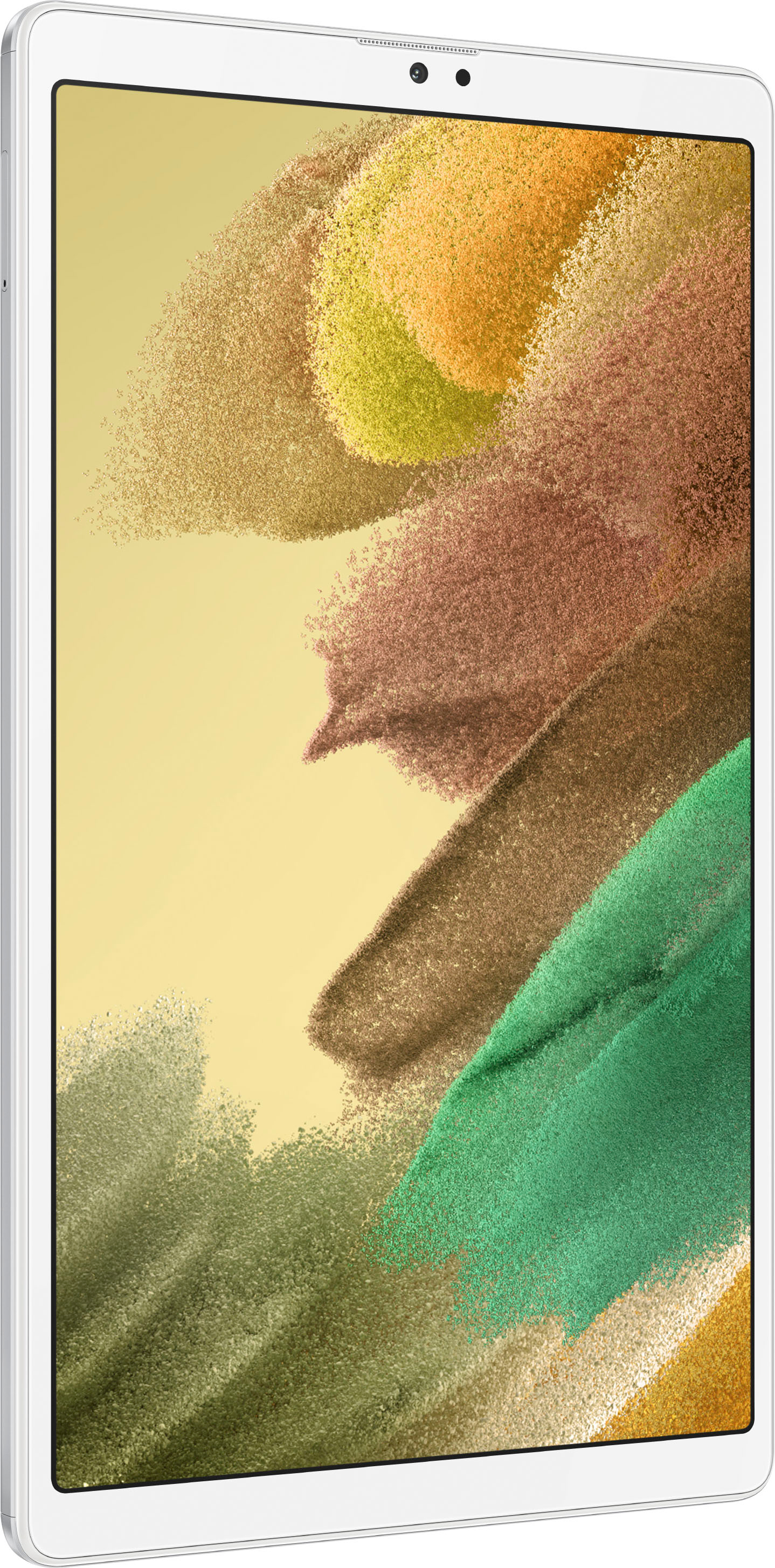
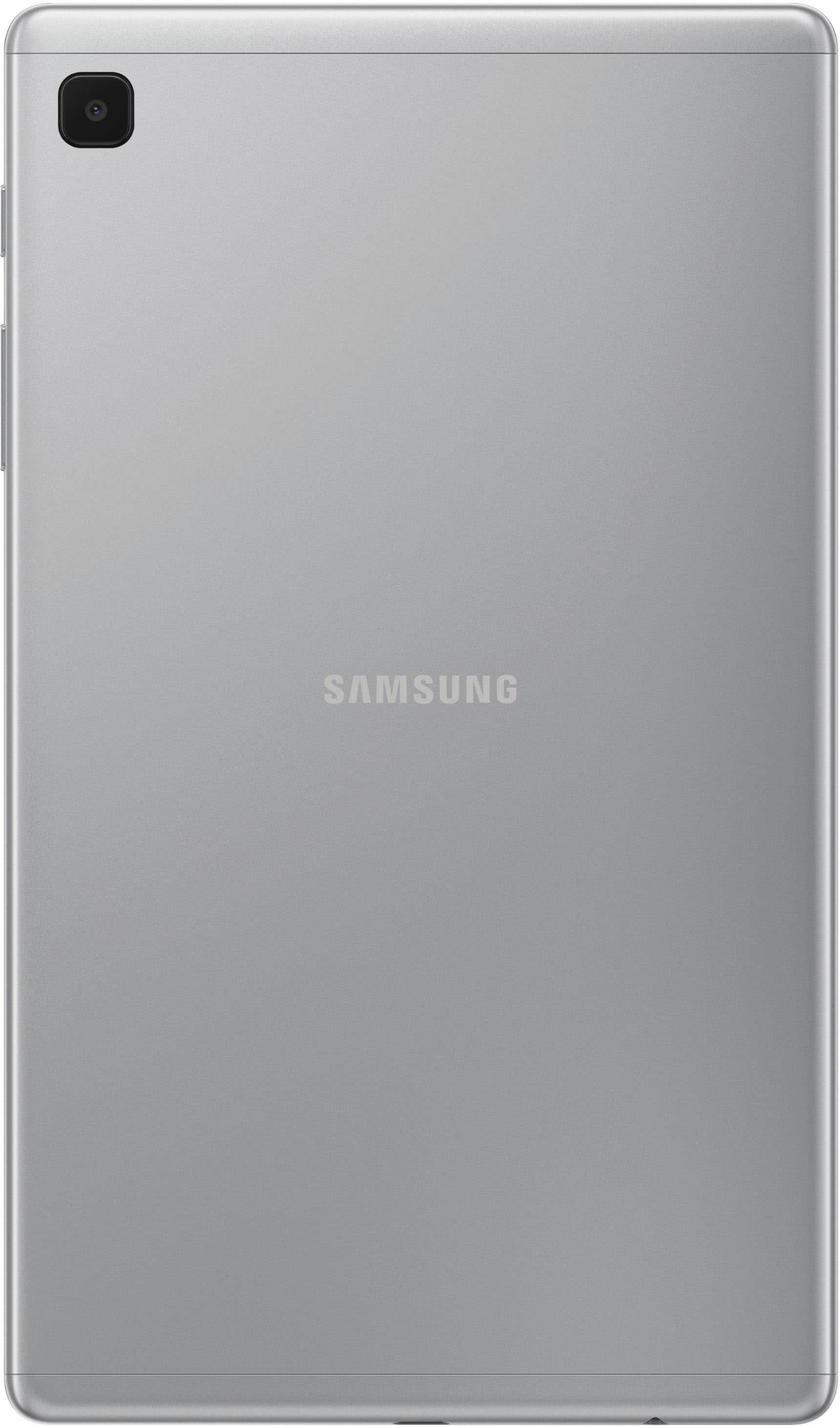
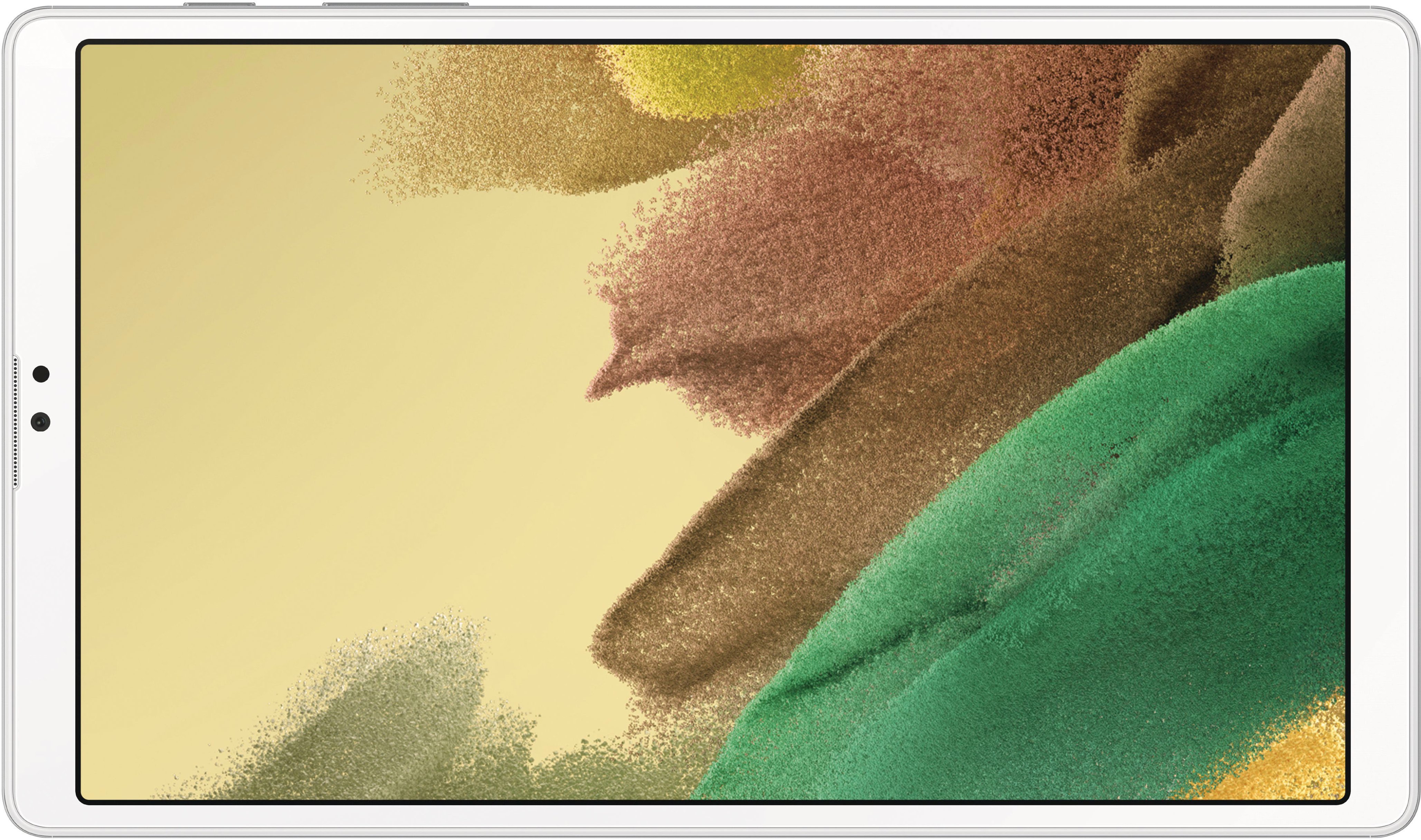
A:AnswerAloha Merypa, thank you for finding the opportunity to ask us your question about the Samsung Galaxy Tab A7 Lite. Yes, the Galaxy Tab A7 Lite is capable of browsing, streaming, and gaming from virtually anywhere. Fun fact: Samsung Kids gives your child a worry-free space to play and learn with durable design and digital safety features that put you in control. There's no need to worry about running out of memory on the Galaxy Tab A7 Lite either because it has expandable memory up to 1TB when you add a microSD card! Please feel free to contact Samsung Support if you have any additional questions for us. Thank you for being a staunch Samsung customer. - Debra
A:AnswerHowdy Bands, thanks for taking the time out of your hectic day to ask us your question about the Samsung Galaxy Tab A7 Lite. That's a fantastic question! Yes, absolutely, the Galaxy Tab A7 Lite has a 2MP front-facing camera, an 8 MP rear-facing camera, it has 32GB of internal storage capacity, and it has expandable memory up to 1TB when you add a microSD card to this tablet. It meets all the requirements needed in order to take and store pictures. Let us know if you have any other questions for us by contacting Samsung Support at your leisure. Thank you for being a devoted Samsung customer. - Debra
A:AnswerAloha Surfordie1, thanks for taking the available time out of your busy day to ask us your question about the Samsung Galaxy Tab A7 Lite. The advertised Galaxy Tab A7 Lite is a Wi-Fi enabled tablet that lacks the cellular capability needed in order to be added to your Cricket account. You would need an LTE enabled tablet in order to add the tablet to your cellular provider. Hope that helps! Let us know if you have any additional questions for us by contacting Samsung Support. Thank you for being a steadfast Samsung customer. - Debra

A:AnswerHey, thank you for finding the unobstructed time out of your bustling day to ask us your question about the Samsung Galaxy Tab A7 Lite. That's an awesome question! You can view your storage capacity and detailed usage by category and file type on the Galaxy Tab A7 Lite. You can also mount, unmount, or format an optional microSD card (not included). Once an optional microSD card has been installed in your device, the card is displayed in the Storage setting. Hopefully that helps answer your question! Let us know if you think of any other questions for us by contacting Samsung Support at your earliest convenience. Thank you for being a trustworthy Samsung customer.
- Debra