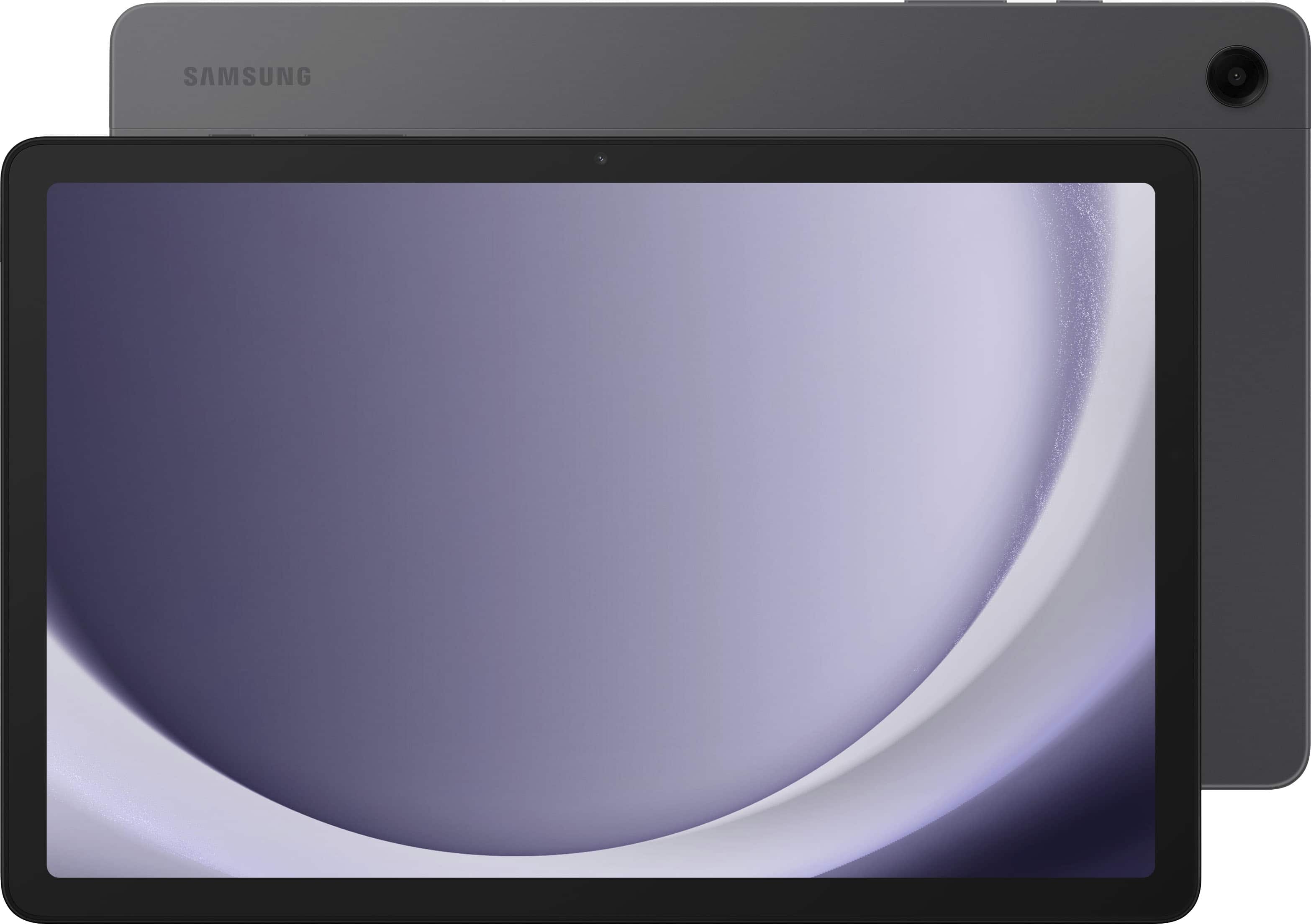
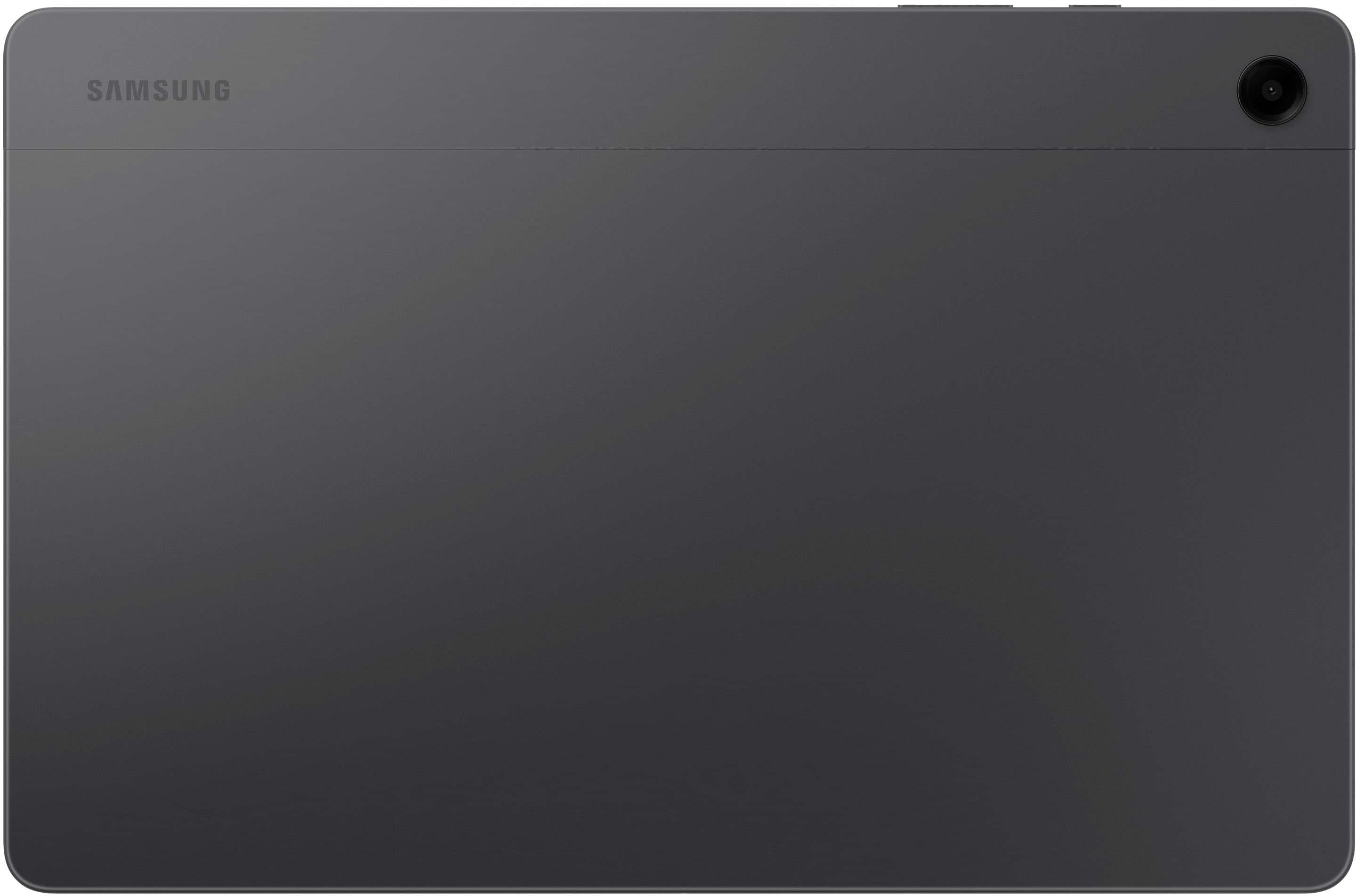
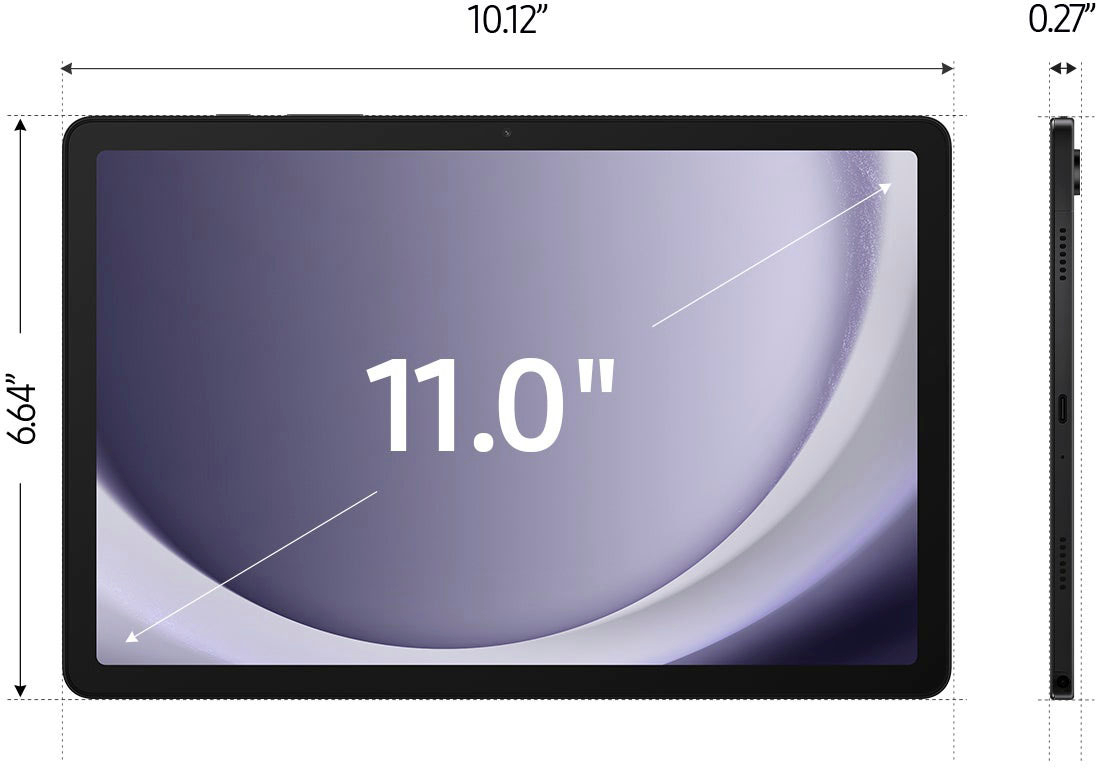
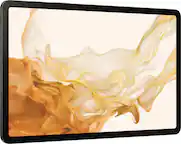
A:AnswerSalutations Elma, thanks for taking the opportunity to ask us your question about the Samsung Galaxy Tab A9+. That's a great question! Yes, you can! Check out, "Transfer content with Samsung Smart Switch" and "Content that can be transferred with Smart Switch" when you have some free time to learn more about using Smart Switch. Let us know if you have any other questions for us or if you would like any further assistance by reaching out to Samsung Support. Thanks again for choosing Samsung! - Debra
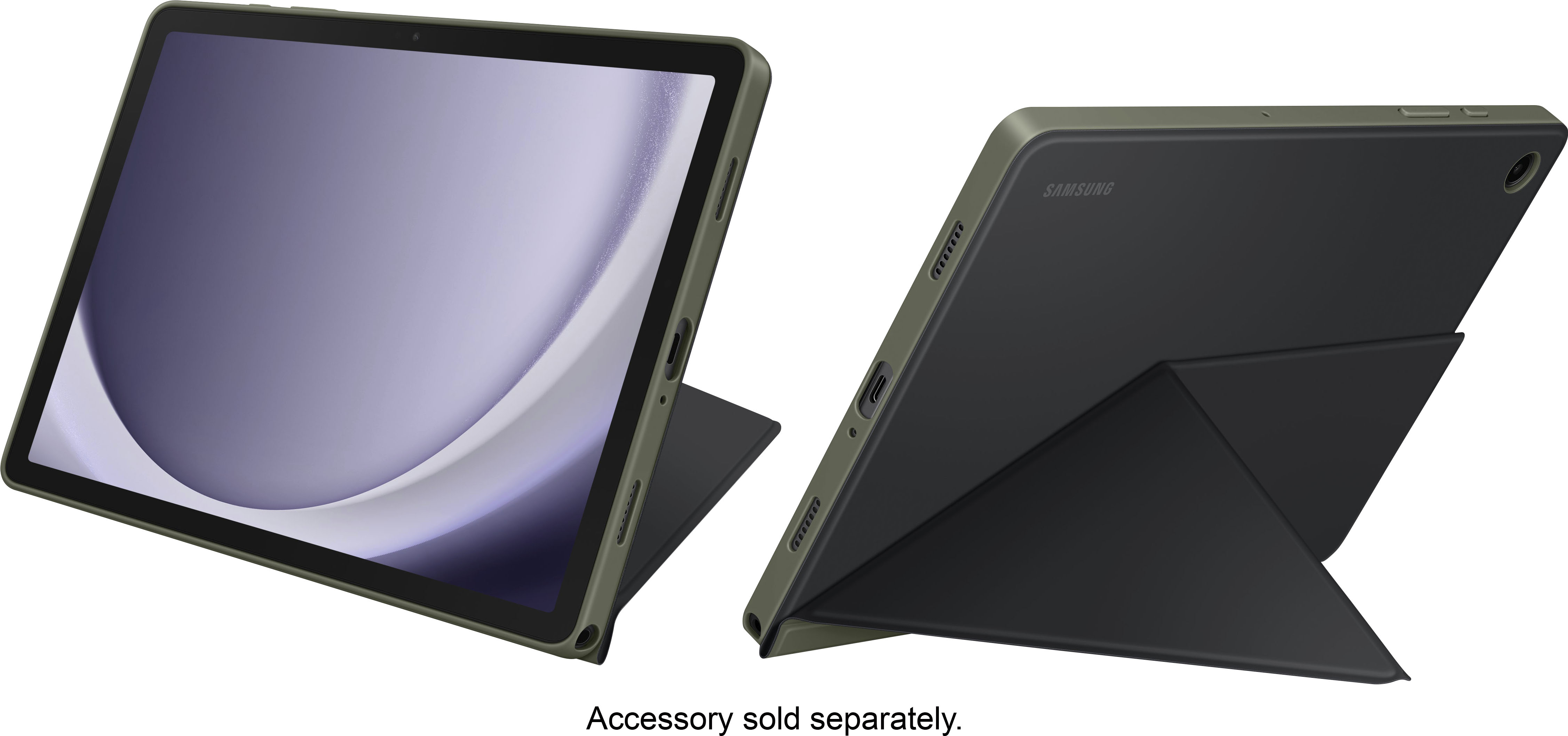
A:AnswerHello, thank you for finding the available time out of your lively day to ask us your question about the Samsung Galaxy Tab A9+. The Galaxy Tab A9+ box includes the Galaxy Tab A9+, Data Cable, Quick Start Guide, and Ejection Pin. Additional accessories like screen protectors and book covers are available for an additional purchase, if you would like. If you have any other questions for us, let us know by reaching out to Samsung Support. Thanks again for being a loyal Samsung customer. - Debra
A:AnswerNo. Checked Samsung website, the tablet support up to 1 TB SD card.
https://www.samsung.com/levant/tablets/galaxy-tab-a/galaxy-tab-a9-lte-mystic-navy-128gb-sm-x115ndbemea/#:~:text=Galaxy%20Tab%20A9%20and%20Tab%20A9%2B%20come%20with%20up%20to,microSD%20card%20%E2%80%94%20up%20to%201TB.
A:AnswerSalutations, thanks for taking the opportunity to ask us your question about the Samsung Galaxy Tab A9+. The advertised Galaxy Tab A9+ is a Wi-Fi enabled tablet. This tablet utilizes Wi-Fi and/or Bluetooth connectivity in order to be considered fully functional. You are looking for an LTE version of tablet if you were wanting to add it to Verizon's wireless network. If you have additional questions for us, feel free to contact Samsung Support at your leisure. Thank you for being a dedicated Samsung customer. - Debra
A:AnswerSalutations PK, thanks for taking the opportunity to ask us your question about the Samsung Galaxy Tab A9+. Yes, that's exactly right, PK! Just visit the Google Play store to download your favorite apps on this tablet! Let us know i you have any other questions for us by reaching out to Samsung Support at your leisure. Thank you for being a dedicated Samsung customer. - Debra
A:AnswerHi Mamadiva, thanks for taking the time out of your hectic day to ask us your question about the Samsung Galaxy Tab A9+. The advertised Galaxy Tab A9+ is a Wi-Fi enabled tablet that can be easily paired via Bluetooth with your smartphone. However, if you are asking if you can add this tablet to your T-Mobile wireless plan, this would not be possible. This tablet lacks the cellular connectivity needed in order to be added to a carrier's data network. If you think of any other questions for us, feel free to contact Samsung Support at your earliest convenience. Thank you for being a cherished Samsung customer. - Debra
A:AnswerHello there AG2026, thank you for reaching out with your question about the Samsung Galaxy Tab A9+. The advertised Galaxy Tab A9+ with 128GB of total storage has an 8GB RAM. If you have additional questions, please feel free to reach out to Support. Thank you for being a valued Samsung customer. - Debra
A:AnswerHey there, thanks for asking us your question about the Samsung Galaxy Tab A9+. Possibly. You can download all of your compatible apps from the Google Play Store. If you have any other questions for us, please feel free to reach out to Support. Thanks for being a faithful Samsung customer. - Debra
A:AnswerHello BetterChoice, thank you for asking us your question about the Samsung Galaxy Tab A9+. No, the advertised Galaxy Tab A9+ does not come with built-in AI features, however, the full Galaxy AI suite found on Galaxy flagship S-series tablets. If you would like further assistance, please let us know by reaching out to Support. Thank you for being a faithful Samsung customer. - Debra
A:AnswerAloha JimT, thank you for asking us your question about the Samsung Galaxy Tab A9+. Yes, you can use the advertised Wi-Fi/Bluetooth only version of the advertised Galaxy Tab A9+ for GPS navigation without an internet connection by linking it to your smartphone. The tablet has a built-in GPS chip that works independently of cellular data. To ensure it works in remote areas, you must download offline maps in advance via Google Maps. If you have any other questions for us or if you would like any further assistance, please feel free to reach out to Support. Thank you for being a devoted Samsung customer. - Debra
A:AnswerGood day Marie, thanks for taking the opportunity to ask us your questions about the Samsung Galaxy Tab A9+. The advertised Galaxy Tab A9+ is the Wi-Fi/Bluetooth Only version of this tablet. It does not offer SIM card compatibility so it cannot be added to a wireless carrier's network. Please do not hesitate to contact Support if you have any other questions for us. Thank you for being a loyal Samsung customer. - Debra
A:AnswerHello Carmen. thank you for asking us your question about the Samsung Galaxy Tab A9+. Yes, you can upload, view, and edit Microsoft Office 365 documents on the Samsung Galaxy Tab A9+. It supports the official Microsoft Office/365 apps from the Google Play Store, allowing you to sign in with your account to access, sync, and edit files directly on the device. If you have any other questions, please feel free to reach out to Support. Thank you for being a treasured Samsung customer. - Debra
A:AnswerI use an iphone, so i don’t know that i can answer this for you. It does connect to my mobile hotspot, but many android apps are different than apple. I have not had any issues with what i have done- spreadsheets and wordprocessing. I did have to download google sheets for my spreadsheet.