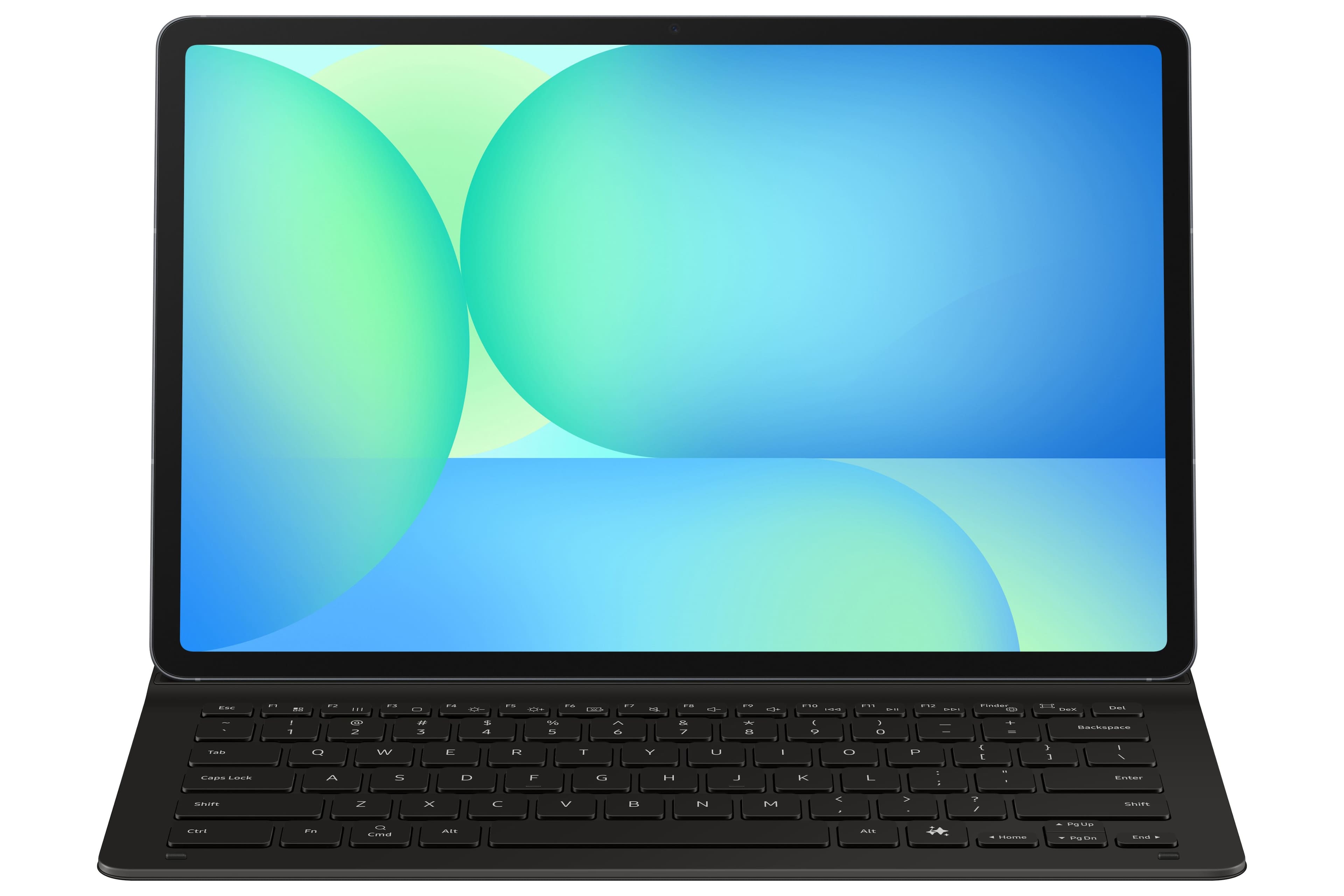
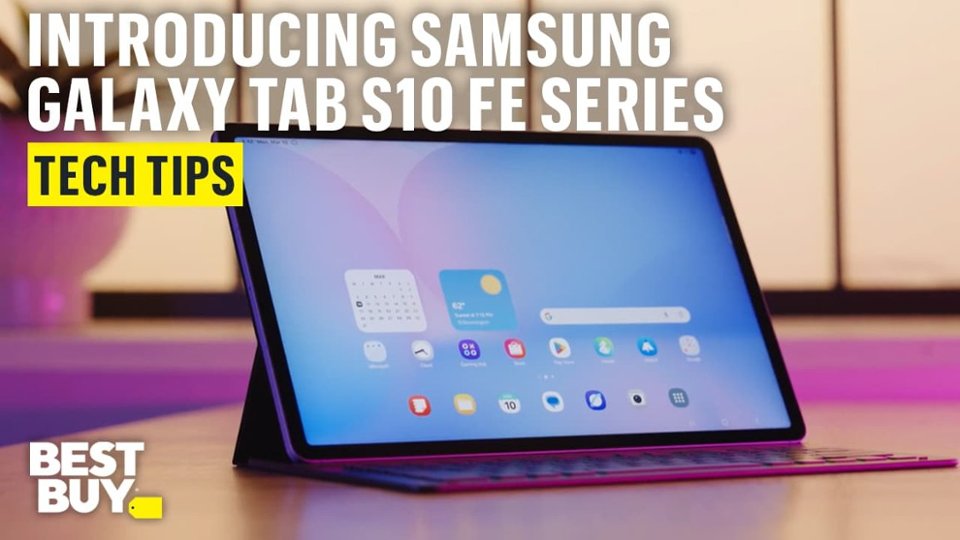
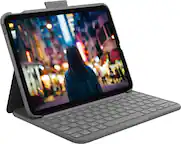
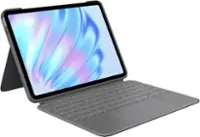
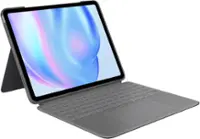
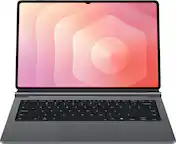
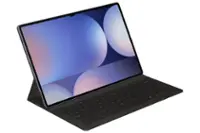
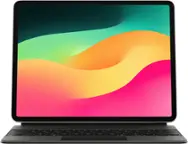
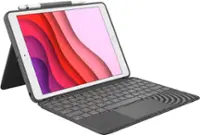
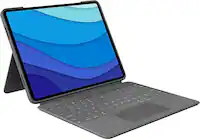
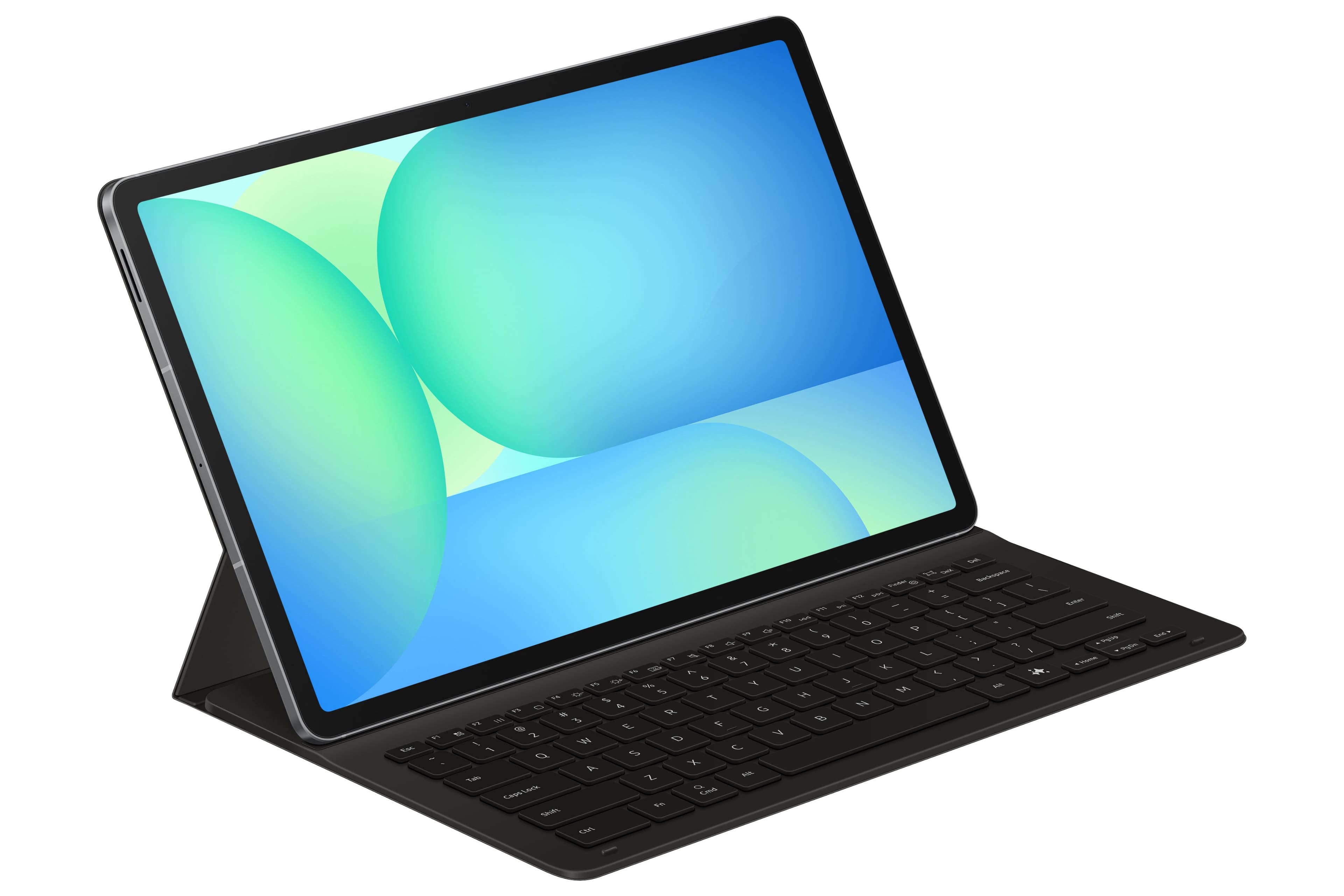
A:AnswerGreetings, thank you for taking the opportunity to ask us your question about the Samsung Galaxy Tab S10 FE+ Book Cover Keyboard Slim. To use the advertised Tab S10 FE+ Book Cover Keyboard Slim as a stand, please place the entire unit on a flat surface with the tablet propped against the keyboard. If you have any other questions, do not hesitate to contact Support. Thank you for being a dedicated Samsung customer. - Debra
A:AnswerHello Megz, thank you for asking us your question about the Samsung Galaxy Tab S10 FE+. No, the advertised book cover keyboard is compatible with the Galaxy Tab S10 FE+ and the Tab S9 FE+. Please feel free to reach out to Support if you think of additional questions. Thanks for being a valued Samsung customer. - Debra
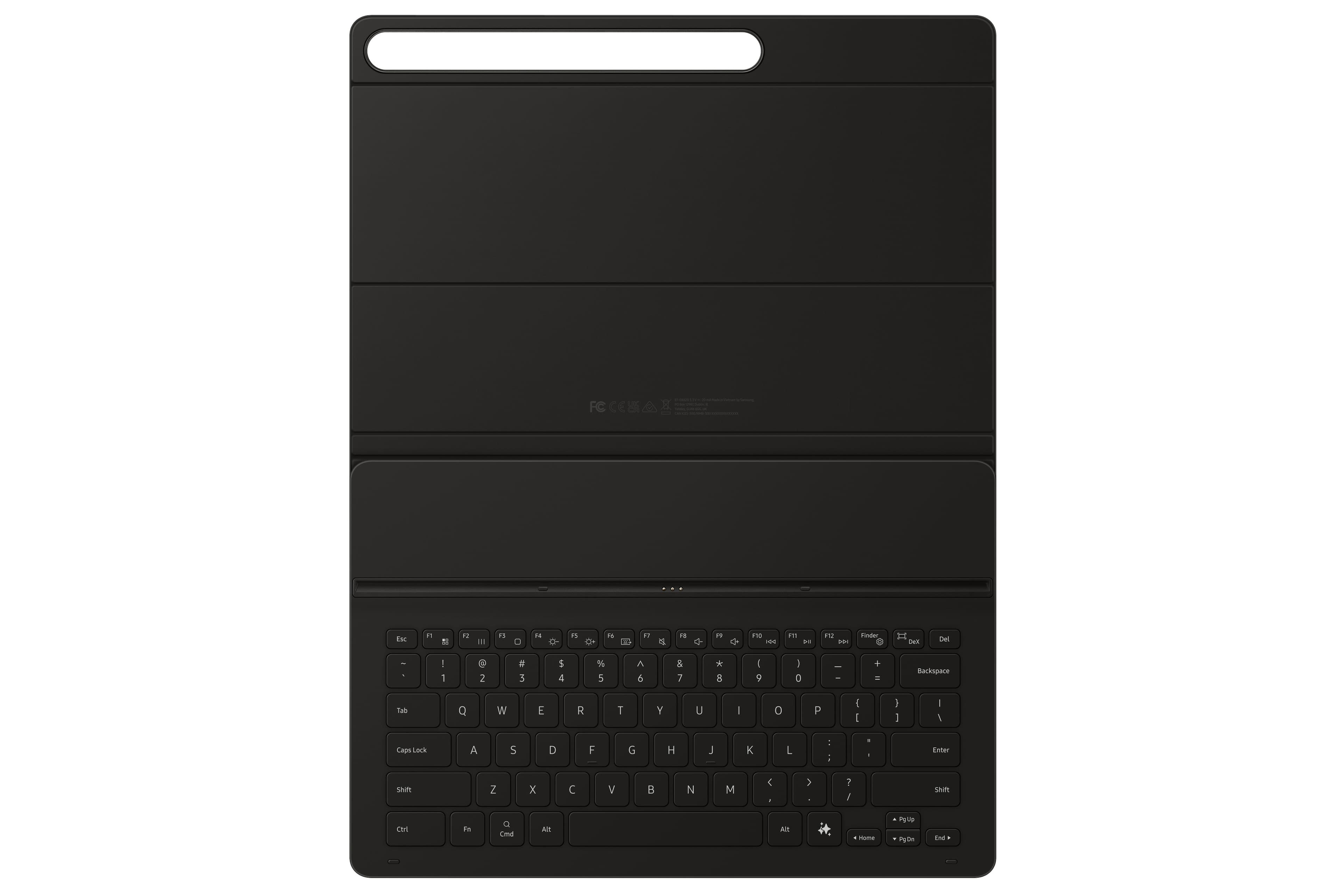
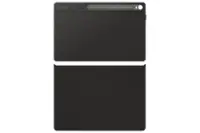
A:AnswerHowdy Jon, thanks for taking the time out of your hectic day to ask us your question about the Samsung Galaxy Tab S0 FE+ Book Cover Keyboard Slim. The keyboard component of the Book Cover Keyboard Slim is magnetically attached to the tablet and can be detached when not in use. You can fold the cover backward to use it as a stand for viewing or using the tablet without the keyboard taking up space. If you have any other questions for us, please feel free to contact Support. Thank you for being a devoted Samsung customer. - Debra
A:AnswerGreetings DoubleD, thank you for finding the unobstructed time out of your bustling day to ask us your question about the Samsung Galaxy Tab S10 FE+ Book Cover Keyboard Slim AI Key. The backlit feature is currently available only on Galaxy Tab S10 Ultra Book Cover Keyboard. Feel free to reach back out if you have any other questions for us. Thanks for being a valued Samsung customer. - Debra
A:AnswerHi Josh, thanks for asking us your question about the Samsung Galaxy Tab S10 FE+ Book Cover Keyboard Slim. With the Galaxy Tab S10 FE+ Book Cover Keyboard Slim, you simply plug it into your tablet and it's ready to perform! If you have any other questions, do not hesitate to reach out to Support. Thank you for being a valued Samsung customer. - Debra
A:AnswerHello there Ira, thanks for asking us your question about the Samsung Galaxy Tab S10 FE+ Book Cover Keyboard Slim. The advertised Galaxy Tab S10 FE+ Book Cover Keyboard Slim is a new accessory being sold. If you have any other questions for us or if you would like any further assistance, please feel free to reach out to Support. Thanks for being a loyal Samsung customer. - Debra
A:AnswerSalutations Meandyou, thank you for taking the opportunity to ask us your questions about the Samsung Galaxy Tab S10 FE+ Book Cover Keyboard Slim. To use the Book Cover Keyboard Slim for the Galaxy Tab S10 FE+, simply snap the tablet onto the magnetically-connected keyboard. In regards to your question about the compatible tablet that this book cover keyboard works with, the specs for the Galaxy Tab S10 FE+ vary based on storage variant. For instance, the 128GB Tab S10 FE+ has a 8GB RAM available while the 256GB variant offers a 12GB RAM. The Galaxy Tab S10 FE+ uses Android 15 out of the box, along with Samsung's One UI 7. If you have any other questions, feel free to reach out to Support. Thanks for being a loyal Samsung customer. - Debra
A:AnswerHi Wifi, thanks for taking the time out of your day to ask us your question about the Samsung Galaxy Tab S10 FE+ Book Cover Keyboard Slim. The Galaxy Tab S10 FE+ supports Wi-Fi - 802.11a/b/g/n/ac/ax 2.4GHz+5GHz, HE80, MIMO, 1024-QAM and Wi-Fi Direct. Please feel free to contact Support if you think of additional questions. Thanks for being a loyal Samsung customer. - Debra
A:AnswerGreetings Jon, thank you for taking the time to ask us your question about the Samsung Galaxy Tab S10 FE+ Book Cover Keyboard Slim AI Key. The advertised Tab S10 FE+ Book Cover Keyboard was designed to fit the dimension of the Galaxy Tab S10 FE+. Please feel free to look at the options available for your Galaxy Tab S10+ and let us know if you would like any further assistance by reaching out to Support. Thank you for being a trustworthy customer. - Debra