A:AnswerIf you have a Samsung Phone, you can use the call and text feature on it to receive/send calls and texts on the Tab s6 lite. Both devices have to be connected to the same wifi in order for this feature to work.
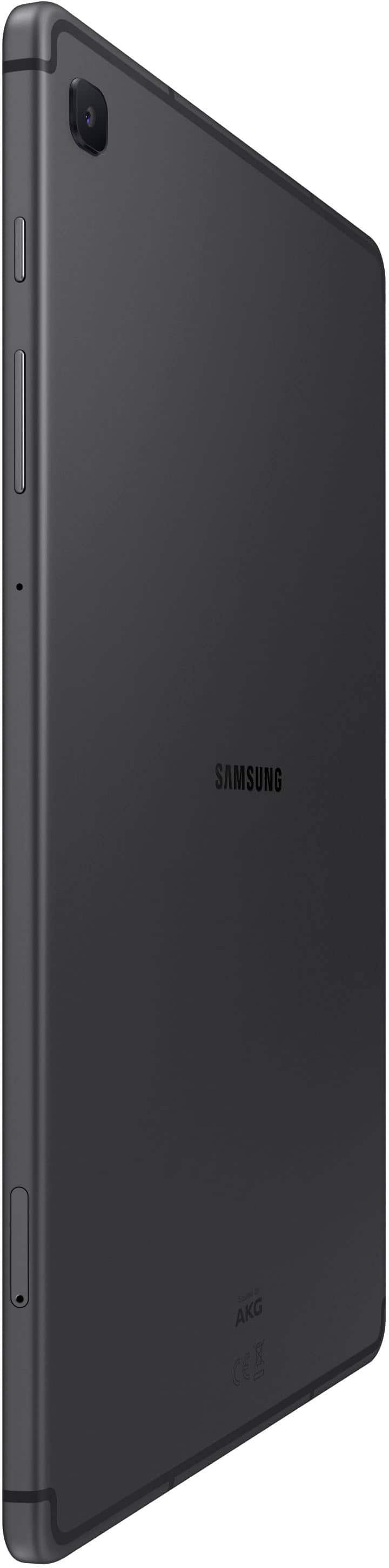
A:AnswerThere is a cellular version, but this is the wifi model so no, it does not use a sim card. It does however take a sd card for expandable storage.
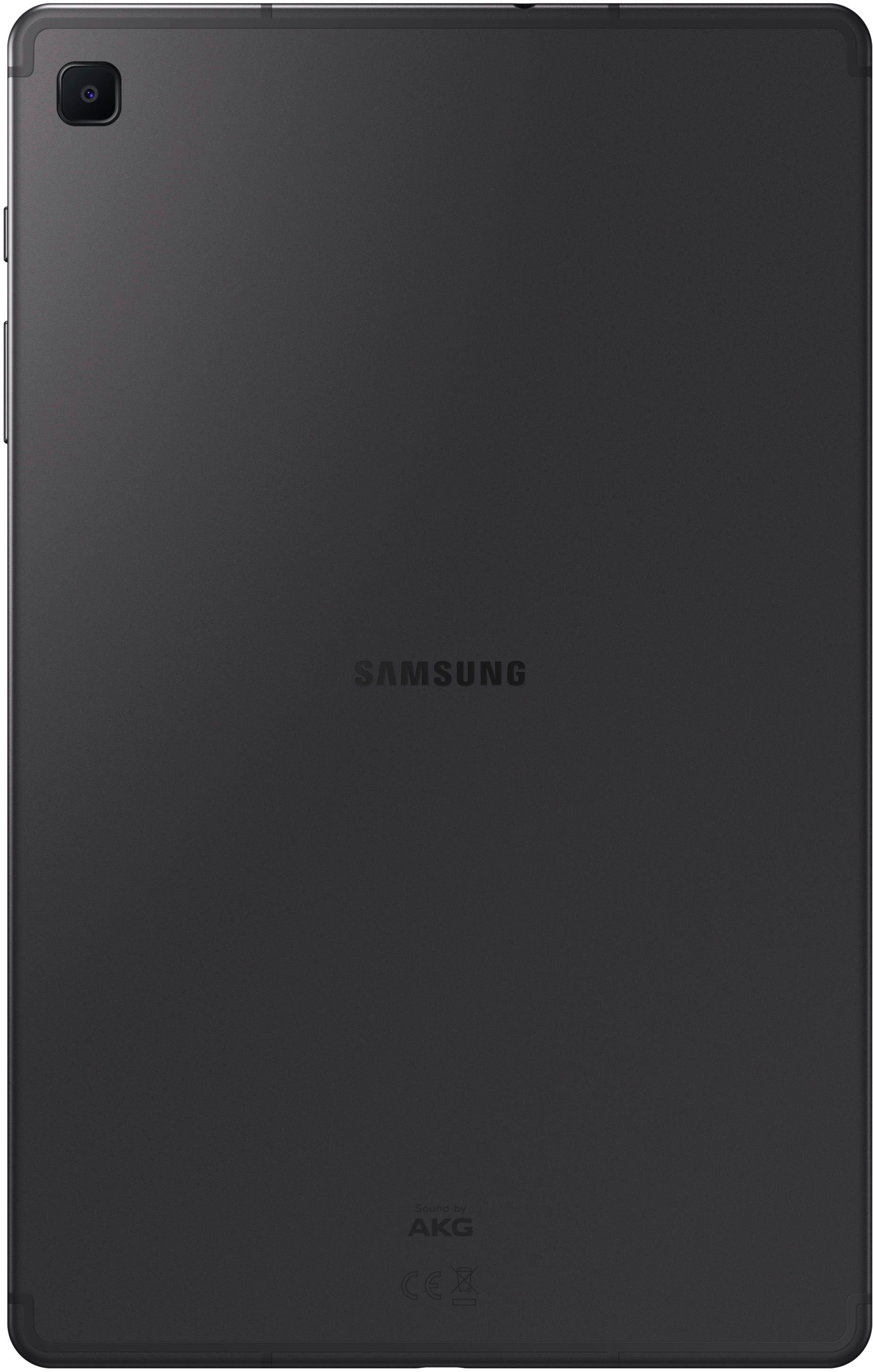
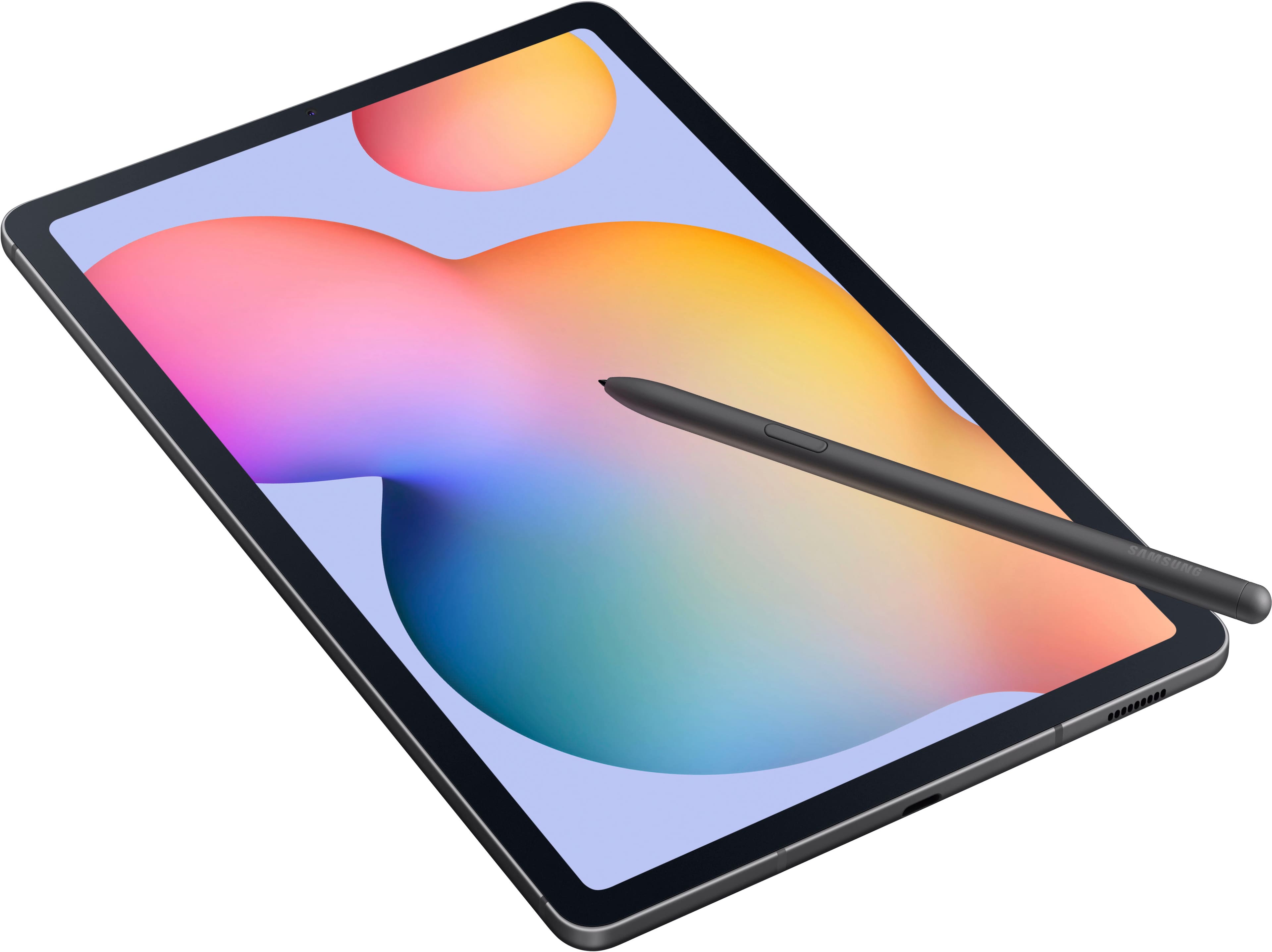
A:AnswerHello there Rp26, thanks for taking the time out of your hectic day to ask us your question about the Samsung Galaxy Tab S6 Lite. The slot on the back of the Galaxy Tab S6 Lite isn’t just for pairing the S Pen; it’s also for charging it! Whenever you put the pen on the slot, it automatically charges the S Pen. If you'd like more information on the topic, check out "Pair and charge the S Pen with your Galaxy tablet." As for keyboard cases that also have trackpads, stay tuned. New inventory is being released each day so come back soon! Let us know if you have additional questions by contacting Samsung Support. Thank you for being a steadfast Samsung customer. - Debra
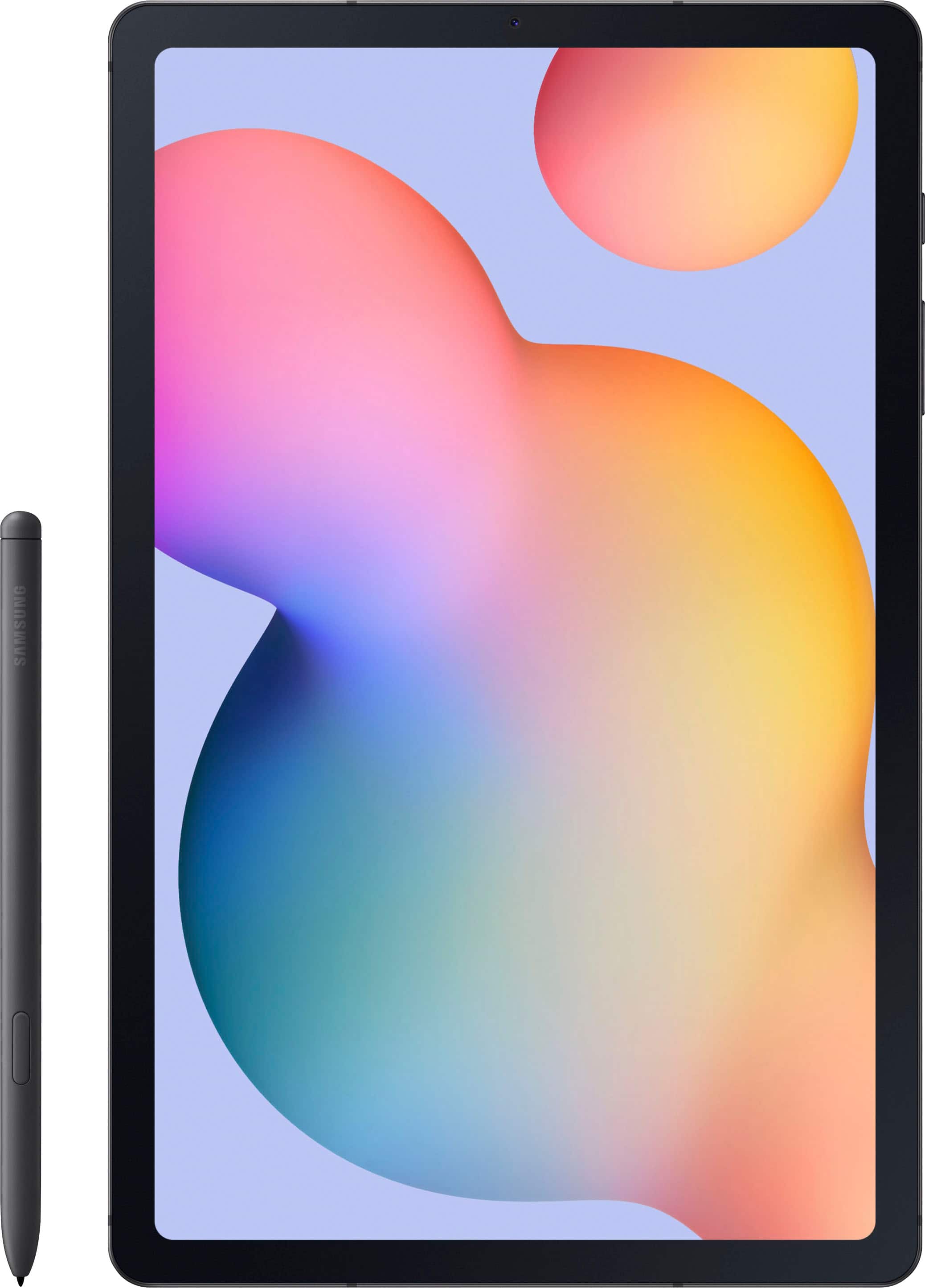
A:AnswerSomewhat. It gets tricky, because the tablet will try having you download a paid version of adobe if you want to write on it. So usually I download it through the tablet’s notes app. So far I haven’t had any pdfs that can’t download onto the notes app though.
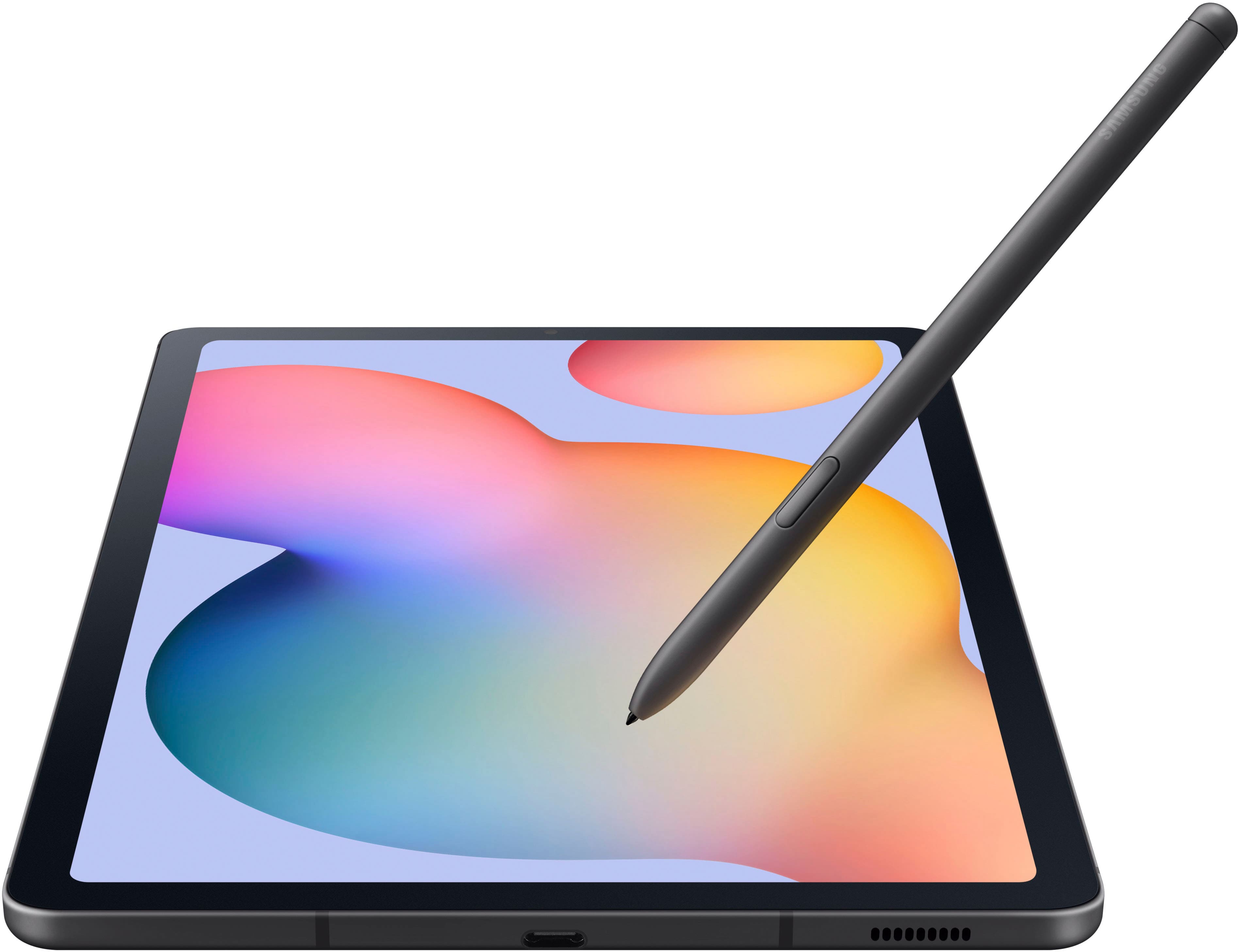
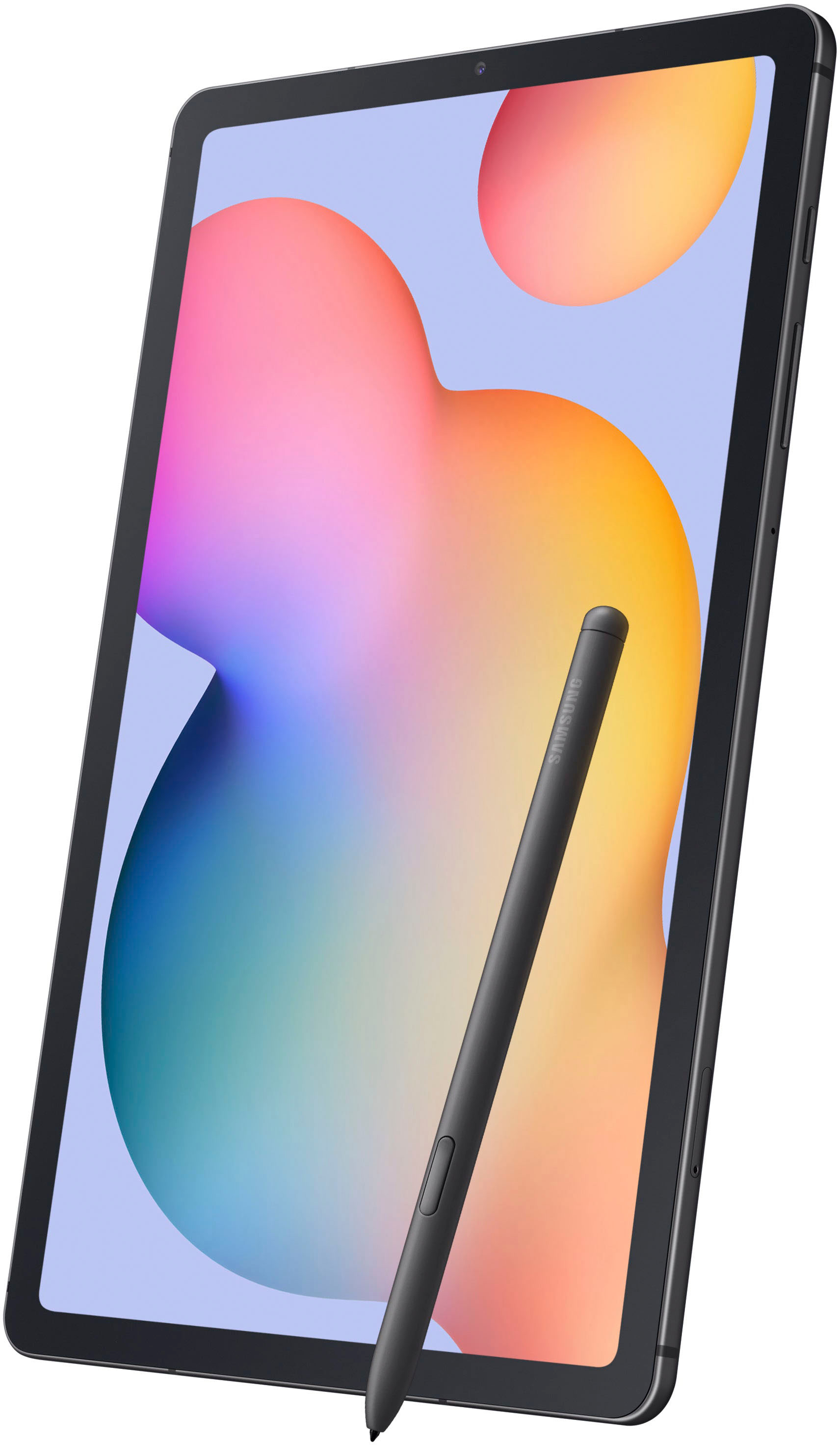
A:AnswerHello GrandmaPaula, thank you for finding the available time out of your lively day to ask us your question about the Samsung Galaxy Tab S6 Lite. Yes, it is possible to utilize the included S Pen to draw and color in the artwork that you have created. However, you will need to download the appropriate art apps of your choosing from the Google Play Store so that you can accomplish this drawing/artistic experience. Please feel free to contact Samsung Support if you think of any additional questions that you may have for us. Thank you for being a treasured Samsung customer. - Debra