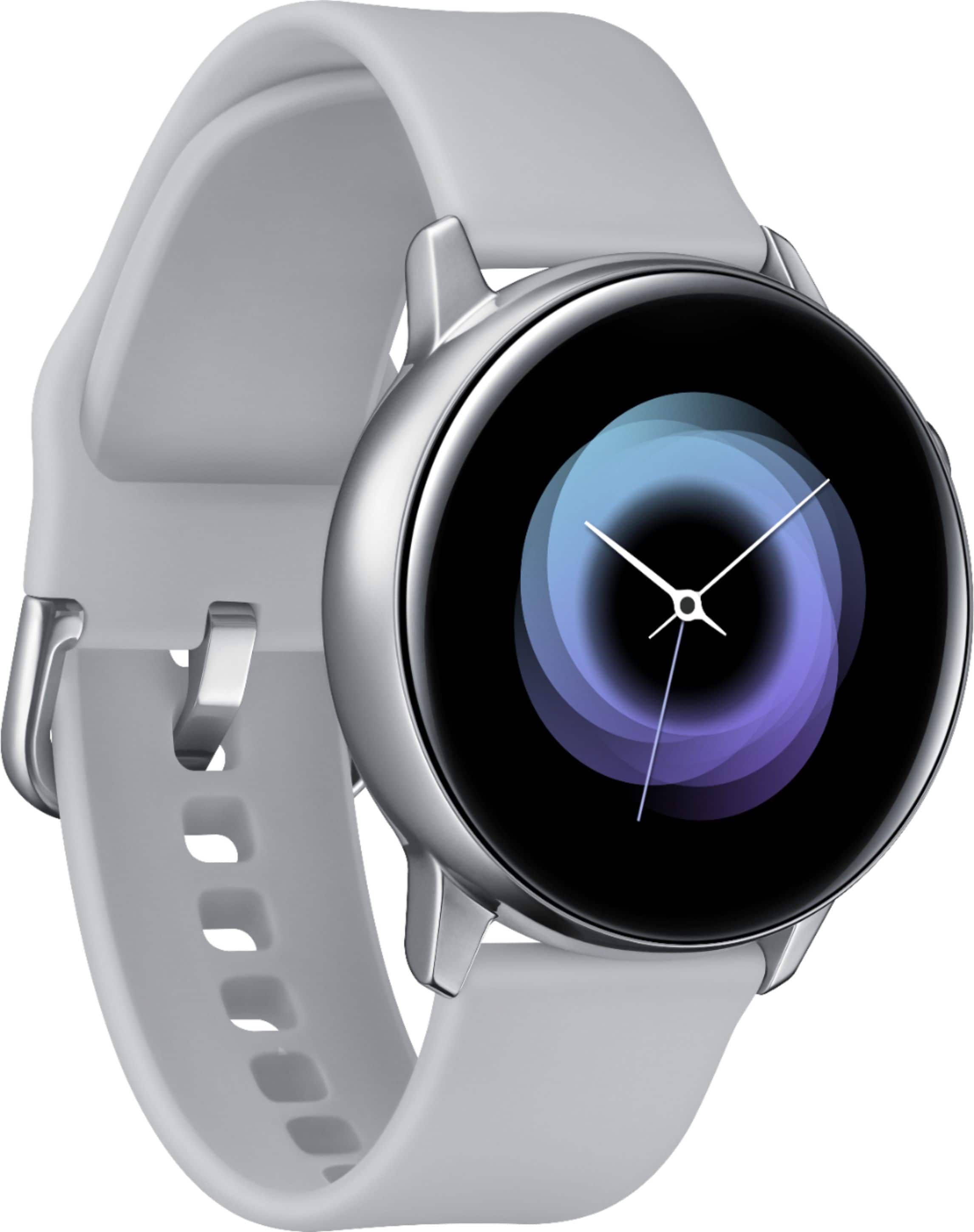
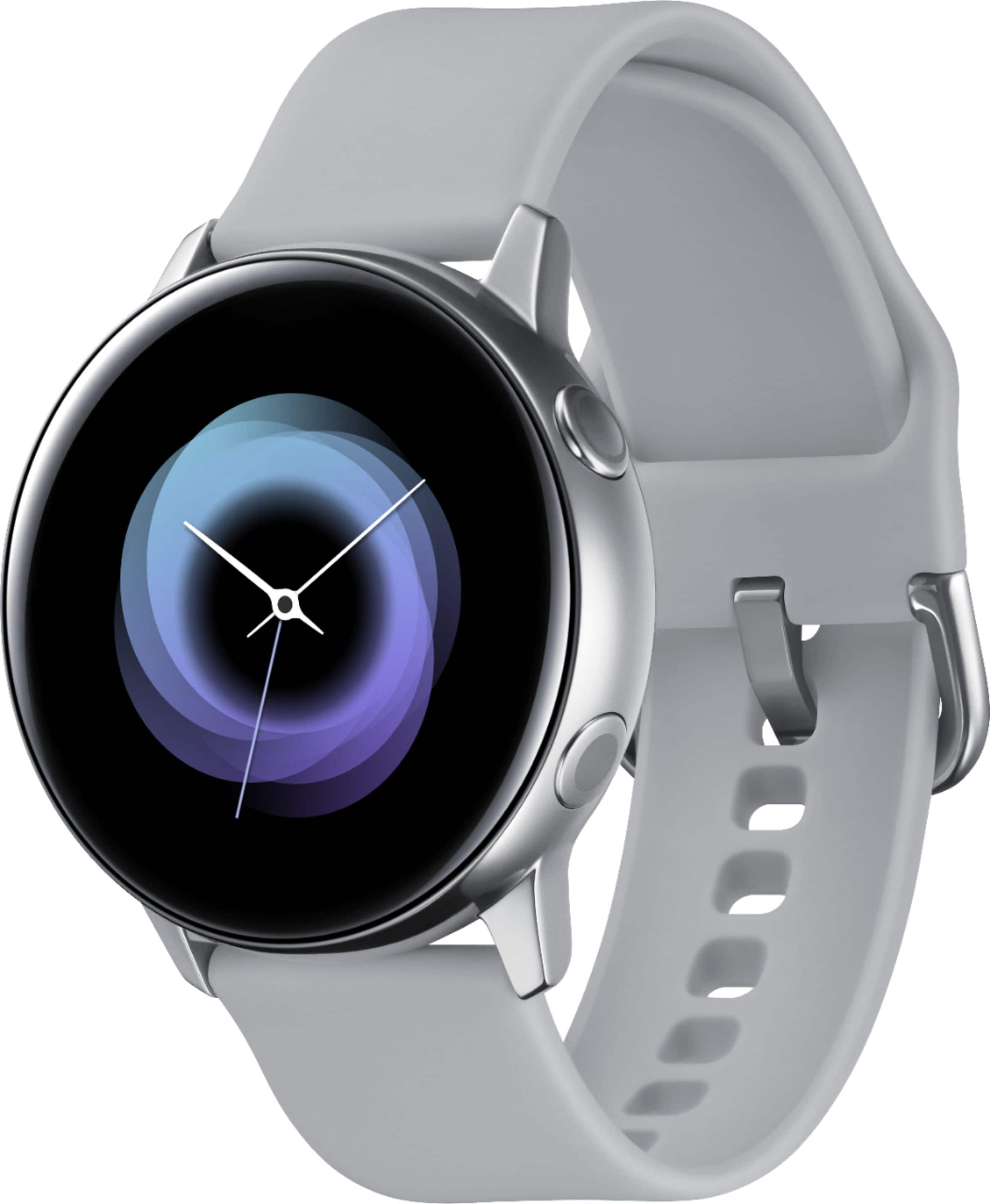
A:AnswerYes, the watch has always on display (AOD) feature. There are so many watch faces to choose from, you'll be surprised how much data you have in one screen. Screenshot showcases one that came with the watch. There are many others available in the store that are free.
A:Answeryes, you get all of these modes as well. The active has the same operating system as the galaxy watch (its called Tizen OS), so the software on the galaxy watch active will be exactly the same as the galaxy watch.
A:AnswerYou get ALL the notifications from your phone... this includes ones from social media apps, texts, calls, etc (swipe left from watch face to scroll through them). You can REPLY to text messages and SEND new ones from your watch if you have an android phone (Samsung galaxy phones work best).
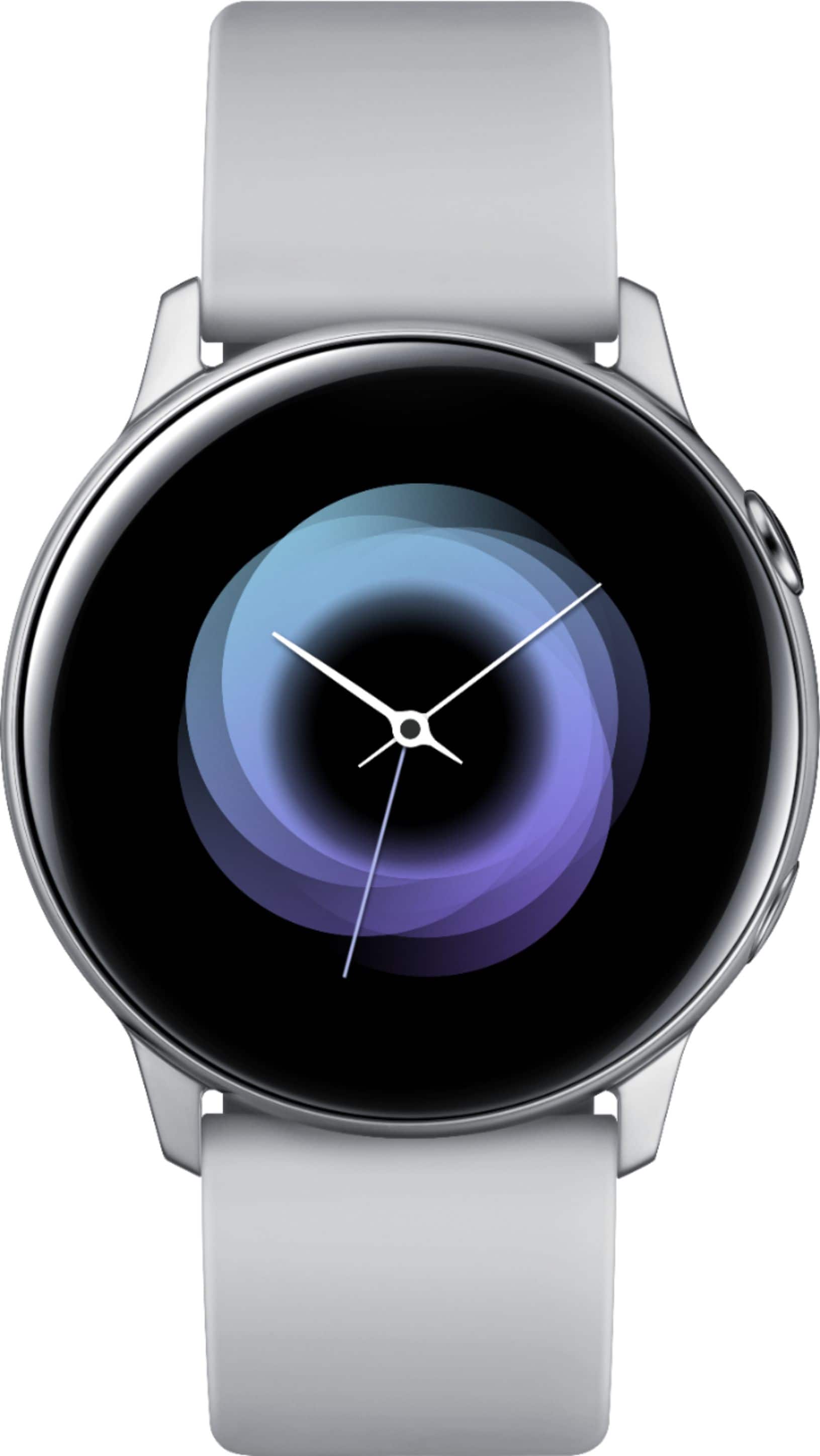
A:AnswerHello fitnessfreak, great questions! You can customize watch faces to suit your style directly from your wrist or with the Galaxy Wearable app. You can also keep track of your achievements and distance using the Alti-Barometer app on a watch like the Galaxy Watch Active2. The watch has internal sensors that measures your altitude and can tell how far you are above sea level, and the current atmospheric pressure. ^Elizabeth
A:AnswerHey there, thanks for reaching out! Please follow this link (https://www.samsung.com/us/watches/) to learn more about the specifications for these devices. ^Elizabeth
A:AnswerI too bought it for this feature. It's the one that says BPM or it has a heart logo.
You can add this on any empty widget space by pressing add or the + and find the BPM or Hart logo.
A:AnswerThere are hundreds of displays available to change to. If you are wanting to replace the physical case/glass i dont think you can
To change the info displyed and other setting you wil use the samsung wear app.
A:AnswerThere are many different watch faces to choose from - there are several that come preinstalled on the watch, and and endless amount available to download on the Galaxy store from your phone.