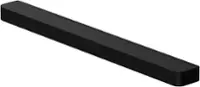
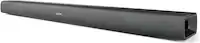
A:Answer Hello Raych,
This function can be used with IR remote controls only. Bluetooth remote controls (remote controls that require pairing) are not supported. Set the TV speaker to External Speaker to use this function.
1. Turn Off the Soundbar.
2. Push up and hold the WOOFER button for 5 seconds.
Each time you push the WOOFER button up and hold it for 5 seconds, the mode switches in the
following order: “OFF-TV REMOTE” (Default mode), “SAMSUNG-TV REMOTE”, “ALL-TV REMOTE”.
This will allow you to control the volume of the Soundbar with your TV remote. By connecting your Soundbar to the TV using a HDMI cable, it will automatically be set to turn on/off with your TV.
~Samsung Solutions