A:Answer Hi Mari,
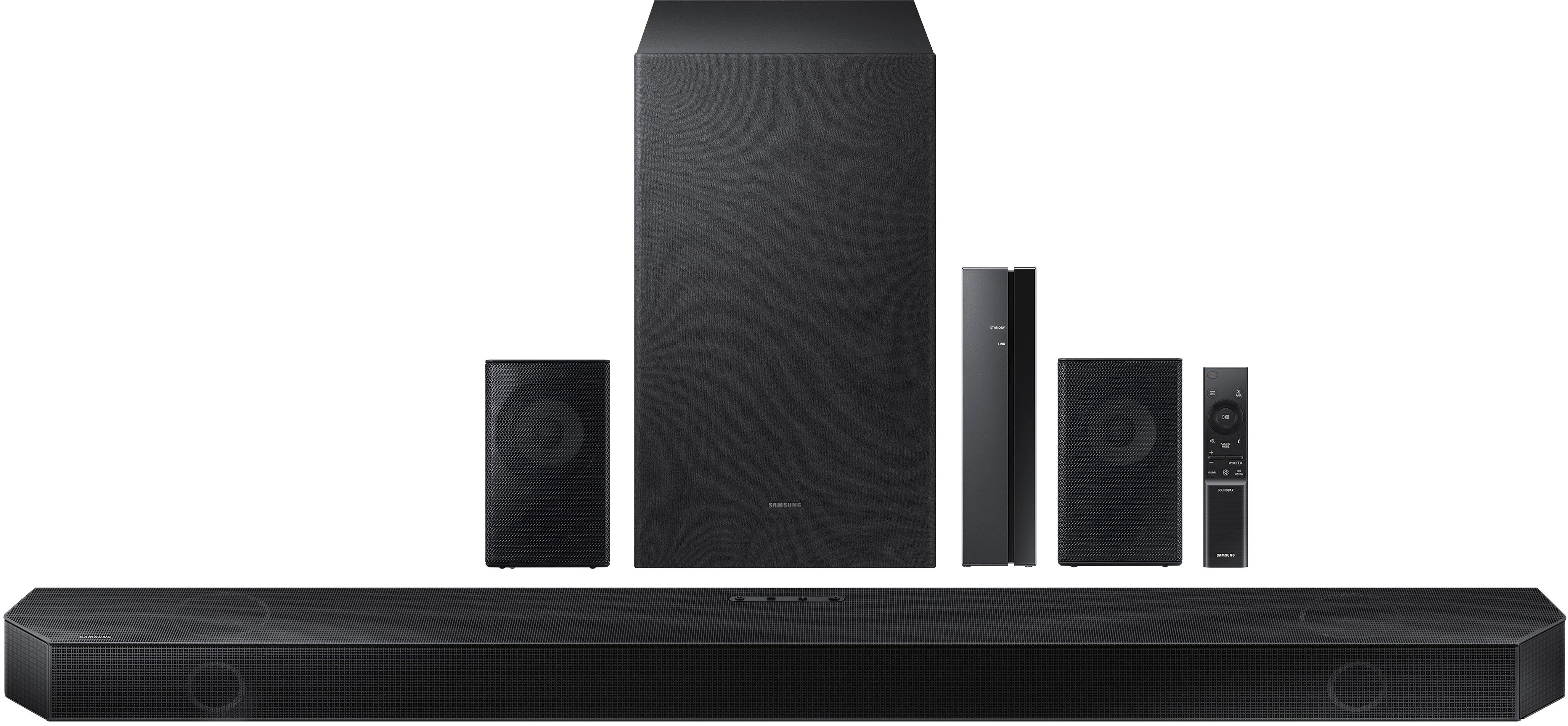
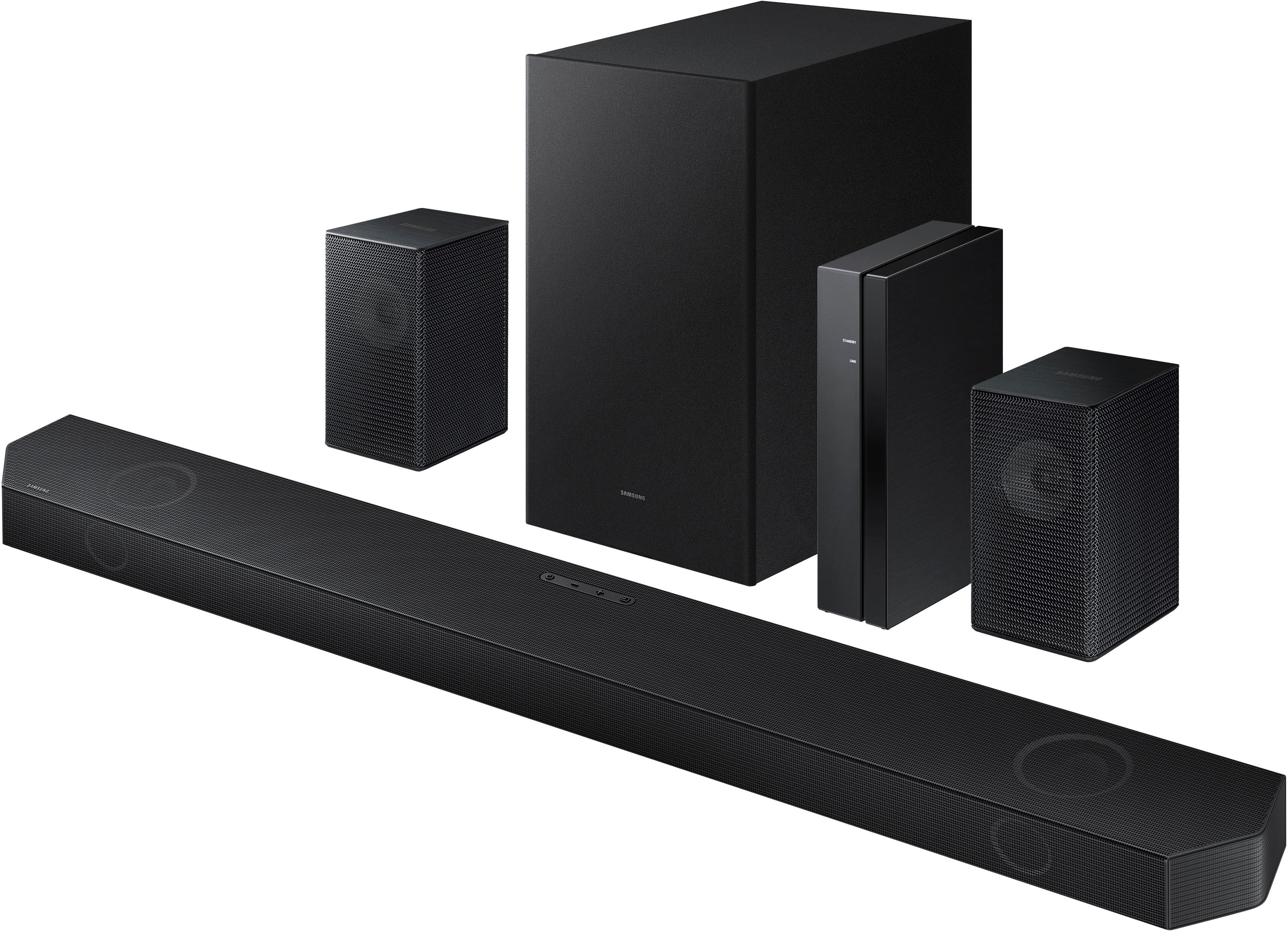
By pressing the CHANNEL LEVEL button, you can adjust the volume of each speaker such as Center level, Side level, Wide level, Front Top-level, and Rear level.
• To control the volume of each speaker select Center level, Wide level, or Front Top level in Sound Settings, and then adjust the volume between -6~+6 by using the Up/Down buttons.
• If Surround Speakers are connected, select Rear level and then use the Up/Down buttons to adjust the volume within a -6 to +6 range.
Also, I would suggest pressing the SOUND MODE button until it says SURROUND SOUND, which provides a wider sound field than standard.
If you still need additional assistance please contact Samsung Customer Support at:
1-800-SAMSUNG (ask for Soundbars), available 8 AM – 12 AM EST, 7 days a week.
For additional support resources, visit us on the Samsung website and click on the ‘Support’ link in the upper right corner of the homepage for:
1) Chat with Us/Product Help: To begin a chat or find solutions, choose ‘TVs & Home Theater’ and select your model & topic.
2) Manuals & Software
3) Warranty Info
4) Register a Product: For access to easy warranty support, convenient opt-in to special promos and offers, faster troubleshooting and service, and quick notification of system updates
5) Contact Us
^Andrew