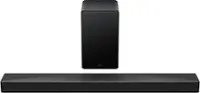
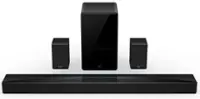
A:Answer Hello jimr,
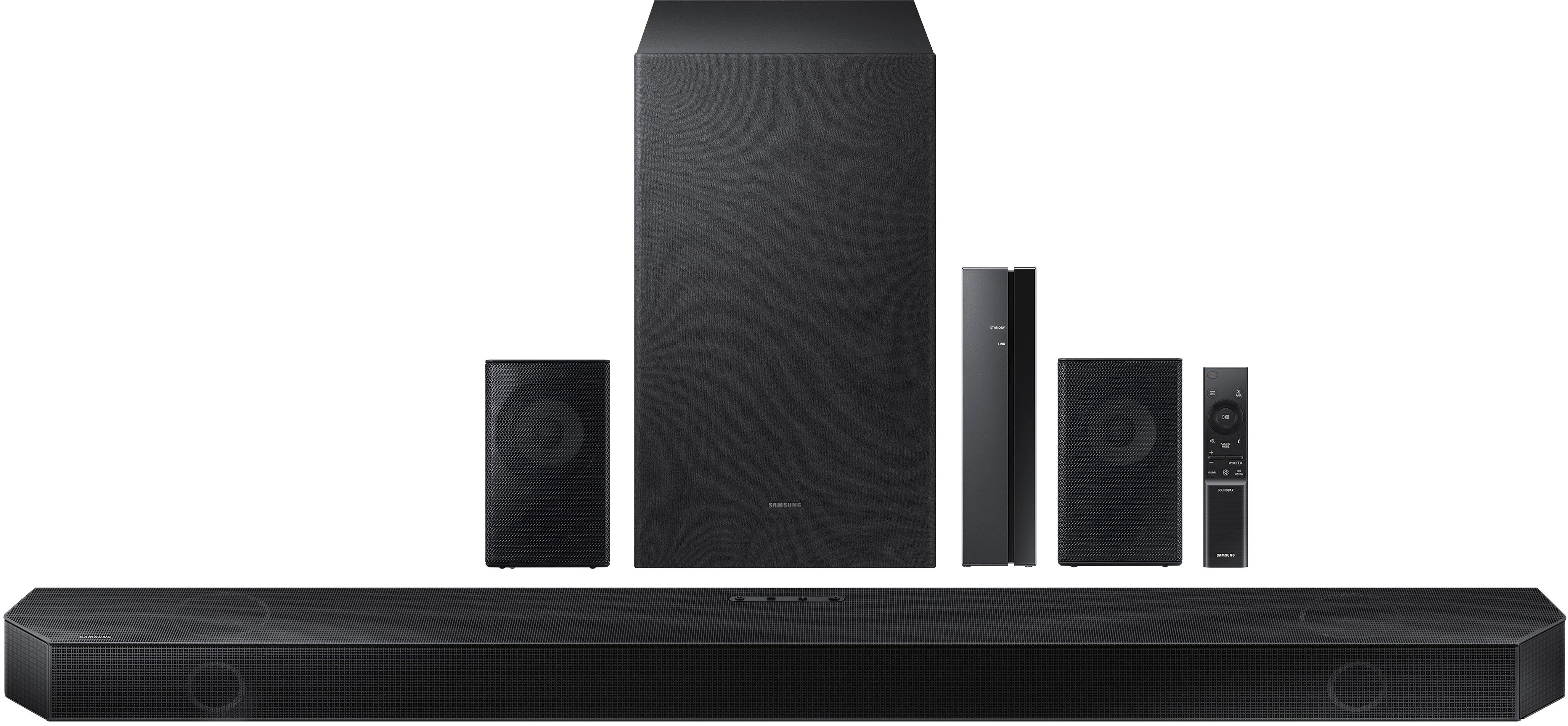
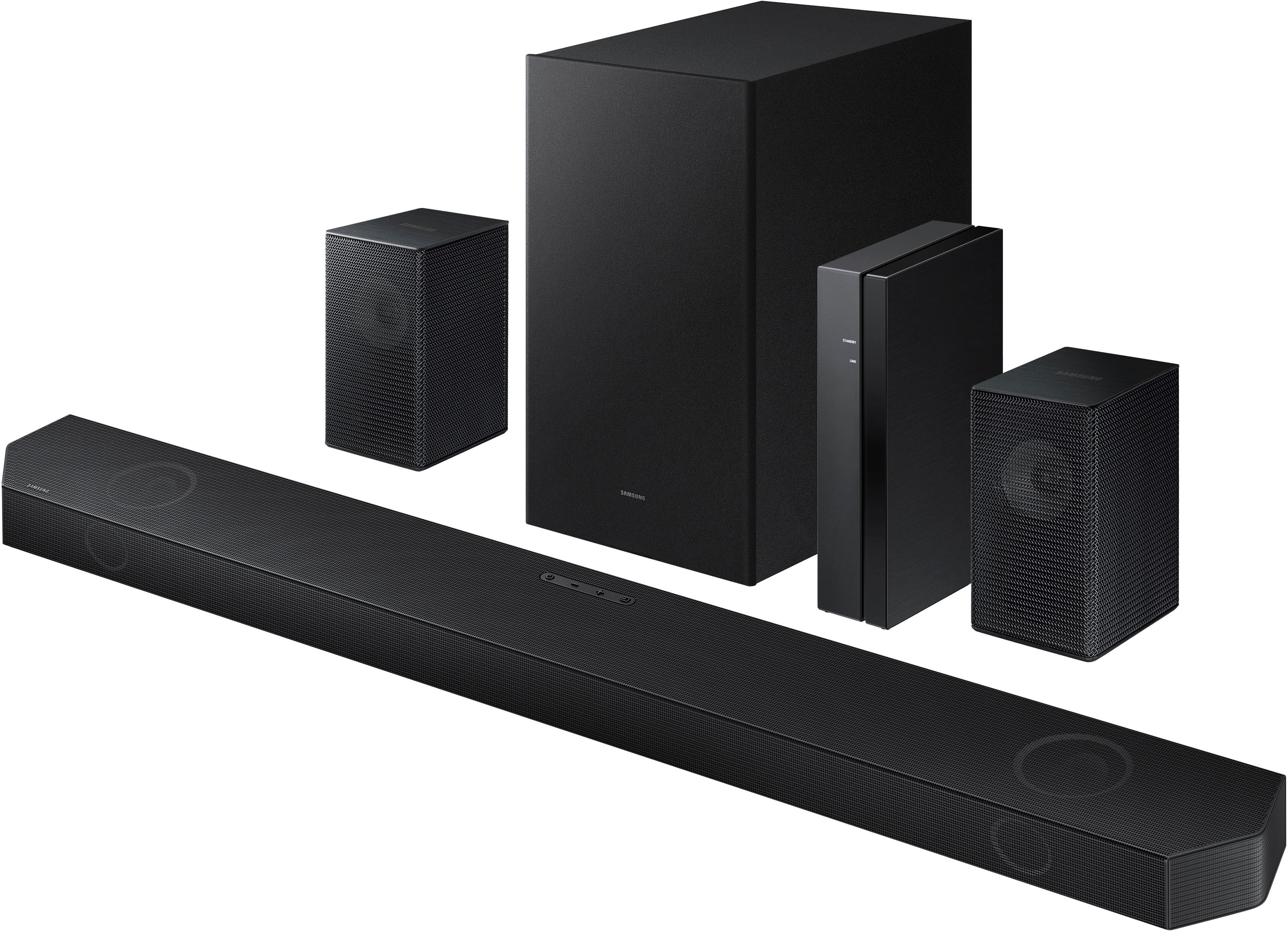
The subwoofer may not be paired with your HW-Q750B Soundbar. If the LED light is RED then it's not paired, if it is flashing BLUE then the pairing process was not completed, if it is a solid BLUE then it is paired.
Follow these instructions on how to pair the subwoofer.
1. Turn off the Soundbar main.
2. Press and hold ID SET on the rear of the subwoofer for at least 5 seconds.
• The red indicator on the rear of the subwoofer turns off and the blue indicator blinks.
3. Press the Up button on the remote control for 5 seconds.
• The ID SET message appears on the display of the Soundbar for a moment, and then it disappears.
• The Soundbar will automatically power on when ID SET is complete.
4. Check if the LINK LED is solid blue (connection complete).
If you are still having difficulties please contact Samsung Customer Service for further trouble shooting. 1-800-SAMSUNG (ask for Soundbars), available 8 AM – 12 AM EST, 7 days a week.
LiveChat with an agent by clicking the ‘Support’ link on the Samsung website.
~Samsung Solutions