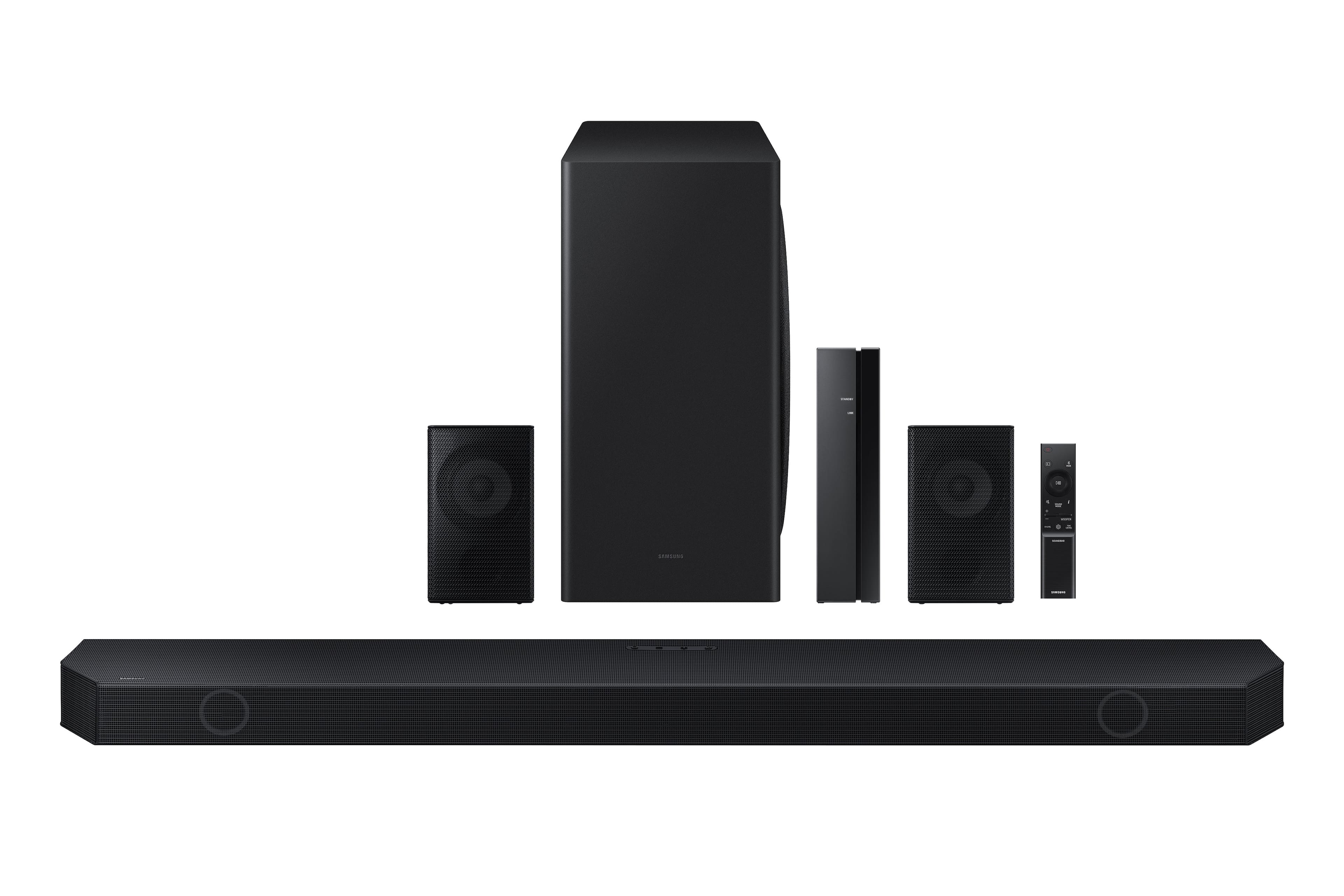
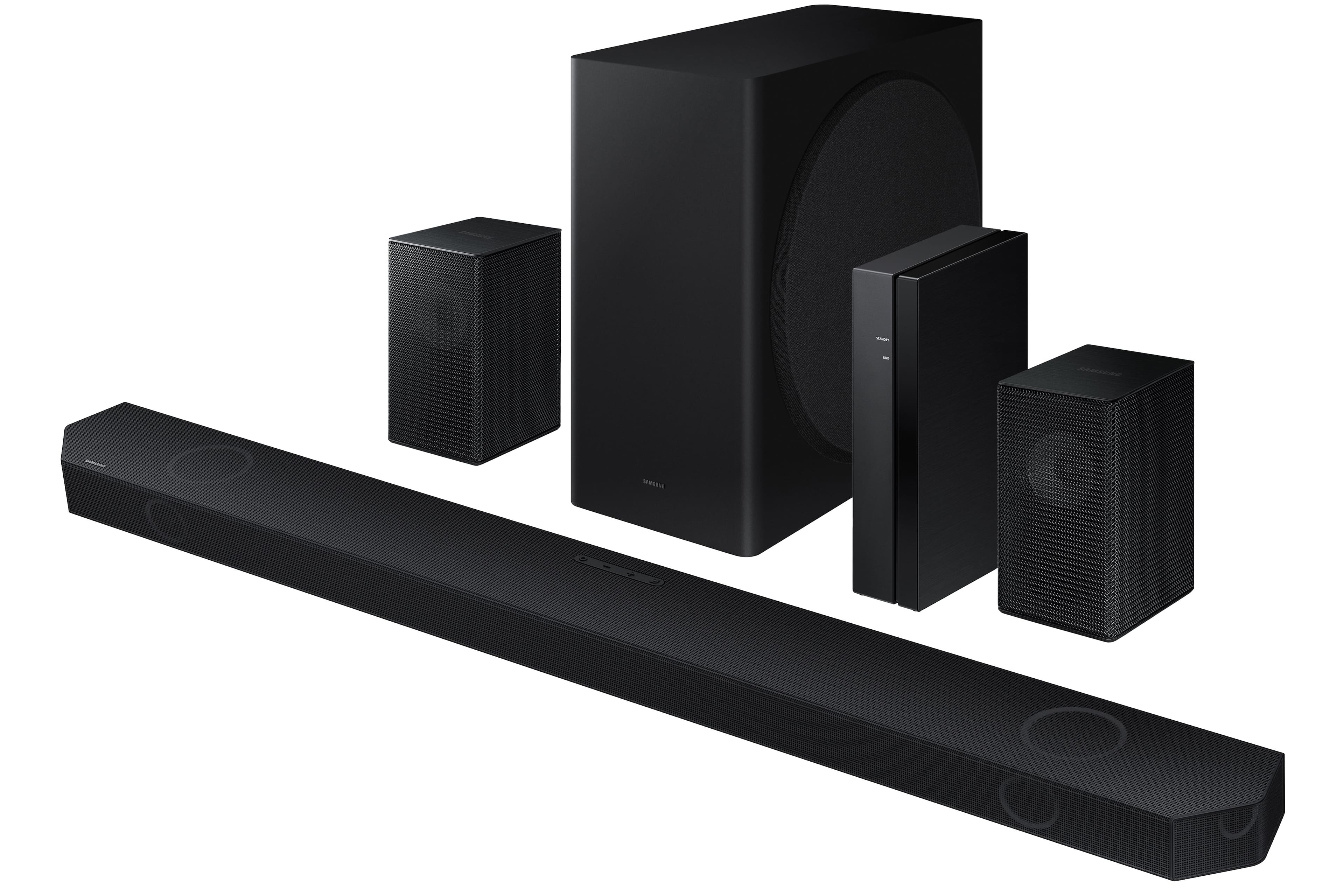
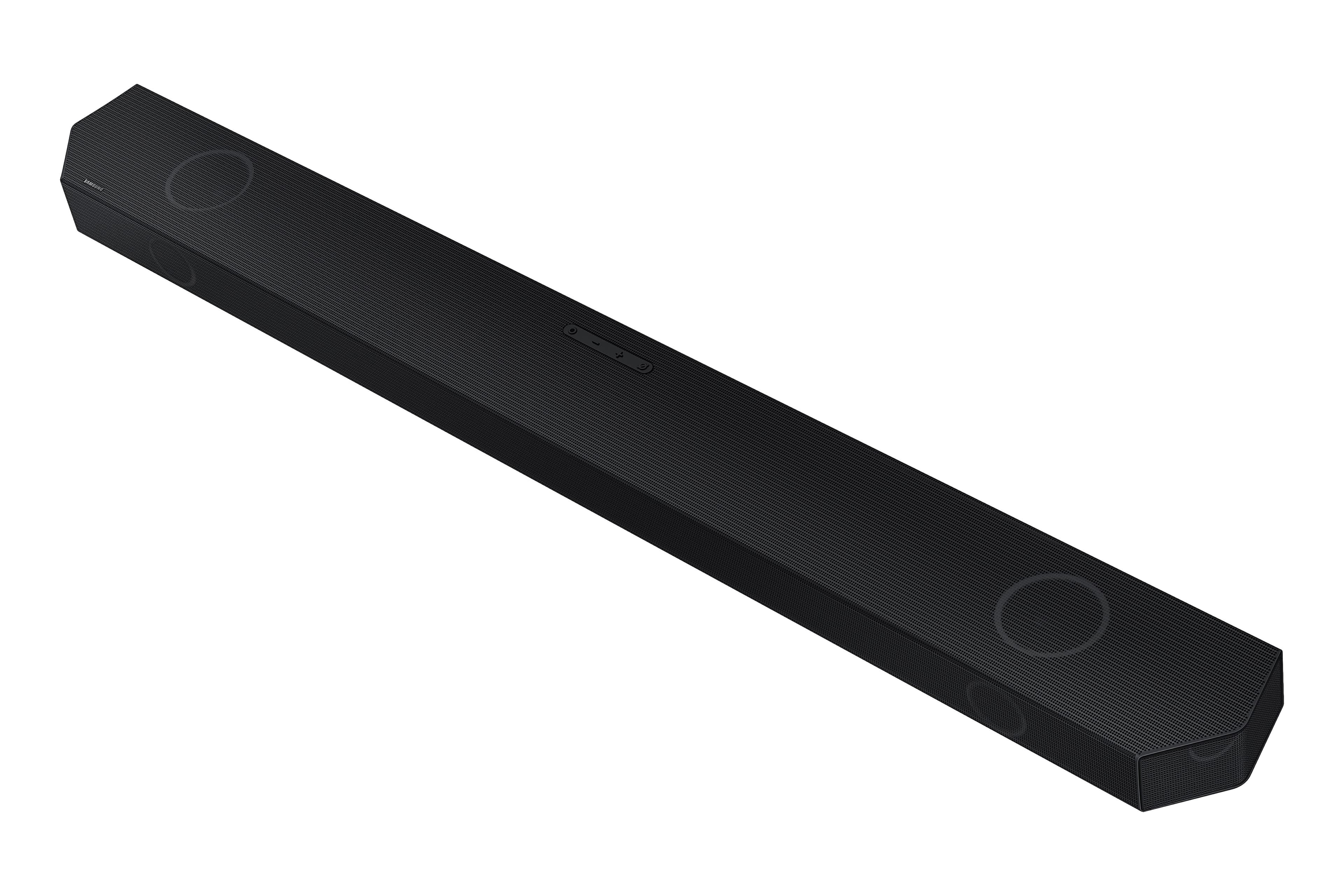
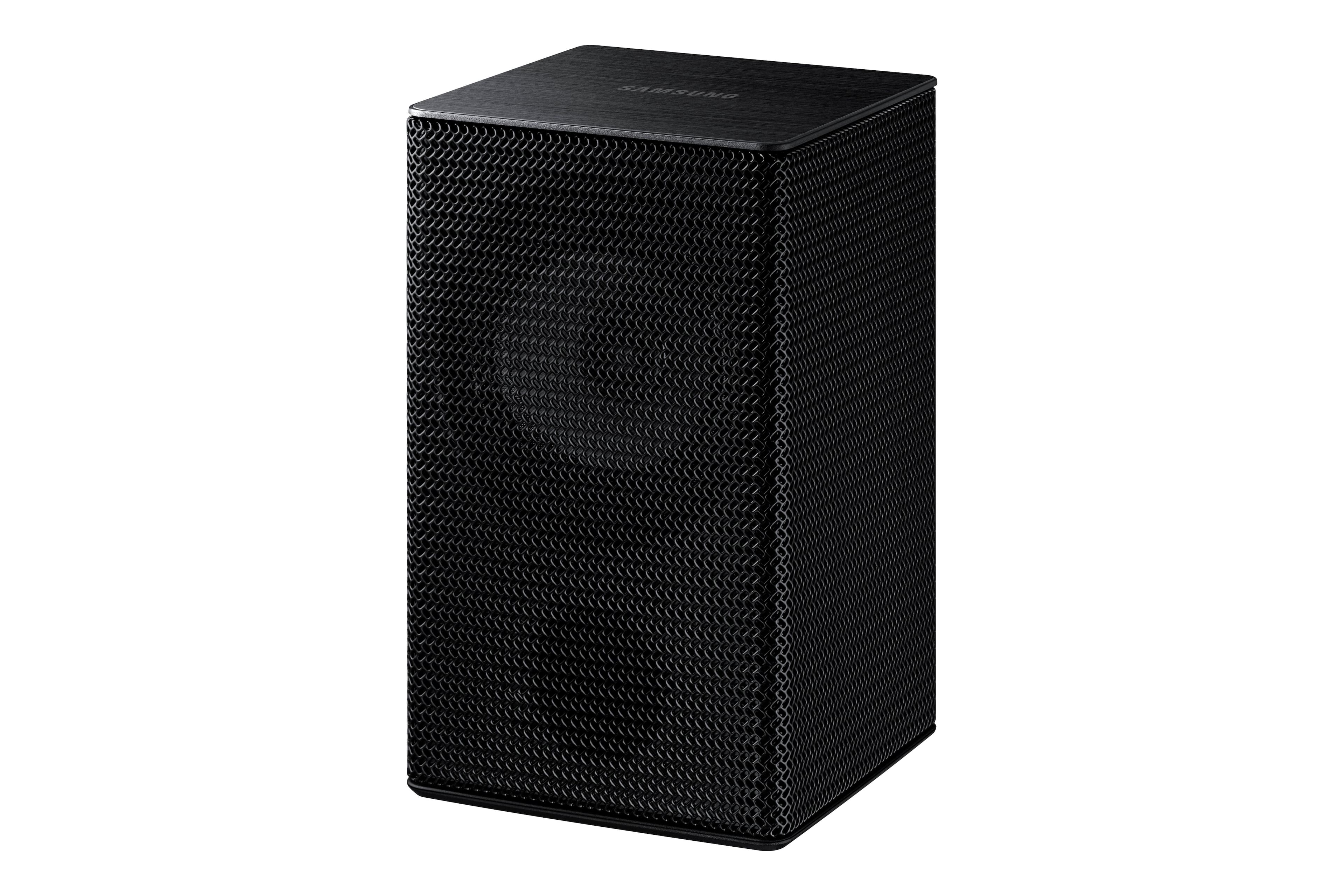
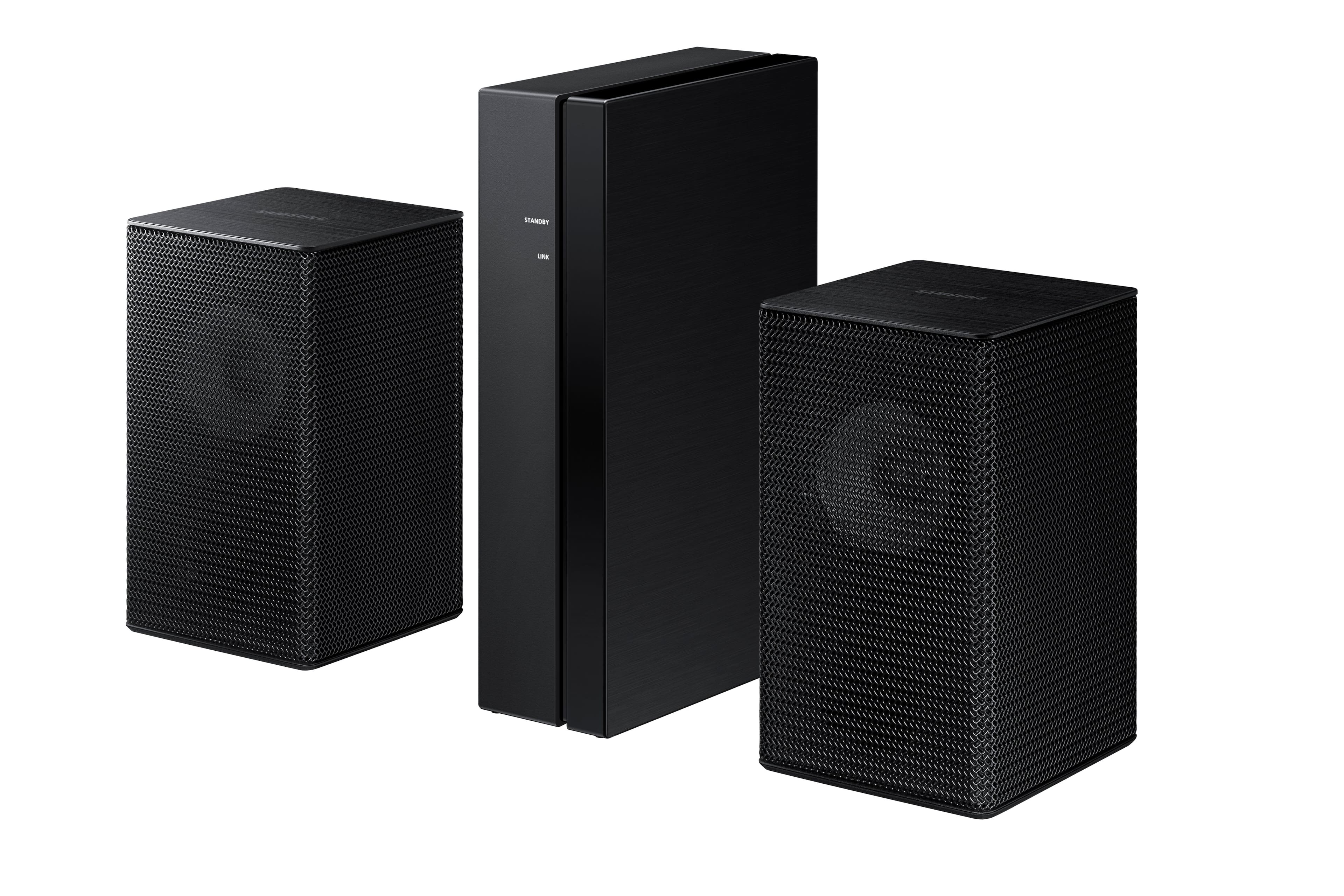
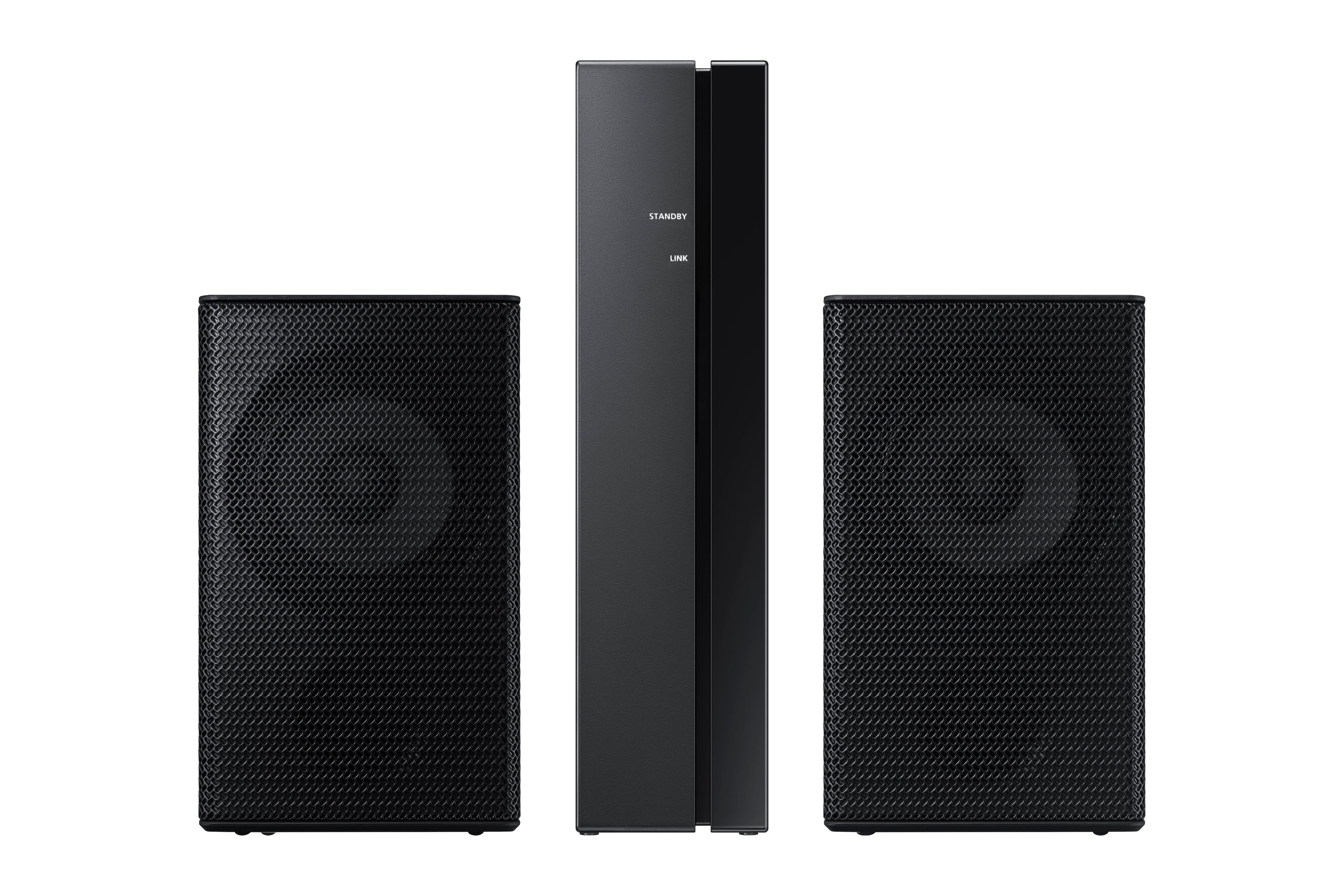
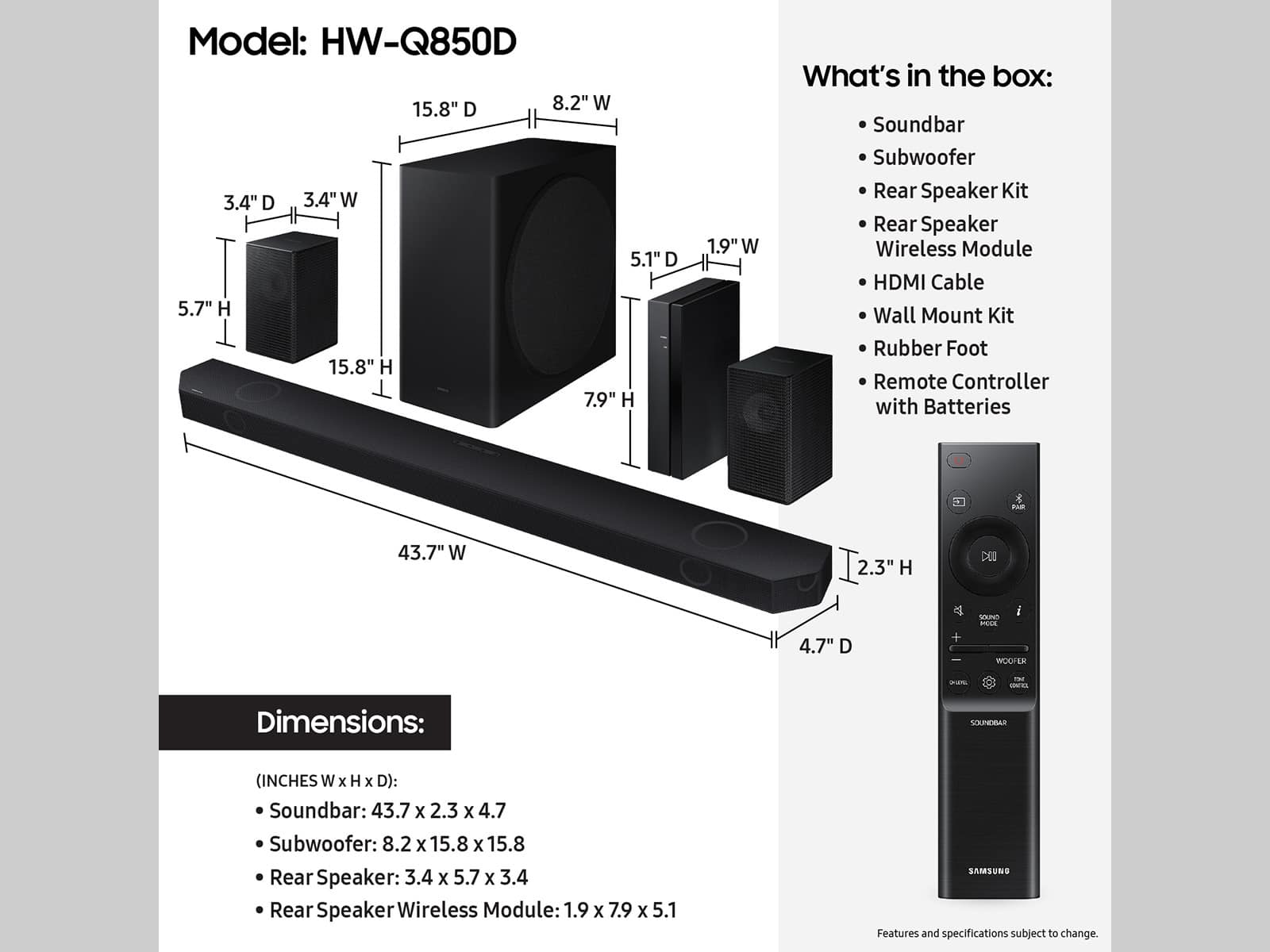
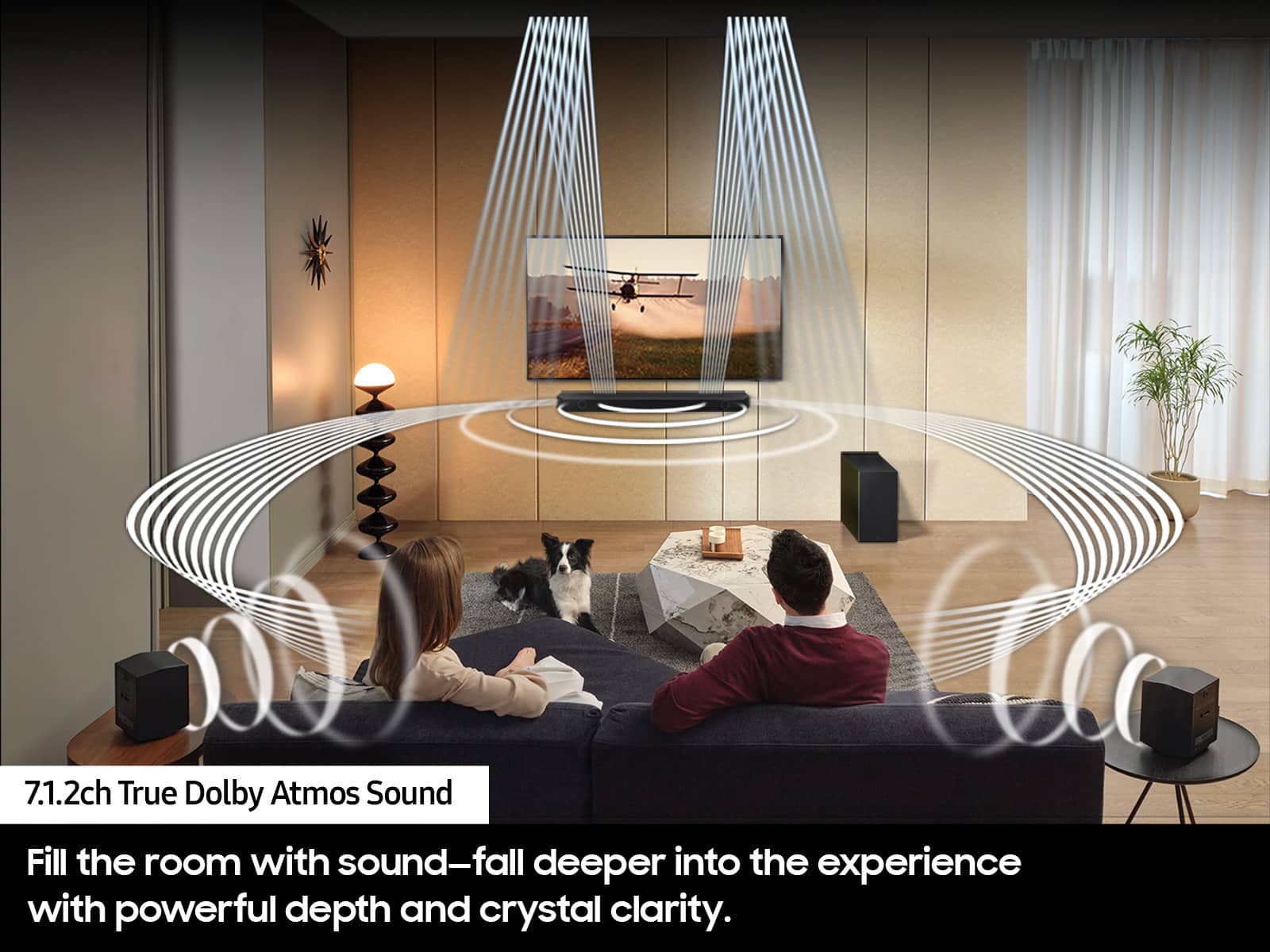
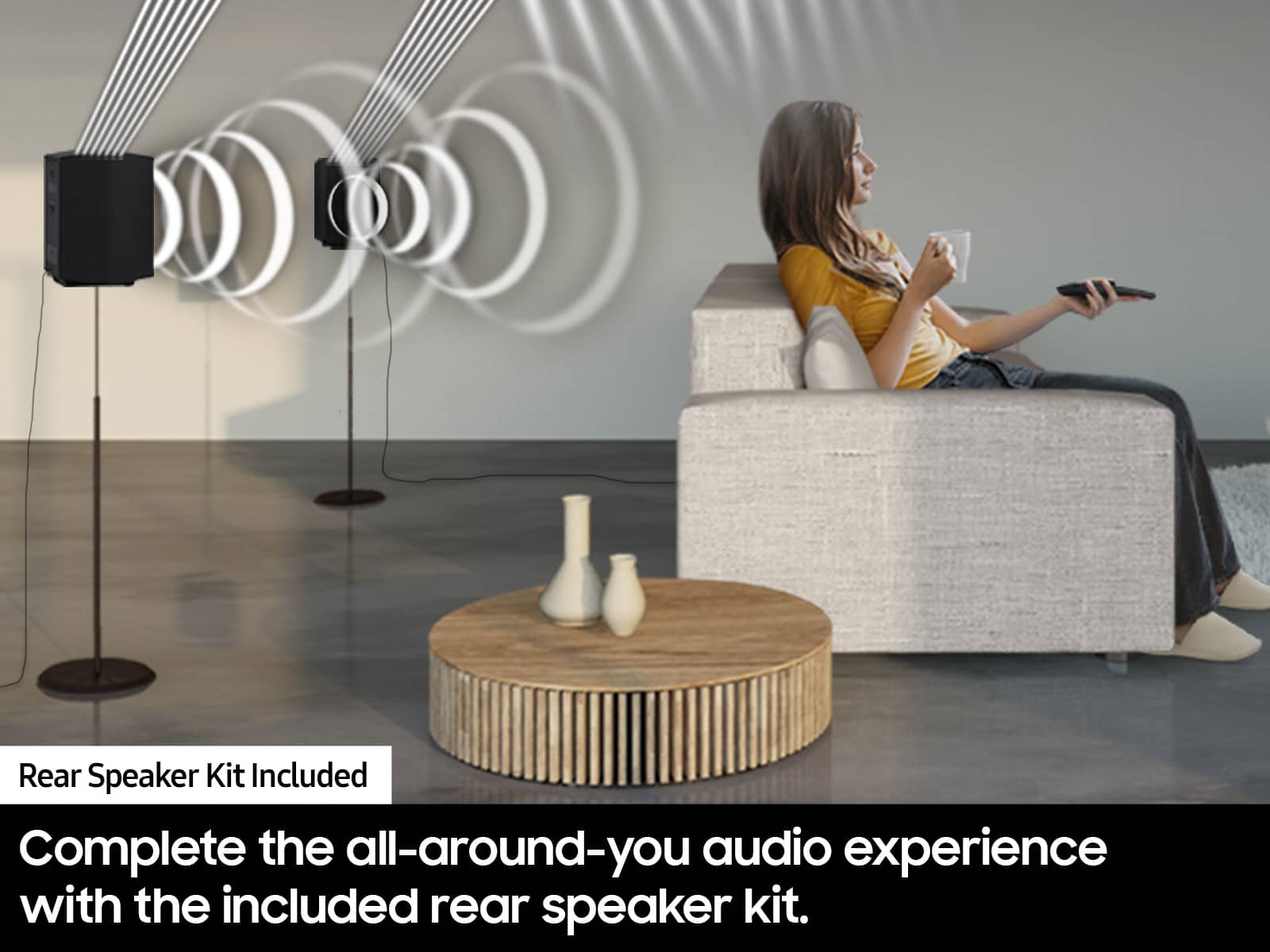
A:Answer Hi Fedora. Using the HW-Q850D Soundbar's provided remote. Press CH LEVEL and select REAR LEVEL or REAR TOP LEVEL, then use the Up/Down buttons to adjust the volume within a -6 to +6 range.
Alternatively, you can adjust all of these same settings and more within the SmartThings app. Download the app for your iOS or Android device and then connect your Soundbar to Wi-Fi. From here, you will be able to adjust all of the same settings as the provided remote, but with the added benefit of being able to see the changes on your smart device.
If you need more help, Samsung is here for you. Please call us at 1-800-SAMSUNG, 8AM - 12AM EST (Ask for Soundbars), 7 days a week. Our Live Chat agents are also available by clicking on the ‘Support’ link on our website.
~ Samsung Solutions