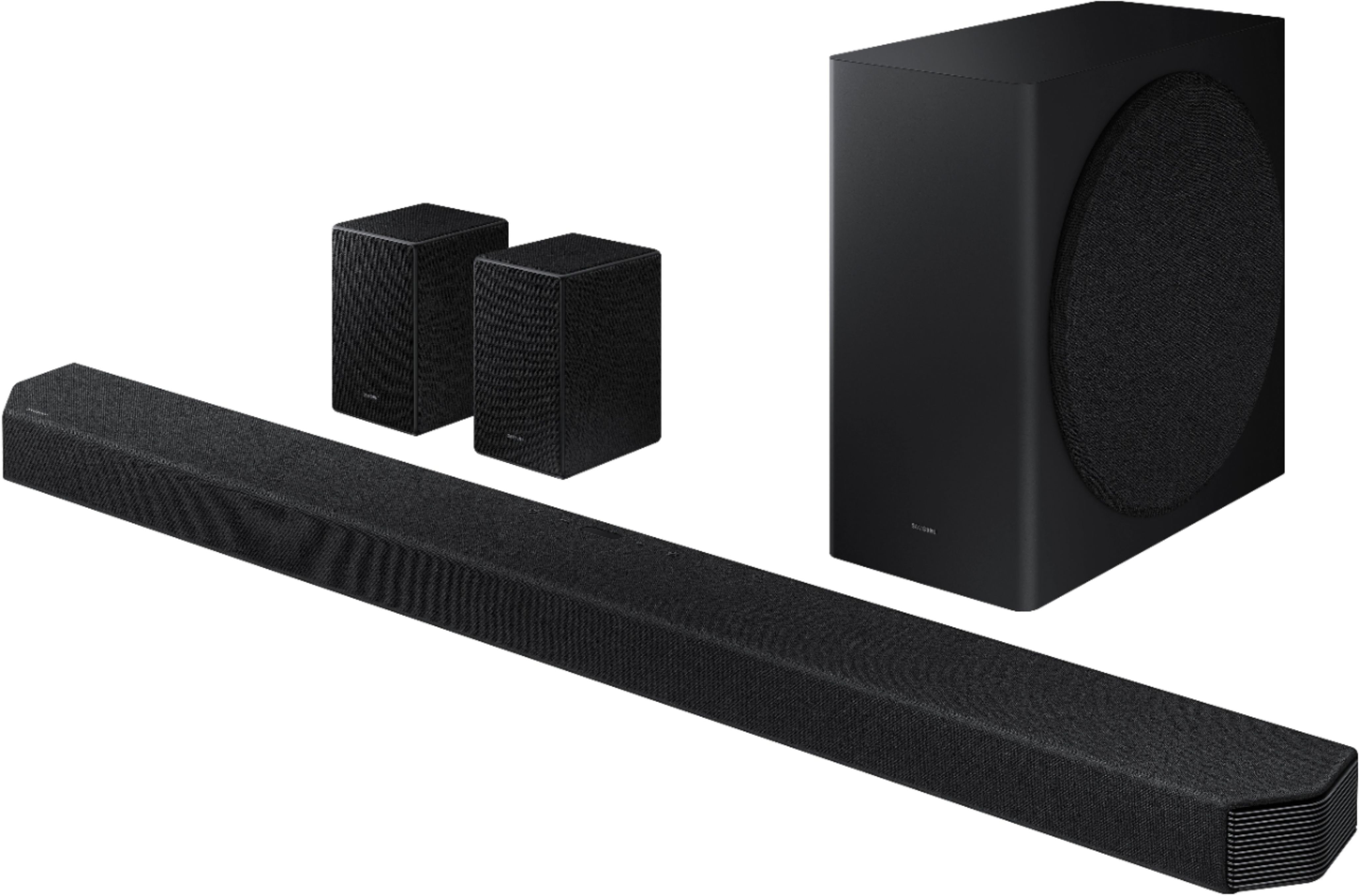
A:AnswerI bought the soundbar for my series X as well. It does not pass through the soundbar to the TV properly. You have to hook up to TV first the send to soundbar. However, if your TV doesn’t have an eARC port it also will not pass through property to the soundbar. Even worse, if your TV DOES have eARC, Atmos for Xbox is on MAT format. This soundbar does not support that. So you can hook it up like that and have a setting called “AUTO” for Atmos to pass through but the Audio delay using that mode is one of the worse I’ve ever dealt with. I took the soundbar back after 2 weeks because of it.
A:AnswerHi Sam! I’m sorry to see that you are having difficulties with the HDMI ARC connection.
So that we can better troubleshoot towards a solution, please reach out to Samsung Support at: 1-800-SAMSUNG, available 8AM - 12AM EST, 7 days a week, or Chat with us on Samsung.com: https://www.samsung.com/us/support/contact/
^Tim
A:AnswerHi Dave! Thank you for inquiring about the Q950A and the built in sound modes. AVA stands for Active Voice Amplifier, this is a feature that analyses external noise in real time while the soundbar is playing, so that voice audio can always be heard clearly. The Virtual setting can be enabled or disabled to allow your soundbar to simulate surround sound even when a surround source is not detected. ^Tim
A:AnswerHi PV - If the video on the TV and audio from the Q950A Soundbar are not synchronized, press the SOUND CONTROL button on the soundbar remote, until you see AUDIO SYNC on the display. You can then set the audio delay between 0~300 milliseconds by using the Up/Down buttons.
You can also try the below to minimize the delay:
1) Connect the source directly to the Soundbar’s HDMI input, then connect the Soundbar to the HDMI ARC input on the TV.
2) On the TV, set the Sound Delay level to 0. Home > Settings > Sound > Expert Settings > Digital Output Audio Delay: “0”
3) Change the audio format to PCM on both the source device and the TV.
Please also make sure you are running the latest firmware update (ver1006.3 released 5/3/21) which includes improved connectivity. You can update your firmware by Auto Update, using the SmartThings app, or by using a USB device.
Should you need further assistance with this issue, or have any questions about features or operation, please contact Samsung Customer Support at 1-800-SAMSUNG (ask for Soundbars), available 8AM -12AM EST, 7 days a week, text HELP to 62913, LiveChat on Samsung.com, or Email: https://www.samsung.com/us/support/#contact_us_for_support ^Gina
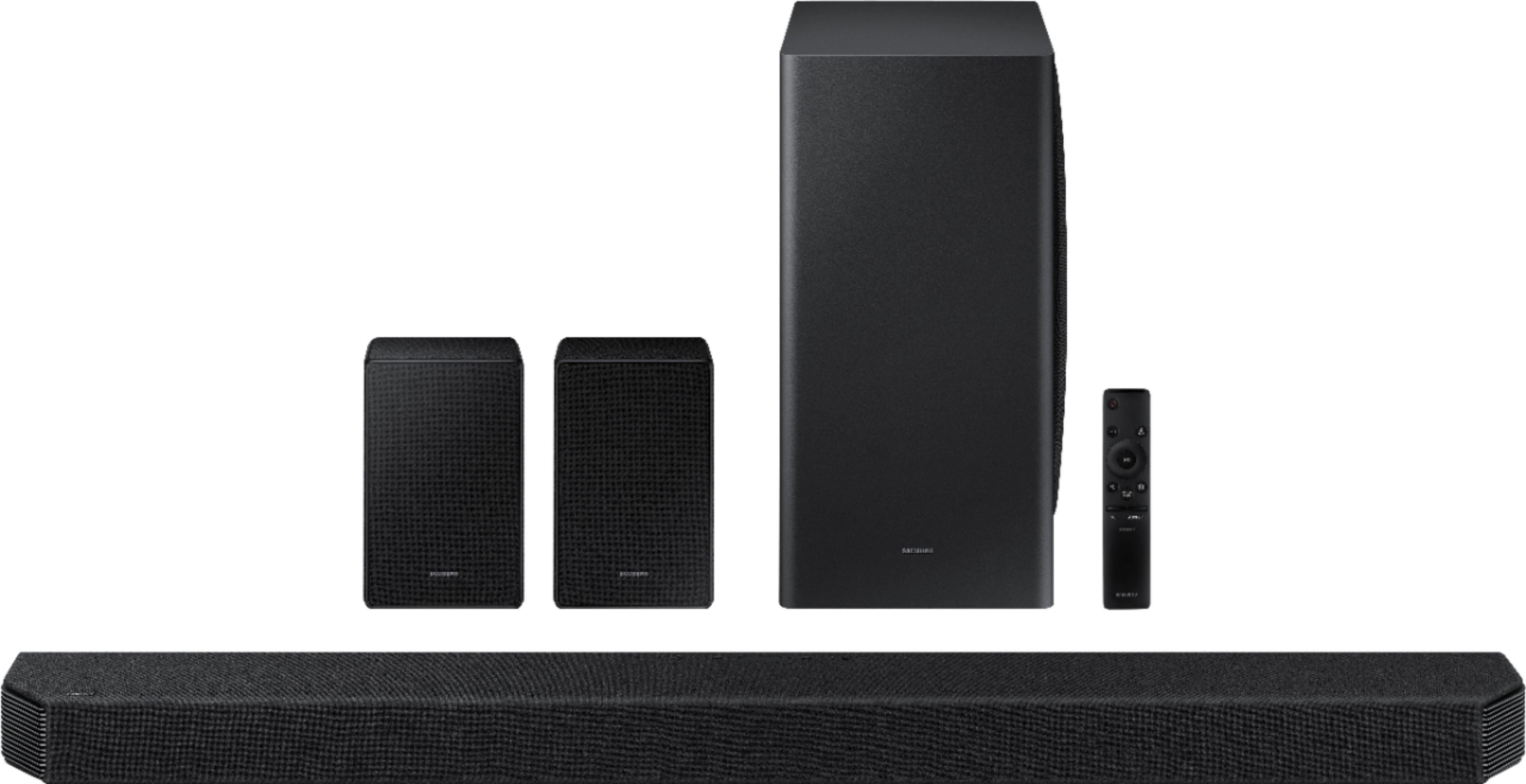
A:AnswerHowever, be aware that the Q950a lacks proper multi-channel support for PCM (as has been documented in reviews such as rting now as well). You will need to switch the PS5 to Dolby as the Q950a is unable to process 5.1 / 7.1 over EARC. You can alleviate that by plugging into the bar itself, but since it's HDMI 2.0 only, you will now miss out on various video advantages such as 120Hz, VRR etc. A big oversight on Samsung's part (most other bars - LG, Sonos, Klipsch) support multi-channel PCM over EARC.