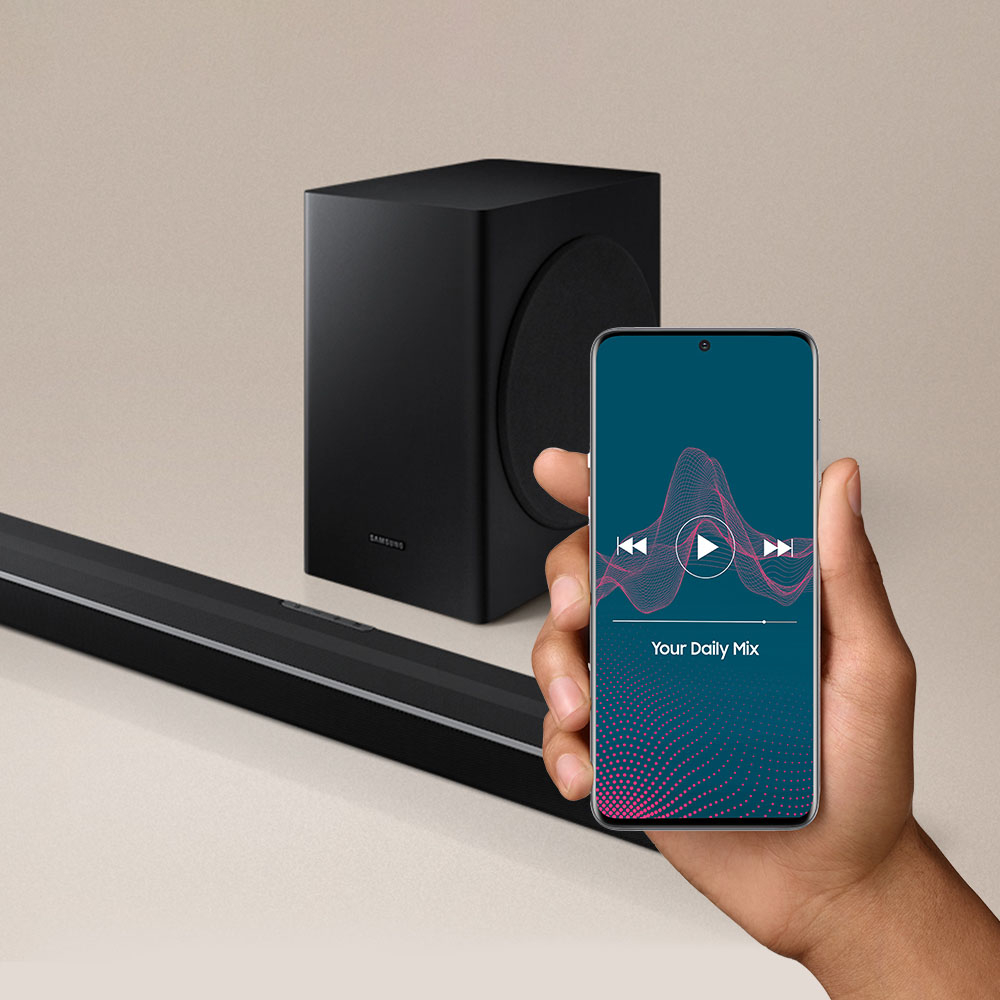
A:AnswerHi PR! The SWA-W500 Wireless subwoofer is compatible with the HW-S50A. Check it out at the following link from Best Buy: https://www.bestbuy.com/site/samsung-wireless-subwoofer-black/6400706.p?skuId=6400706
^Tim
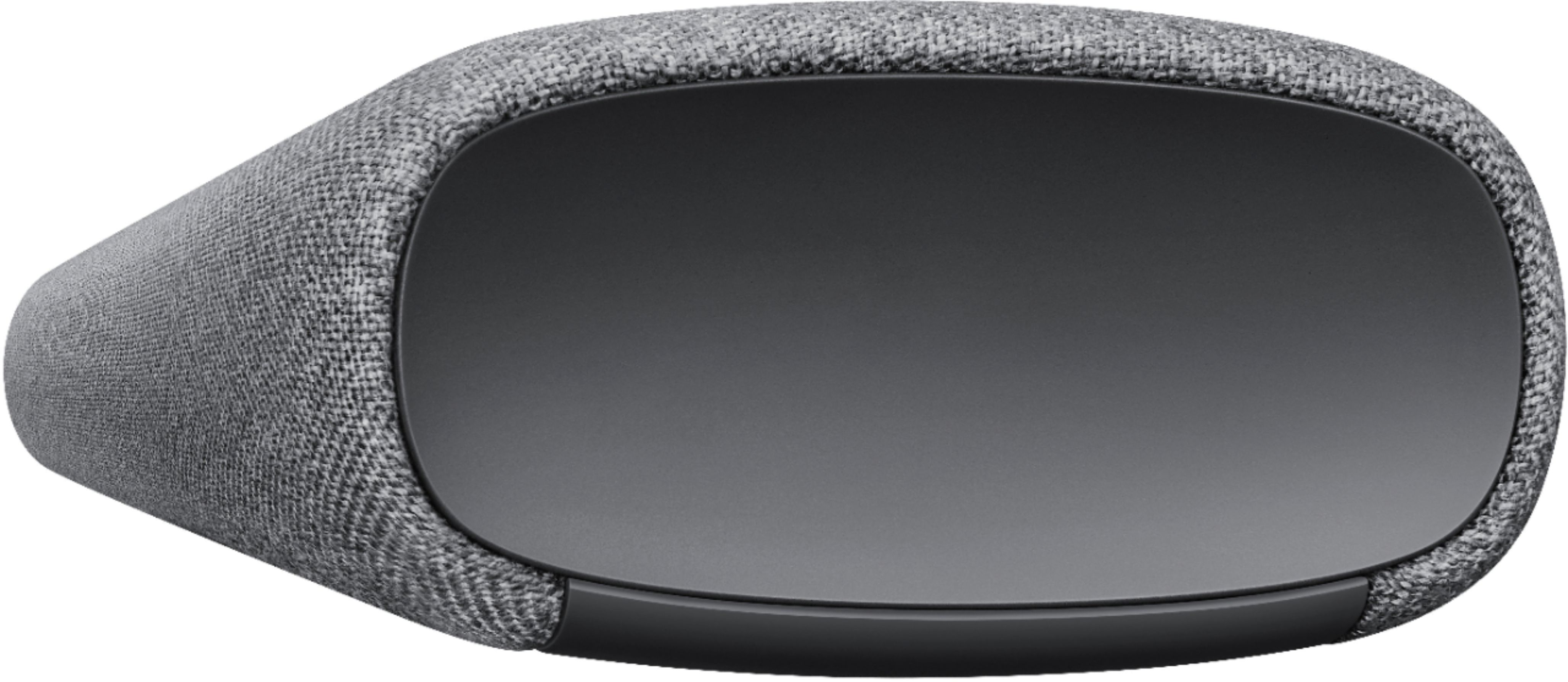
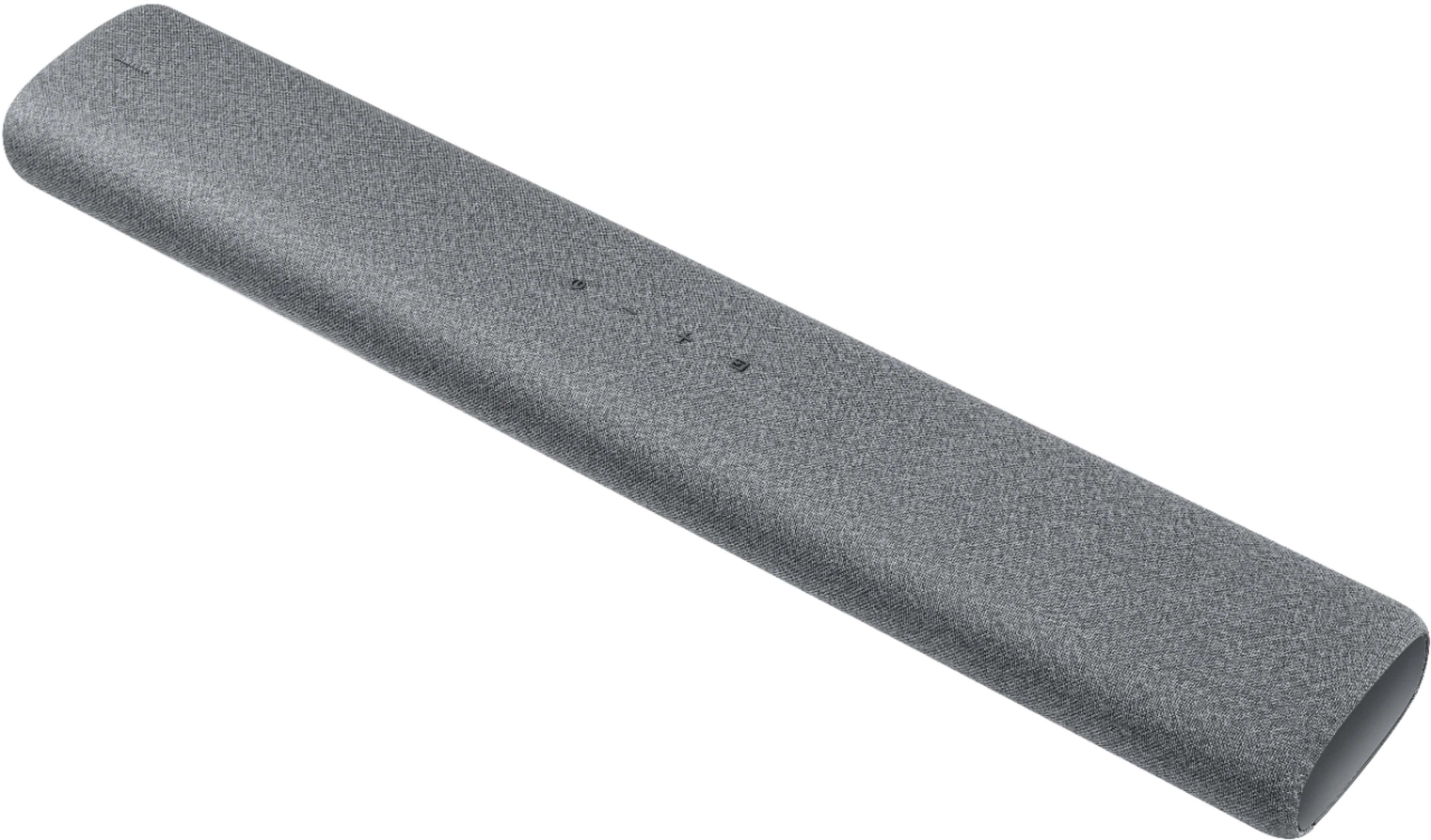
A:AnswerHi! Thank you for inquiring about the HW-S50A. This model has everything you need in a single soundbar with two woofers and tweeter built in, so you can enjoy rich sound anywhere in the house. Captivating virtual 3D sound moves all around you, including above with DTS Virtual:X technology. Dolby Digital 5.1 enables surround sound capability.
^Tim
A:AnswerHi! Yes, the HW-S50A is Bluetooth compatible allowing you to quickly and easily connect to your Bluetooth Wireless audio devices to play your favorite music through the soundbar.
^Tim
A:AnswerI have mine connected using HDMI ARC connection, but in my case the sound bar always comes on along with TV speakers. They say by turning on TV first would eliminate this issue, but I find it necessary to turn off sound bar with its remote because of an echo from TV speakers. I find it's not a big deal.
A:AnswerHi RiotPenguin, thank you for bringing this to our attention, we will get this corrected. The S50A does not include a digital optical cable in the box, and should come with an HDMI cable included.
^Tim
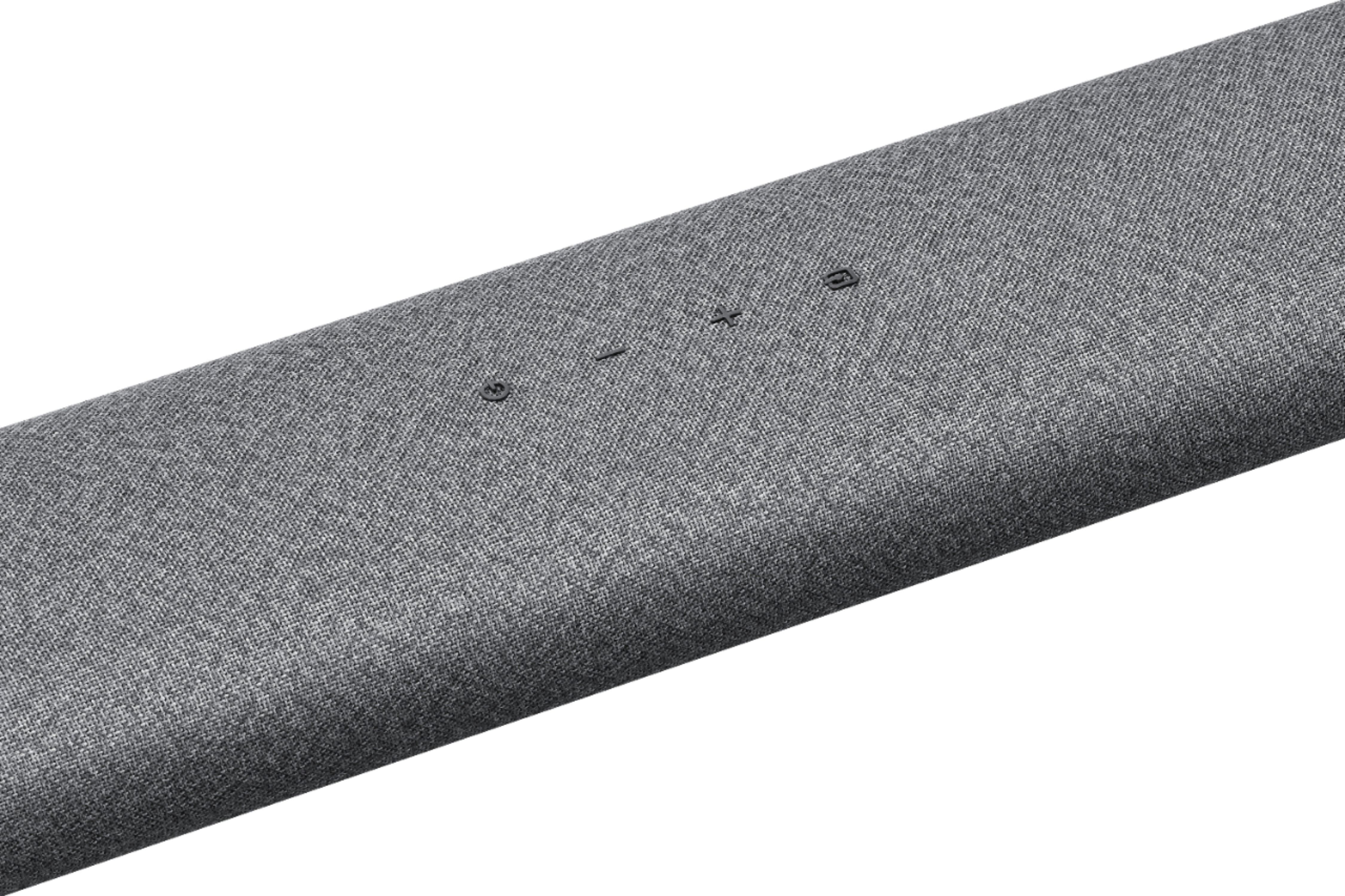
A:AnswerHi daves1600! Samsung soundbars feature the ability to be controlled by a wide range of universal IR remotes. To enable this feature, first turn Off the Soundbar. Then, push up and hold the WOOFER button for 5 seconds. Each time you push the WOOFER button up and hold it for 5 seconds, the mode switches in the following order: “Off-TV Remote” (Default mode), “Samsung-TV Remote”, “All-TV Remote”. The LED indicator status changes each time the mode is changed. More information can be found on page 17 of the full user manual.
^Tim

A:AnswerHi JohnL! You can adjust the HW-S50A Soundbar volume using the TV’s remote control. This function can be used with IR remote controls only. Bluetooth remote controls (remote controls that require pairing) are not supported. Set the TV speaker to External Speaker to use this function. 1) Turn Off the Soundbar. 2) Push up and hold the WOOFER button for 5 seconds. Each time you push the WOOFER button up and hold it for 5 seconds, the mode switches in the following order: “Samsung-TV Remote” (Default mode), “Off-TV Remote”, “All-TV Remote”. The LED indicator status changes each time the mode is changed. Should you need further assistance, please contact Samsung Support at 1-800-SAMSUNG. ^Tim
A:AnswerHi Julia! The S50A is not compatible with Airplay technology and can wirelessly connect to audio devices via Bluetooth. For Airplay 2 support, check out the S60A at the following link from Best Buy: https://www.bestbuy.com/site/samsung-hw-s60a-5-0ch-sound-bar-with-acoustic-beam-and-alexa-built-in-black/6454666.p?skuId=6454666
^Tim