

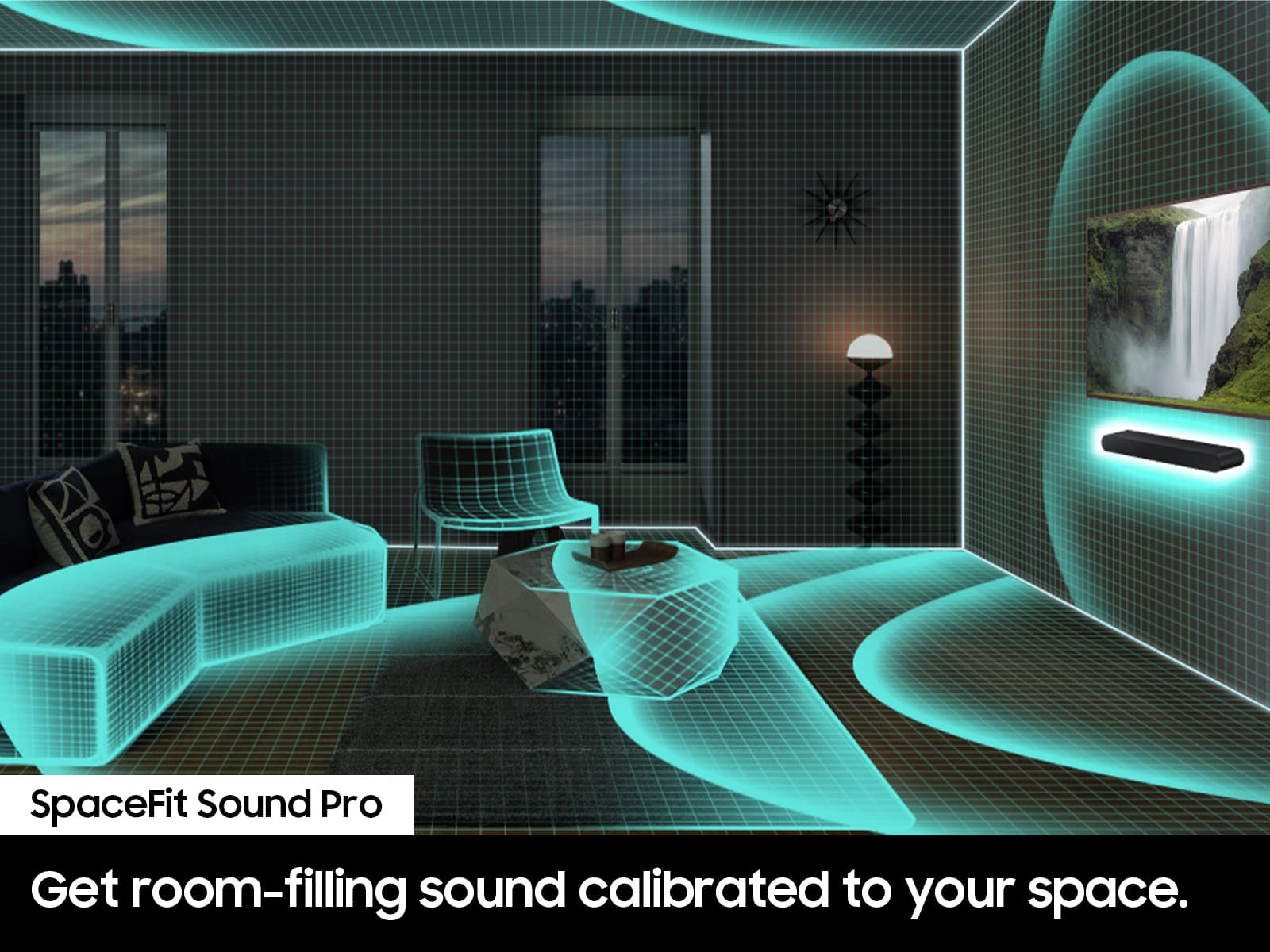
A:AnswerThe Active Voice Analyzer (AVA) feature helps to optimize on-screen voices by analyzing and reducing background noise, ensuring dialogues are clear even at low volumes.
This question and answer was generated by AI based on customer and product data.

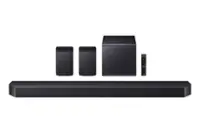
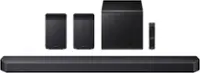
A:AnswerHello Nick. The new 2024 HW-Q60D has various improvements to audio and features. It is able to utilize 2 new exciting features when paired with the SWA-9200S Rear Speakers.
1. Private Rear Sound: Sound comes only from the surround speakers so you can enjoy the movie at quiet nights clearly even at low volume. Turn off all the front-firing speakers and only use the rear speakers to enjoy what you are watching without disturbing others.
2. Sound Grouping: Enjoy music from all the speakers, including the center and surround speakers.
~ Samsung Solutions
A:AnswerHello JerriW, as long as your soundbar is connected to your TV with either an optical cable or HDMI via ARC, you can control the volume and mute the soundbar using your Samsung TV's remote. The soundbar should also turn on and off with the TV.
1. Use the TV remote to navigate to Settings, select Sound, and then select Sound Output on your Samsung TV.
2. Select your Samsung soundbar, and then select Close. Now you can use your TV remote to adjust volume and mute the soundbar. The soundbar should also turn on and off with the TV.
By default, Samsung TV remotes should be able to control Samsung soundbars. If it isn't working, be sure the soundbar is powered on, and then press and hold the WOOFER button up until "ON - TV REMOTE" appears on the display (about 5 seconds). Next, you'll need to choose between connecting with an optical cable or an HDMI cable.
~ Samsung Solutions
A:AnswerHi Barb! The HW-S60D is only able to receive Bluetooth signals and not transmit. Depending on your TV there are features found in the Accessibility menu that allow you to connect your hearing aids to the TV, and you will have audio sound from both the soundbar and headphones. ~ Samsung Solutions
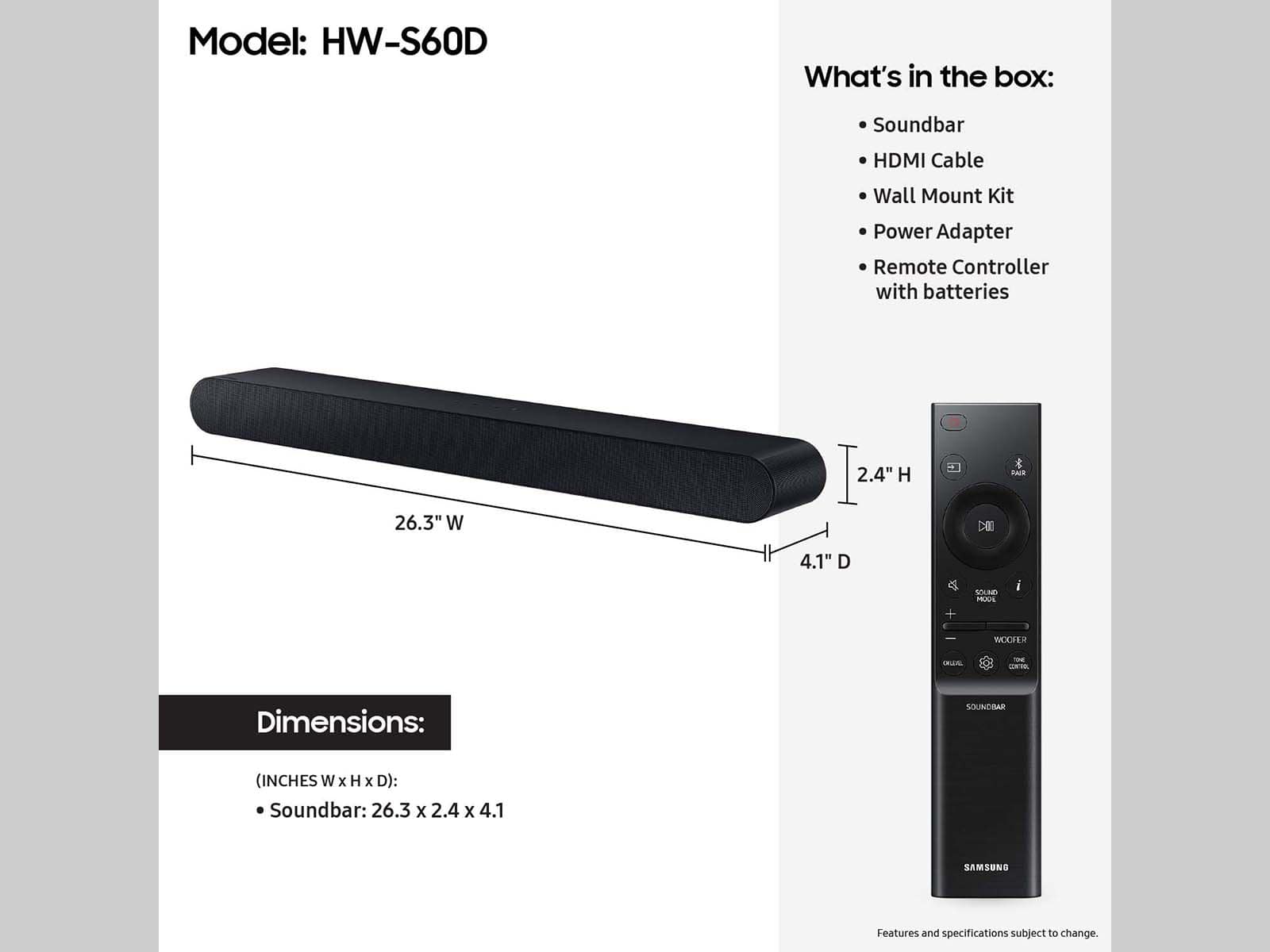
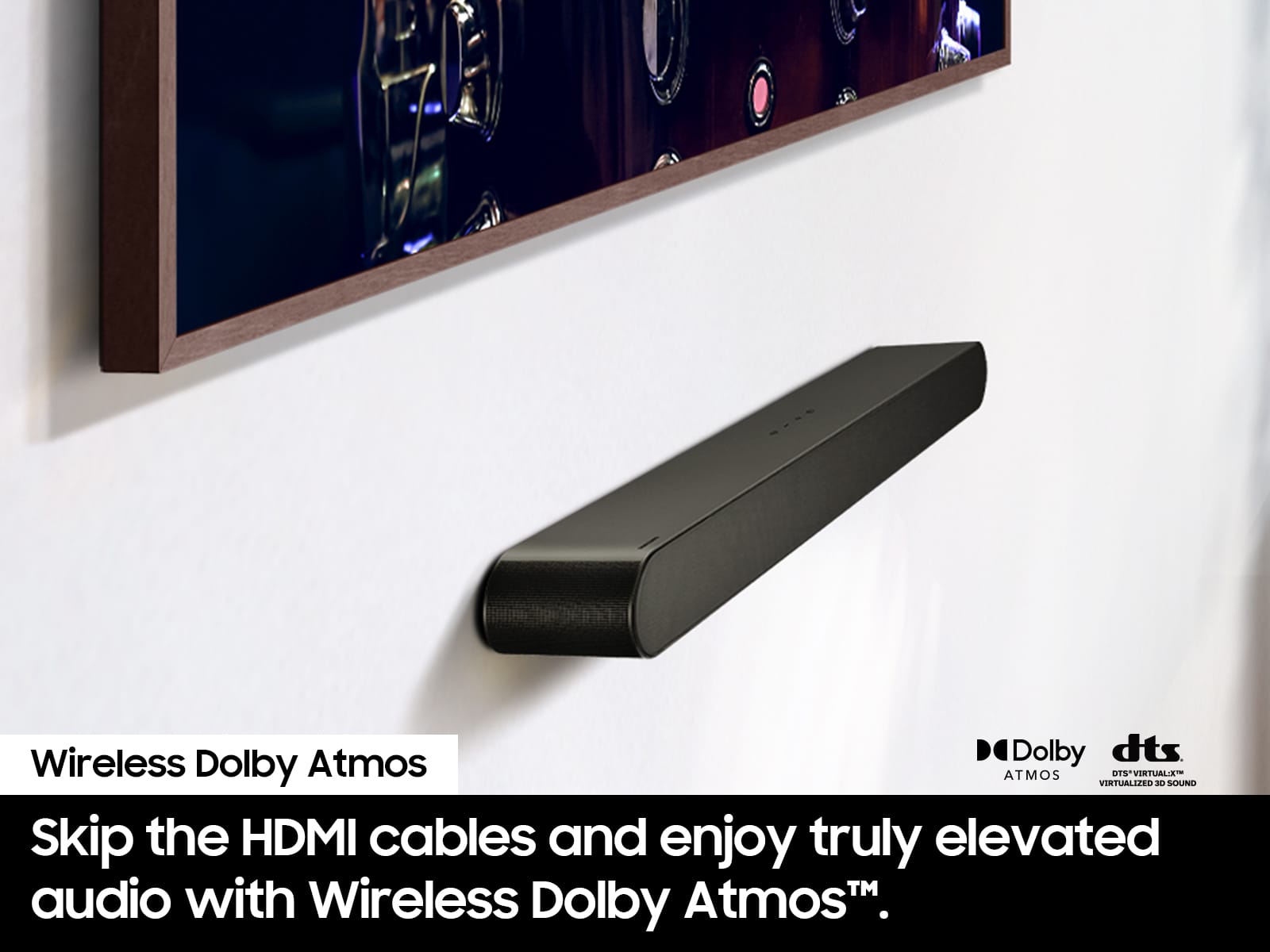
A:AnswerHi Dastern7, The HW-S60D Soundbar includes wall-mounting brackets and is not capable of attaching to your TV. To do so you will need a mount like the following one offered at Best Buy:
https://www.bestbuy.com/site/best-buy-essentials-rear-bottom-soundbar-wall-mount-for-most-15-lb-soundbars-black/6477974.p?skuId=6477974&ref=212&loc=1&utm_source=feed&extStoreId=178&gStoreCode=178&gQT=1
~ Samsung Solutions
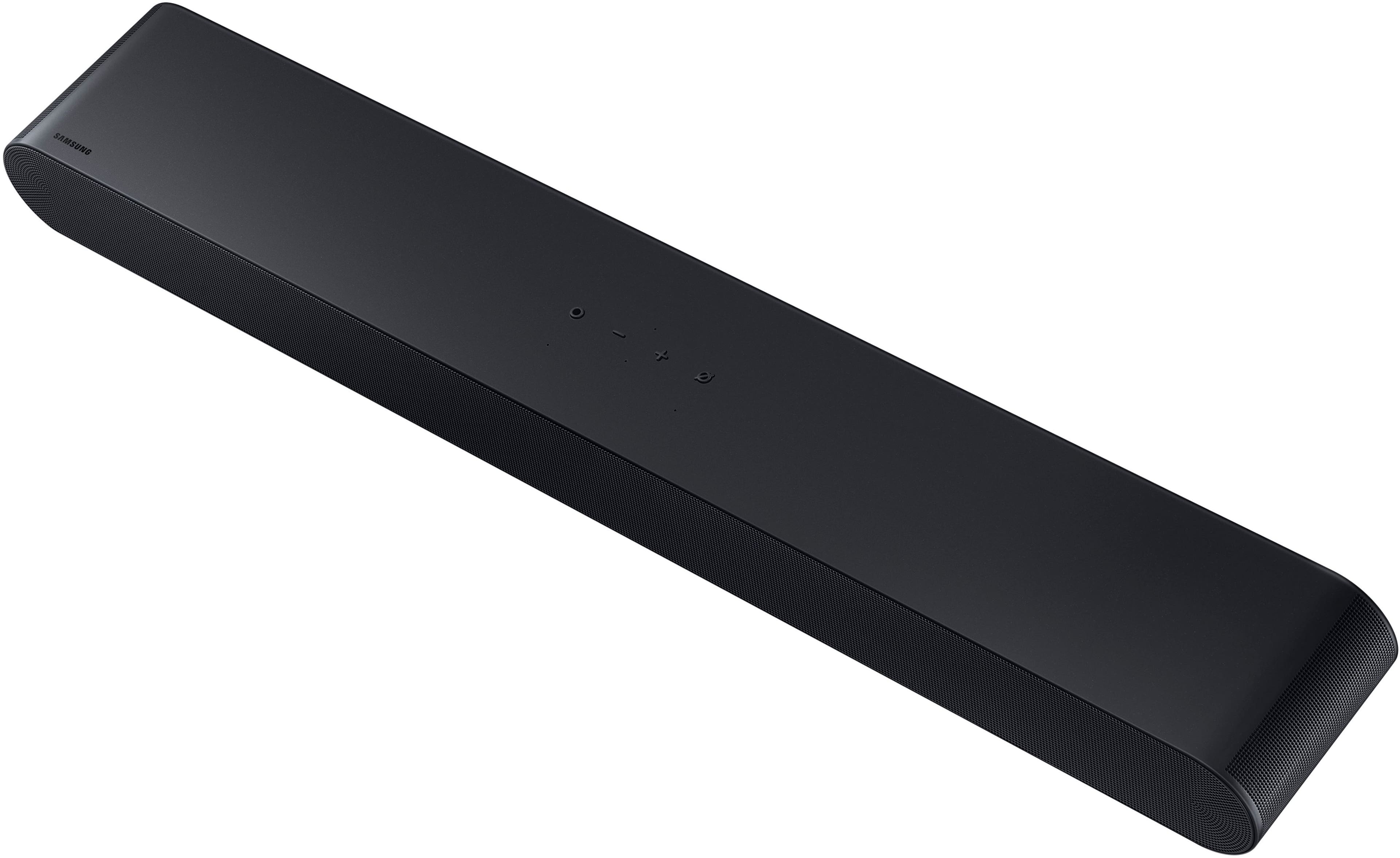
A:AnswerHello SM. No, the HW-S60D Soundbar does not have an LED display. If you wish to see the details you can do this by downloading the SmartThings app. The app will also allow you to make adjustments and change settings. ~ Samsung Solutions
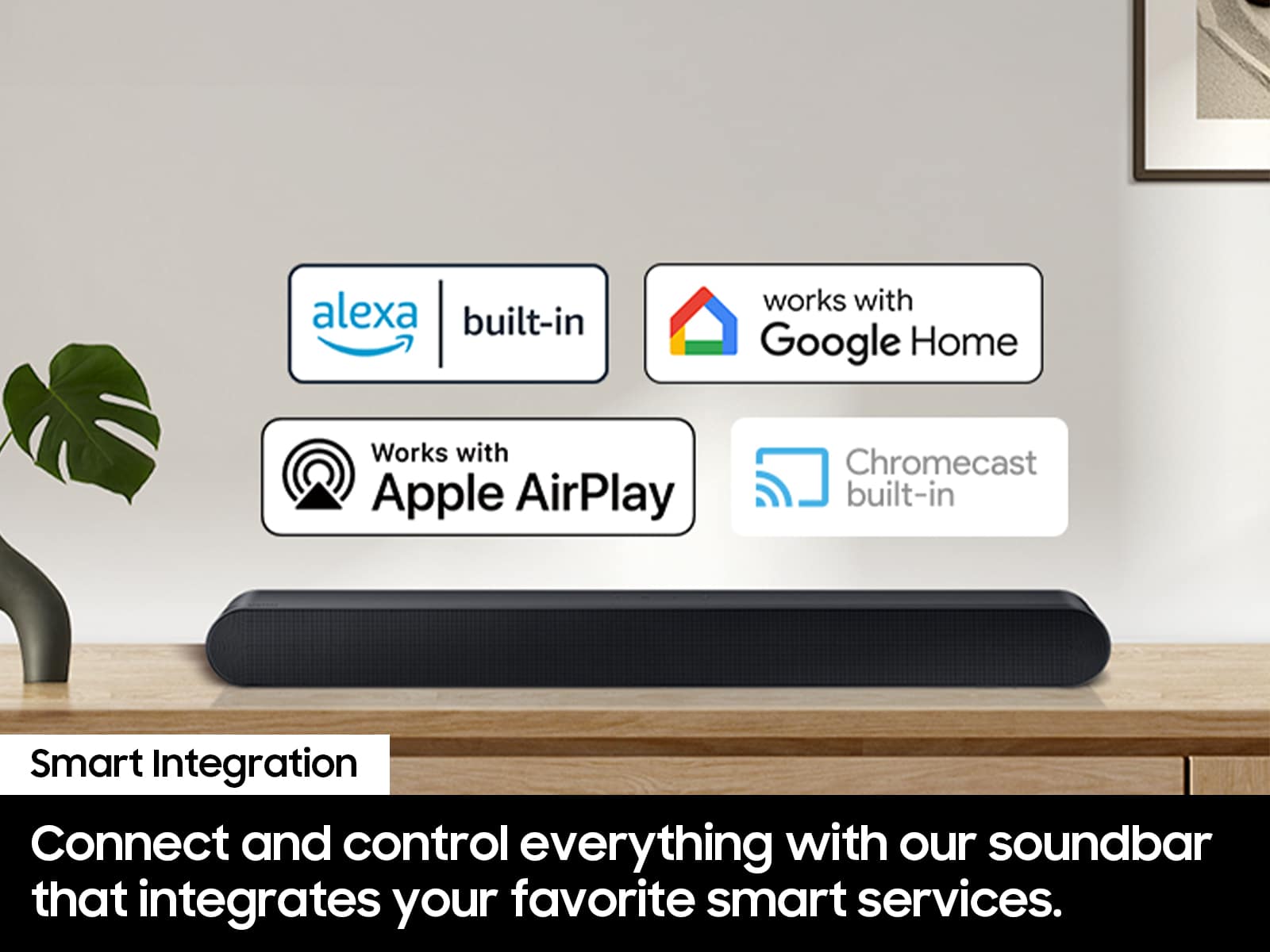
A:AnswerHello JAMNole. Yes, you can use your remote to control your soundbar Volume when connected via HDMI (Arc). To control the volume with Alexa you will need to have your Soundbar connected via Wi-Fi and set it up via SmartThings and the Alexa App. ~ Samsung Solutions
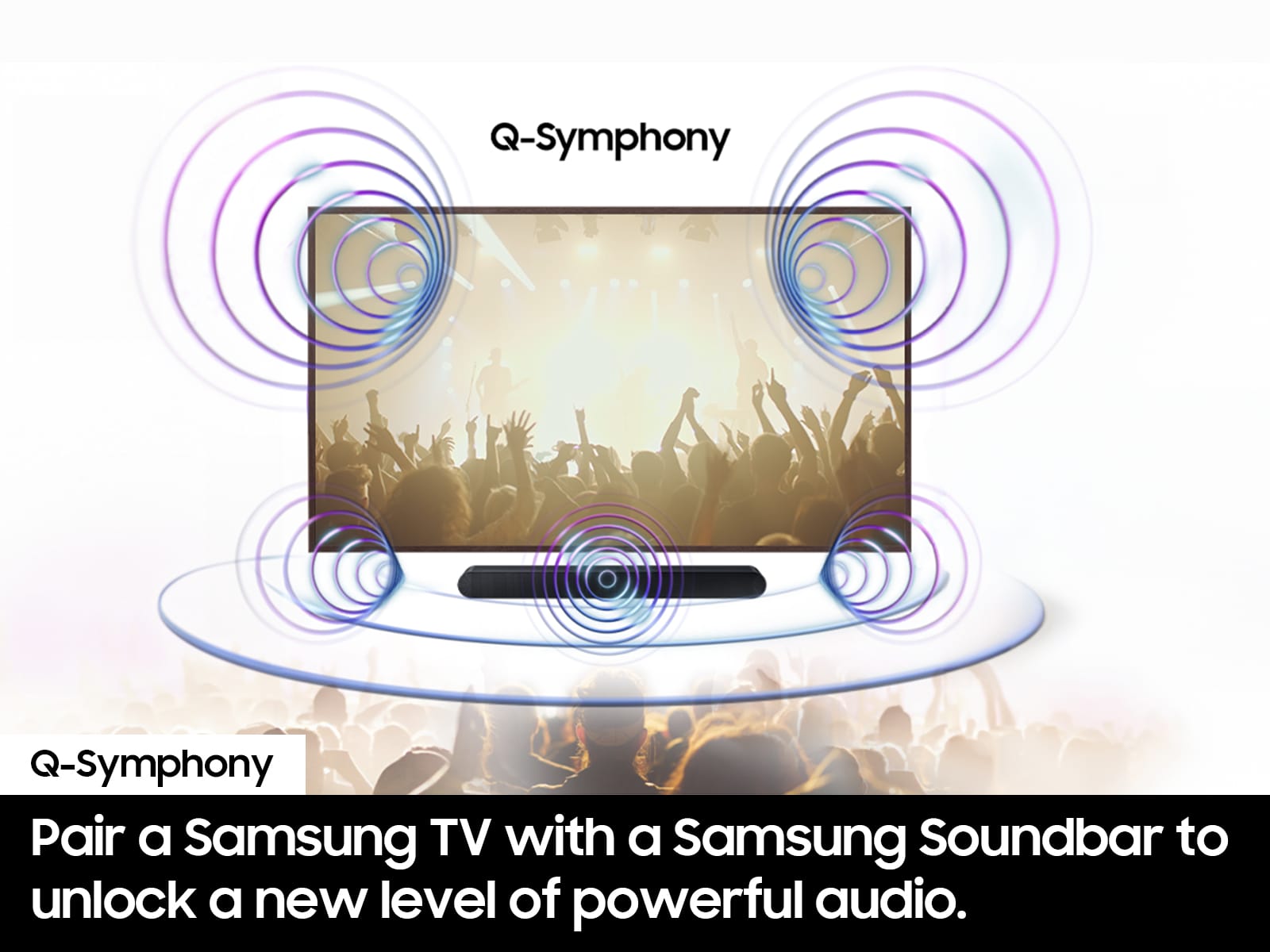
A:AnswerHello Ivan. Yes, it will work with the Frame TV. With it paired you will be able to utilize features such as Q-Symphony which will utilize bot TV and SOundbar speakers together adding to you audio enjoyment. ~ Samsung Solutions
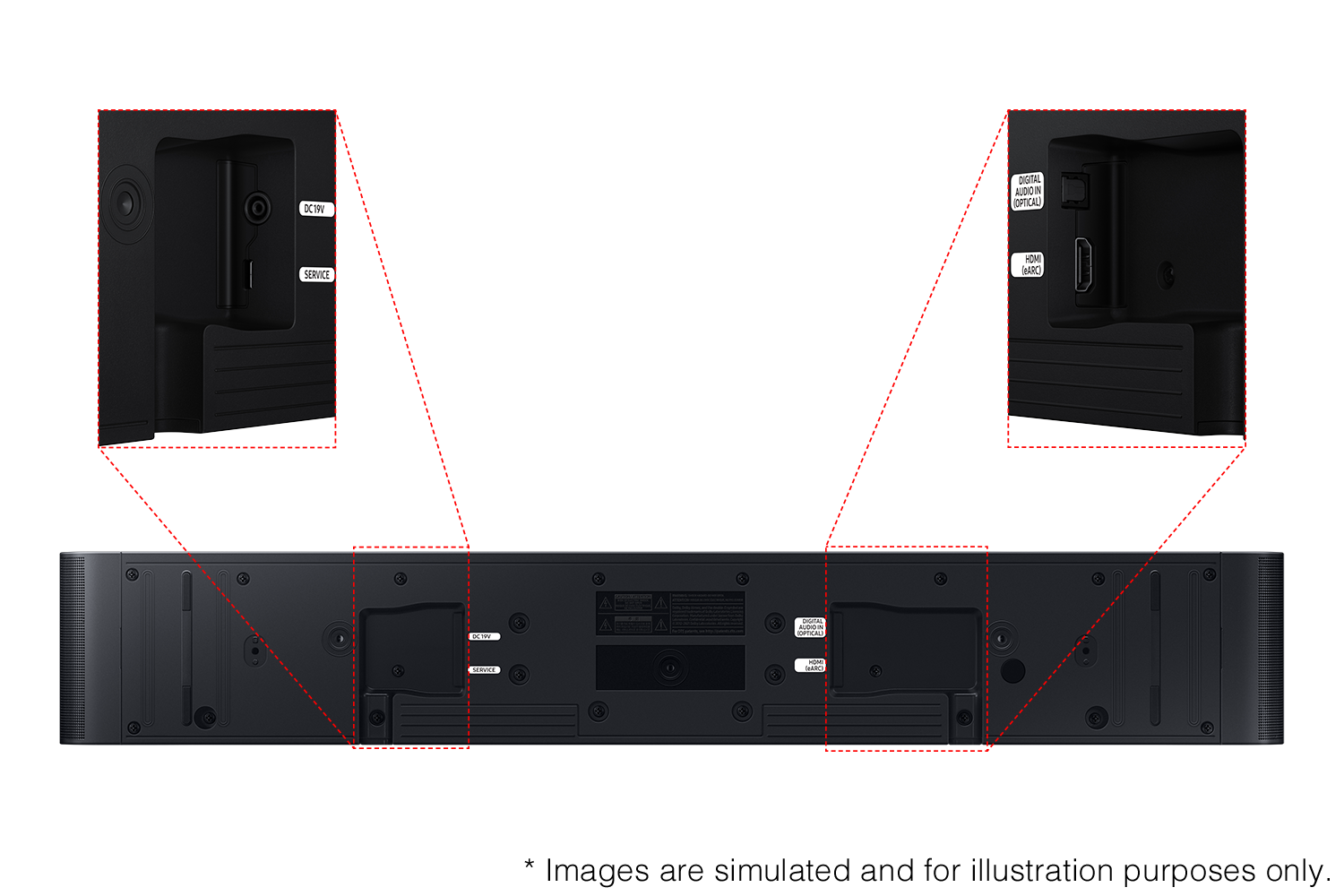
A:AnswerHello Penny. The HW-S60D Soundbar features four ways to connect to an external device: Wi-Fi, HDMI (eARC), digital optical audio, and Bluetooth wireless audio technology. If your TV is compatible with one of these four audio connections, you should have no issue connecting the soundbar to your TV. ~Samsung Solutions
A:AnswerHi DanO! The mounting slots are on the bottom of the HW-S60D Soundbar. This soundbar does include its own wall mounting hardware. ~ Samsung Solutions
A:AnswerHello Ralpherd57, For additional bass beyond what the HW-S60D can provide, consider adding the compatible SWA-W510 Wireless Subwoofer from Samsung to take your audio experience to the next level. To further expand your audio experience, you can also add the SWA-9200S Wireless Rear Speakers. ~ Samsung Solutions