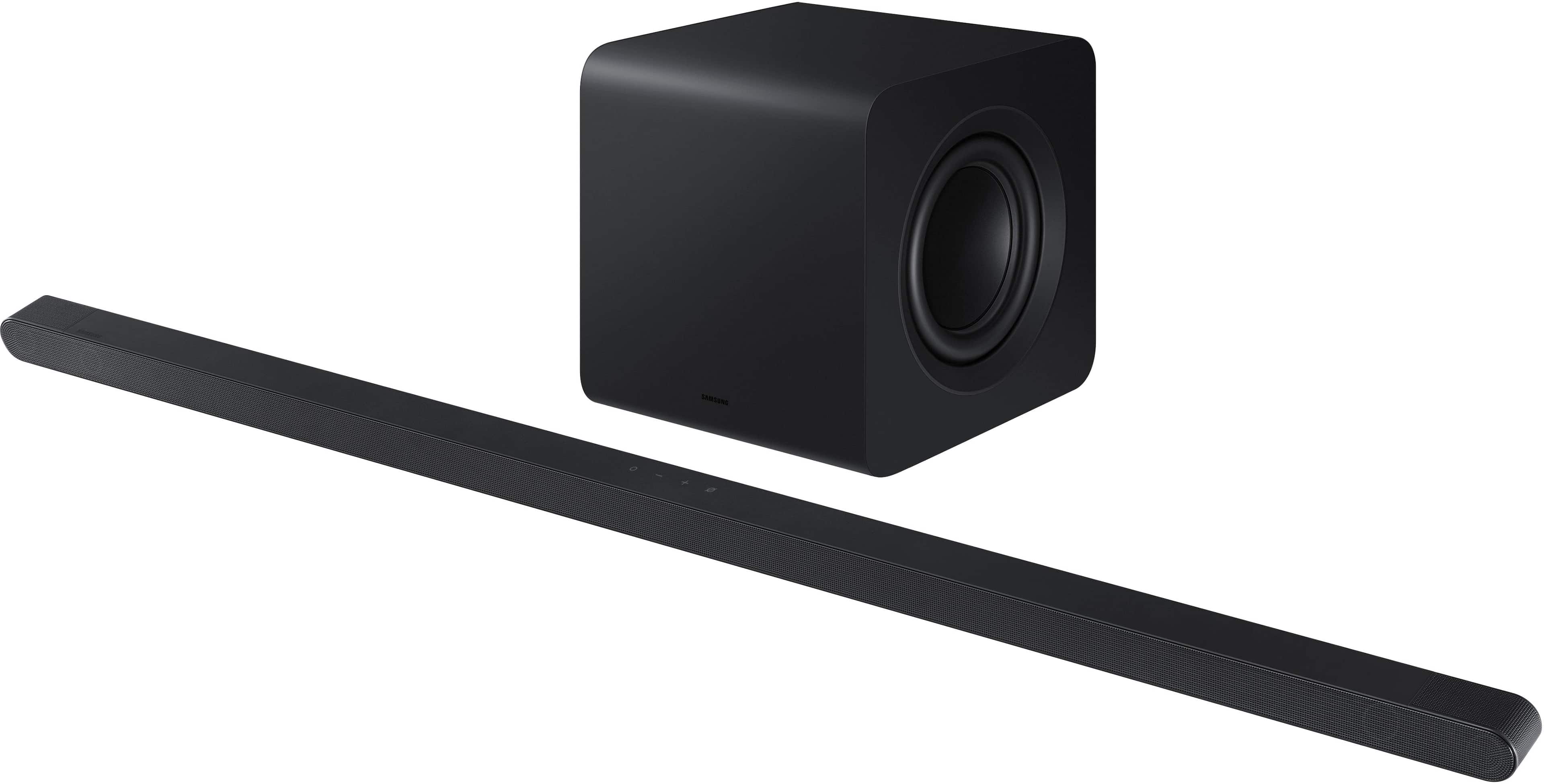
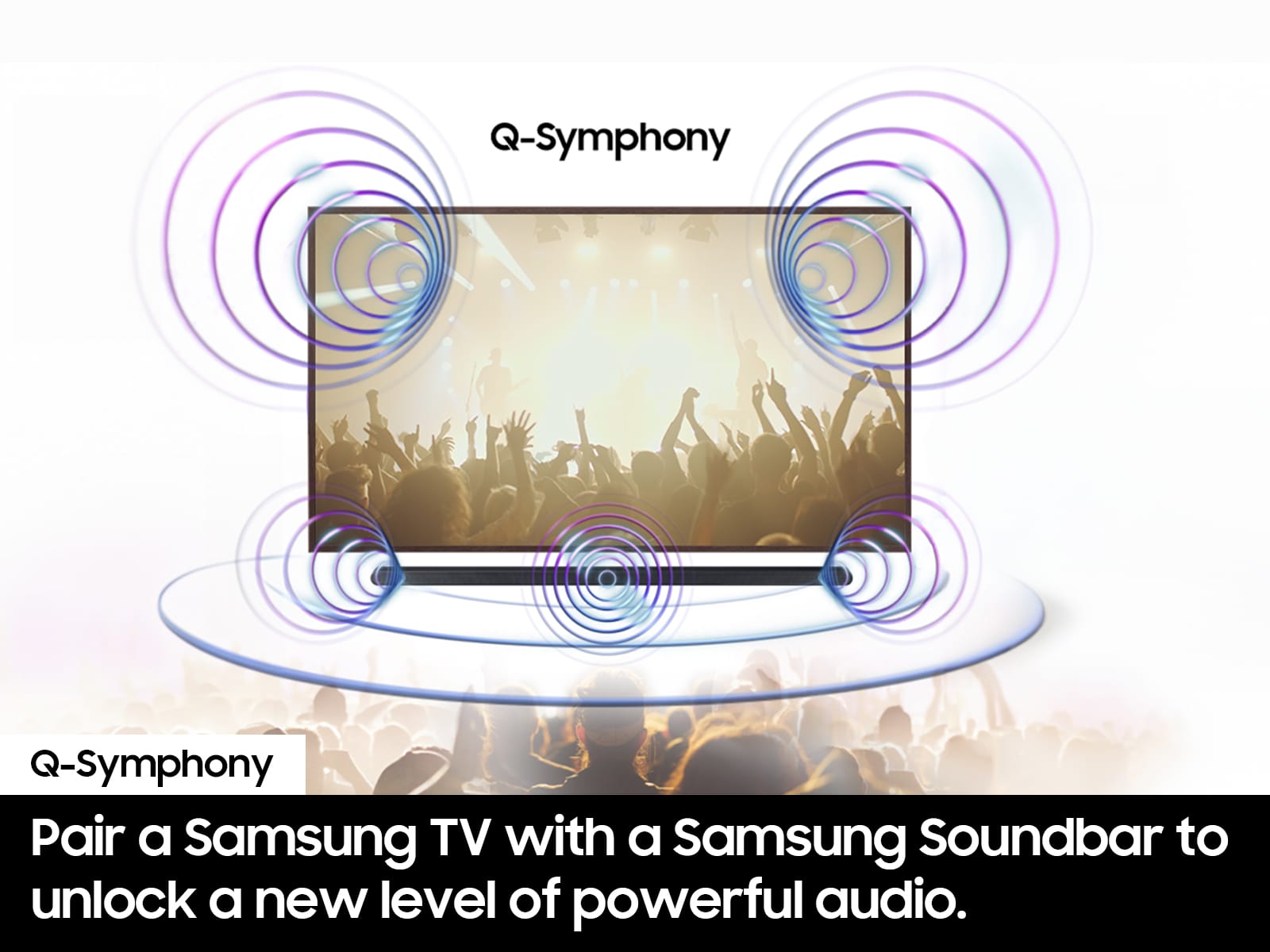
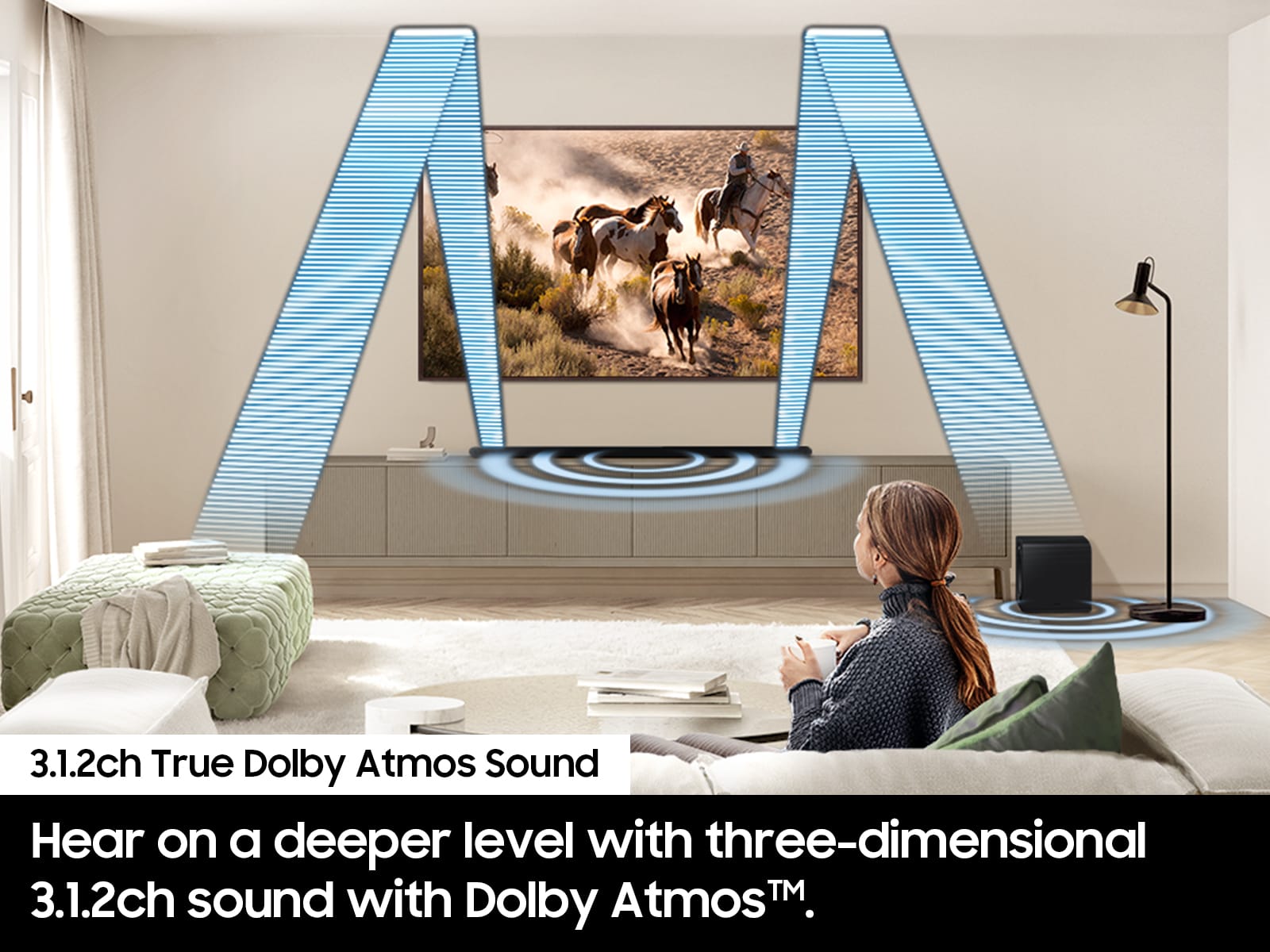
A:AnswerHi SW123, Yes when the HW-S800D Soundbar with the SWA-9500S Wireless Rear Speakers are connected to your Samsung TV via Wi-Fi or HDMI you will be able to enjoy Q-Symphony audio from all the speakers. The SWA-9500S Rear Speakers connect to the soundbar using a Bluetooth signal and must be placed within 33ft of your soundbar for optimal connection. ~ Samsung Solutions
A:AnswerHello Jay, You can add the Samsung SWA-9500S Wireless Rear Speakers to the HW-S801D Soundbar. They will each however require to be plugged into a power outlet. ~ Samsung Solutions
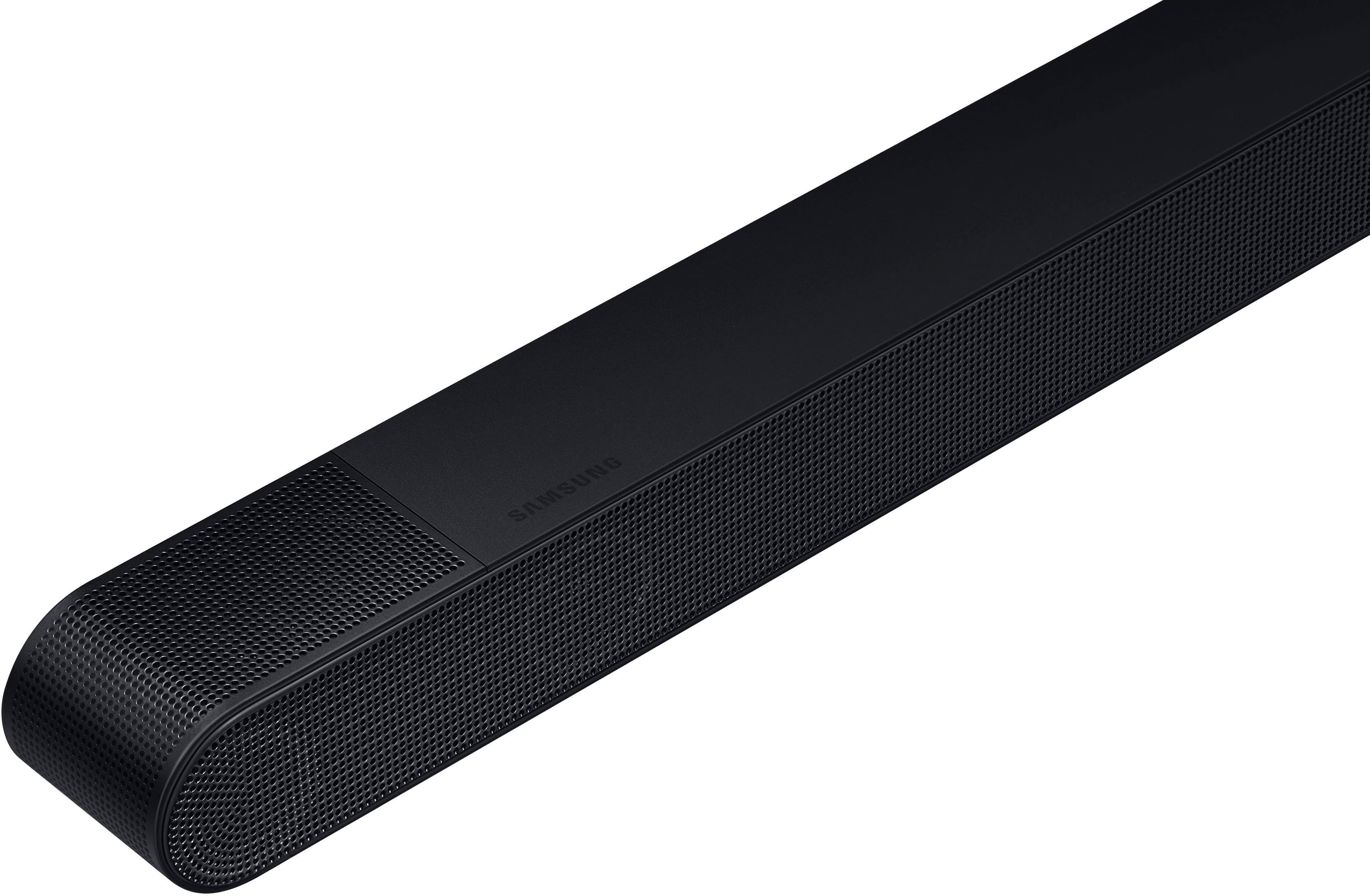
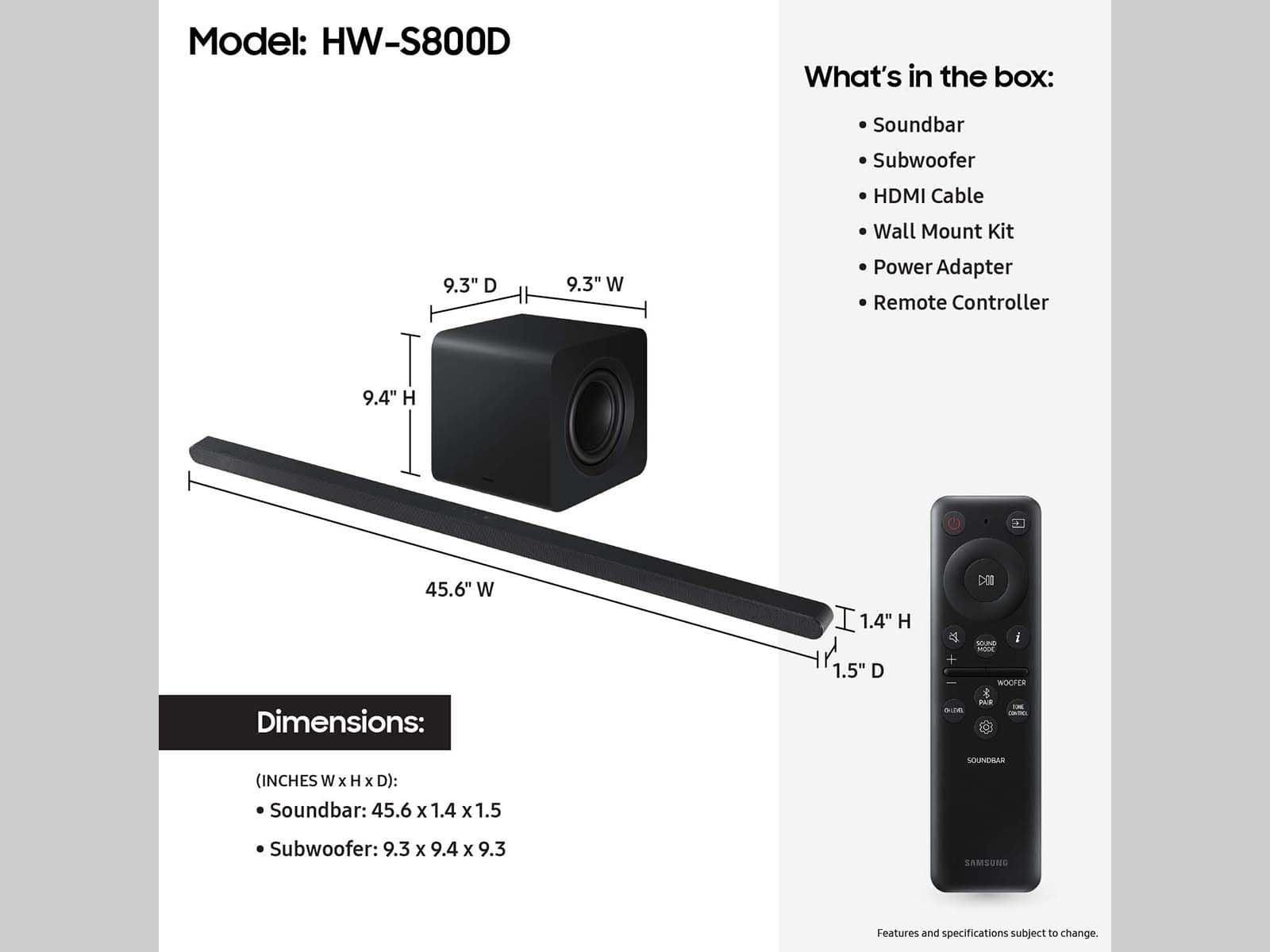
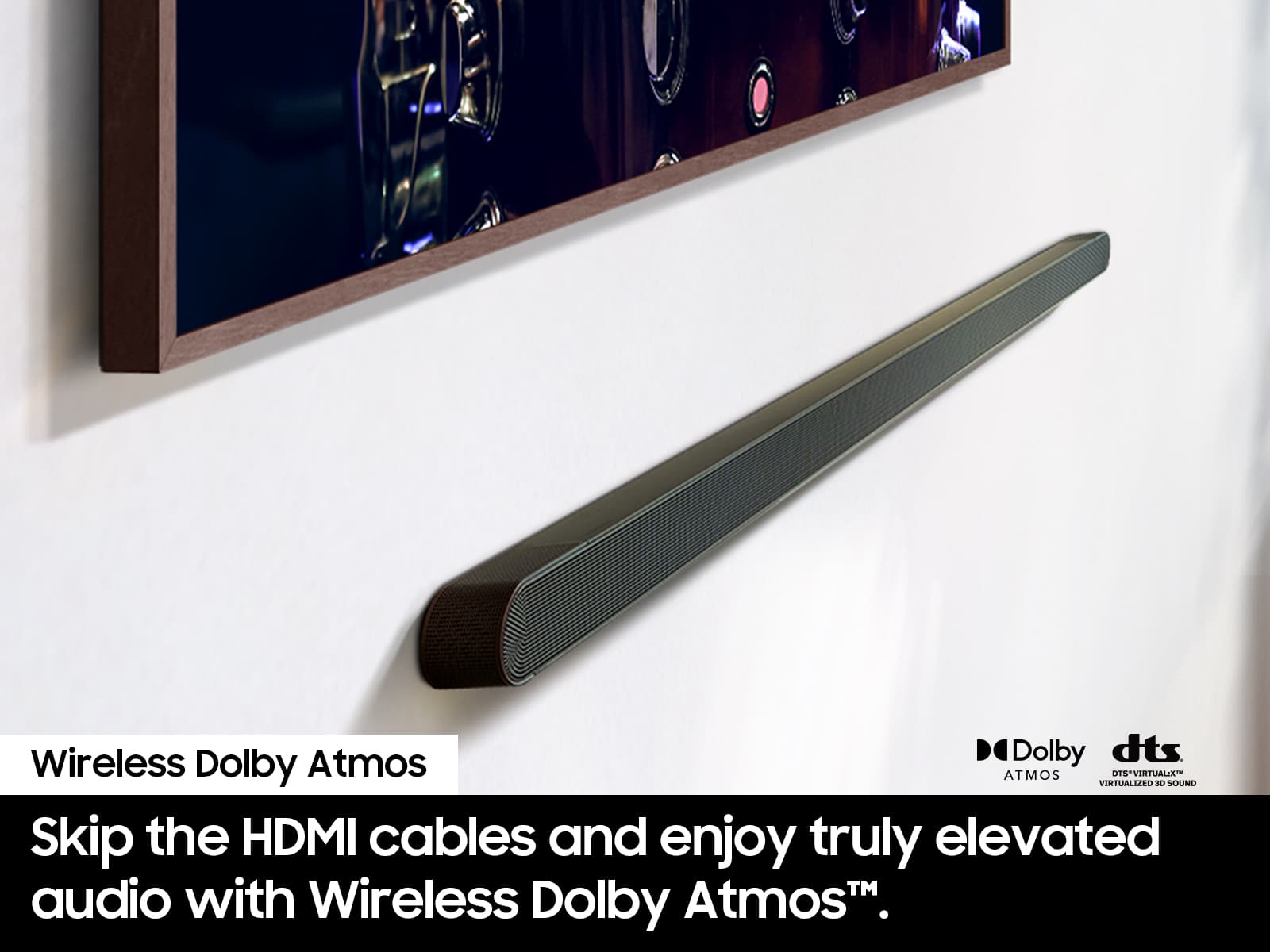
A:AnswerHi there Andy. Yes, the HW-S800D Soundbar features a slim low-profile design with a height of just 1.5 inches allowing it to sit under your Samsung 65S90D TV without blocking the screen. ~ Samsung Solutions
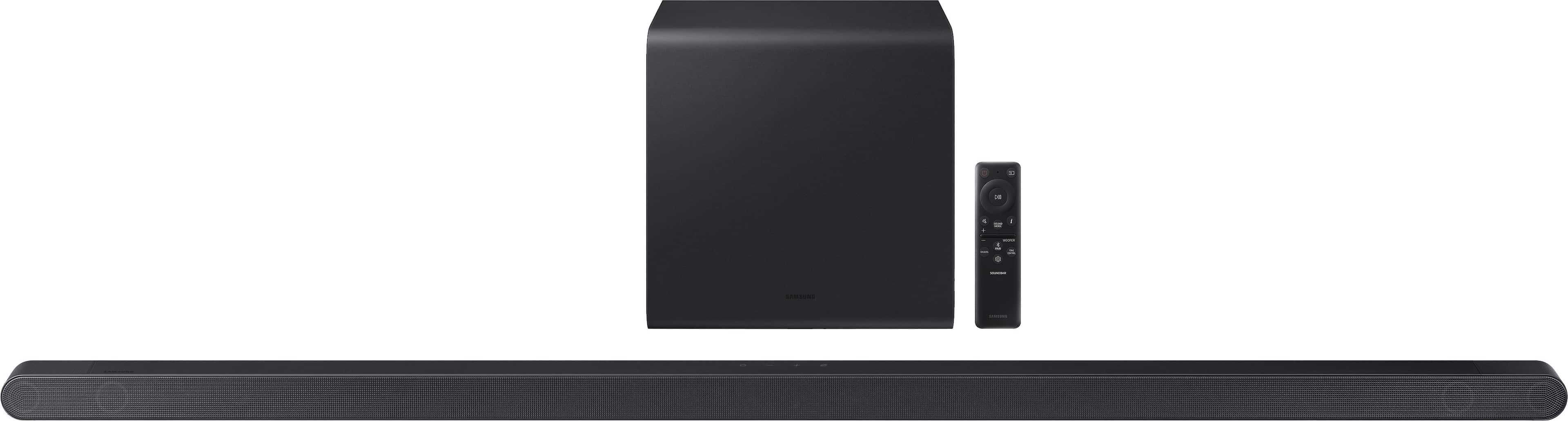
A:AnswerHello George. There are two adjustments that can be made to maximize bass from the soundbar and subwoofer:
1. Using the WOOFER button on the remote, you can adjust the level between -6 to +6. To set the subwoofer volume level to 0, press the button in.
2. Adjust the bass control by pressing the TONE CONTROL button on the remote control, then select BASS to increase the level. You can adjust the volume between -6 to +6 by using the Up/Down buttons.
Alternatively, you can adjust all of these same settings and more within the SmartThings app. Download the app for your iOS or Android device and then connect your Soundbar to Wi-Fi. From here, you will be able to adjust all of the same settings as the provided remote, but with the added benefit of being able to see the changes on your smart device.
~ Samsung Solutions
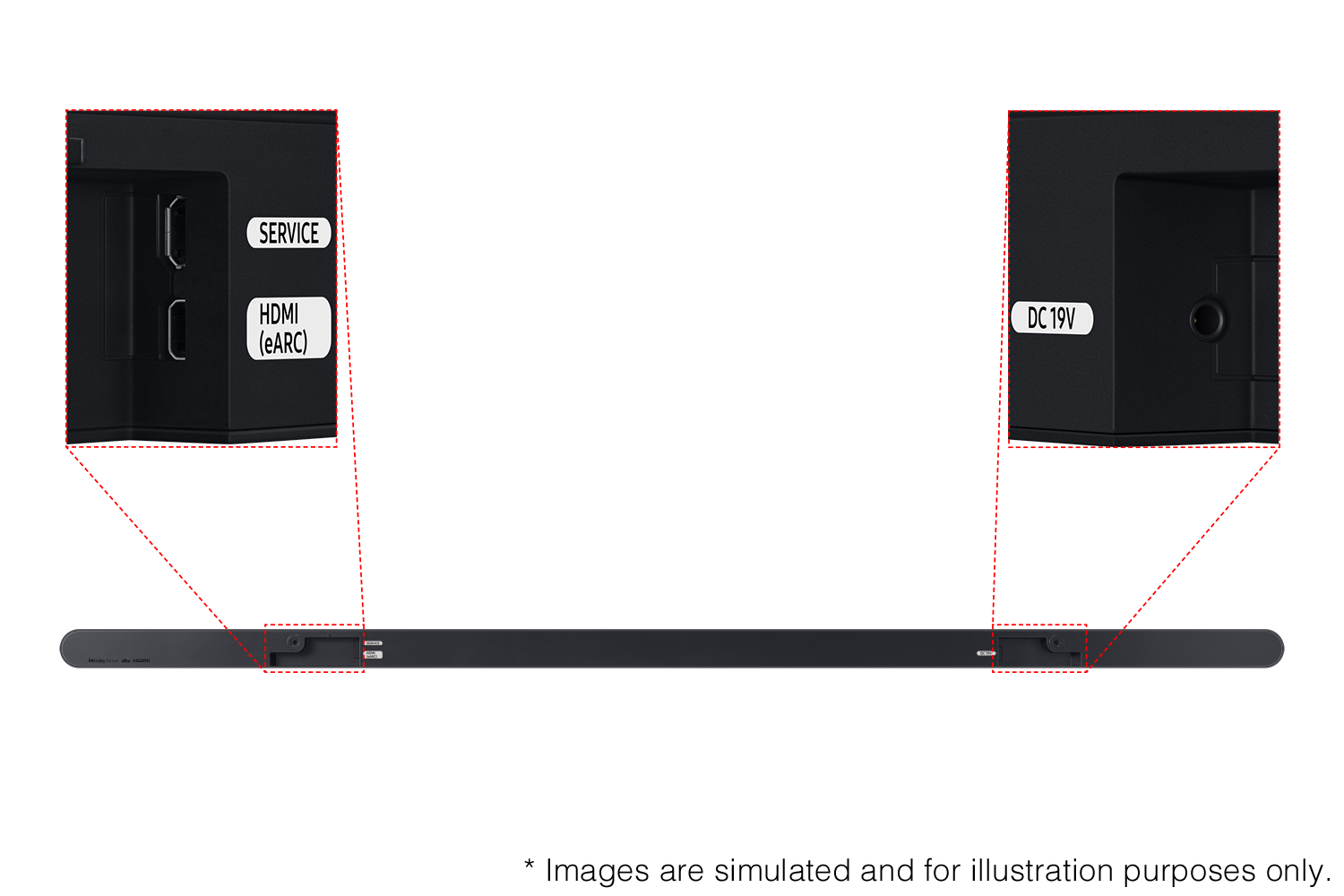
A:AnswerI doubt that it is compatible with the wireless rear speakers since its wireless system is used for the sub-woofer and it does have a standard e-ARC connection which may allow syncing.