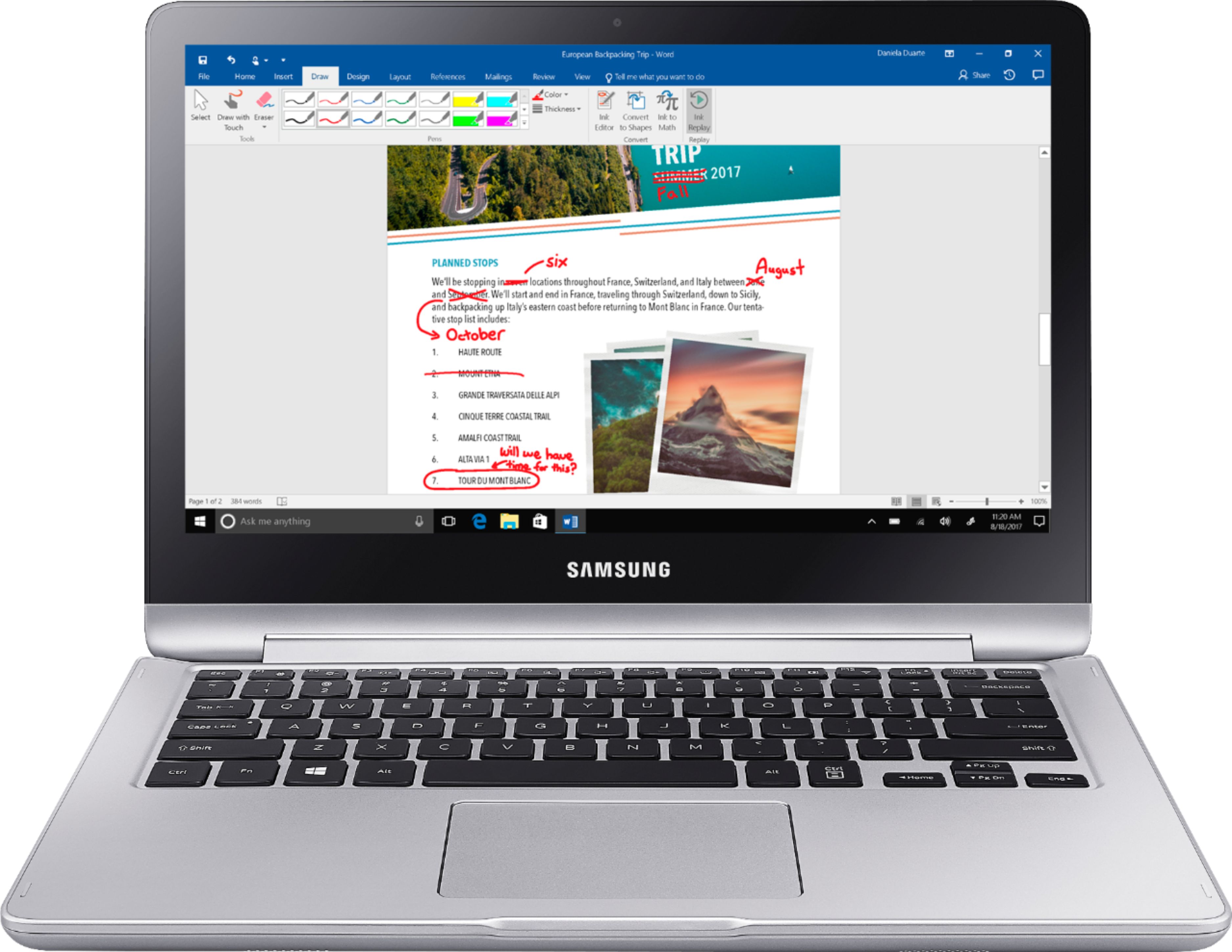
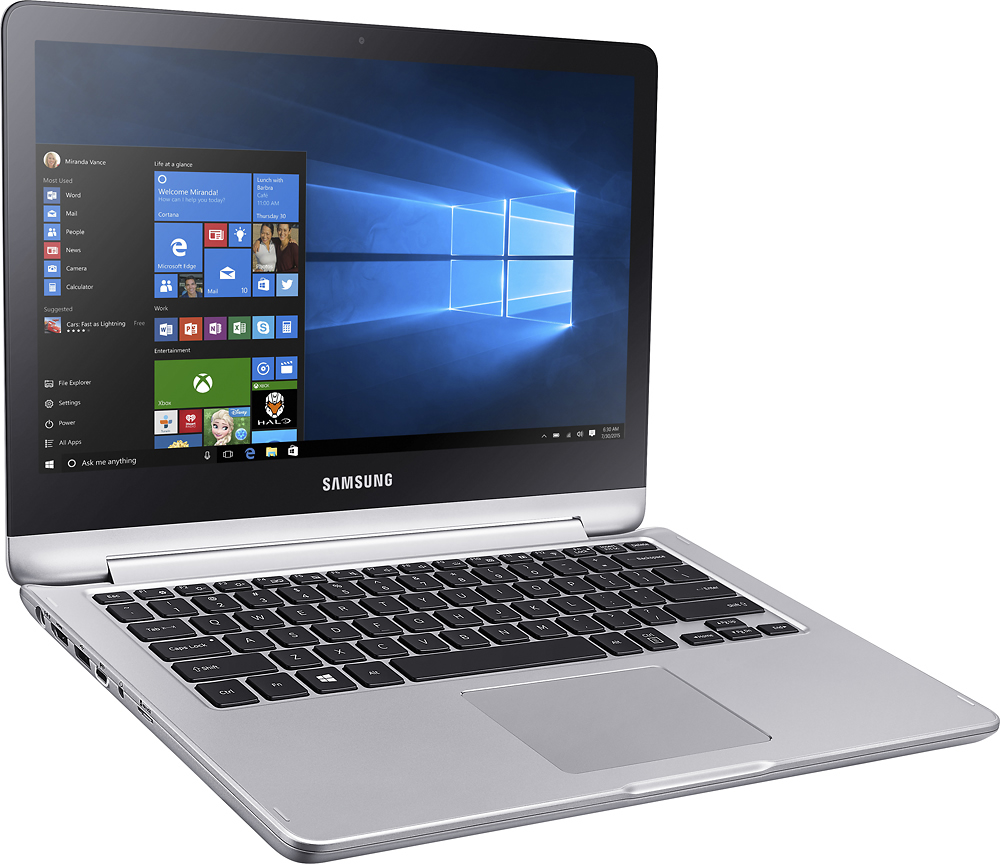
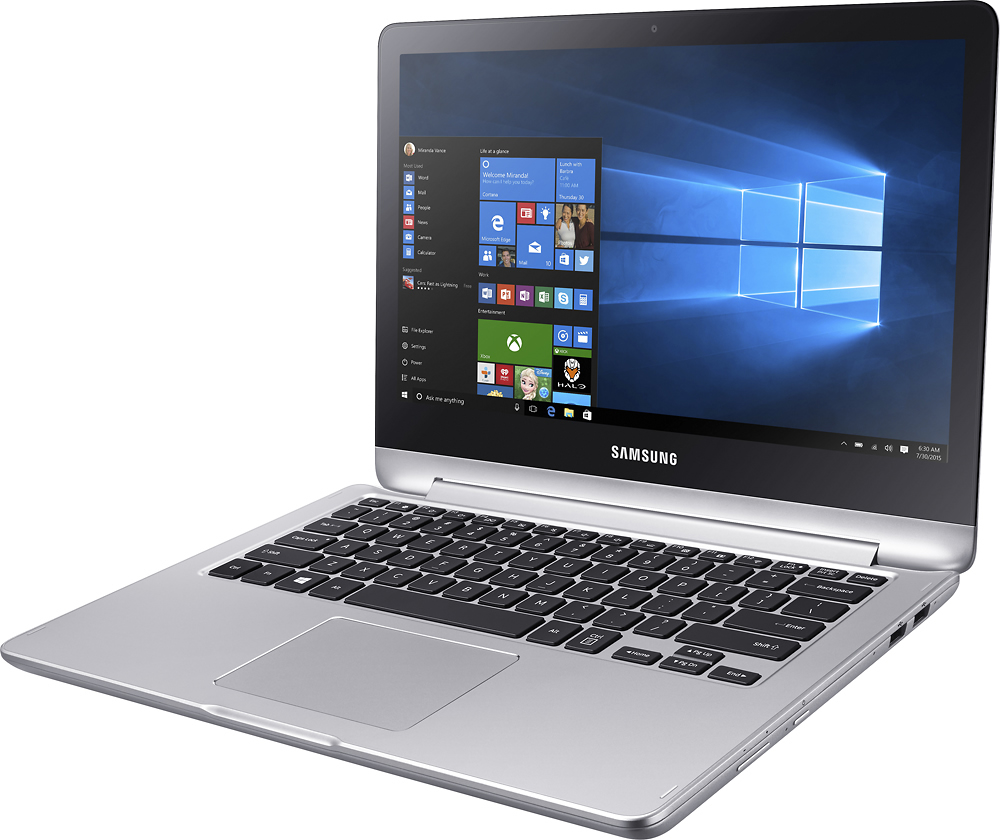
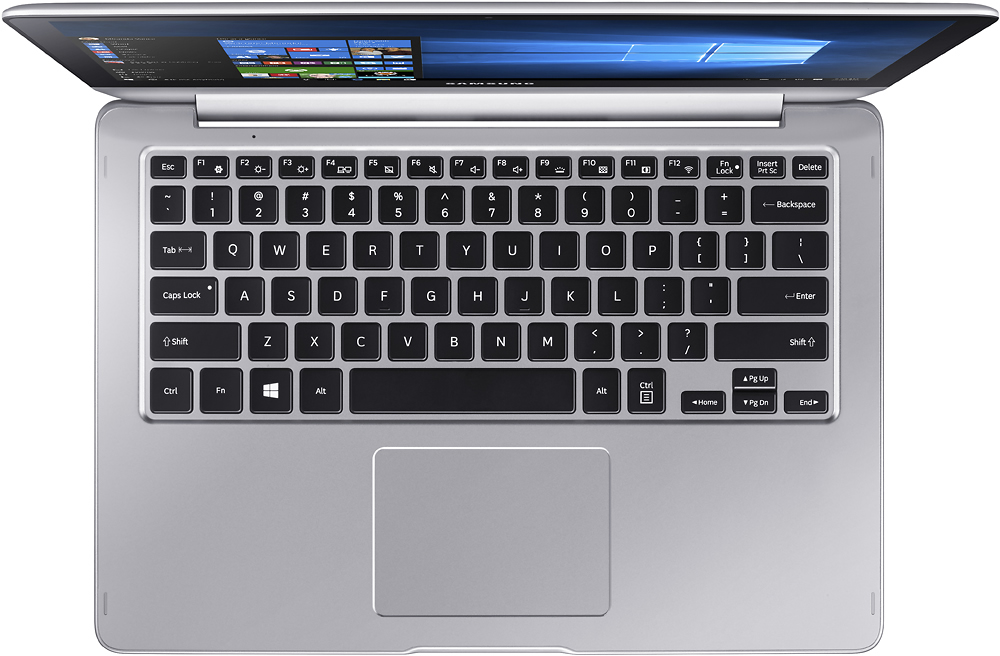
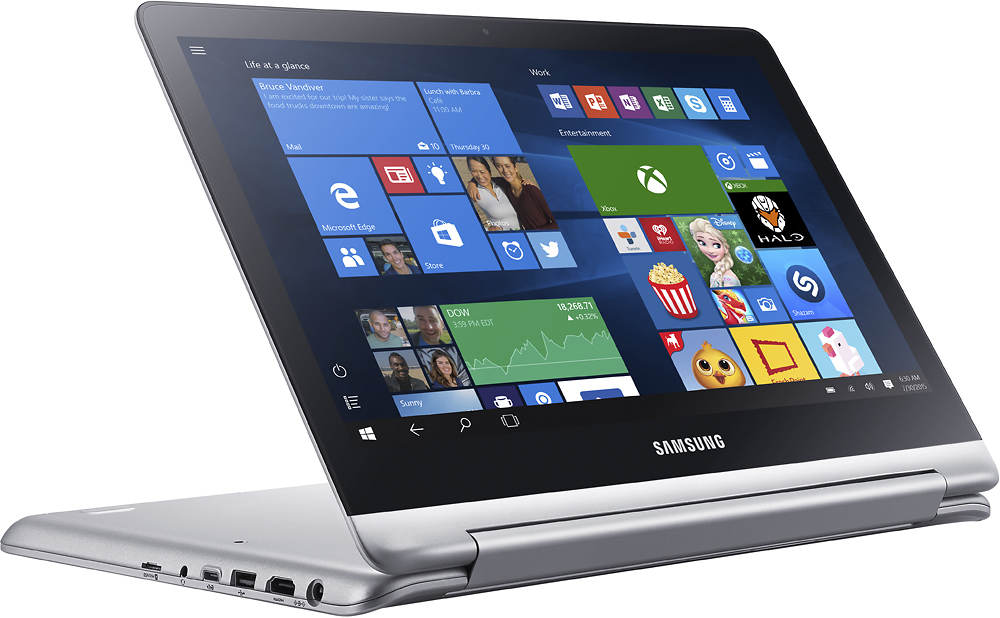
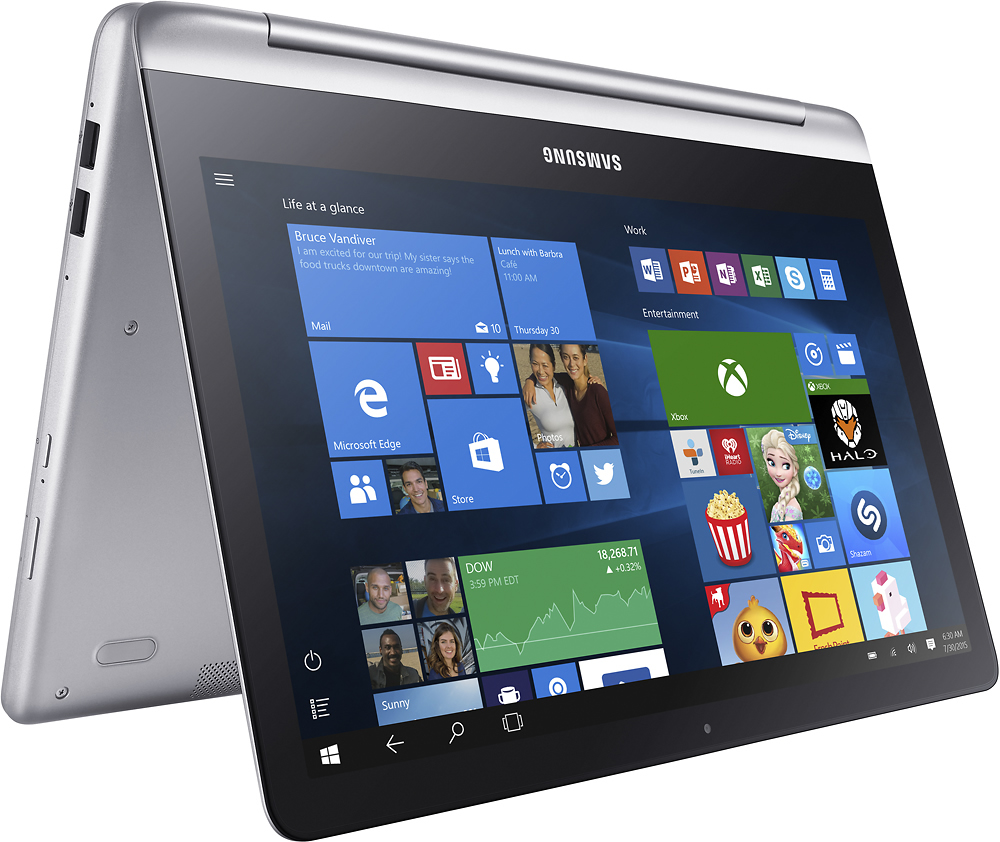
A:Answer The real answer is NOT ANY PEN WILL WORK. There are several pens that work differently with touch screens and devices. In the case of this laptop which I own. The wacom bamboo does not work since it's not compatible. The only thing that works is the button on the top of the pen that starts some of the drawing applications but besides that, it does not write in this device. There are active pens and capacitive pens, the capacitive pens are the ones that should work with any touch screen or at least the majority of the touch screens and devices since it does not require a special software. However I just tried one of the adonit pens and it just doesn't work. This is actually interesting since the capacitive pens should work like a normal finger does however this machine seems to have a really incredible capacity to not read any smart pens. I have contacted samsung and the answer that they have is that the samsung notebook 7 spln is not compatible with any of the smart pens that they know or have at their disposal. I will continue searching for options but in the mean time I will only use one of my fingers to use the touch screen.