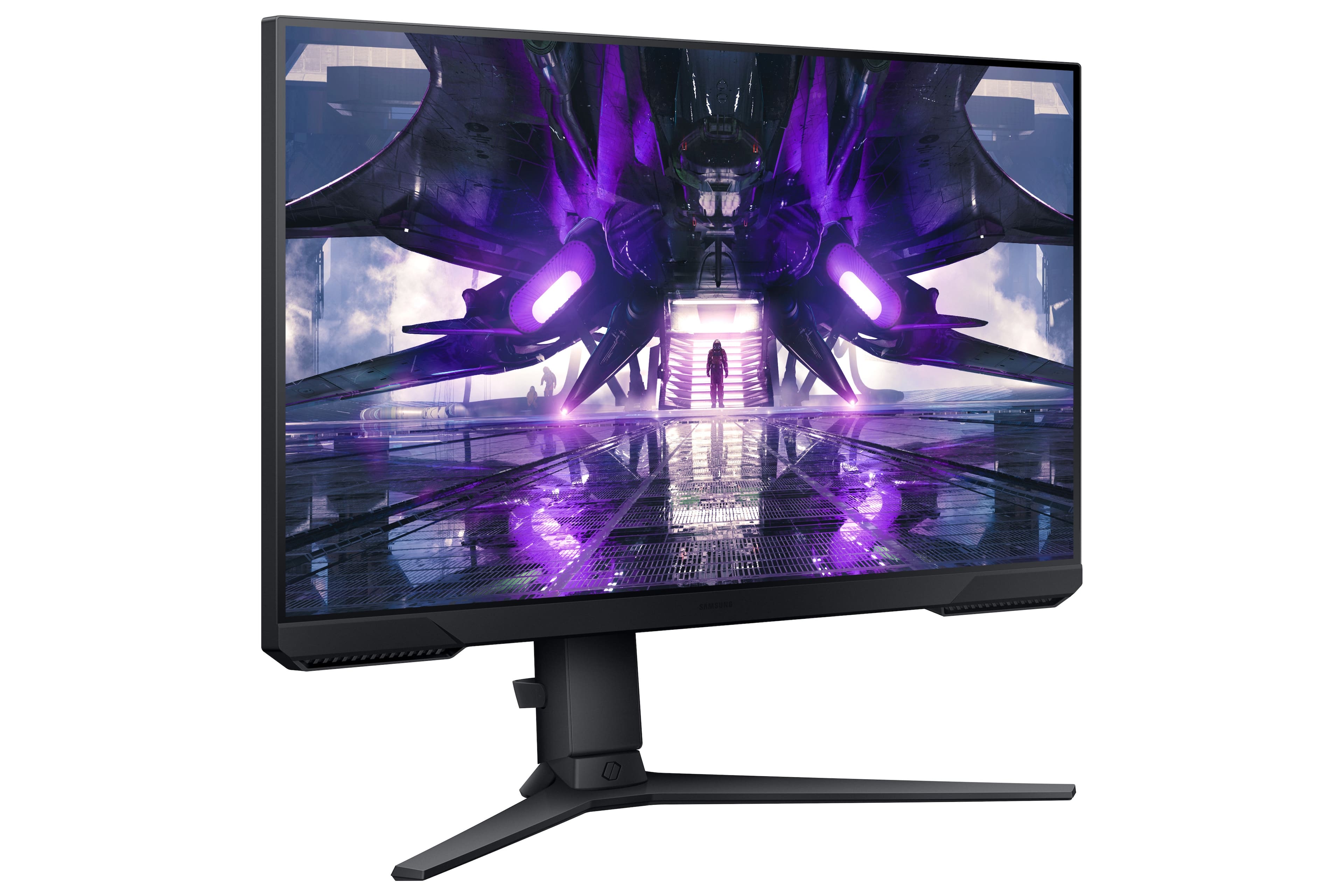
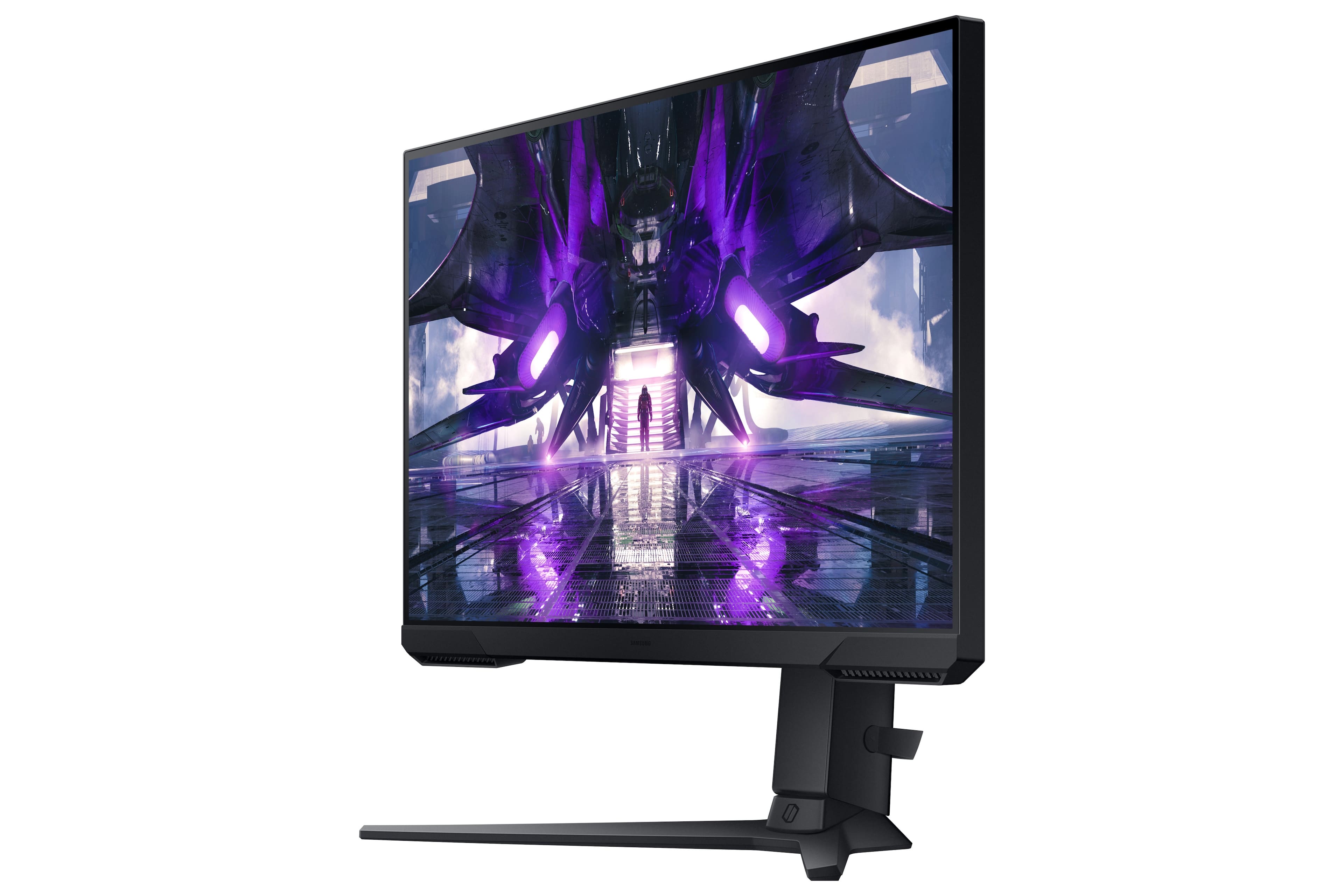
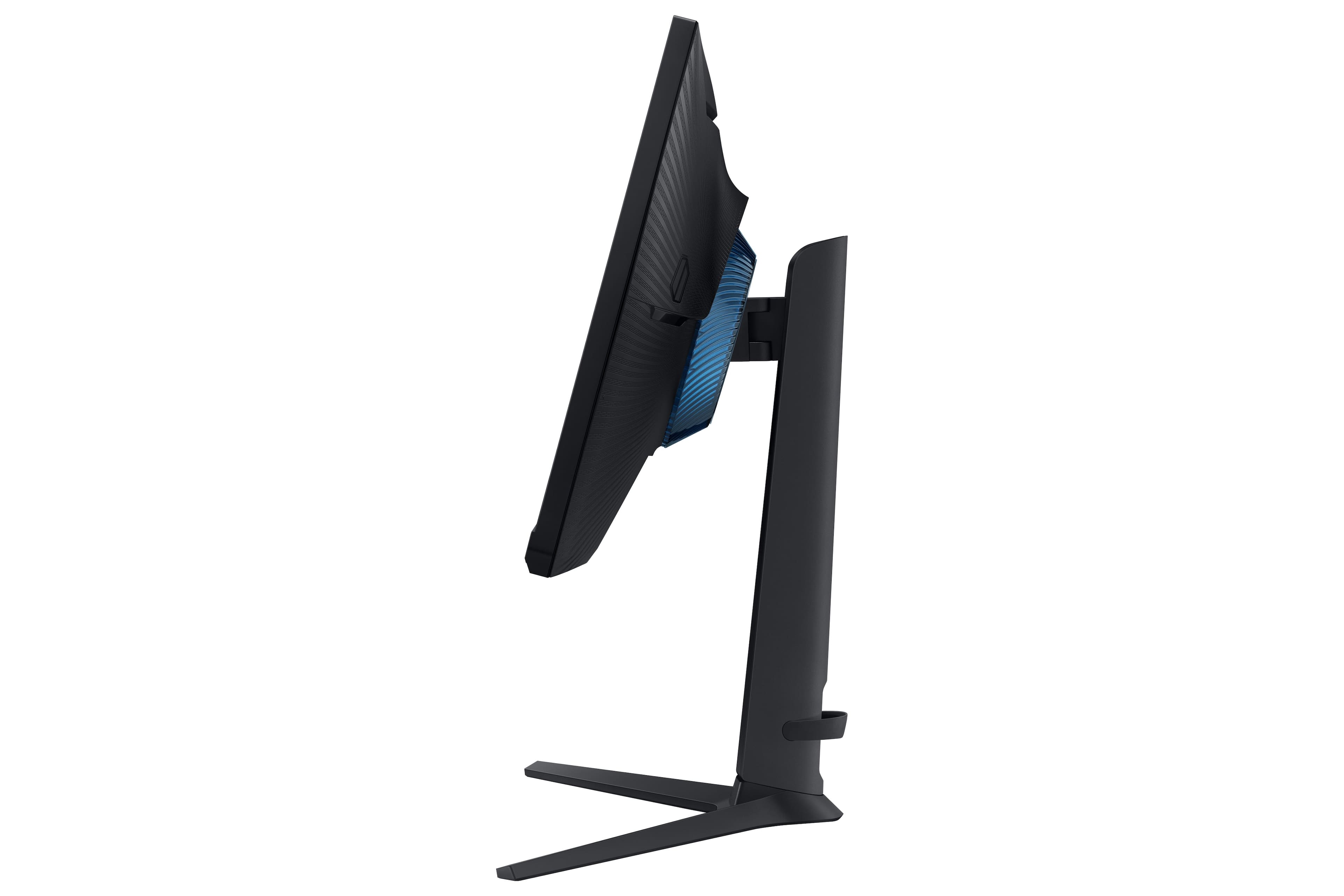
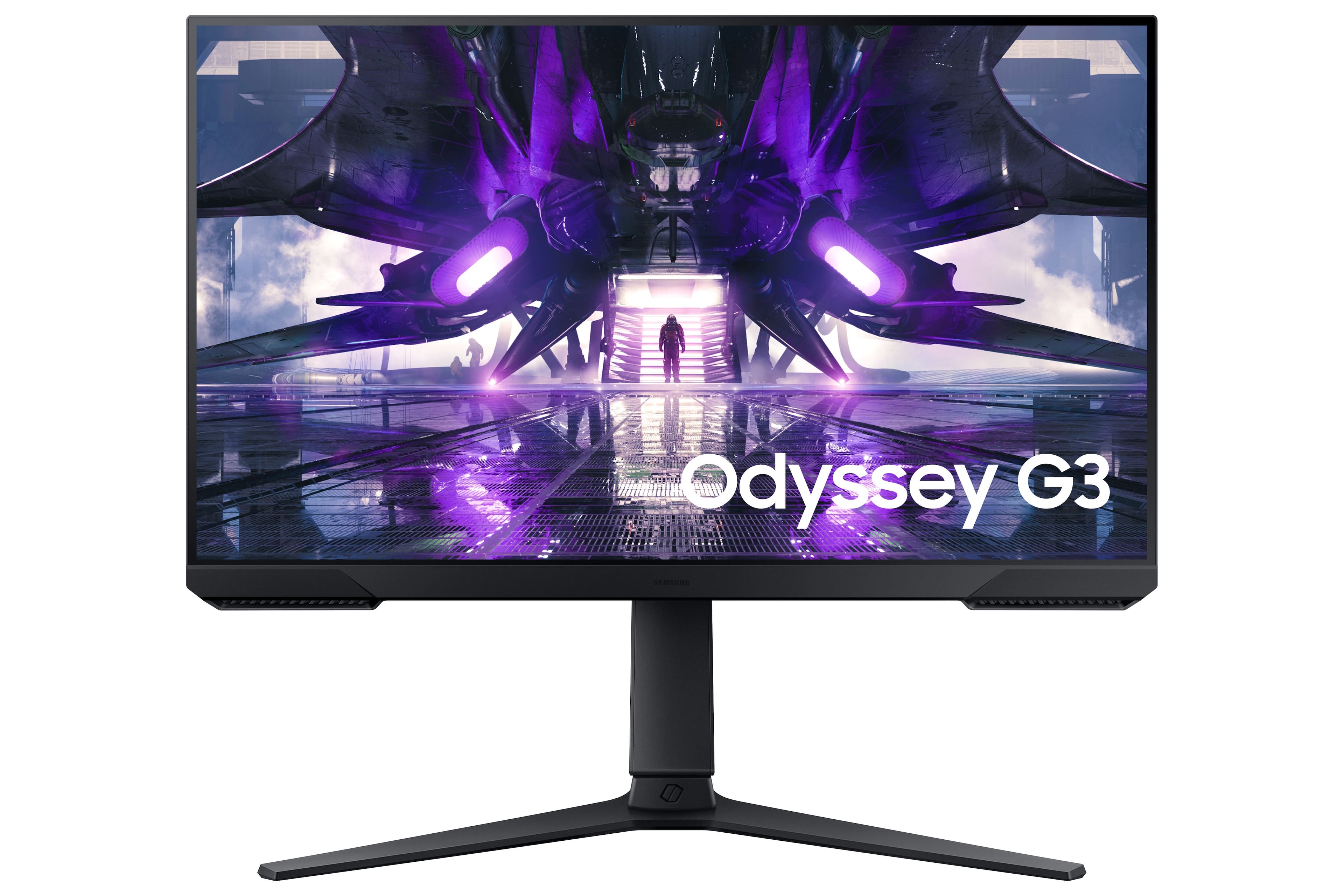
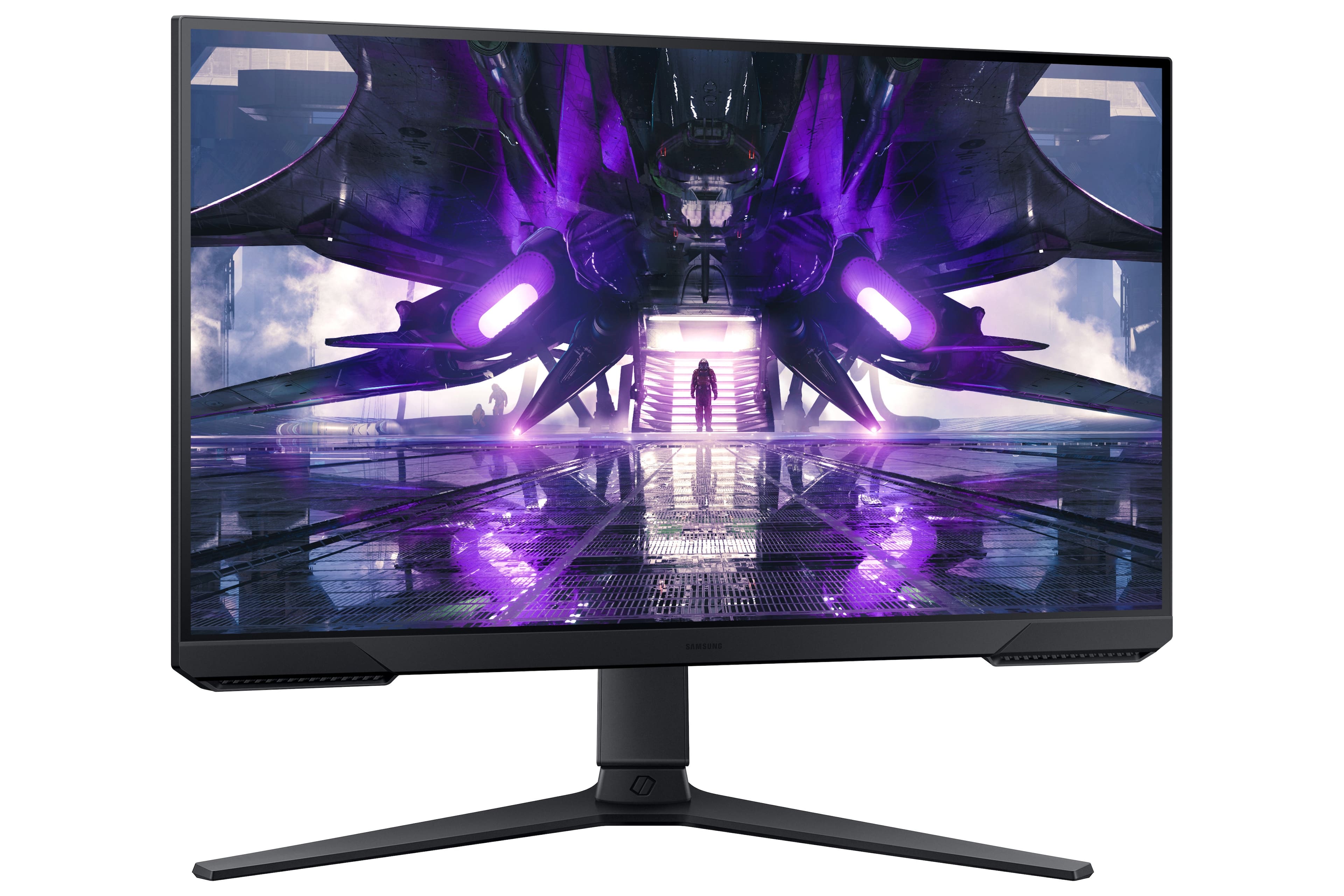
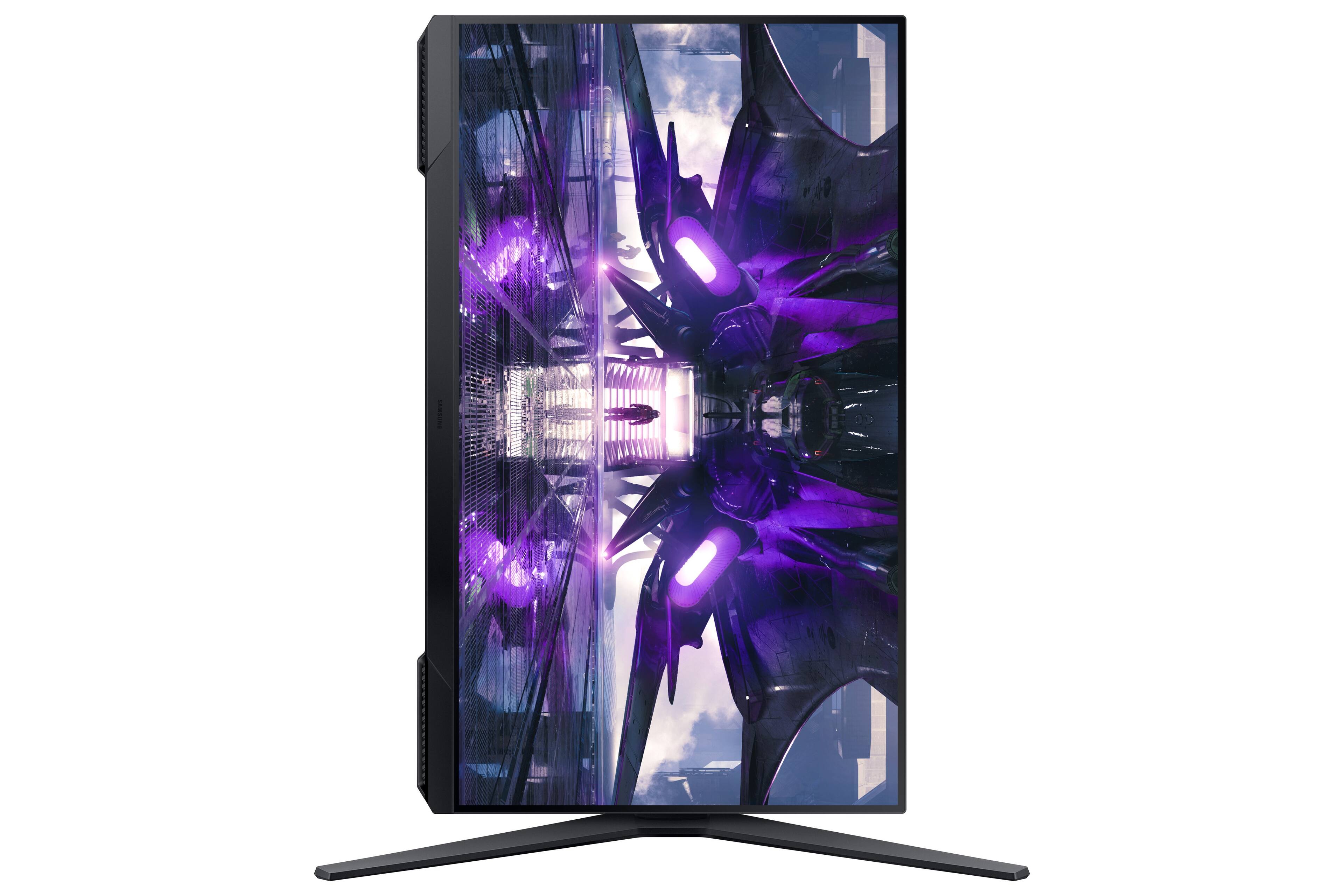
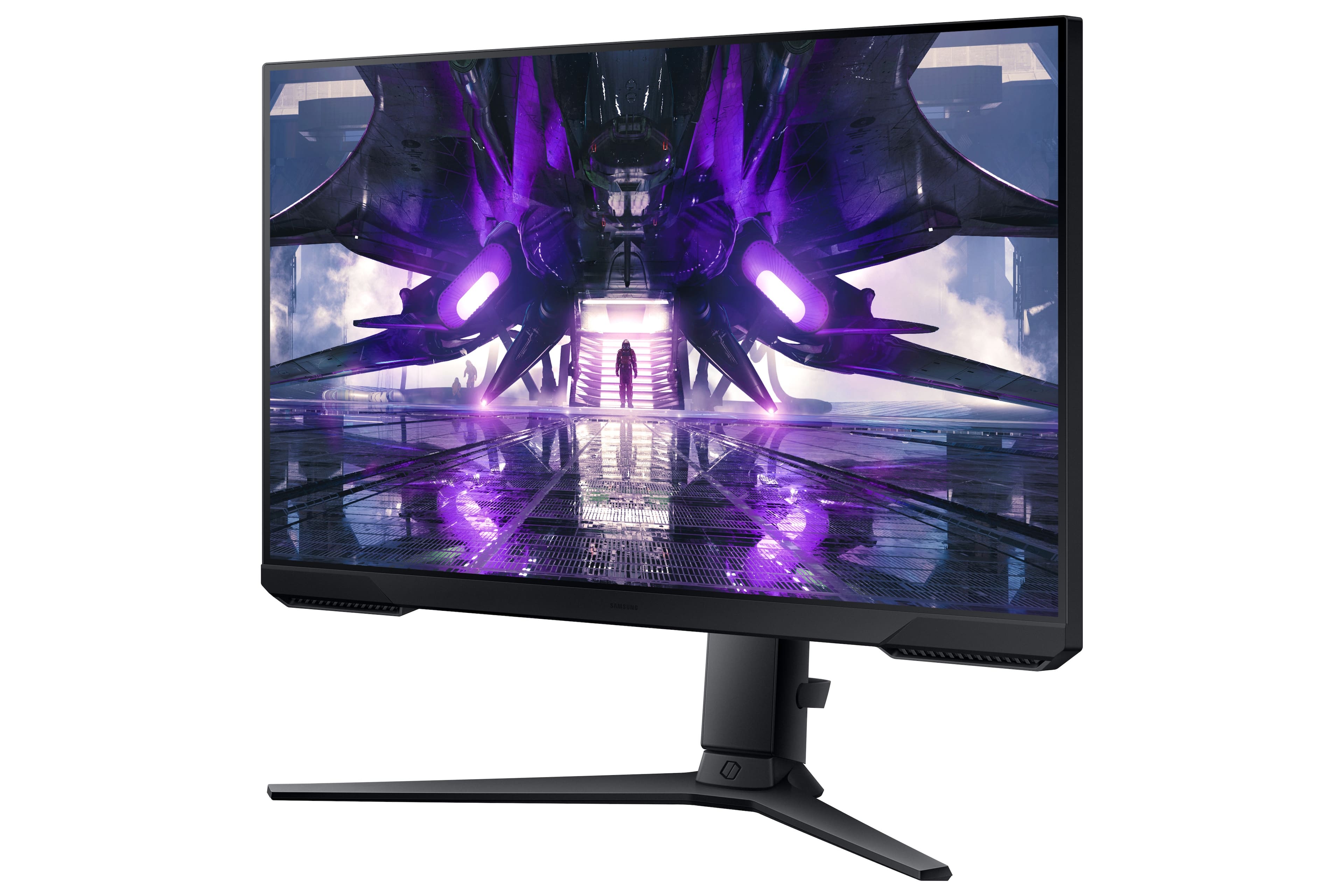
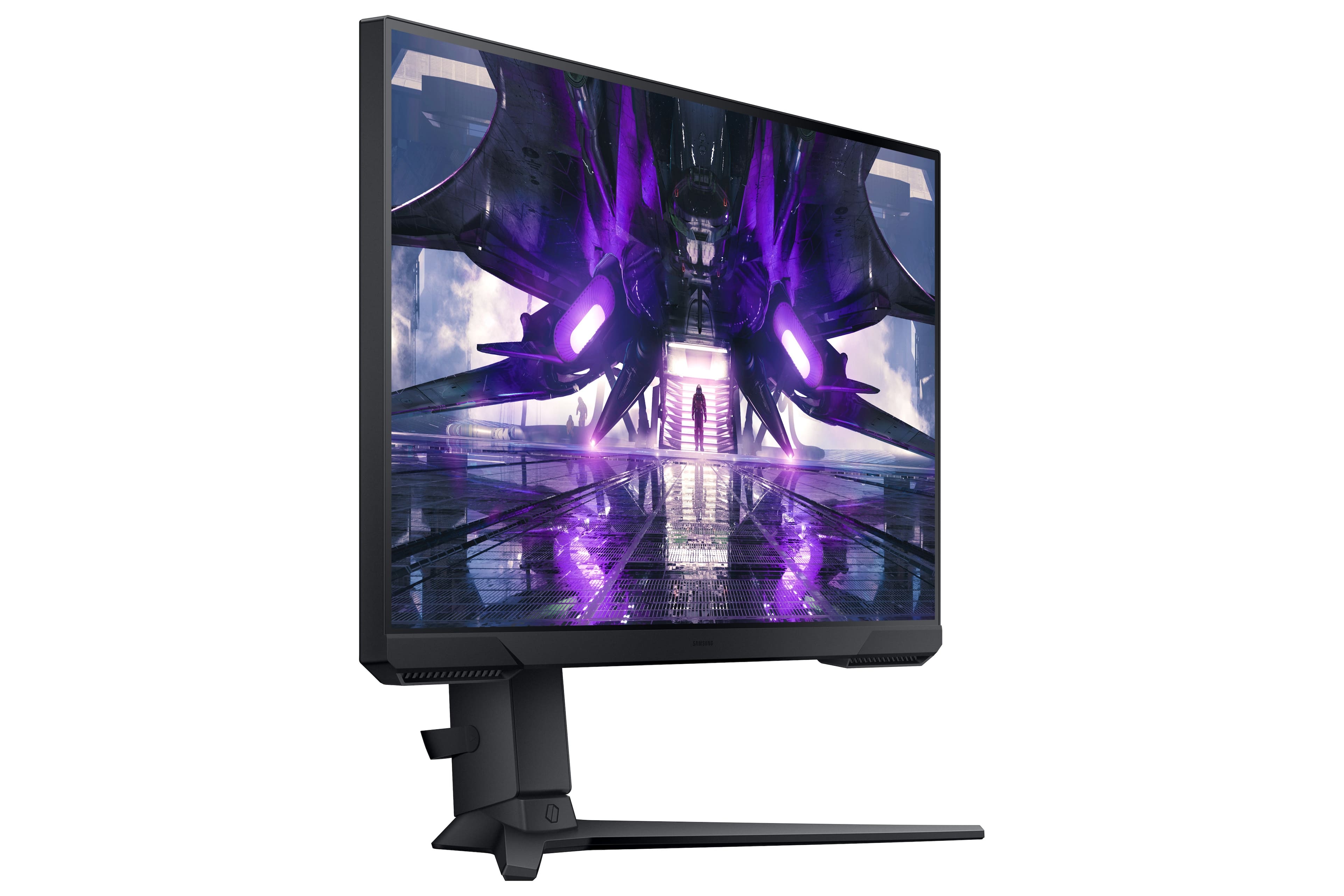
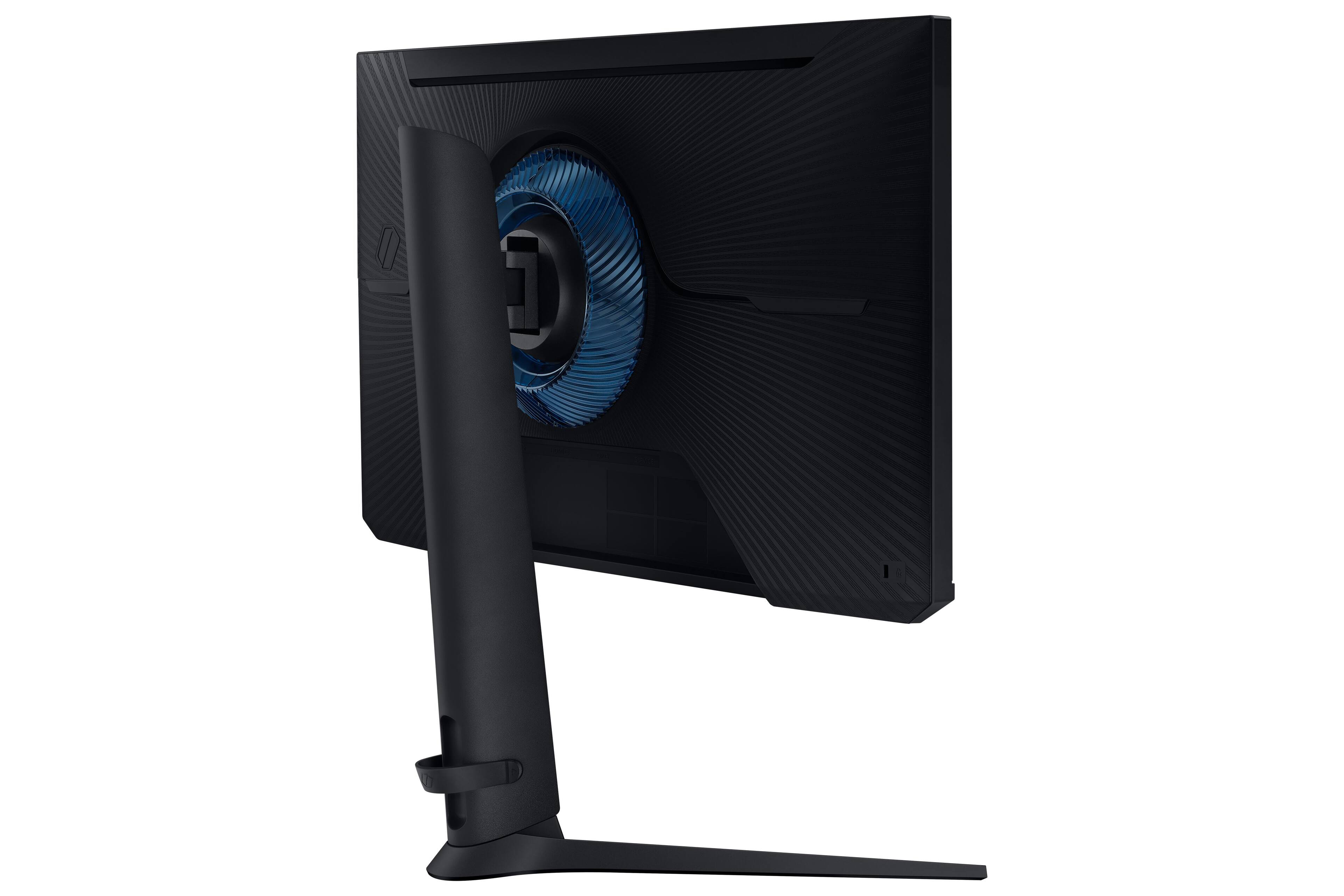
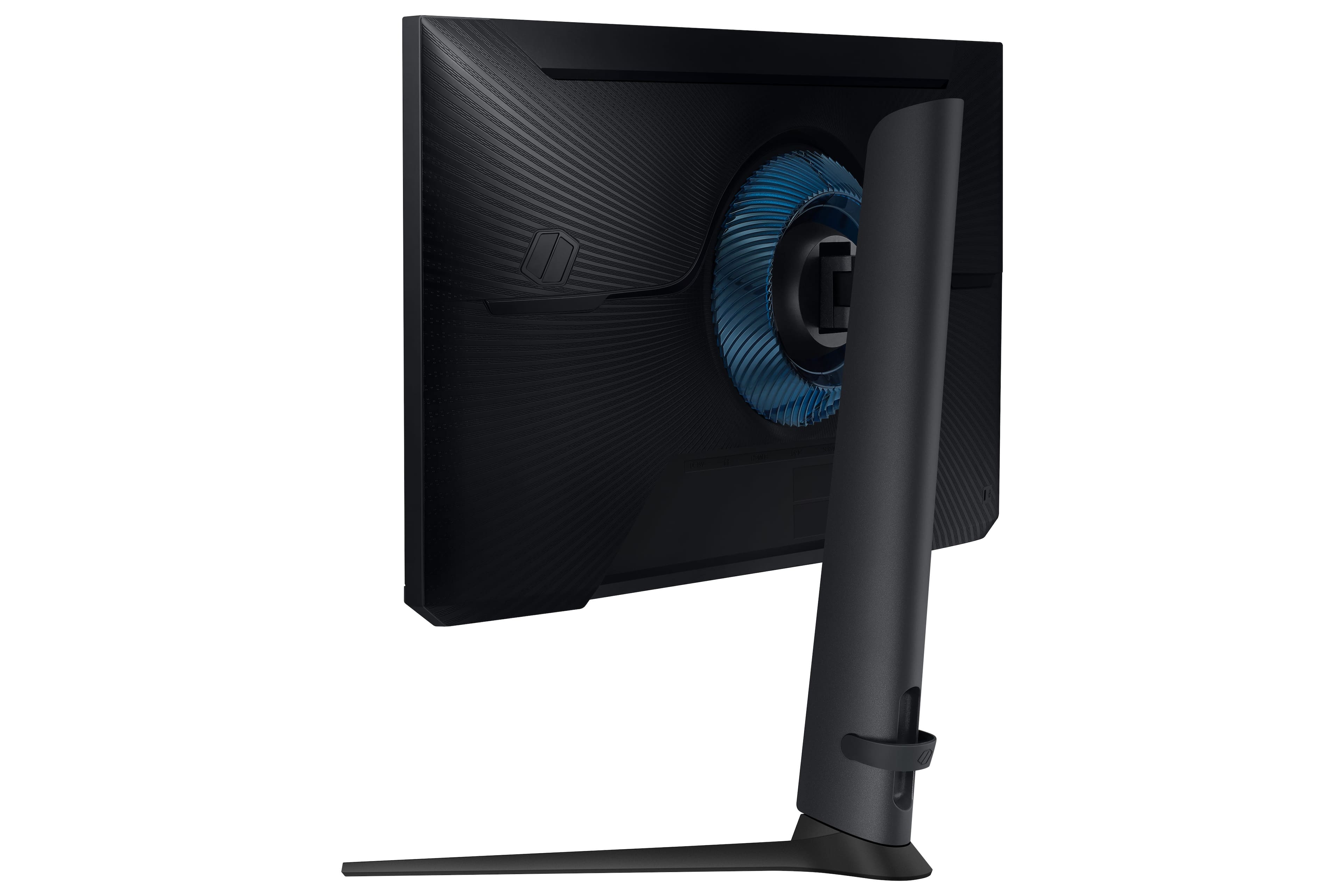
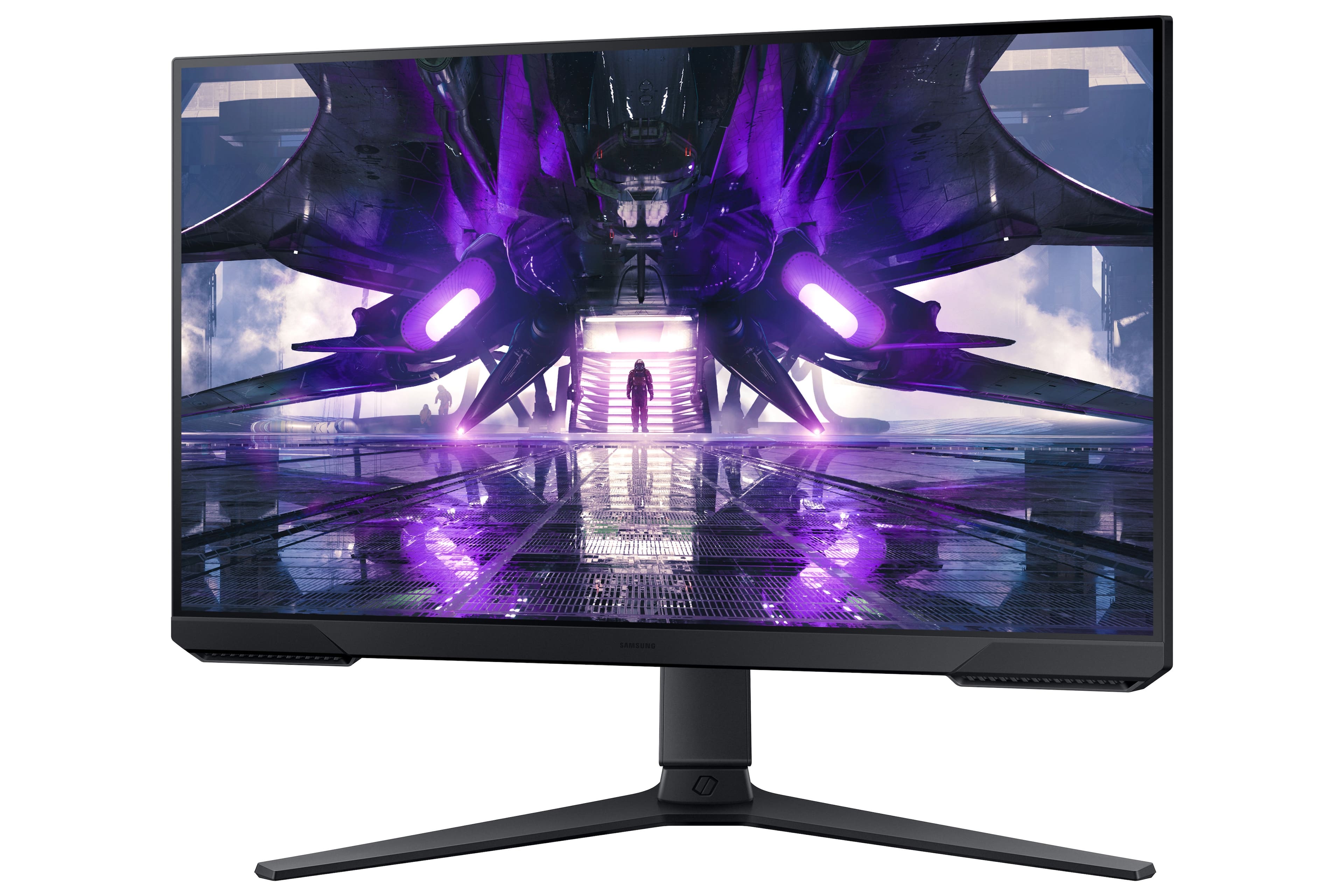
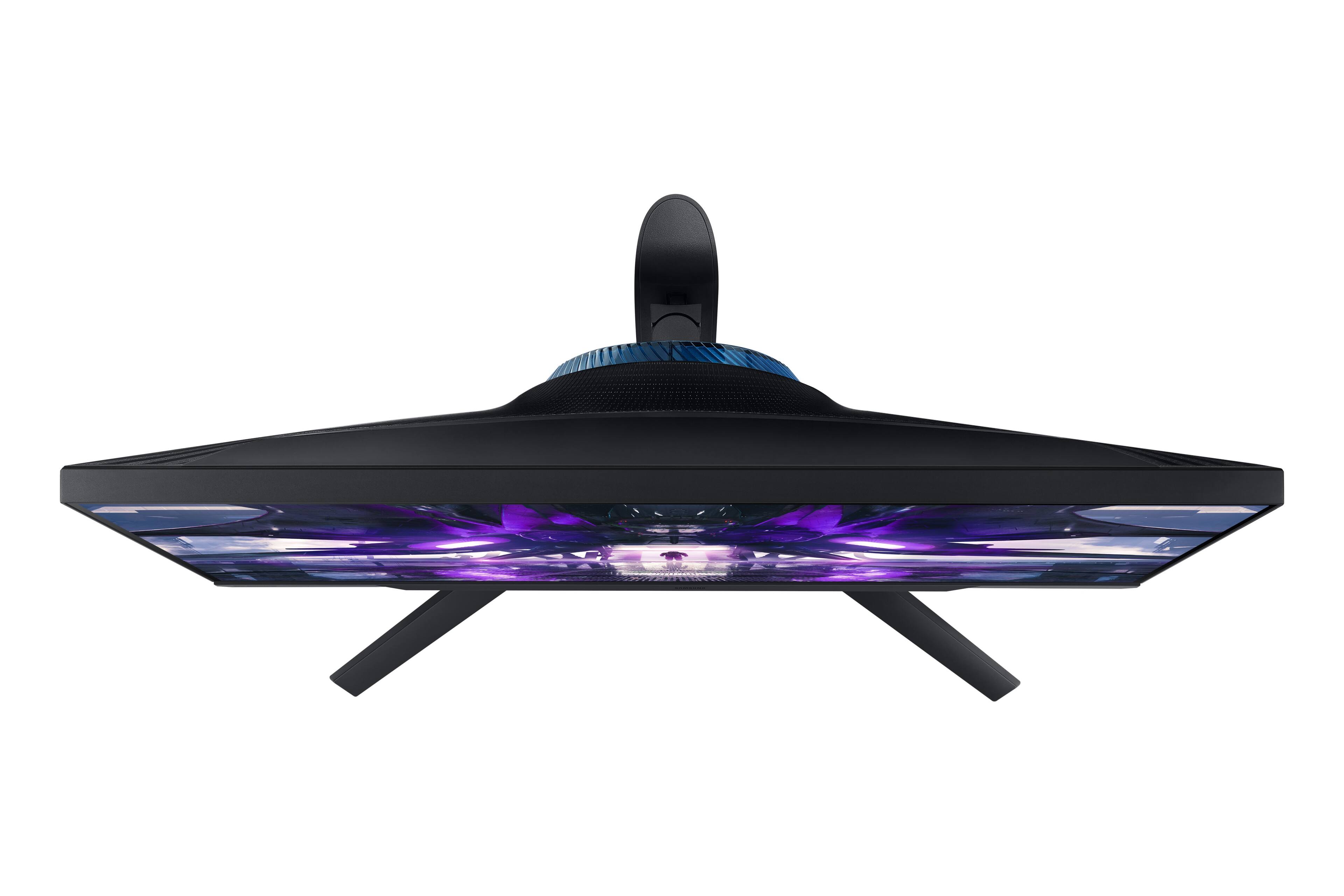
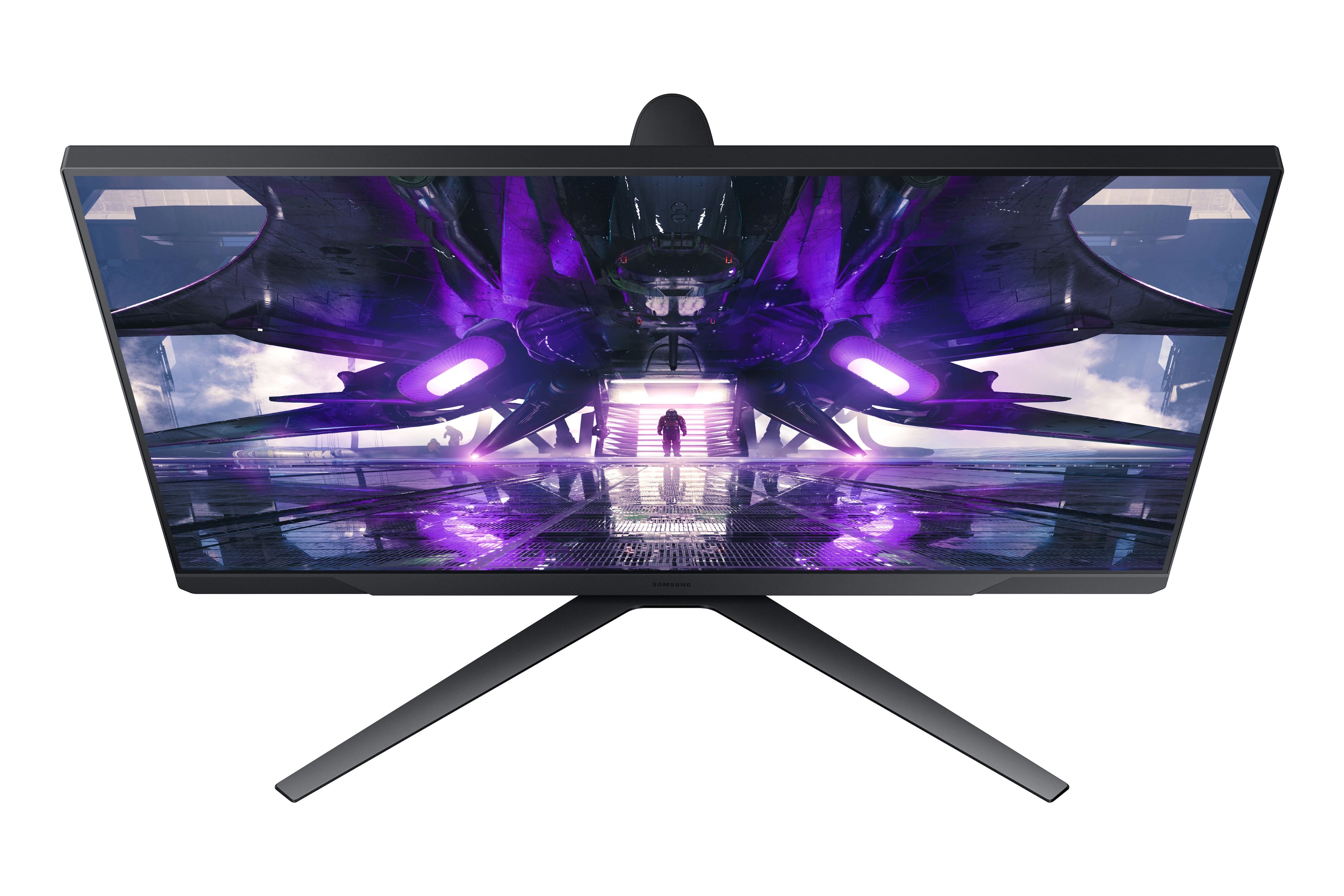
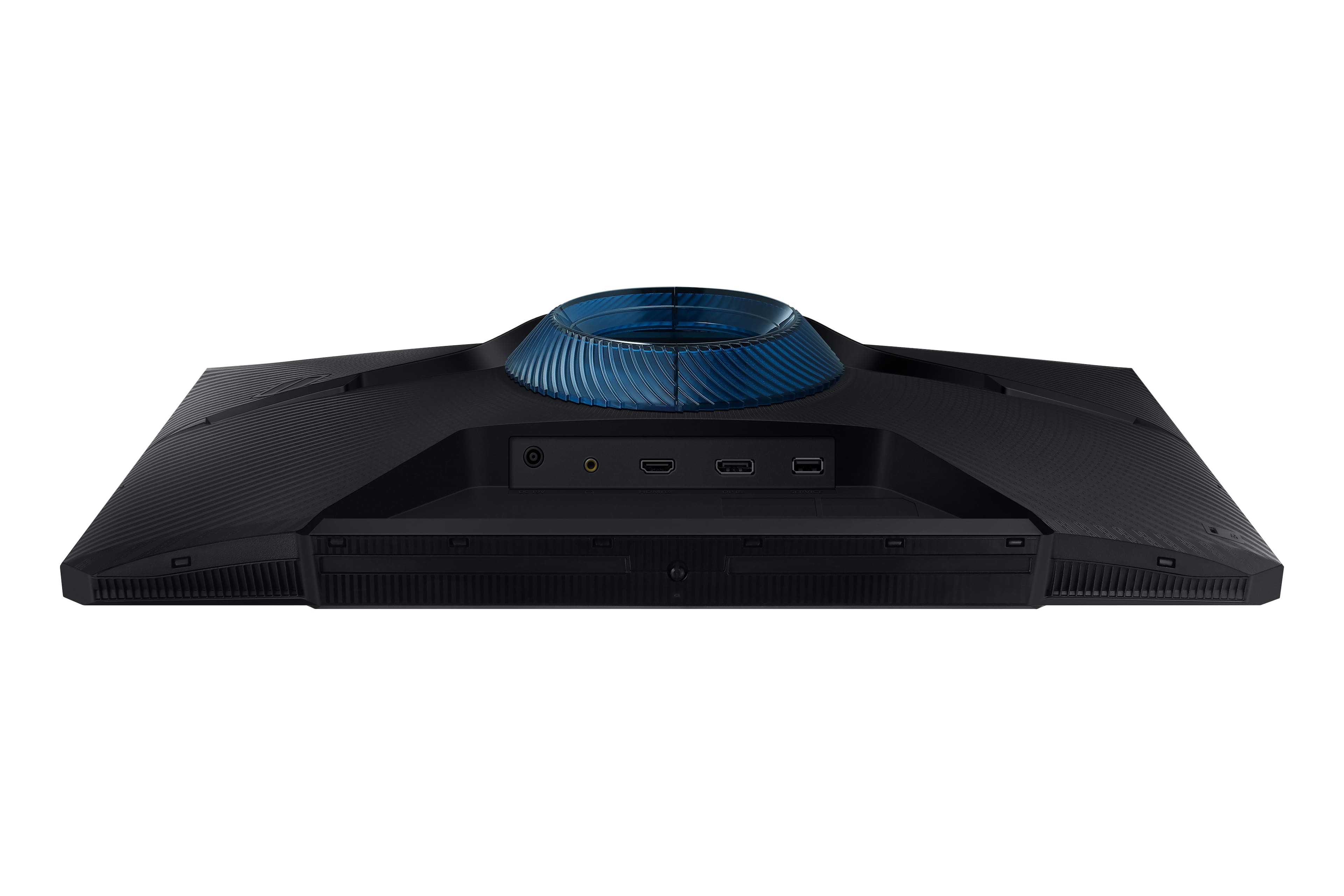
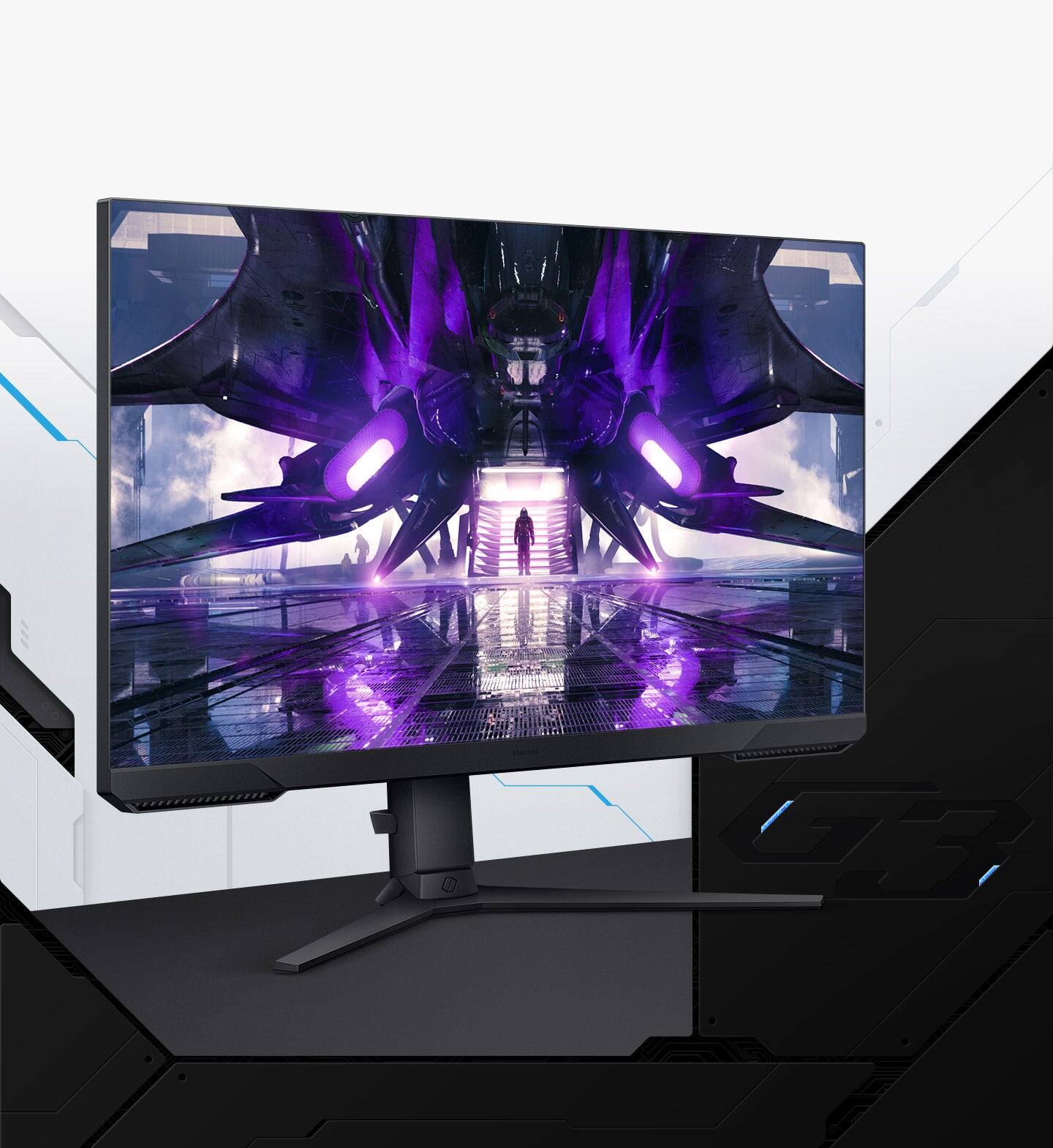
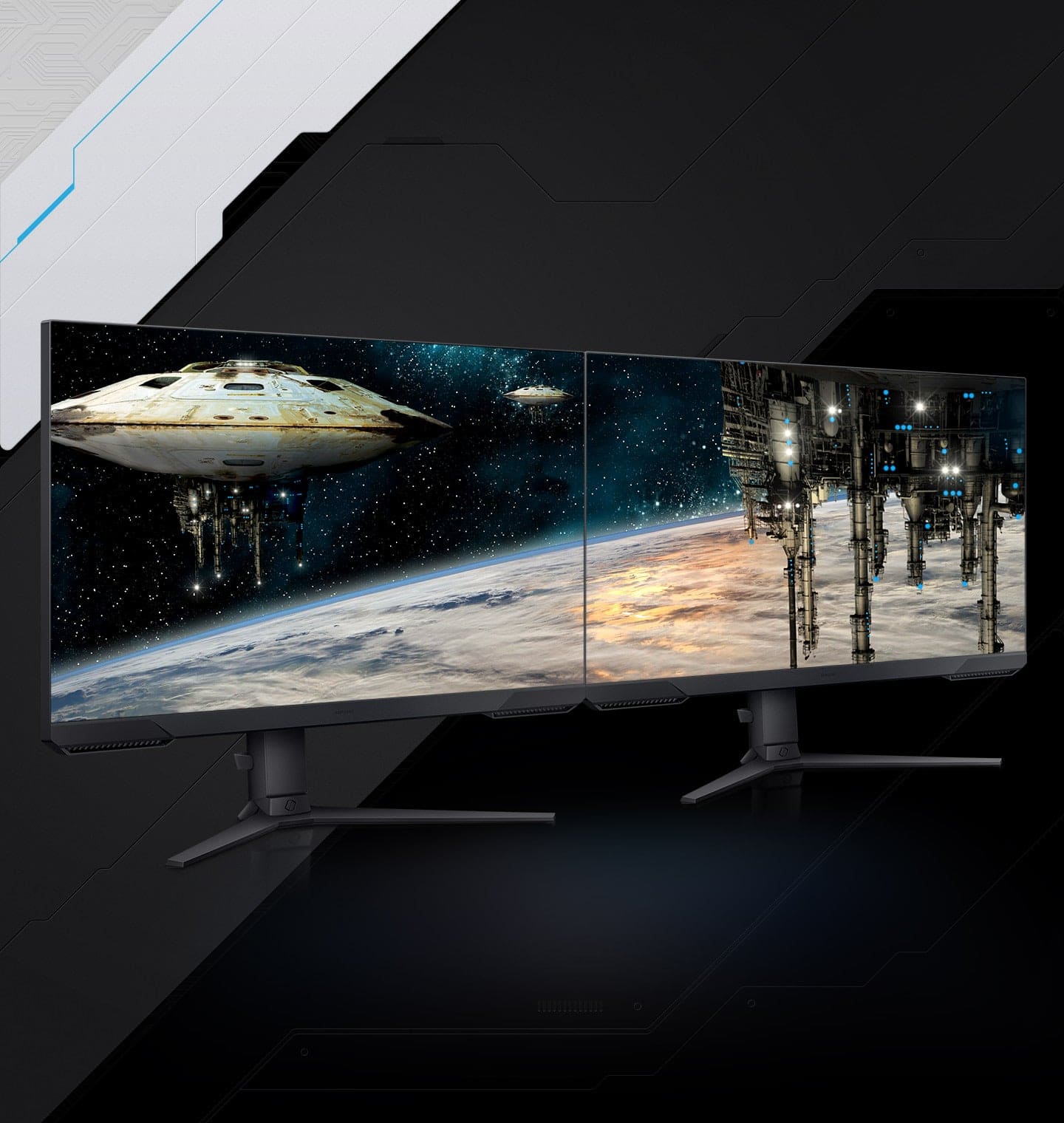
A:Answer it should. "Connect the monitor to your MacBook Air using a display cable or wirelessly using AirPlay.
Adjust the display settings to use it as an extended, mirrored, or primary display.
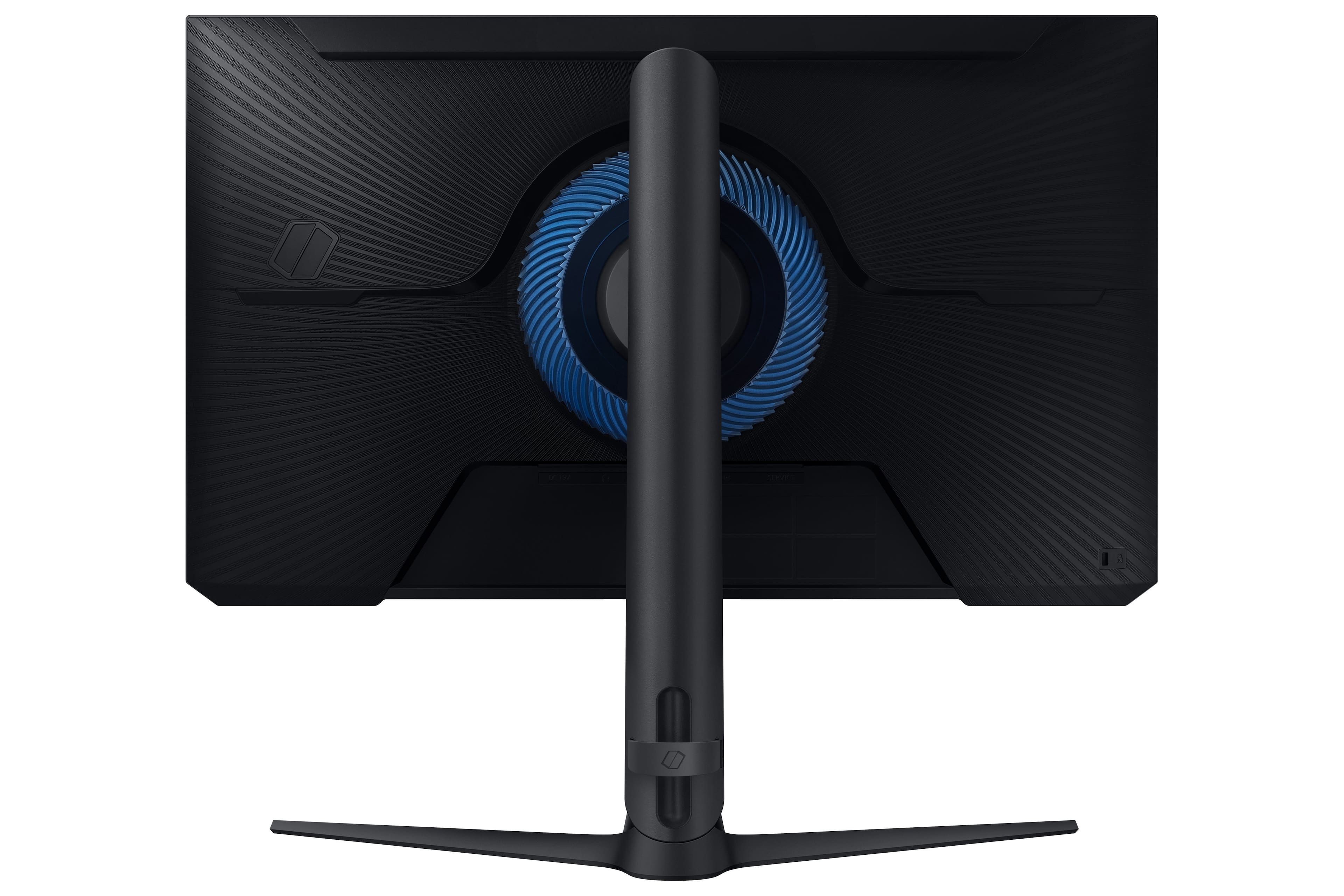
If you're using a display cable, make sure your MacBook Air supports the input type of the monitor.
If you're using a wireless connection, make sure your MacBook Air and the monitor are connected to the same Wi-Fi network." Results From Bing