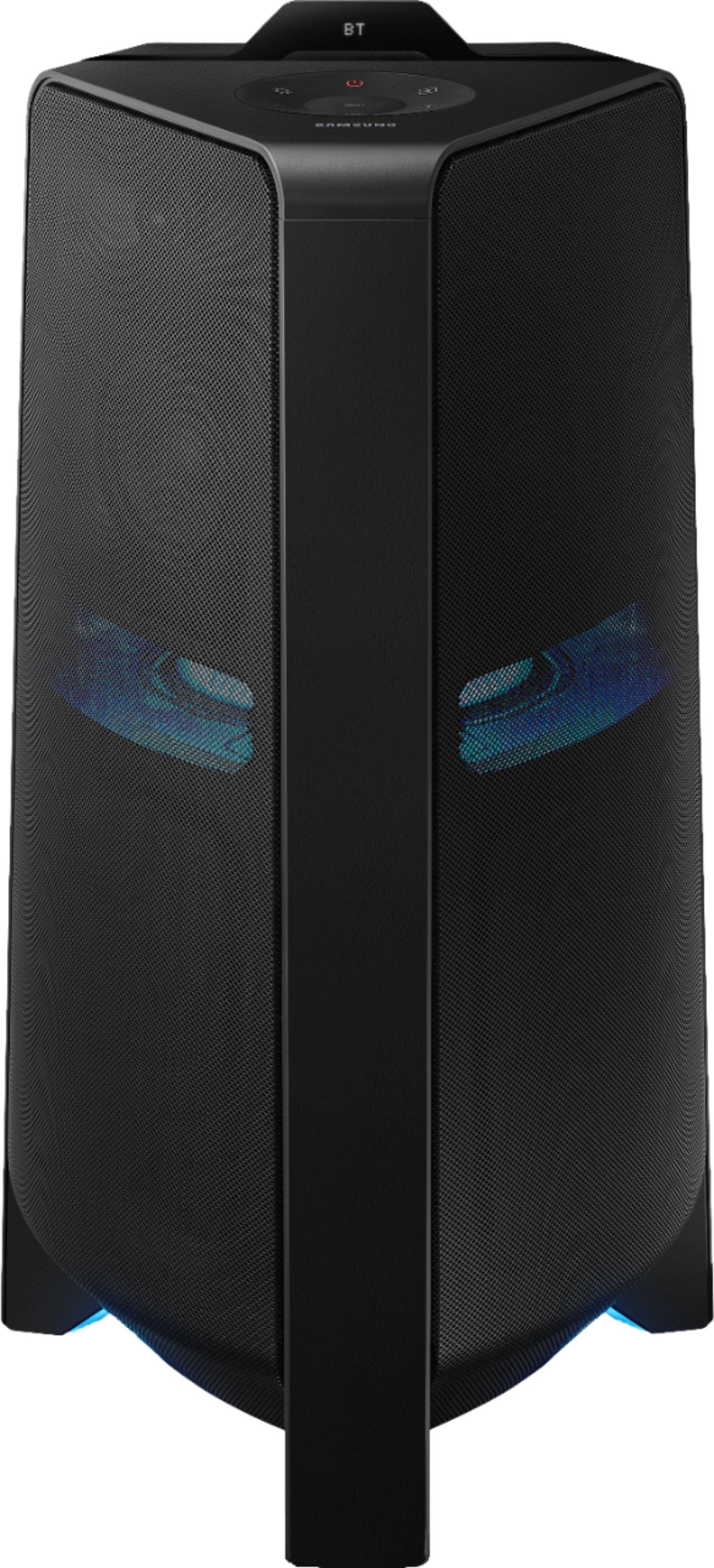
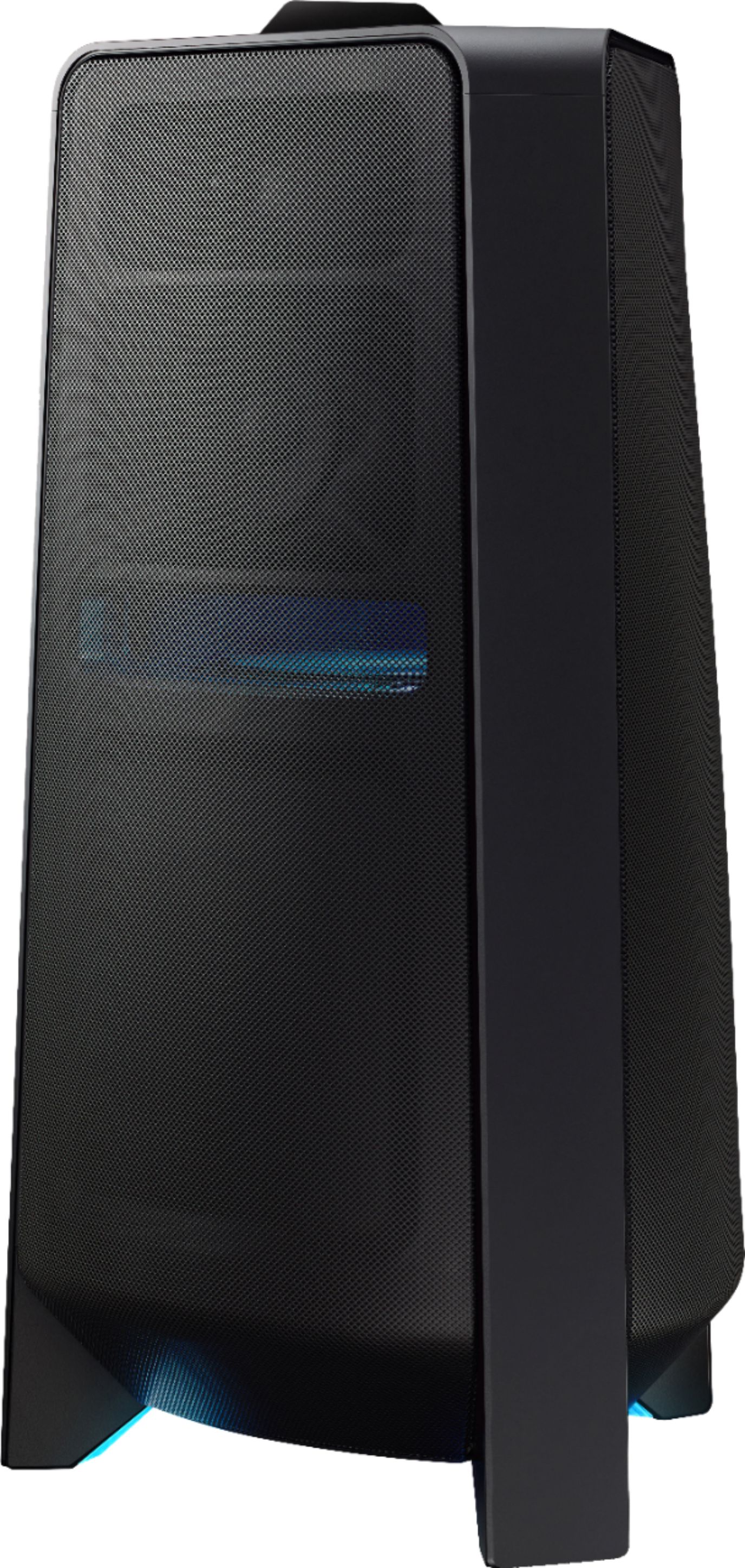
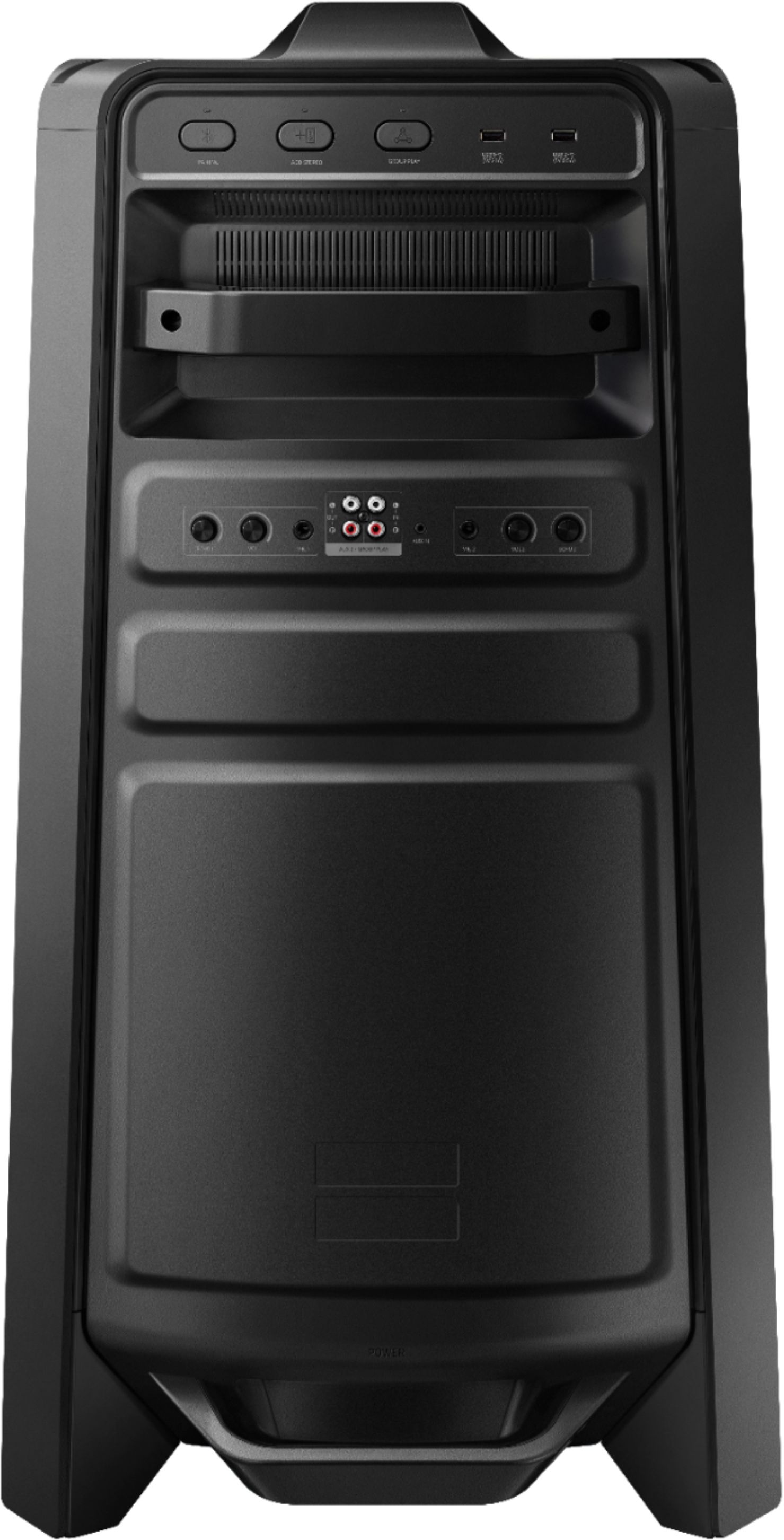
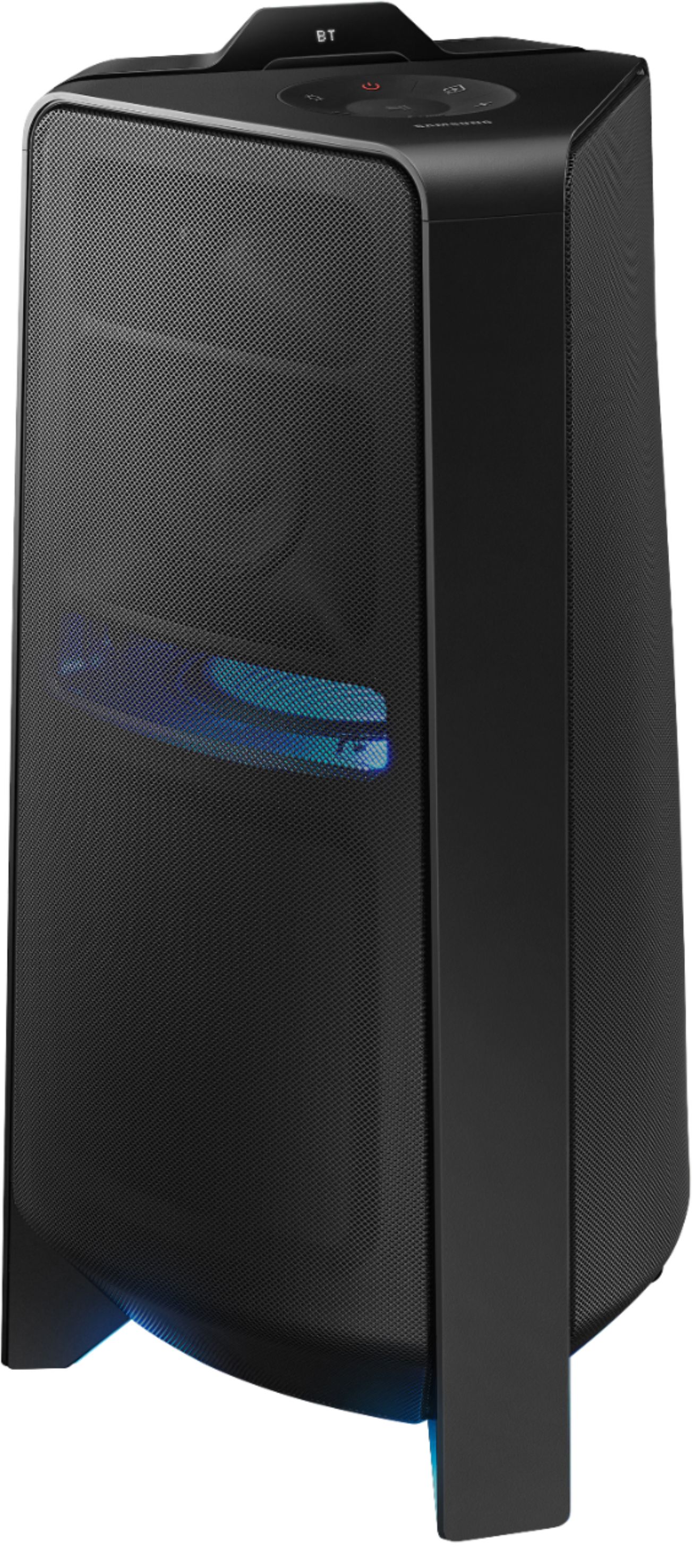
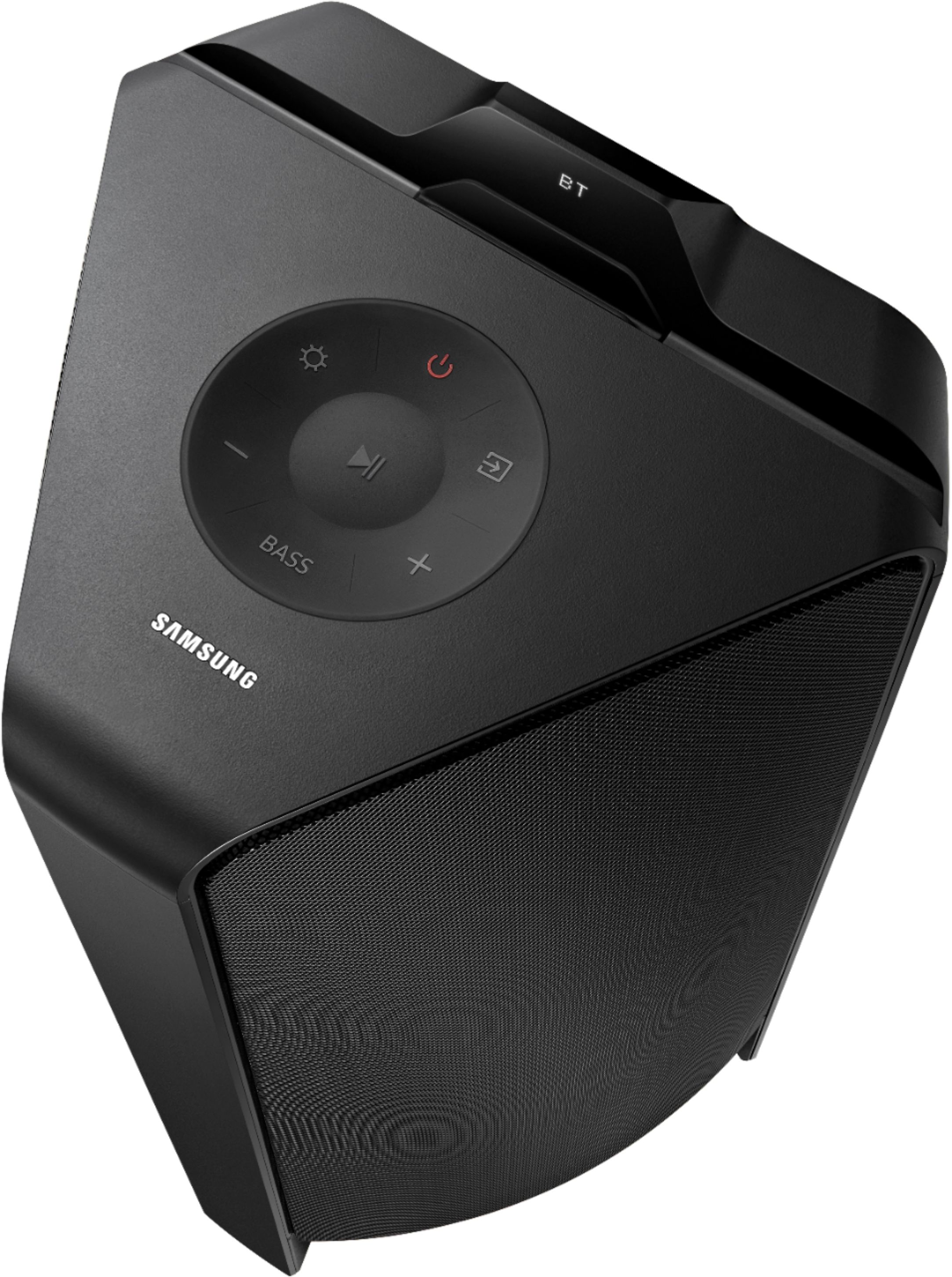
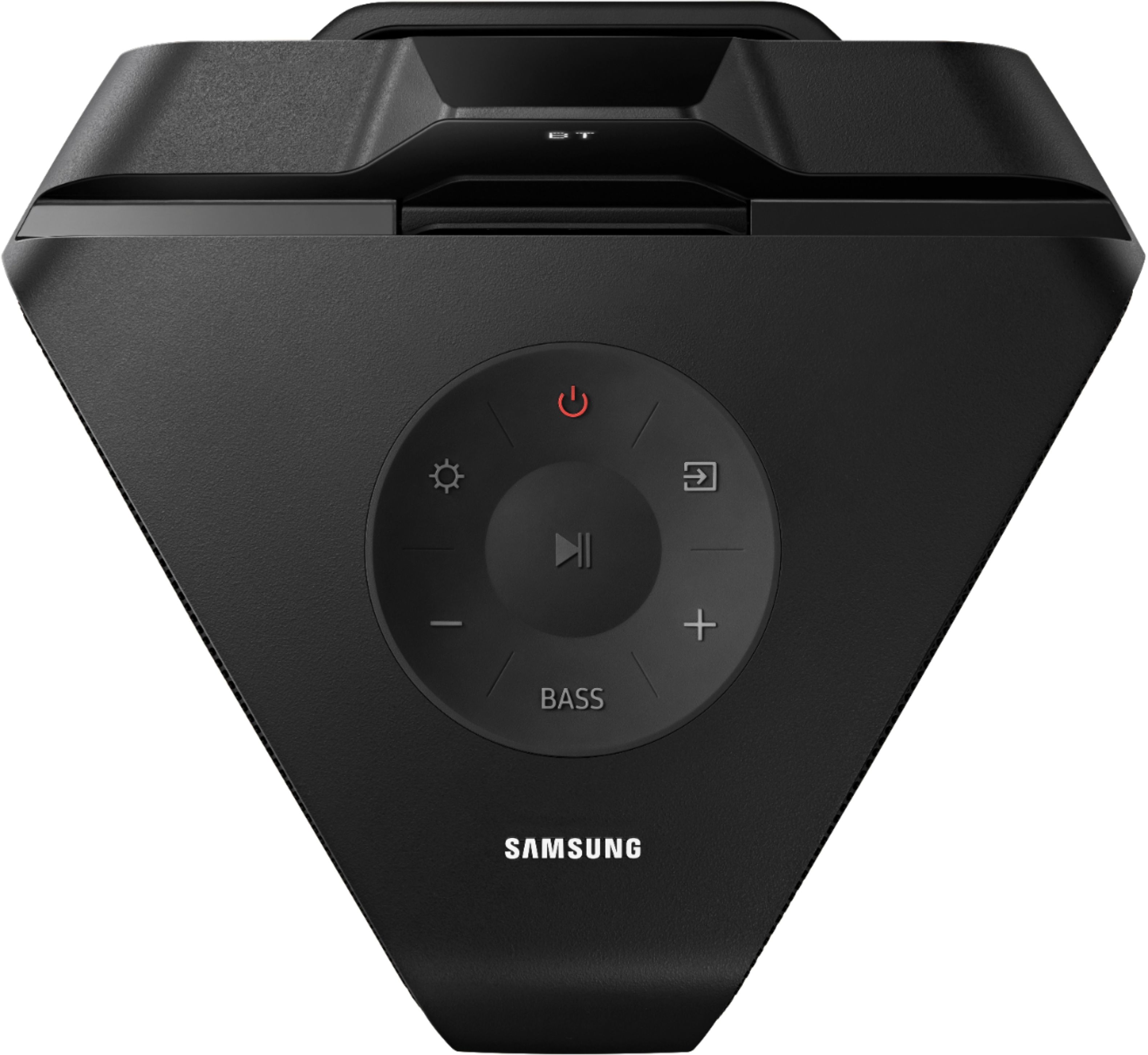
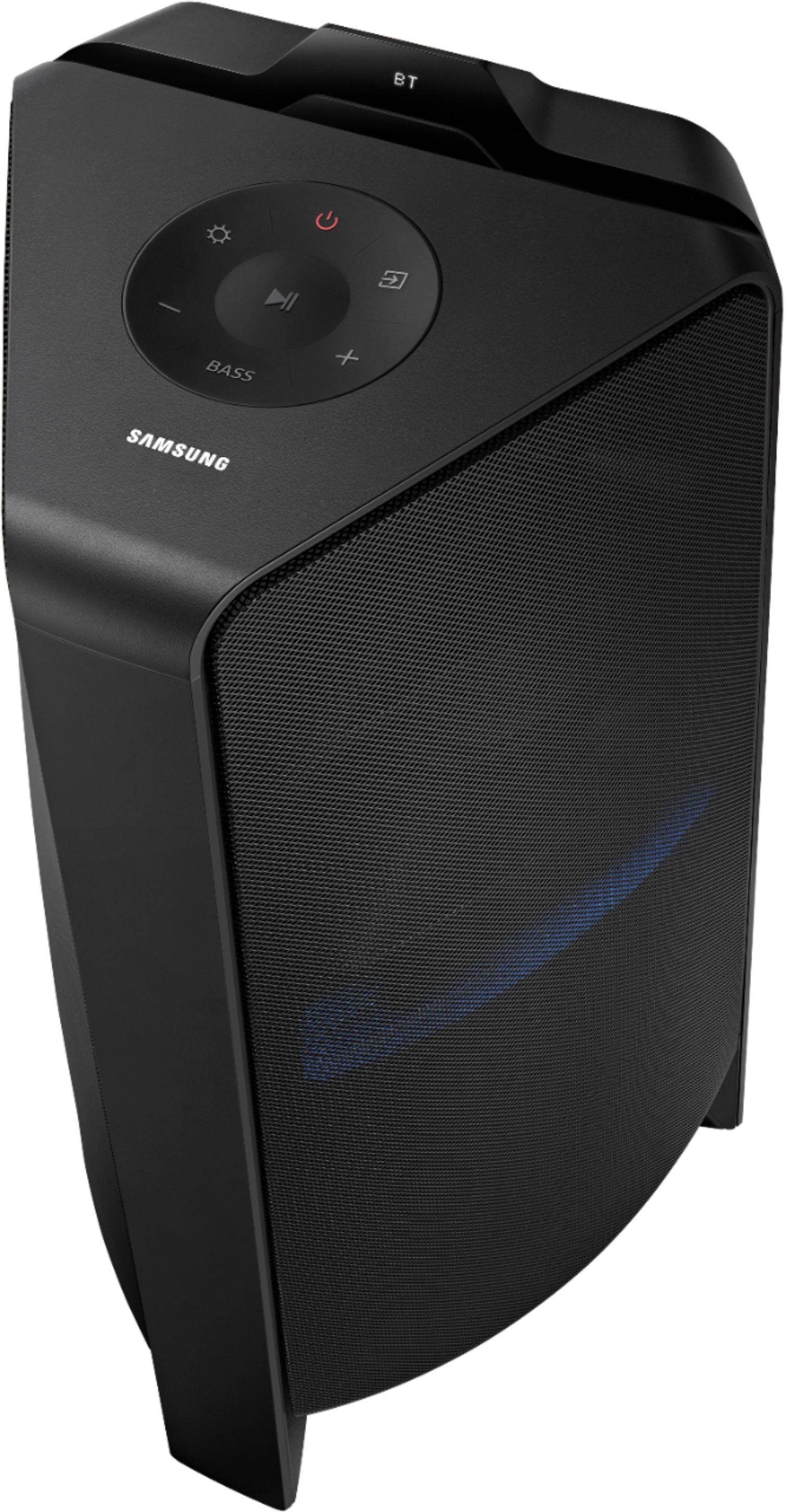
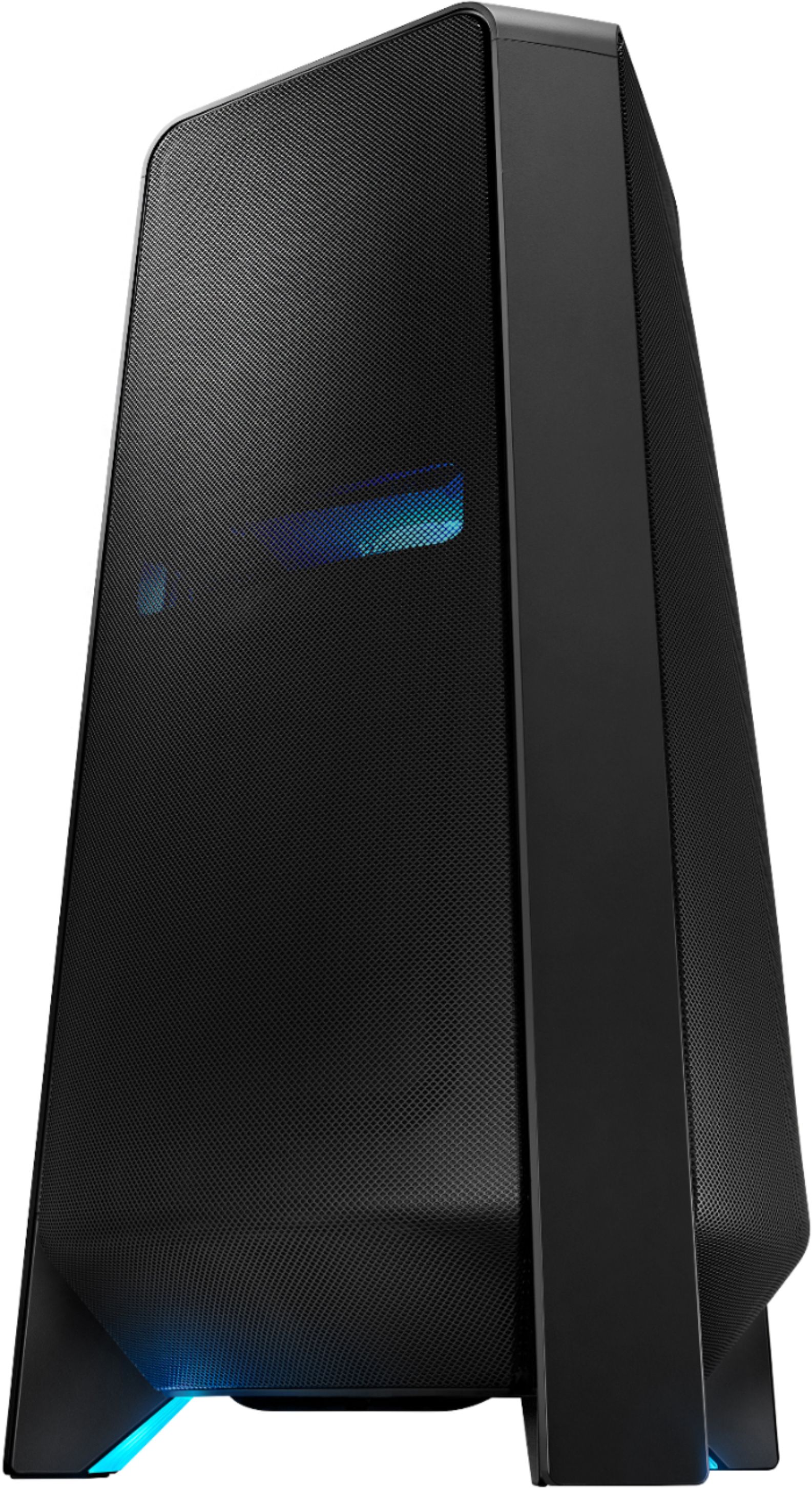
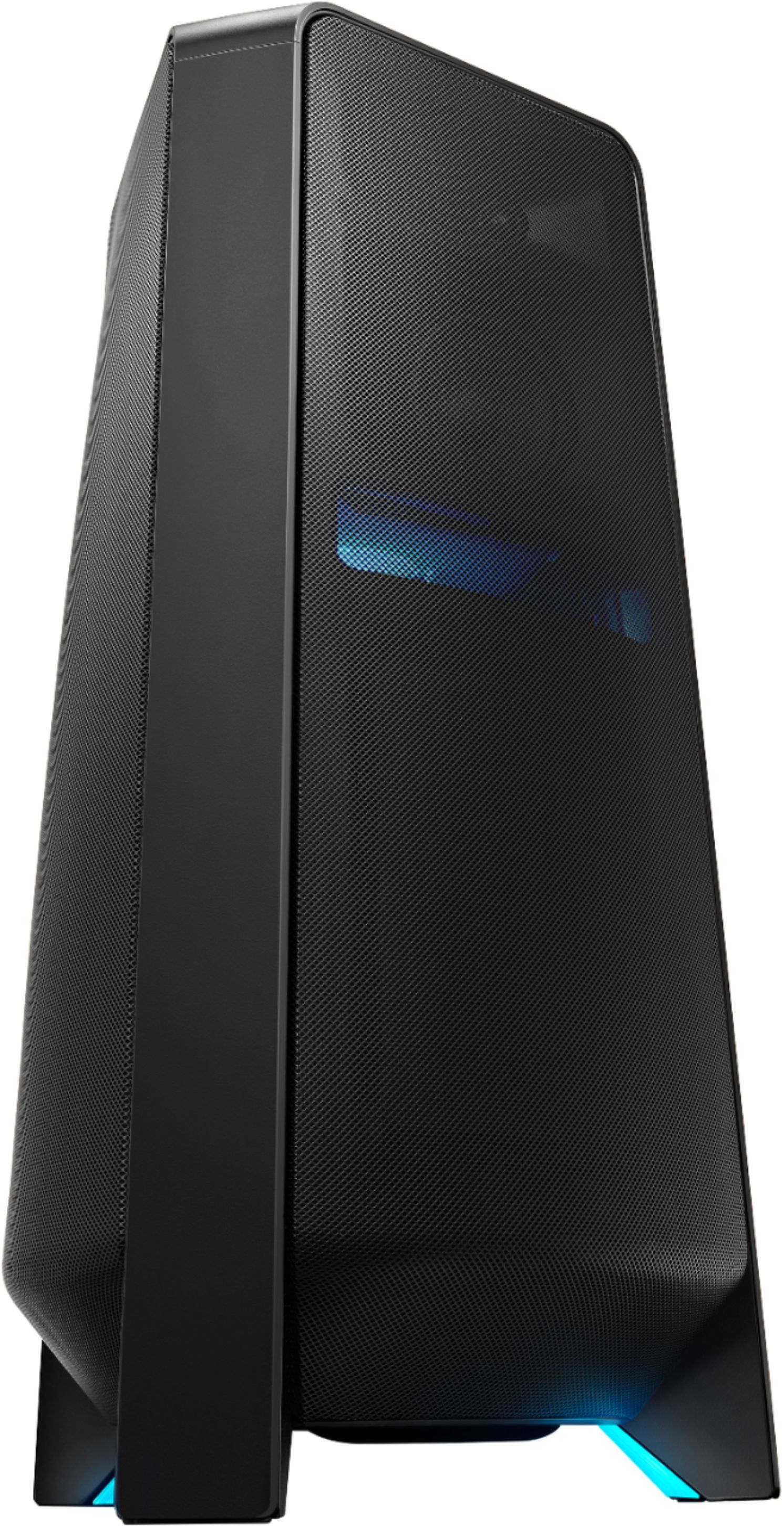
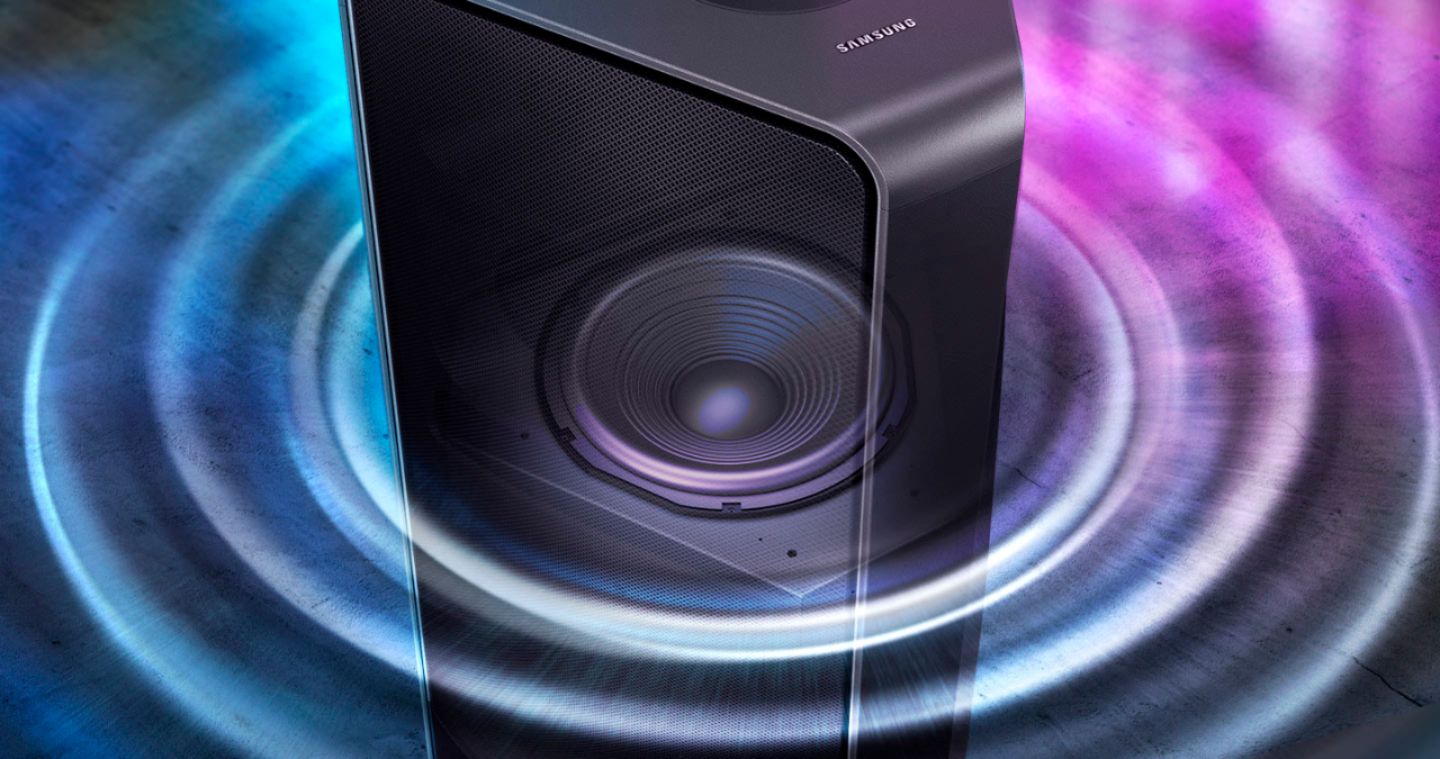
A:AnswerHi! The MX-T70 is compatible with microphones supporting a standard 1/4" microphone connection. The USB port on the Sound Tower is used to load music files to the device or update the Sound Tower's firmware.
^Tim
A:AnswerWhoever answered "press and hold the button"....does your version only have 1 button or are you referring to a particular button? If so, would you mind sharing which button that would be? I tried the AUX button on the remote...nothing happened. I tried the Power button....the speaker just shut off.
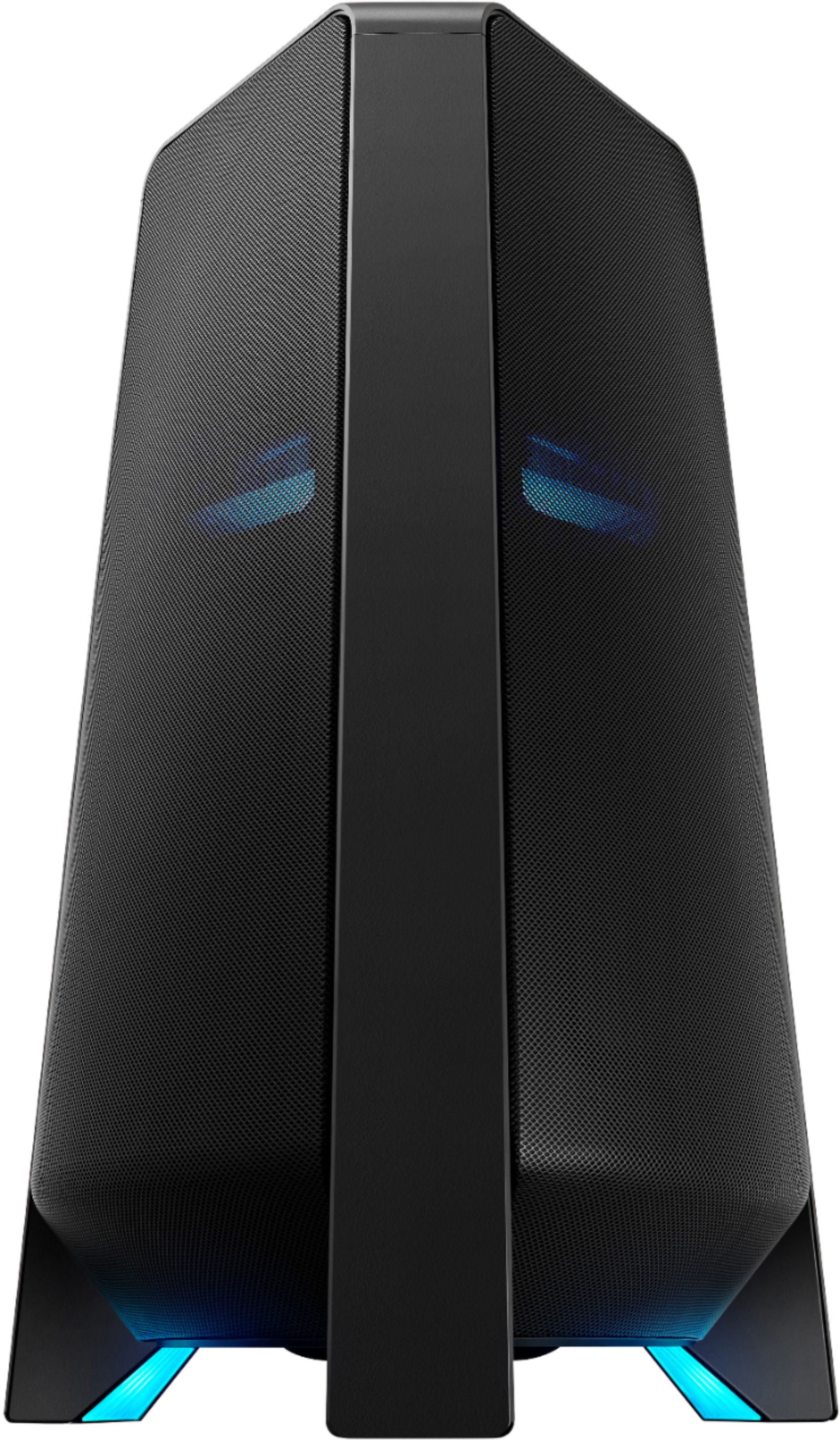
A:AnswerHi Crawford! Yes, the lights can be disabled. You can also adjust the style and color. For additional control of the sound tower, connect it to the compatible Sound Tower app on your smart phone. ^Tim
A:AnswerHi KALA! Great question, the MX-T70 Sound Tower has a standard mic input and this connection should work. The only unknown factor could be potential wireless interference from the wireless microphone. Should you have further questions, please contact us at 1-800-SAMSUNG. ^Gina