A:AnswerUnfortunately, we have yet to find it...that is not to say that it isn't lurking somewhere in the hidden parts of the player menu etc though. It's not an obvious option on the channels to choose, if it's available.
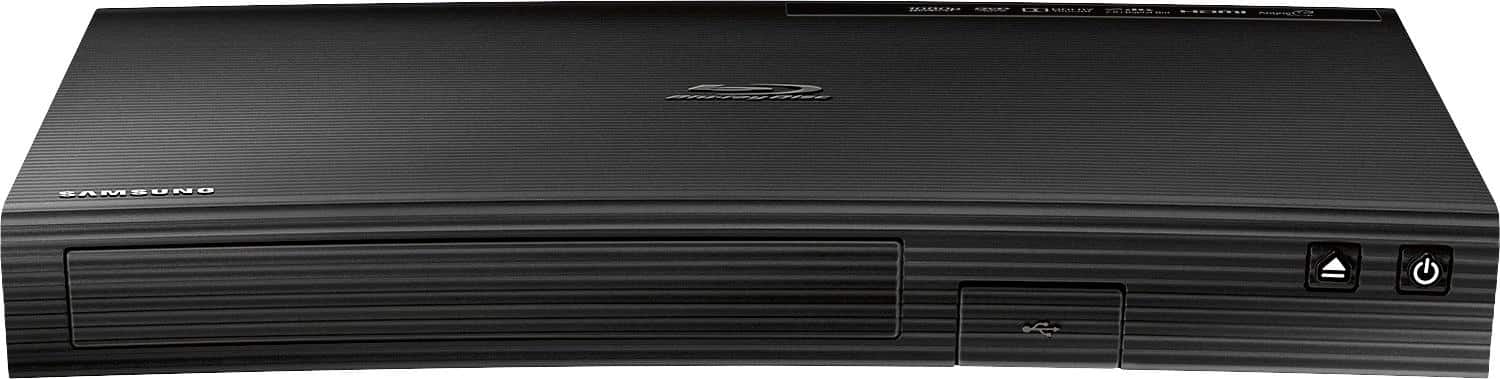
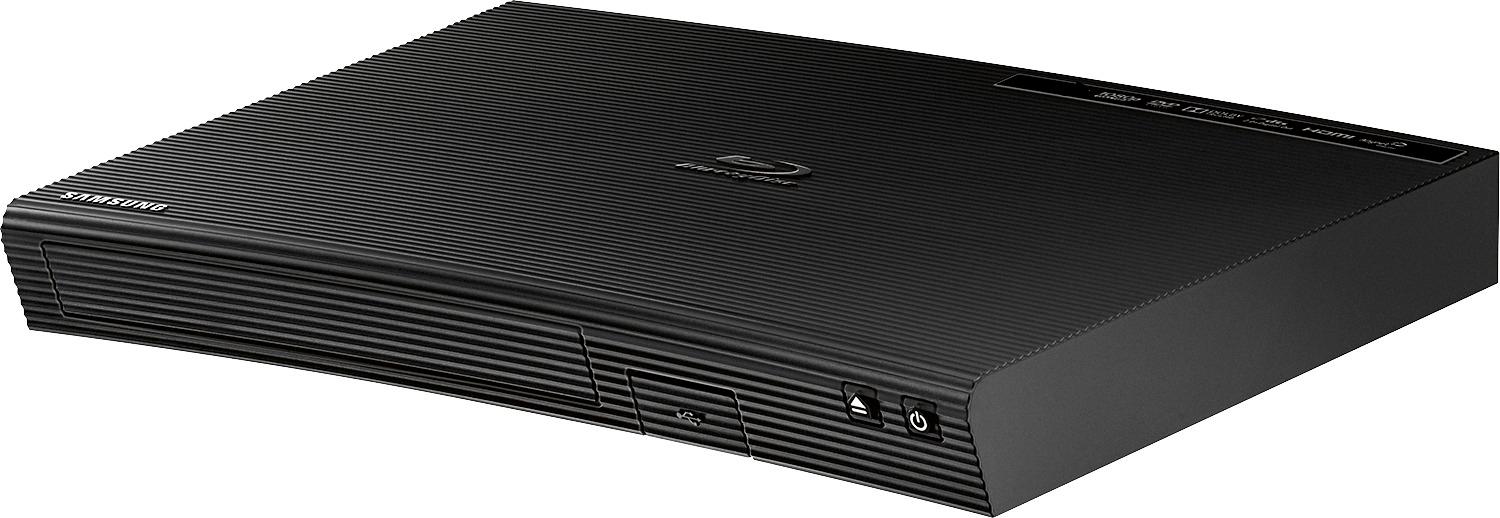
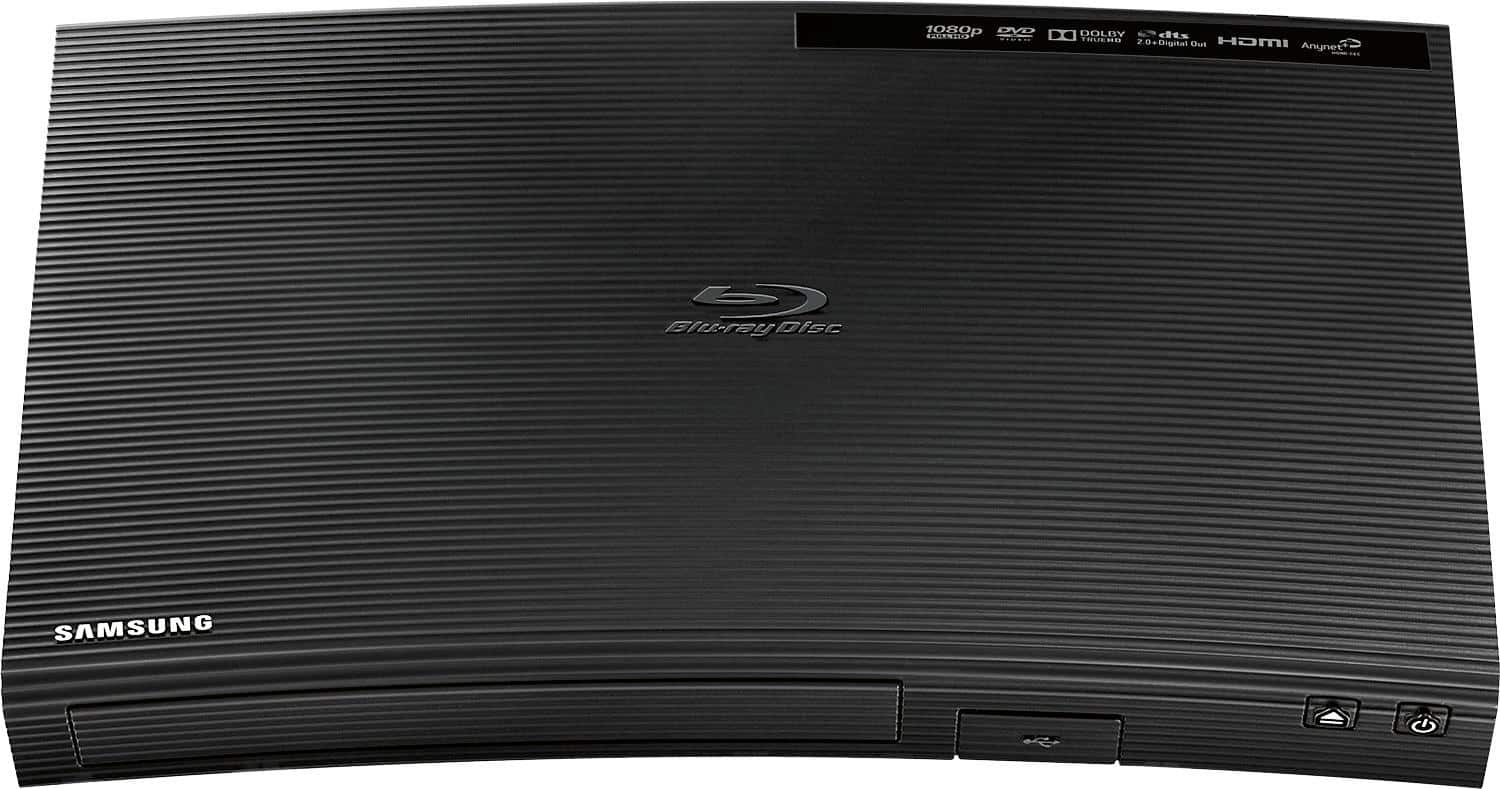
A:AnswerThe Samsung - BD-J5100/ZA - Streaming Blu-ray Player fully support the MKV file format, including subtitles. It will stream subtitles, the receiving device has to be subtitle enabled.
A:AnswerDon't buy this product. I, and many others, have had major issues with this unit freezing every time we turn it on, and we have to unplug it to un-freeze it.
A:AnswerYour choice, if you want a BD collection, or already have many DVDs, ten yes get it.
However, dont expext streaming to go 4K or deliver the signal fast enough on slower than 100mbs which is AC wifi.
So, for 4K TVs get a 4k player, it's the future.
Besides, you get extras on discs.
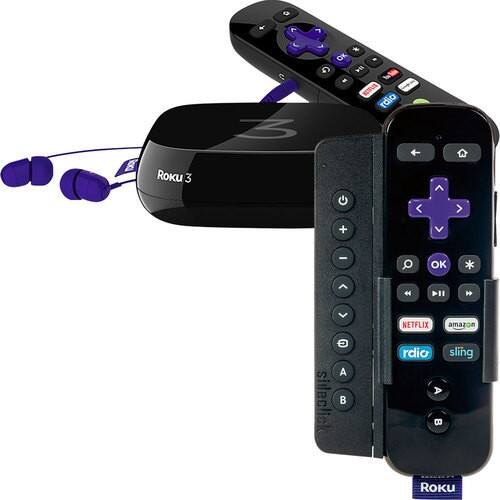
A:AnswerYou will need any one of many streaming boxes. Most blu Ray players will do this for you as will any number of other devices such as roku and Apple TV. If you don't have a way to directly plug into your internet router you just have to make sure whatever you pick has wifi built in.
A:AnswerI don't believe this player has anything more than your standard Hulu, Amazon, Vudu, Netflix, and a few other random apps. However, there could a world of apps that we have yet to unlock. In terms of downloading more apps than what comes on the BluRay player itself though, it appears like what comes on it is what you're stuck with.
Unless you're really sold on the idea of a BluRay player that can stream content too, I'd probably just go to a SmartTV or a ROKU player...at this point, it seems to be a better streaming option.