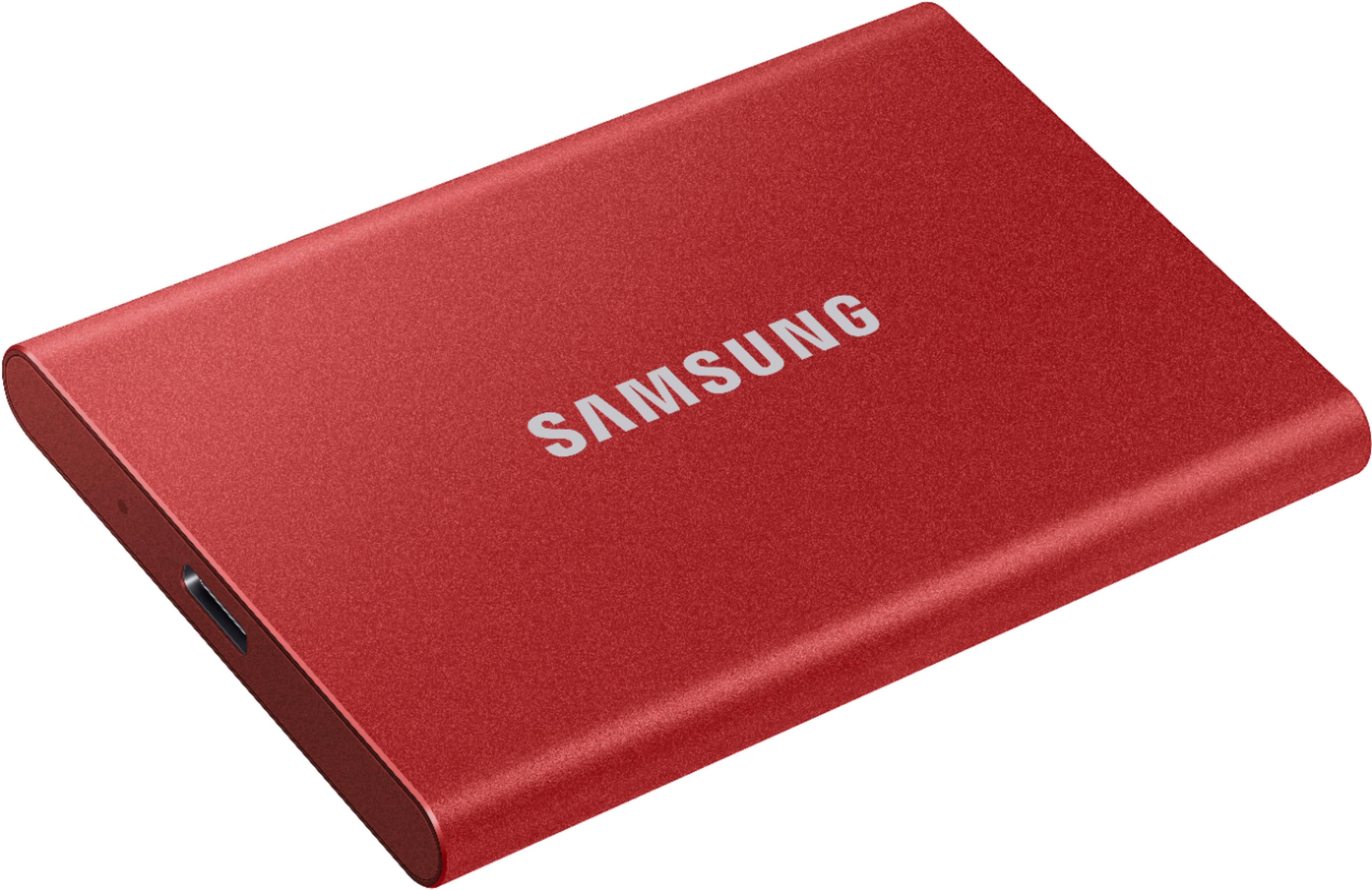
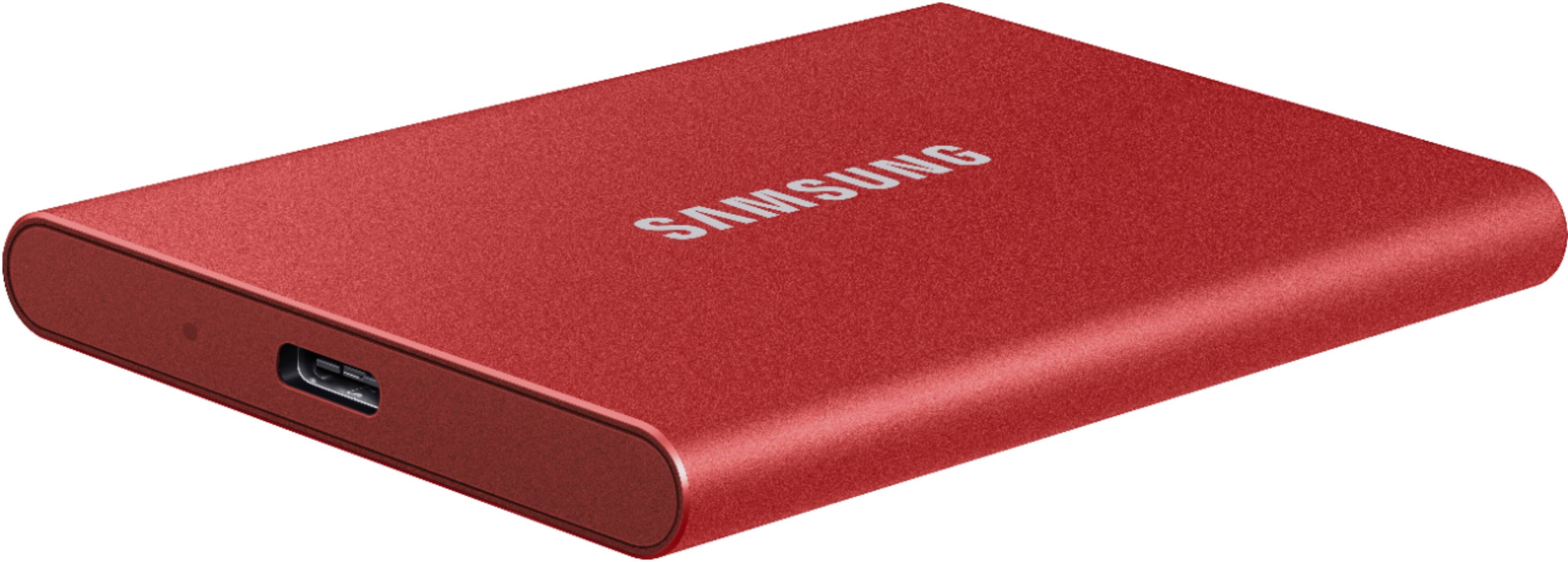
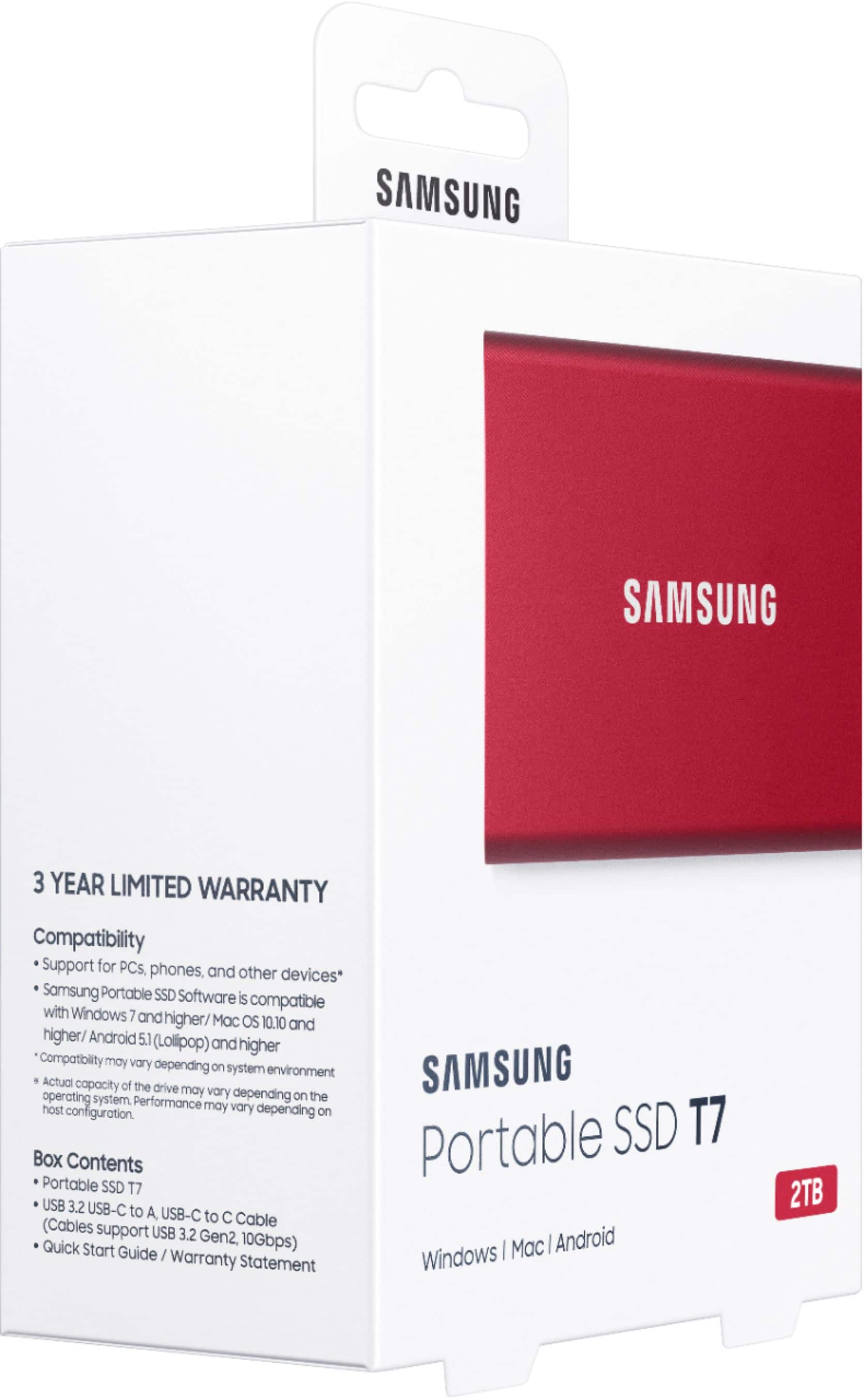
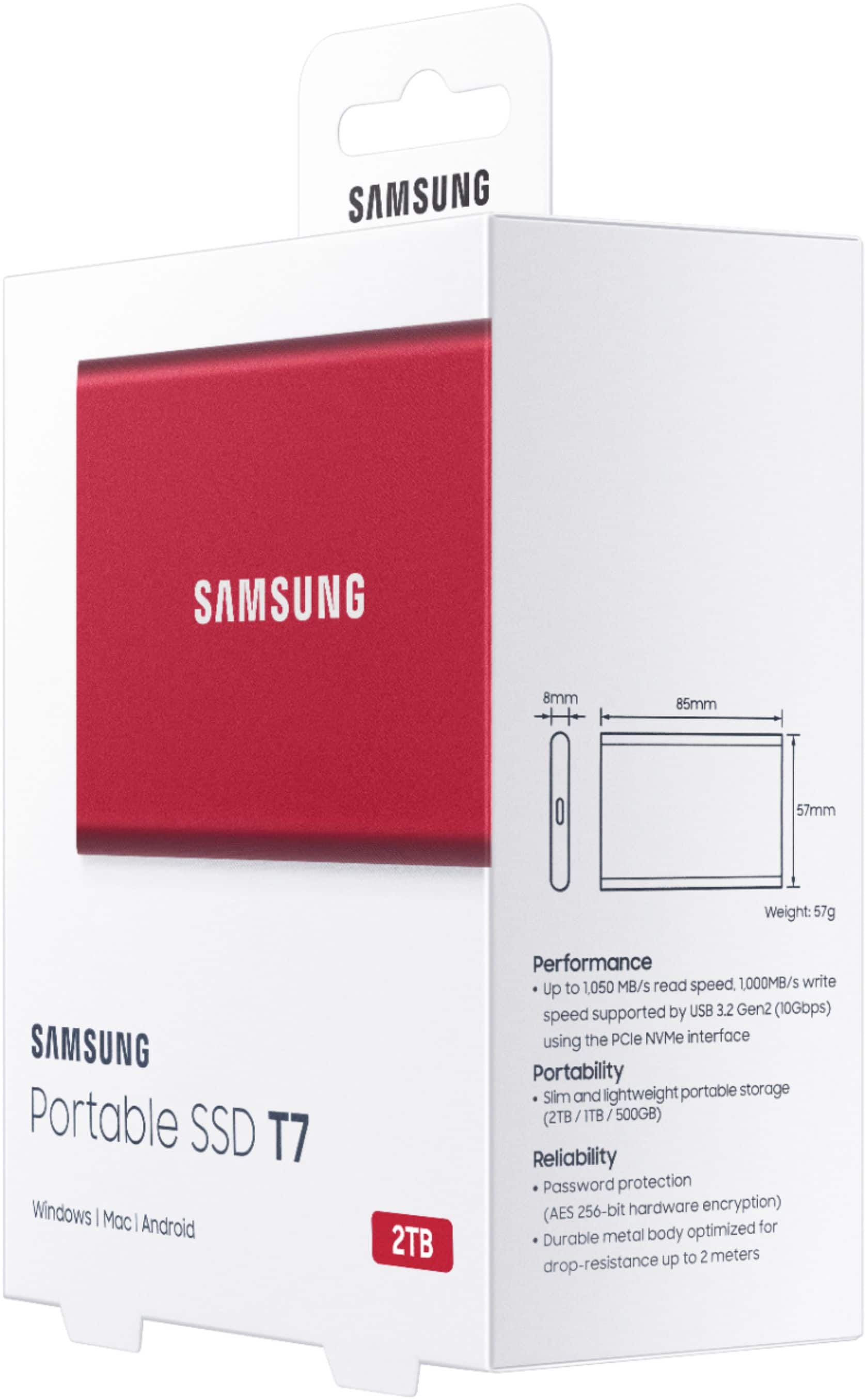
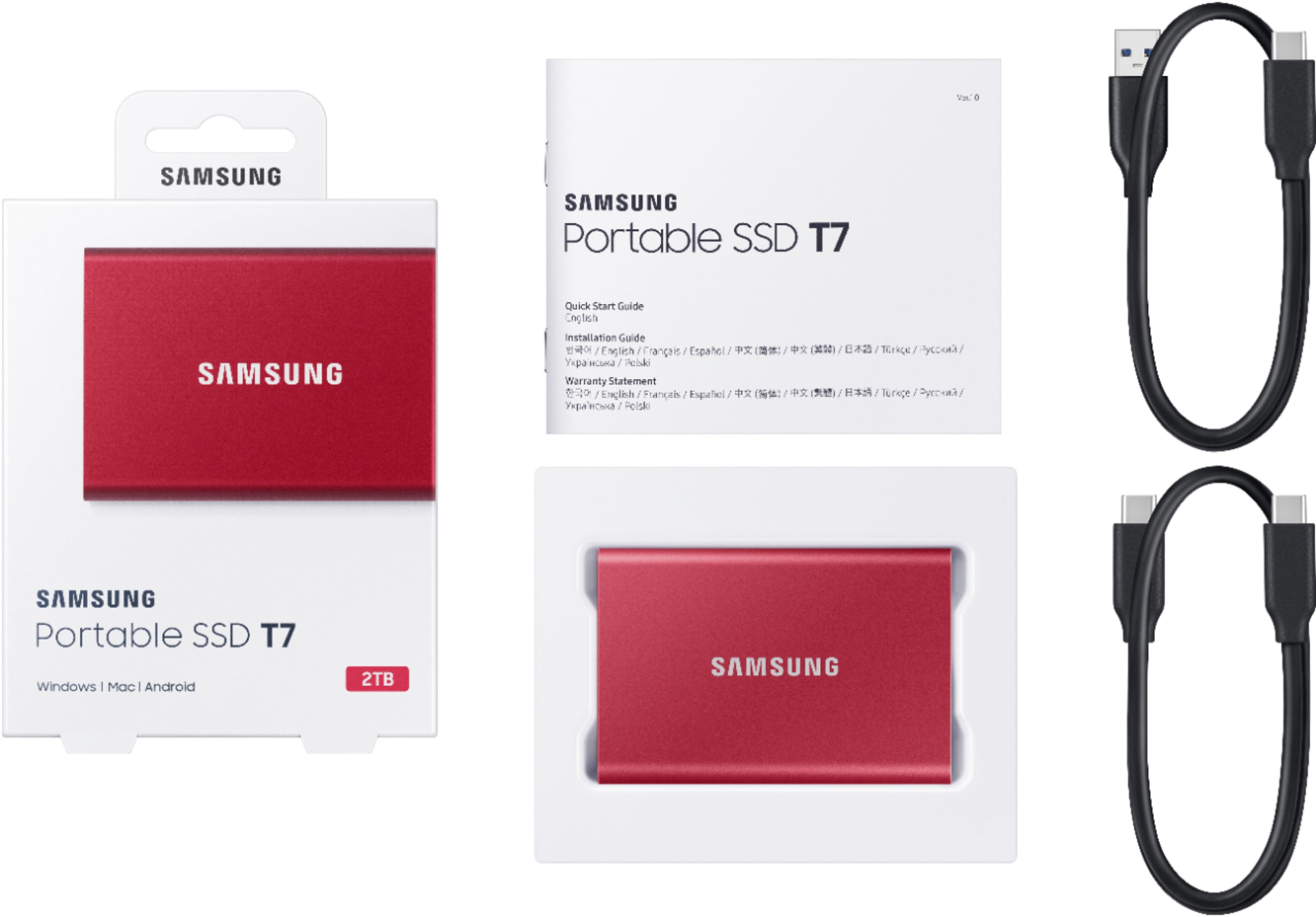
A:AnswerIt comes with 2 cables USB A to C which should work with your old iMac and a USB C-C which should work with new MAC. I do believe you could just do it with a cable from 1 iMac to the other. Google it
A:AnswerYou are leaving a question for a T7 SSD. From your description, I believe your question was intended for a TV.
Should you have any questions or concerns regarding our memory products, please contact Samsung Customer Support.
Call: 1-800-SAMSUNG (ask for Memory) Available 9AM – 12AM EST (Mon-Fri)
- Samsung Memory

A:AnswerYes.
I use it with my samsung s24 ultra daily for work.
I am a youtuber and I use my phone for filming and editing.
You can connect to your phone with the cable it comes with. A message will pop up asking for permission to "allow file transfer " or "allow data read". Give it all permissions.
This hard drive works at lightening speed and I can record a 1 hour video on my phone and then transfer it directly to the hard drive in 30 seconds....freeing up more space on my phone to continue filming!
I loved it so much I bought a 2nd one.
A:AnswerYes, it just has to be formatted for macOS. When you plug the drive in and open Time Machine settings, you can assign the drive to Time Machine and Time Machine will format the drive for you.
A:AnswerThe cable included has the original USB connector, so you would need to buy a cable with USB-C connector for your Surface Pro 9. Best Buy has plenty of cables in stock.
A:AnswerI just checked (08-01-2025) Samsung T7 ruggedized and non. The model with the same specifications in 2TB is, less expensive in ruggedized because that model is on sale for 159.99 USD. (Versus 187.99 USD non-ruggedized). Of course, when I bought it was the other way around!
A:AnswerThis drive doesn’t have that option. I asked customer service about that as you did, and they never replied to that question. They gave me other info that was very helpful, but not an answer about the fingerprint question.
A:AnswerYes. You can store photos on any HDD or SDD. I use it to back up my whole laptop harddrive, photos included. They work just like any other file!
A:AnswerYes. I am moving 120 gb worth of photos from my computers to this device. Scan disk has bewn having issues of loosi g data i have been seeing. Go woth this one samsung
A:AnswerSome of the refurbished are perfectly functioning items that a customer returned for a non-failure reason. Perhaps the customer found a better price, or wanted a different color... I pretty much doubt that there is anything to refurbish electronics wise- especially by the Geek Squad.
A:AnswerGeezervstechnology:
I’m sorry to see that you are having difficulties with copying folders to the T7 SSD.
So that we can better troubleshoot towards a solution, please reach out to Samsung Support at: 1-800-SAMSUNG (ask for Memory) Available 9AM – 12AM EST (Mon-Fri)
- Samsung Memory