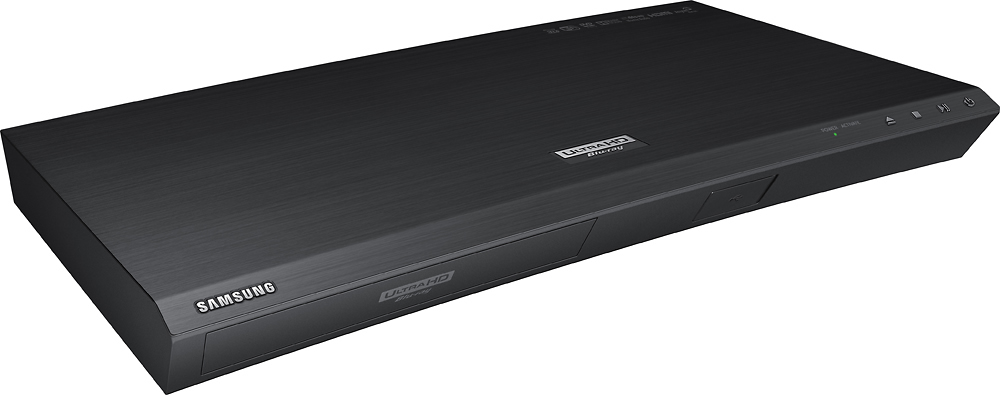
A:AnswerYES!... I have watched several videos in MP4 format. Some burned to DVD-R's, some on CD-R's and a few on thumb drives through the units USB port. Haven't had any issues to speak of.
A:AnswerThe US model supports certain regions Code 1 for DVD or Code A for Blu-Ray. The region code is on the box. Or look here http://www.codefreedvd.com/region-free-dvd-questions.html
A:AnswerIf the compatible video files are on a properly formatted USB stick or USB mass storage device, it will.
It does not yet have Vidity encryption support for the M-GO download app and Vidity compatible hard drives like the Samsung SUHD smart displays, however. Though, if you want the best quality UHD media, you still want to purchase UHD Blu-ray discs.
A:AnswerWe ship to the 50 US states, Guam, Virgin Islands, and military addresses. We don't ship to Singapore. You can read more about our international ordering options via the link below.
http://www.bestbuy.com/site/Help-Topics/International-Orders/pcmcat204400050019.c?id=pcmcat204400050019
Thanks!
A:AnswerIf you are planning on upgrading your television in the future, you will most likely purchase a television with HDR and the player will then be able to show-off all of its bells and whistles. In the meantime, I have tested mine on several monitors, some HDR compatible, some not, and it definitely improves the look and quality of discs regardless.
If you have a 4K television, the player will play and display the new format (4K HDR) of Blu Rays...you just won't see the added HDR element on your television. It will look stunning, but it won't be the 'full potential.'
If you are looking for a step up in disc quality and may upgrade your tv within a year or so, this player is definitely not pointless. You'll be impressed.

A:AnswerNo, your TV will not be able to output HDR via HDMI and there is no update available for it's a hardware HDMI issue. The newer model EF9500 which I have "the uncurved version" does support HDR via HDMI. The only sources that can output HDR is via streaming Amazon or in the future Netflix.
A:AnswerThe blu ray player is 3d capable. I am unsure about the projector though. I have to use active dlplink glasses with my optoma projector. I would not expect a 3d optoma projector to support passive glasses.
A:AnswerIt all depends on the movies you purchase. if the 4k movies you buy are truly 4k(lucy, xmen apocalypse, batman vs. superman, etc) then the picture difference will be superior however if the 4k disc you purchase are not truly 4k movies(suicide squad, secret life of pets, ghostbusters, etc) and just upscales you might as well just stick with regular blurry\
also be sure you have a 4k tv
heres a list of real and fake 4k movies
http://realorfake4k.com/list/
A:AnswerThe picture difference is $500.00 to $600.00 more on the Panasonic !!! Processor that reads the the DVD in 4K is the same !!! I have an saying " A fool & his money may soon part " !!! You do the math !!! I paid $423.00 for my first early adopter model & picked up second one for $199.00 yesterday on sale !!! Run don't walk to your store & buy one or order online now !!! My local store was sold out, can have shipped to store too !!!