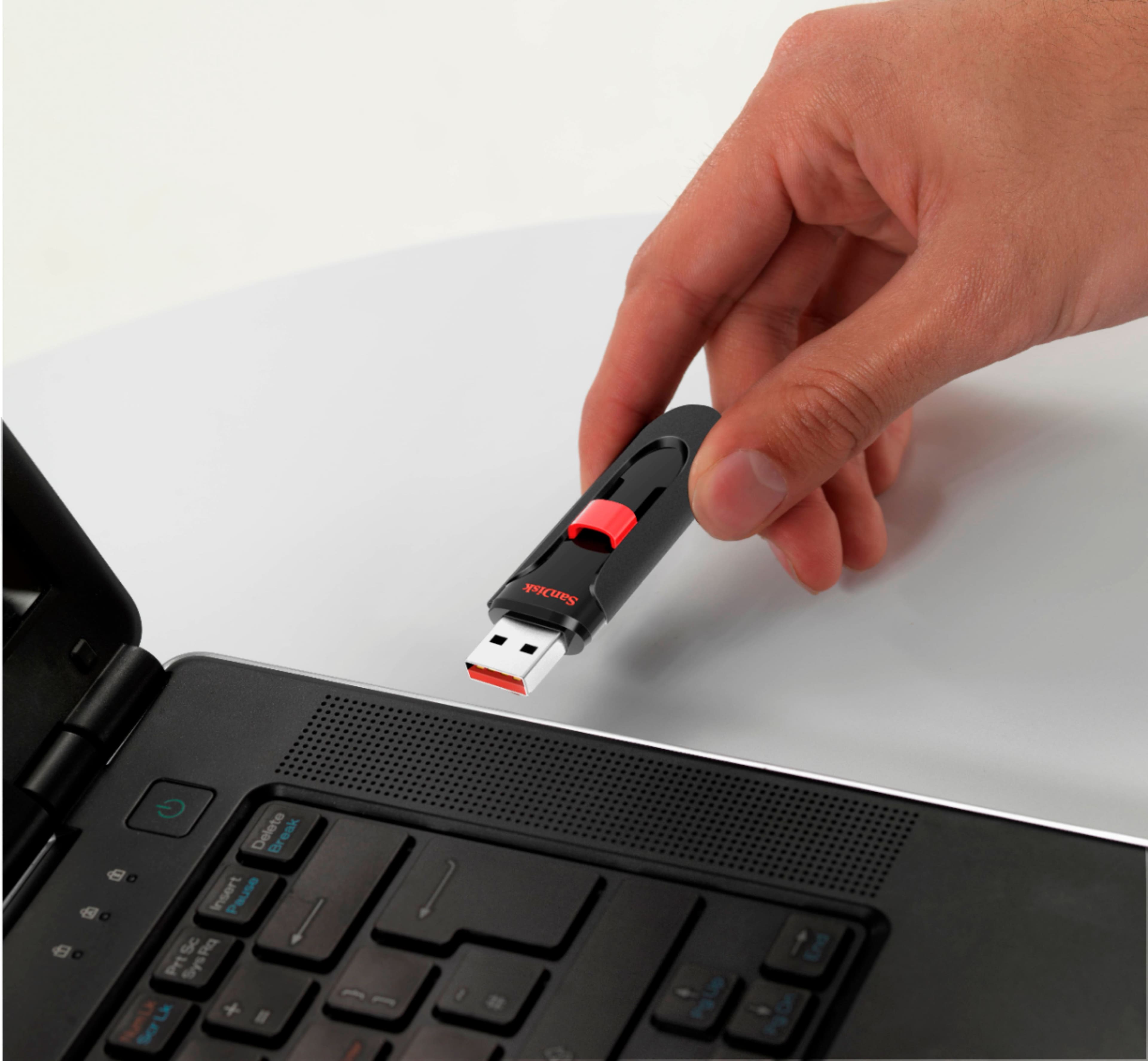
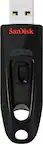
A:AnswerI store all my stuff on these including pictures and videos when I want to watch a slide show I go to my main TV and blue-ray player, plug it in and the player (samsung) gives me the option of a slide show with the photos. or I can choose to watch videos and it will keep playing them in the order that they are stacked.
A:AnswerYes, but if you want to use it as a Bootable back up, then you will want to use the windows media tool to load the system image onto the drive so you can boot.
A:AnswerYes you can use it to backup files because I tried doing using my flash drive for that, however it formats your flash drive and makes it only have like 20 gigabytes. I had to go to the Sandisk website and send them a question and told them I lost my 128 gigabytes and they were able to fix the problem.
A:AnswerSome devices are only capable of reading USB 2.0 & if you are using a USB 3.0 it may not be readable on older Mp3 players. Hope this helps you.
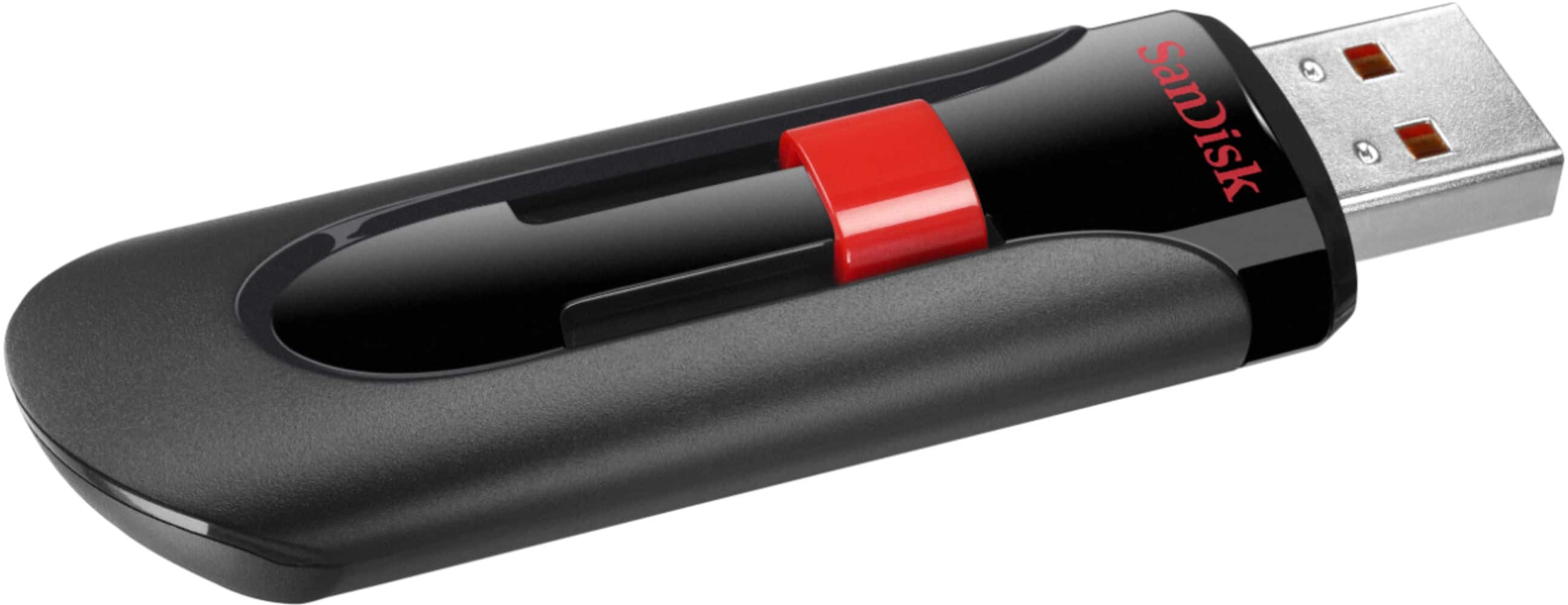
A:AnswerHey TheGeek, there is a small built-in slot, just big enough to get a split ring on, and then I connected a lanyard to that. Seems to work fine. Cheers!
A:AnswerI have not tried that but I am thinking maybe not since it is password protected. It is not your normal flashdrive that you connect and instantly works. You actually have to get into the folder and enter your password so that it begins working.