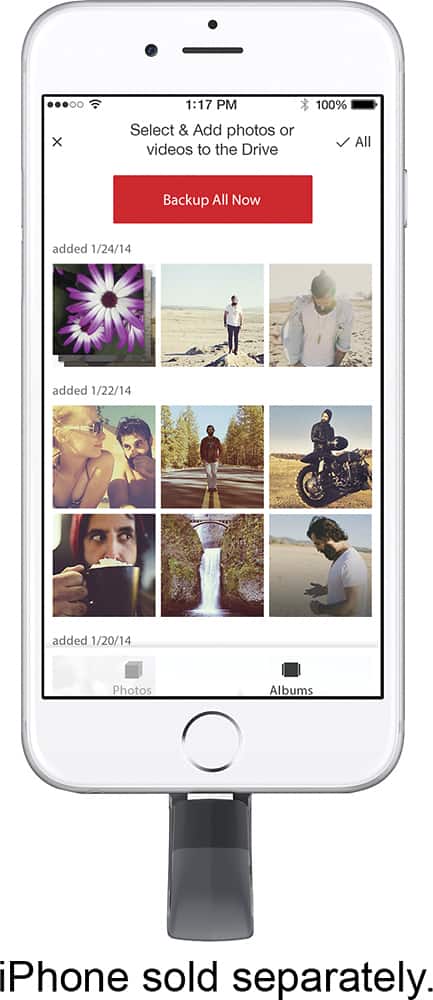
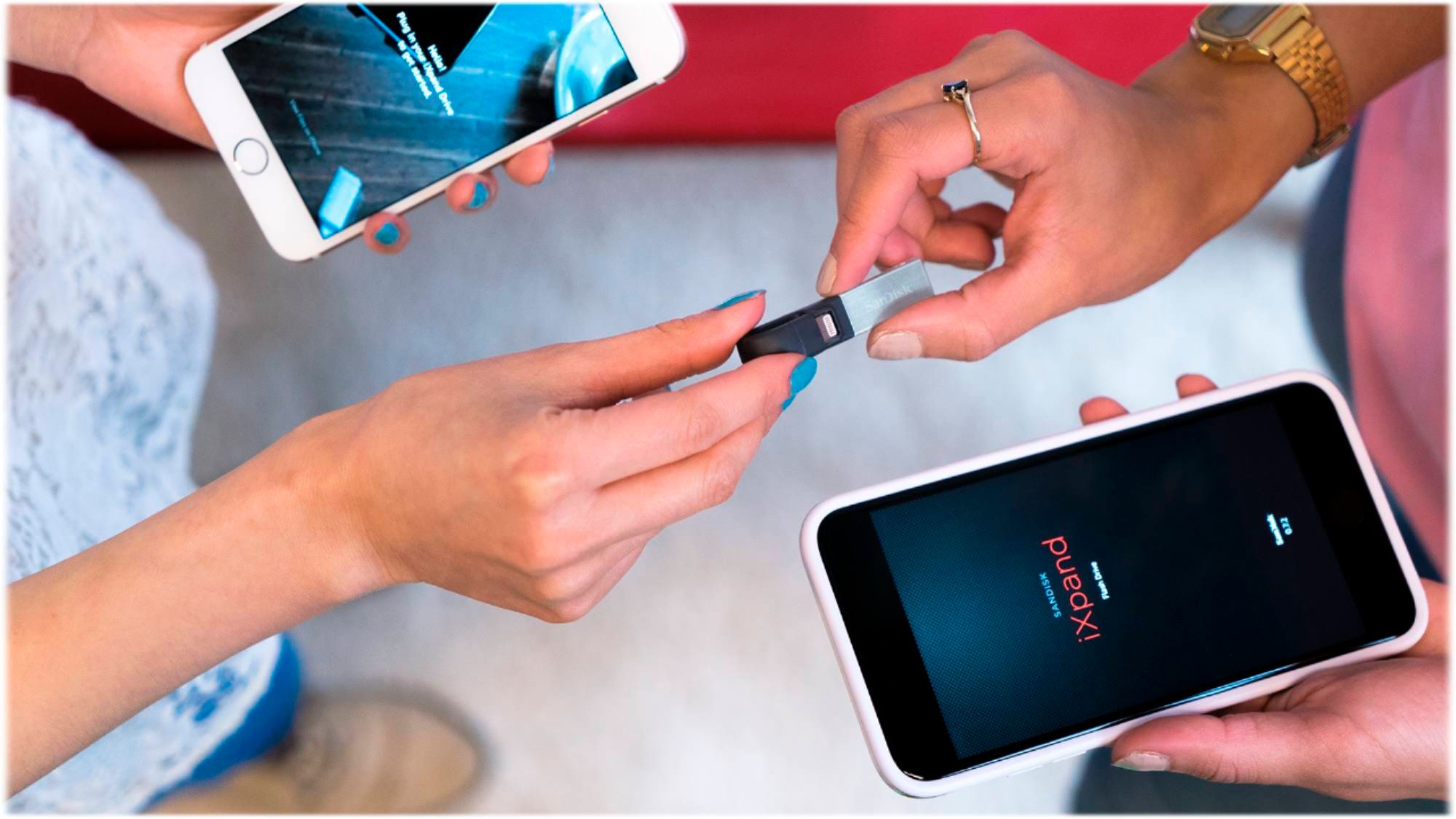
A:AnswerHI, please be informed that you would have to first save the photos from the Google Photos App into the camera roll of your iPhone, if you wish to transfer those photos into this iXpand Drive.
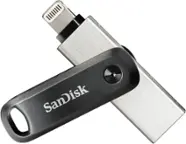
A:AnswerHi, please be informed that the SanDisk® iXpand USB 3.0 128GB Flash Drive works as a normal plug and play drive when connected to a computer and you would have to transfer data from your computer to this drive manually.
A:AnswerPlease be informed that we have designed the SanDisk® iXpand 3.0 Flash Drives to be specifically used with Apple iOS Devices. However, please note that we manufacture special Dual Drives to be used with Android Mobile Phones that have the microUSB ports or the USB Type-C ports.
A:AnswerYes, you can use the SanDisk® iXpand 3.0 128GB Flash Drive with your iPhone 11 Pro to transfer photos/ videos/ other data using the iXpand Drive Application.
A:AnswerI am pretty sure you can because I was able to use it on my iPhone. Just make sure you have enough space to do the transfer. You’re going to have to install their software onto the iPad.
A:AnswerIxpand app has options to use document but is not the Document app by Readdle
The document app will let you transfer files from your computer to iPhone or iPad by WiFi connection (actually Ethernet) Very easily by following the directions on the document app
You have to use the music player within the document app
It works well but I don’t see a way to pick up the music files on any other app , a shame how apps can’t work together
But that’s just Apples way
A:AnswerNo. The Galaxy does not use a Lightning connector (Apple proprietary connector), and I'm not sure if SanDisk makes a model for the Galaxy. Sorry.