Black Friday is hereShop new DoorbustersShop now

Main Content

Questions & Answers

Your price for this item is $100.99
Clearance
The comparable value price is $249.99
Page Showing 21-40 of 45 questions
  • QuestionWill it fit in a Alienware 17 R4?

    Asked by BryanJ.

    • Answer Hi, please be informed that if your Alienware laptop has an internal 2.5" SATA slot, then you can connect this SSD Drive in your laptop. In order to know if your laptop has an internal 2.5" SATA slot, it would be best to contact Alienware Customer Support as they would have all the technical specifications for your laptop.

      Answered by SanDisk Team

  • QuestionWill this work on a 21 inch late 2015 iMac?

    Asked by Tim.

    • Answer Yes - these work on all 2015 iMacs. Some 2015 imacs are also capable of using the somewhat faster PCIE drives, but many can only reliably use these SATA SSD’s. Free software utility programs can effectively control the fan speeds that ramp up to maximum without the thermal sensor in the Apple drives. Still a bit of a task to pull the screen and re-seal the imac, but better than spinning drives and spinning beach balls. Good opportunity to clean the dust out of a six year old machine and possibly increase the RAM at the same time (though the latter upgrade can be performed anytime.)

      Answered by MacUserSinceAppleLISA

  • Questionwill this work in a Dell Precision T3600 desktop ? I will need a mounting bracket too, right?

    Asked by MaryC.

    • Answer Hi, please be informed that if your Dell T3600 has an internal 2.5" SATA slot, then you can connect this SSD Drive in your desktop. In order to know if your desktop has an internal 2.5" SATA slot, it would be best to contact Dell Customer Support as they would have all the technical specifications for your desktop.

      Answered by SanDisk Team

  • QuestionHi it works on my MSI GF63 THIN 9RCX?

    Asked by David.

    • Answer Hi, please be informed that if your MSI laptop has an internal 2.5" SATA slot, then you can connect this SSD Drive in your laptop. In order to know if your laptop has an internal 2.5" SATA slot, it would be best to contact MSI Customer Support as they would have all the technical specifications for your laptop.

      Answered by SanDisk Team

  • QuestionDoes this work with a acer aspire 3 ?

    Asked by alien.

    • Answer Hi, please be informed that if your Acer laptop has an internal 2.5" SATA slot, then you can connect this SSD Drive in your laptop. In order to know if your laptop has an internal 2.5" SATA slot, it would be best to contact Acer Customer Support as they would have all the technical specifications for your laptop.

      Answered by SanDisk Team

  • QuestionWill it work with a 2013 MacPri?

    Asked by LarryQ.

    • Answer Hi Larry, please be informed that if your Apple MacBok Pro 2013 has supports connecting the SATA Drives, then you will be able to use this SanDisk® 3D NAND 2TB SSD Drive with it.

      Answered by SanDisk Team

  • Questionis this compatible with my alienware area 51 pc?

    Asked by alienhead.

    • Answer As long as you have an available SATA port on your computer's motherboard, it will work without an issue.

      Answered by Luke

  • Questionis this an external or internal device? if it is an internal, then will it fit an alienware 15 r3?

    Asked by alienware15r3.

    • Answer I used this as an internal SSD drive in my HP Envy 17" laptop.

      Answered by KingPCB

  • QuestionWill this work with a hp pavilion elite hpe

    Asked by Anonymous.

    • Answer It works in my HP 17 Envy Laptop

      Answered by KingPCB

  • QuestionWill this work with an ASUS Q502LA Laptop? Thank you.

    Asked by AC.

    • Answer It is a laptop replacement ssd so it should work great.

      Answered by raf72953

  • QuestionCan I replace my HP Pavilion all-in-one 24-r1xx HDD with this SSD? The HDD model is ST2000DM001 1ER164.

    Asked by Jon.

    • Answer I just replaced a HDD in a HP Pavilion and it seems to work great. The PC is faster than using the old HDD. You will want to clone your old drive to the new drive before replacing it. To clone you will need special software (likely on a CD/DVD) and a special cable with a USB to hard drive connector.

      Answered by PCuser

  • QuestionHi, Will this work in my HP Envy 17 Intel(R) Core(TM) i7-5500U CPU @ 2.40GHz?

    Asked by Babystang.

    • Answer There is no obvious reason that it should not. The screw holes are in the right place.

      Answered by rj3141

  • QuestionWill this work on my Lenovo Y50-70 system?

    Asked by Duetco.

    • Answer Yes, this SSD can be used with the Lenovo Y50-70.

      Answered by CommunityAnswer

  • QuestionCan I install this drive into an HP envy x360 i7?

    Asked by MA.

    • Answer Yes, this SSD is compatible.

      Answered by CommunityAnswer

  • QuestionIs there transfer software and/or cable?

    Asked by TP.

    • Answer There is no transfer cable in the box just the drive itself!

      Answered by AlfonsoM

  • QuestionWill this work with the ps4 and will it give me more game storage than the 500 giga bytes

    Asked by Bigtrucker.

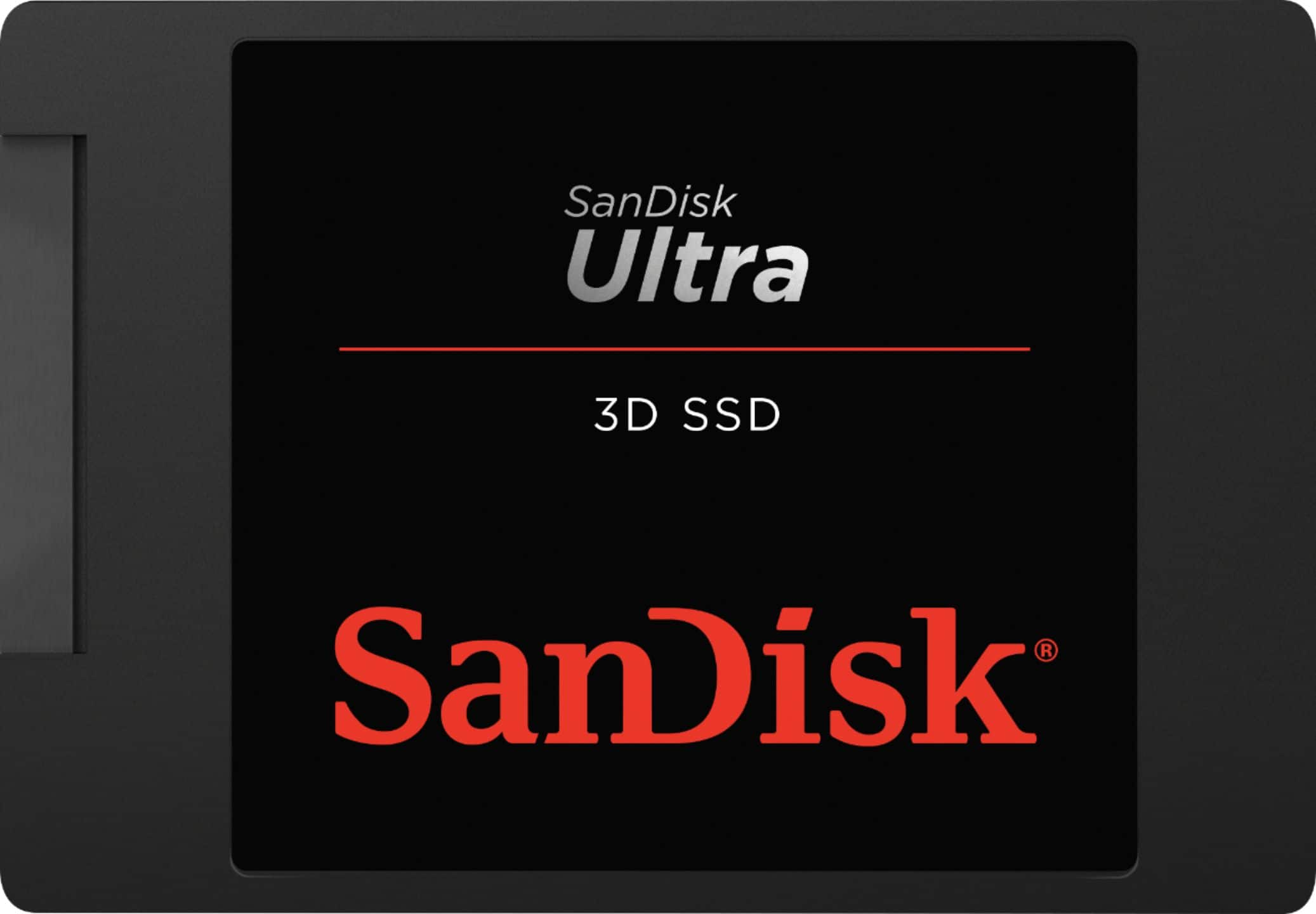
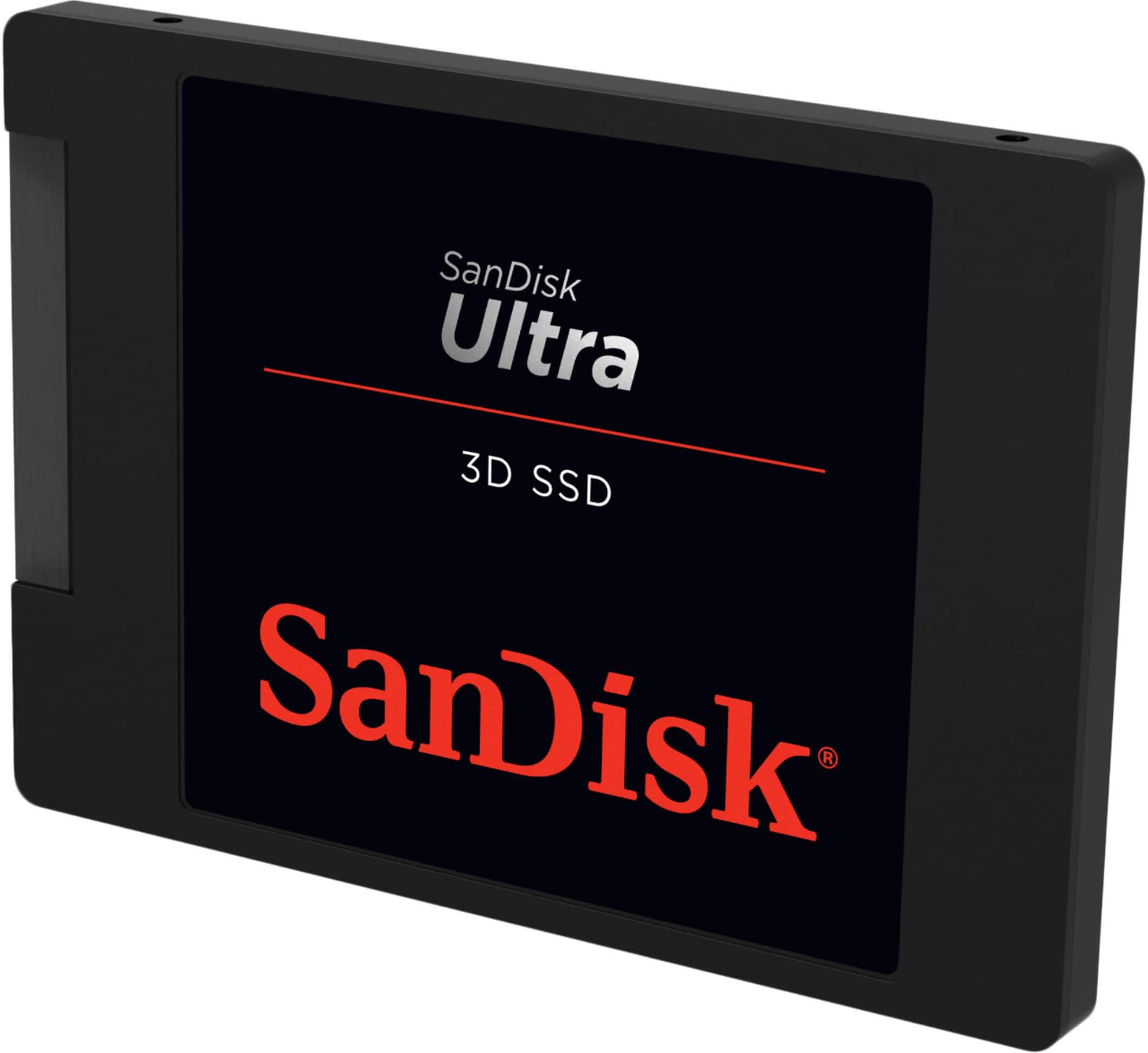
    • Answer Hi, please be informed that if your Sony PS4 Gaming Console supports connecting an internal 2.5" SATA SSD, then you can connect this SSD to your Sony PS4. Also, please note that if your PS4 allows playing games that are installed on a user-installed SSD Drive, then you should be able to play games on your PS4 using this SSD Drive. However, in order to know how to do the same if possible, we suggest you to contact Sony customer support.
      Answered by SanDisk Team

  • QuestionIn the specs for write endurance it states 2tbw when the actual manufactures spec is 100tbw. Someone might want to correct that you fill the ssd up once and its out of warrantee lol

    Asked by Will69.

    • Answer Actually, the endurance spec for the 2TB SSD is 500TBW. 100TBW applies to the 250GB SSD.

      Answered by Michaux

  • Questioncan this be used for a desktop? or is it strictly for laptop only?

    Asked by Ladysapph.

    • Answer Yes, as long as you have an available Sata port on your mobo and power supply.

      Answered by BuzzardsBayPhoto

  • QuestionWhere you get the software to clone hard drive to sandisk ssd. I have many samsung ssd and it does have the samsung migration data. I think about return this piece of crap to get over due to no software to support migration data.

    Asked by TLH.

    • Answer I understand you fustrations, I thought the same thinkg but when I did this I used the Apricorn Data Transfer cable and upgrade suite software CD-ROM that came with it. the softeware is called EZ Gig IV with Data Select Cloning software for PC and ShirtPocket SuperDuper for Mac. Once I used this and installed the SSD into my Dell AIO I was plesently surprised and satisfied with the results from it. Just make sure to follow the instructions verbatum the software tells you to do.

      Answered by SoSyncere2k1

  • QuestionWill it fit for Lenovo T420 models ?

    Asked by Prasanth.

    • Answer Prasanth, it should fit! I looked at the various Lenovo T420 models and they all have hard drives and not a SSD. A hard drive is bigger than the SSD. I put the same solid state drive in my ASUS laptop and the tech said there was plenty of room. If you buy the SSD from Best Buy and have it installed by the "Geek Squad" with the "Total Protection Plan" cost $199.99 they will clone your hard drive as long as it's 100% well they can do it and there is no charges for that service and if for some reason they can't install it your money will be gratefully refunded. I hope this helps? By the way you should see the speed of load up and shut down plus the speed of running applications. Very fast and uses less battery power too.

      Answered by CAKEMAN