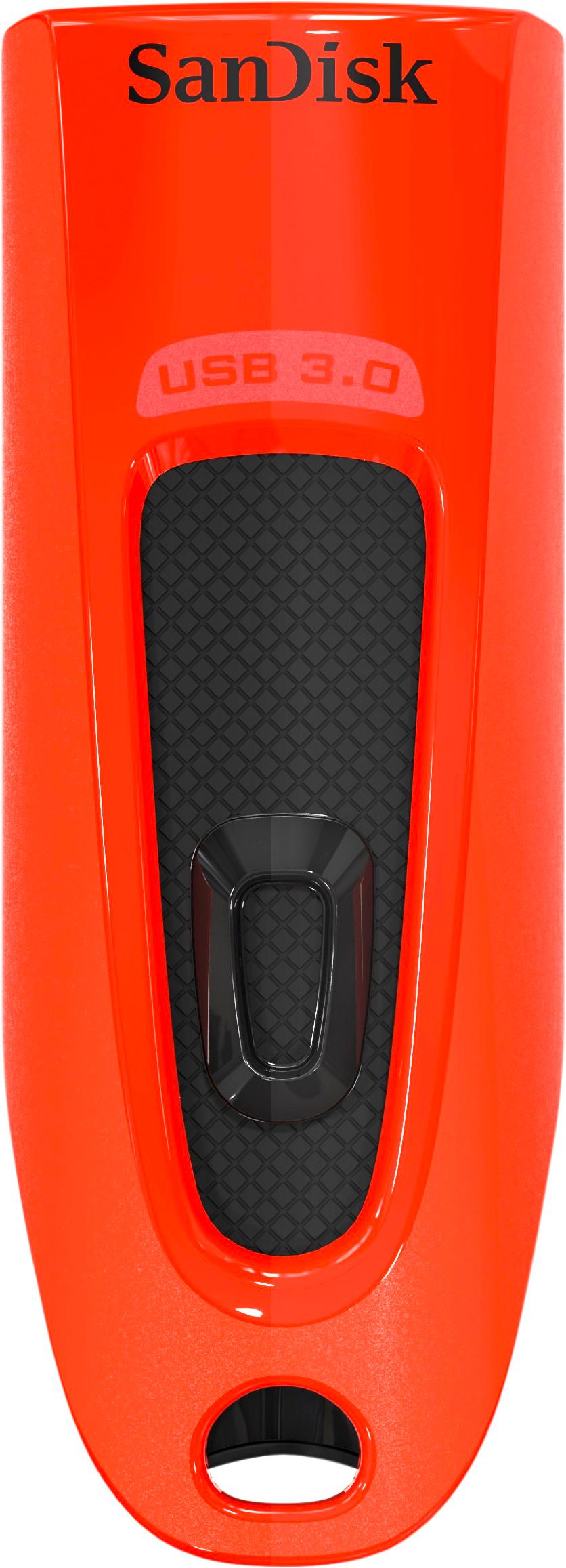
A:AnswerIt has a retractable tip that provides some protection. It also reduces the overall length when storing or carrying but when extended it makes it of a size that is easy to handle.
A:AnswerNo. Go to https://www.windowspasswordsrecovery.com/win10-tips/free-windows-10-password-recovery-reset.html And follow the directions to create a Windows Password Reset Tool
A:AnswerI used this drive for Windows 7, 8, & 10 to install via the ISO file. No issues at all, just some computers won't boot via USB 3.0 so if you have a problem try using a USB 2.0 port on the computer.
A:AnswerHi, please be informed that the SanDisk® Ultra USB 32GB USB Drive is preformatted in the FAT32 File System by default. You can reformat it in exFAT File System according to your requirements. In order to know how to do the same, please contact the manufacturer of your computer.
A:AnswerI asked this myself recently and depending on your software and resolution, it is estimated to be 1GB per hr of video. This should give you a baseline. If you have multiple videos, may want to look at NAS it larger external drives. I’m converting from VHS to DVD and backing up to flash and external drives
A:AnswerI was able to with my wife’s Lincoln using SYNC. recommend checking with car manufacturers but you shouldn’t have any problems. I converted from CD to mp3 and other formats through iTunes