
Questions & Answers
- Model:
- SDCZ48-064G-A46R
- |
- SKU:
- 9391264
Highly rated by customers for: Storage, Speed, Ease of use
$10.99Your price for this item is $10.99
Page Showing 1-20 of 68 questions
Q: QuestionHow do I know if my port uses a 2.0 or a 3.0I have a newer laptop. My desk top is about 3 yrs older. I want to transfer my music from the desk top to the laptop. Not sure if I can use the 3.0 vs 2.0. How do I check to make sure if the 3.0 is comparable?
Asked by Sherry.
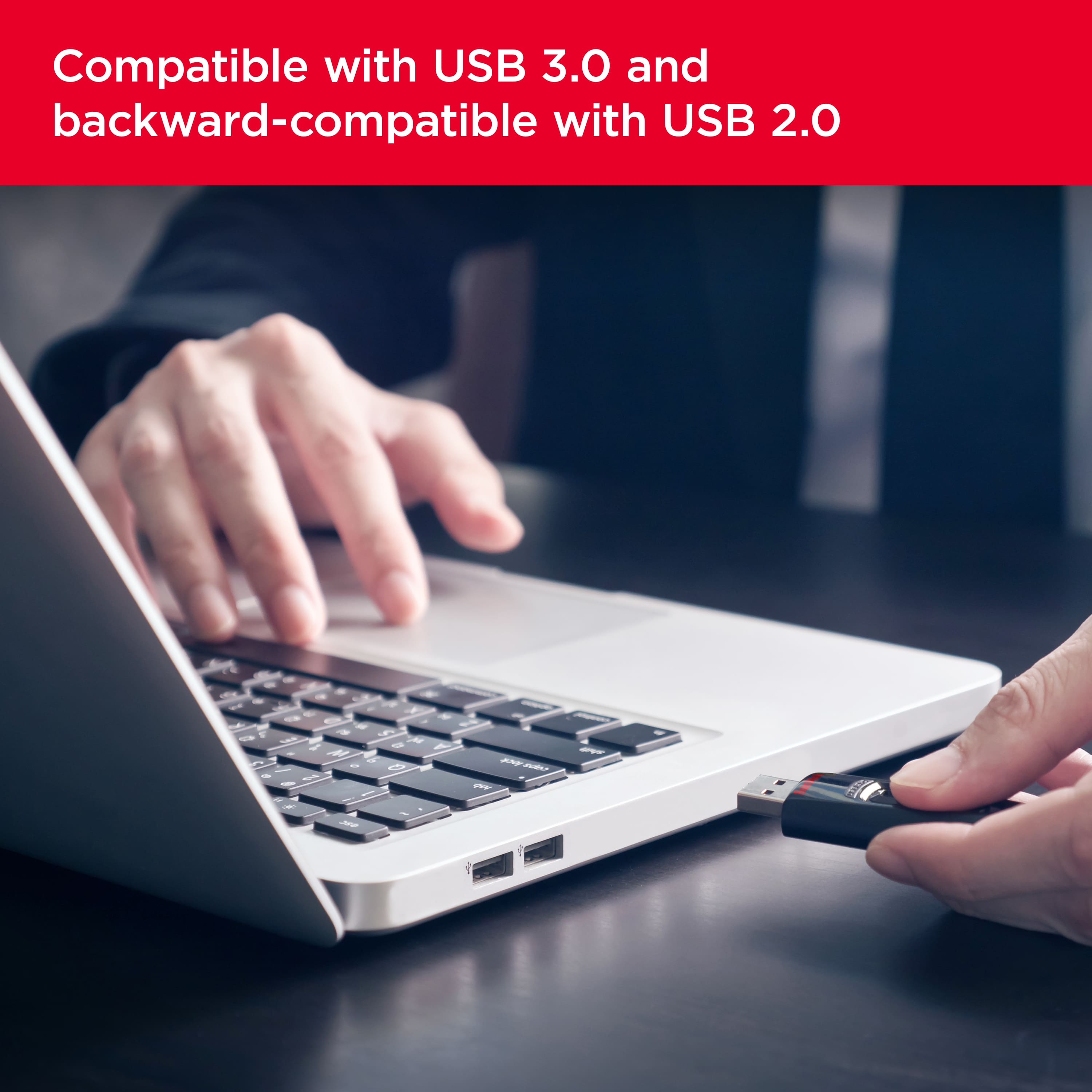
- A:Answer Hi Sherry, all USB ports are compatible. So if you get a 3.0 drive it will work on both your PC and Laptop. If your laptop has 2.0 USB ports it will be a bit slower to transfer your music but it will work. Hope this helps.
Answered by Javidigital
Q: QuestionCan this be used to transfer files from old windows 7 pc to new windows 10 pc?
Asked by Anonymous.
- A:Answer Most assuredly, assuming each of your computers has at least one USB 2.0 or USB 3.0 port. This thumb drive will work in USB 2.0 slots, but it won't be as fast as if it were plugged into a USB 3.0 slot.
Answered by KarlK
Q: Question64 GB flash Drive 3.0What are the differences between 3.0 and 2.0?
Asked by Bill H.
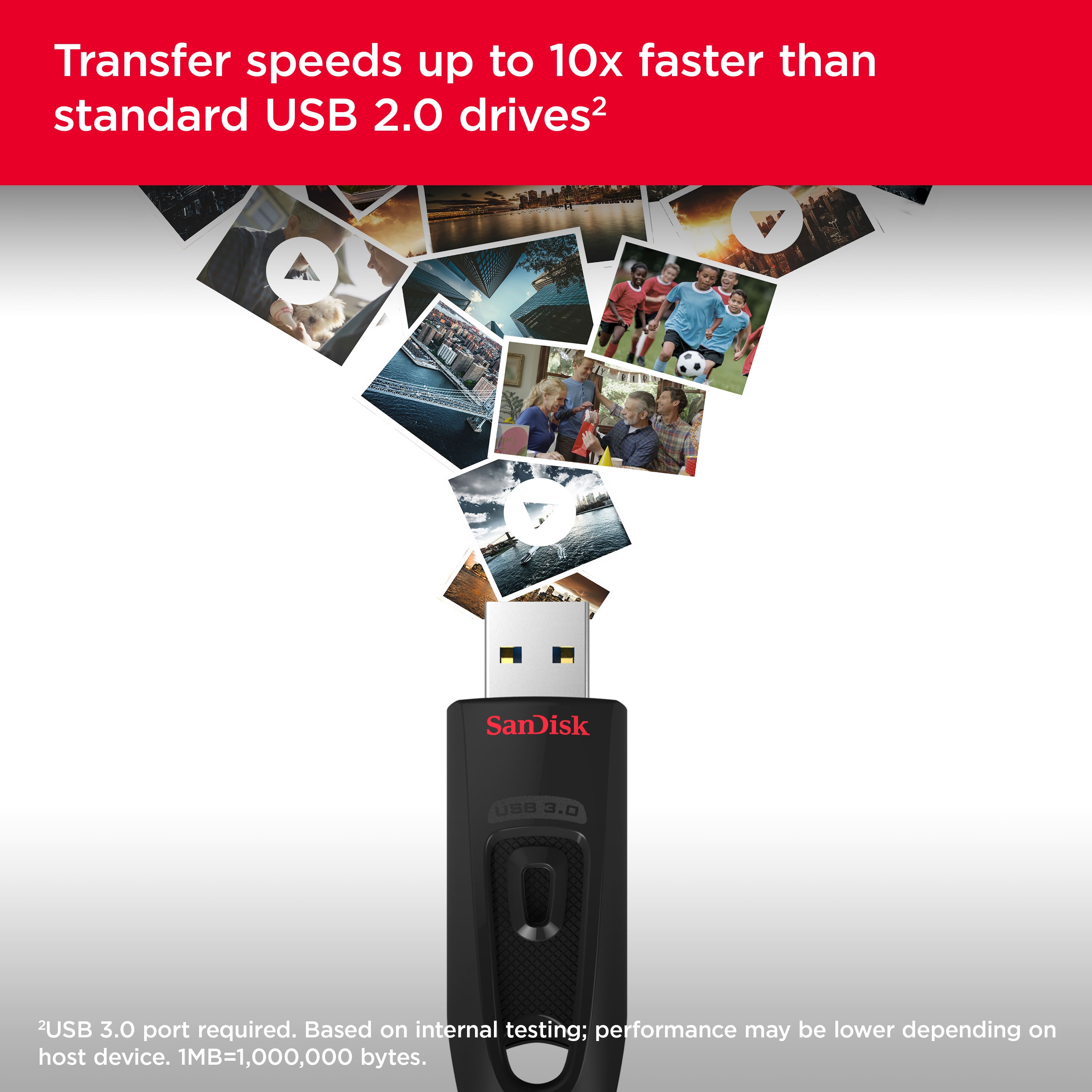
- A:Answer USB 1.0 delivers a speed of 12 MB USB 2.0 delivers a speed of 480 MB USB 3.0 delivers a speed of 5 GB These speeds only reflect the USB technology and do not necessarily mean that the thumb drive, hard drive, etc. can actually run at those speeds.
Answered by GetRich
Q: QuestionWhen you save your,photos onto the flash drive, do you lose them on the computer?
Asked by Jane.
- A:Answer Only if you MOVE the files. If you COPY them, the files will be in both places.
Answered by Largecoffee
Q: QuestionHow many picture's can! Load on this 64gb drive
Asked by lisa.
- A:Answer If your pictures are all fairly uniform in size, just look at the size of the folder they're in. They're probably sized in mbs. Then just figure the drive at about 60,000mbs. It should hold about 10,000 6mb pics or 20,000 3mb. Just a rough estimate, but unless you're a really busy professional photographer, or the pics are huge file sizes, there should be plenty of room for your pictures on it.
Answered by Paula
Q: QuestionWill this work with Windows 10? It doesn't indicate it will in the description.
Asked by nm.
- A:Answer Yes, I use Windows 10 on both my laptop and two desktops and have used it to transfer items items from the laptop to both desktops.
Answered by tennesseeace
Q: QuestionIs there a light indicator to show the device is working ?? I plug mine in and there is no indicator light that lights up
Asked by Aragorn.
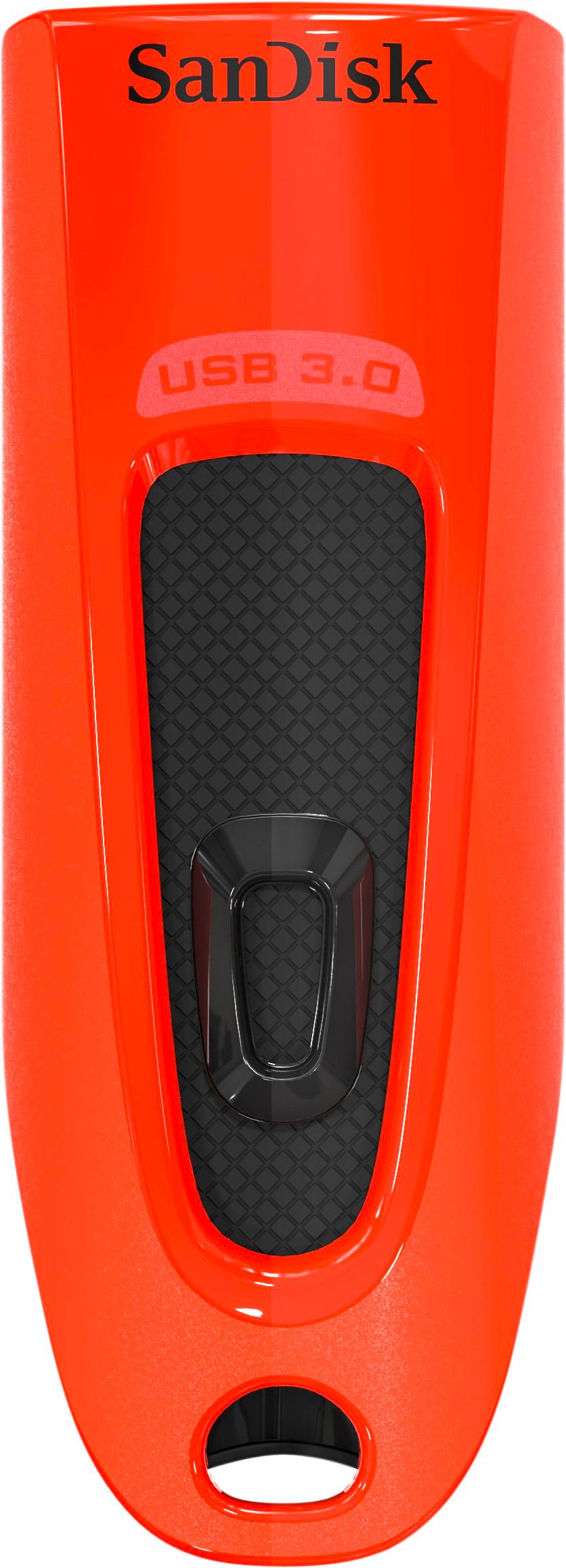
- A:Answer Believe it or not, everyone responding either yes or no is correct. Some do have the activity light, while others with the same name and model number (Black: SDCZ48-064G-A46, and Red: SDCZ48-064G-A46R) do not. Sandisk told me you have to look at the end of the male USB plug. If the outer metal jacket wraps around the edge of the blue plastic insert inside of the end of the male plug, there is no activity light. If the outer metal jacket does not wrap around the blue plastic insert inside of the male USB plug, it will light up. Nowhere on the packaging is there any indication of whether or not the USB Flash Drive has a light. What a way to sell a product.
Answered by MrDee
Q: Questionis this drive compatible with iMac computers?
Asked by Anonymous.
- A:Answer The drive itself is compatible, but the filesystem may need to be changed. In your Applications folder, Utilities folder, open Disk Utility. In the left column, click the drive name, something like SanDisk 64 GB or similar. Check the bottom of the page to determine the current format. Might be NTFS or FAT32. If it's NTFS, I suggest reformatting the drive. NTFS on Mac is supported READ only. Meaning you won't be able to write files from your Mac to this drive without a special utility or some unsupported tech wizardry. If you don't need to use the drive with a PC or Linux, format the drive with GPT partition table and Mac OS HFS+ Journaled. Otherwise use GPT and FAT32 if you won't be using it for files greater than 4 GB in size. This gives you compatibility to read/write on Windows, Mac, and Linux. Further help with the reformatting process may be found online or from your favorite Mac tech person.
Answered by tjbIthaca
Q: QuestionReinstall hp note book
Asked by cup.
- A:Answer My husband got it to back up his new hp note book for future reinstallation.
Answered by ladyas
Q: Questionyearly subscription?After buying 64gb usb. what other payments are required ?
Asked by ned.
- A:Answer Yearly subscription is not required. They have a cloud storage service that is optional.
Answered by Marcus
Q: QuestionI want to store photos on this flash drive. Do I have to format it or is it ready to go?
Asked by 88MR2.
- A:Answer The flash drive is formatted with fat32 out of the box, but I would recommend reformatting to exfat so that you don't run into any of the limitations of the fat32 file system, such as it's inability to handle files larger than 4GB.
Answered by SamCam
Q: QuestionCan I use this to store and play MP3 music?
Asked by LenS.
- A:Answer yes...that's what i used it for...
Answered by tmjr
Q: QuestionCan i give password to my file or folder into flash drive and how it’s work?
Asked by TwilighT.
- A:Answer Please allow us to inform you that we provide PrivateAccess which an optional software for data encryption and password protection with our USB Drives. In order to know more about PrivateAccess, please refer to our knowledgebase article number "21996" or the below mentioned link : -- https://kb.sandisk.com/app/answers/detail/a_id/21996
Answered by SanDisk Team
Q: Questionis the 64 GB firm or is there a little extra room.i need 65.4 GB?
Asked by meurett.
- A:Answer This drive has a useable capacity lower than 64Gb because the drive reserves some amount of space as a caching area so that files transfer fast. the more files you put onto an ssd the slower it gets so that extra cache is there to make sure the drive works. if you need to store a 64.5 Gb file you will need a 80 or 128Gb drive as those are the next sizes up with 80Gb drives being rare. I think the useable space on this drive is somewhere around 59Gb.
Answered by Grant
Q: QuestionHow many photos can store from galaxy s7
Asked by Papa.
- A:Answer I have over 1, 500 photos good but . I am glad it was on sale. You should not have any problems I have at least four years of pictures on it and I had no problemmmmmm. I also have the galaxy 7 edge phone....
Answered by Meme
Q: QuestionHOW MANY HOURS OF 1080 VIDEO WILL IT HOLD?
Asked by rocket.
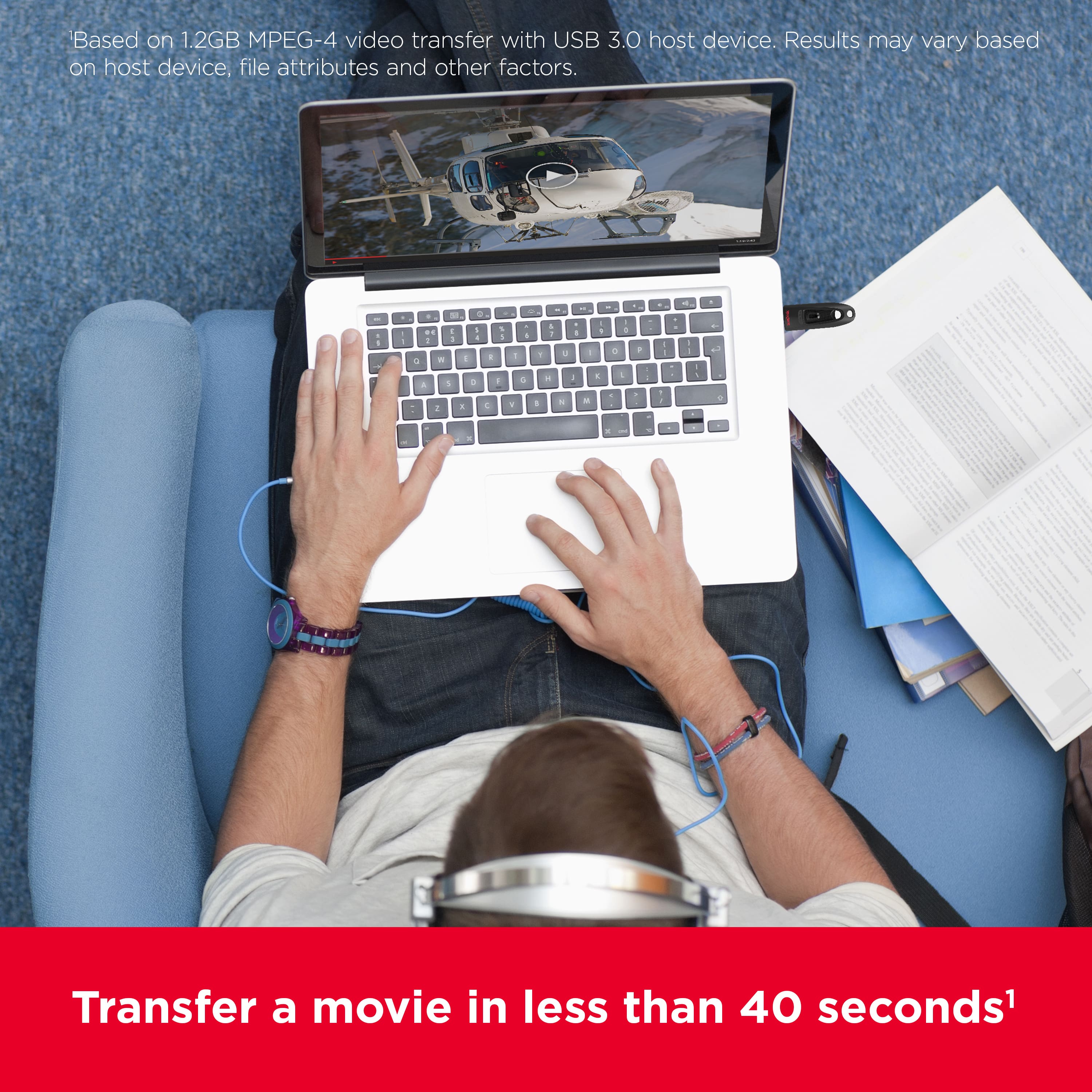
- A:Answer I have a mix of 720 thru 1080p marvel movies from the the first iron Man to avengers infinity war and have enough room for so much more
Answered by Bobmar
Q: QuestionThere does not seem to be an update for use on an iMac. Is there a way to update the Ultra?
Asked by Jsan.
- A:Answer Hi, thank you for reaching out to us. Please note that the firmware updates aren’t required for the SanDisk Ultra 64GB USB 3.0 Flash Drive, as it’s designed to work plug-and-play across devices, including iMac. If your drive is not accessible on macOS, we recommend that you try connecting it to another computer. If the issue replicates, try formatting the drive using the exFAT file system. Please ensure you take a backup before formatting, as it is a data-destructive process. Please see Answer ID 51125 (https://support-en.sandisk.com/app/answers/detailweb/a_id/51125) If the issue persists, you can open a support ticket at (https://support-en.sandisk.com/app/askweb) with a detailed problem and relevant screenshots.
Answered by SanDisk Team
Q: QuestionThe specifications for this drive state that it is both USB-A and USB-C. But *none* of the photos show USB-C. Is there really a USB-C connector option???
Asked by CuriousUser27.
- A:Answer No, it is only USB-A
Answered by ESTMA
Top Rated
- Black Friday Deal$82.99Your price for this item is $82.99
- Black Friday Deal$26.99Your price for this item is $26.99
- $58.99Your price for this item is $58.99
- $27.99Your price for this item is $27.99
- $23.99Your price for this item is $23.99
- $21.99Your price for this item is $21.99
- $51.99Your price for this item is $51.99
- $42.99Your price for this item is $42.99
- Black Friday Deal$57.99Your price for this item is $57.99
- $49.99Your price for this item is $49.99
- Black Friday Deal$19.99Your price for this item is $19.99
- $19.99Your price for this item is $19.99
- $35.49Your price for this item is $35.49
- $19.99Your price for this item is $19.99
- $12.99Your price for this item is $12.99
- $14.99Your price for this item is $14.99
- Black Friday Deal$15.99Your price for this item is $15.99
- Black Friday Deal$24.99Your price for this item is $24.99
- $17.49Your price for this item is $17.49
- Black Friday Deal$24.99Your price for this item is $24.99