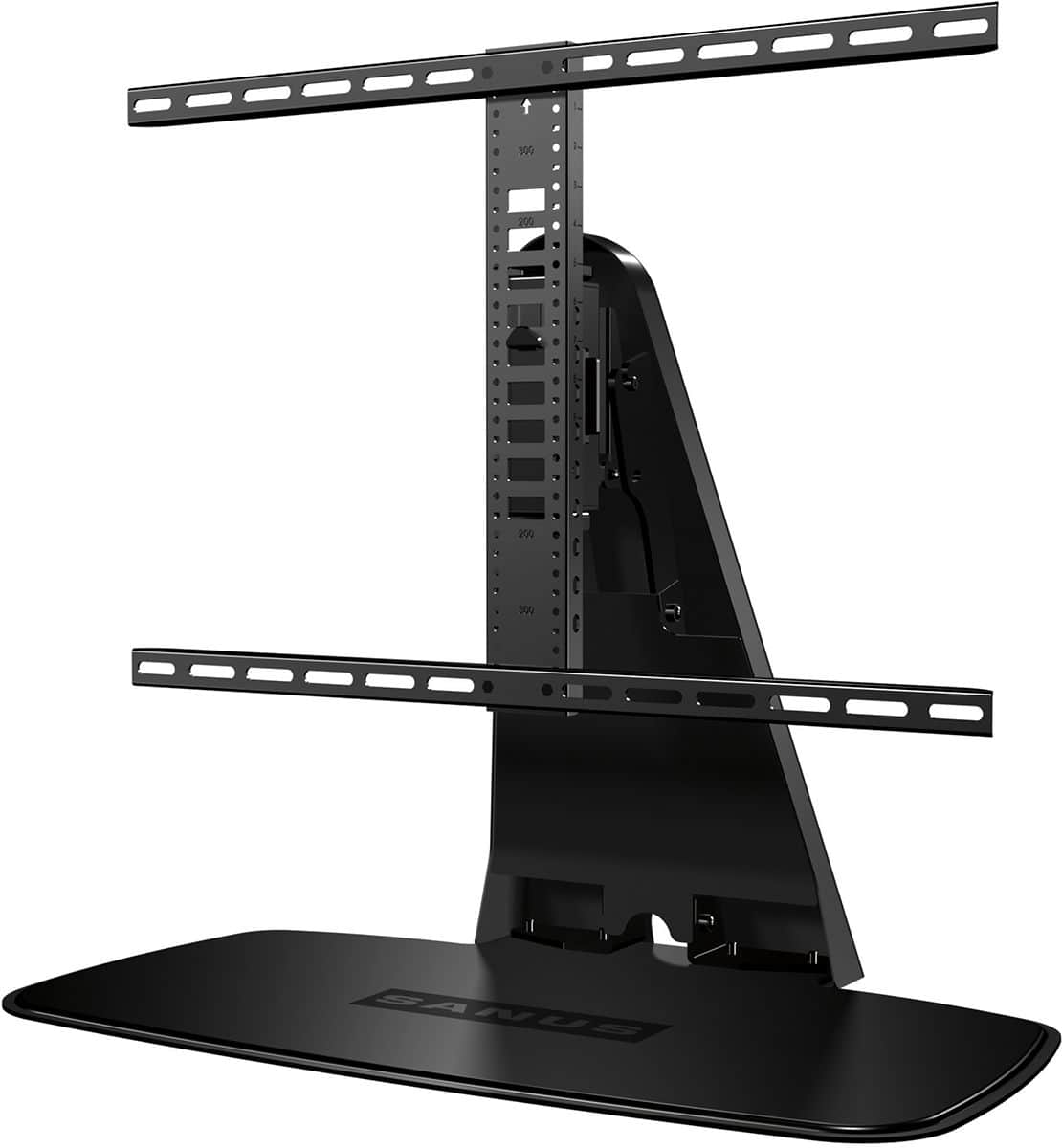
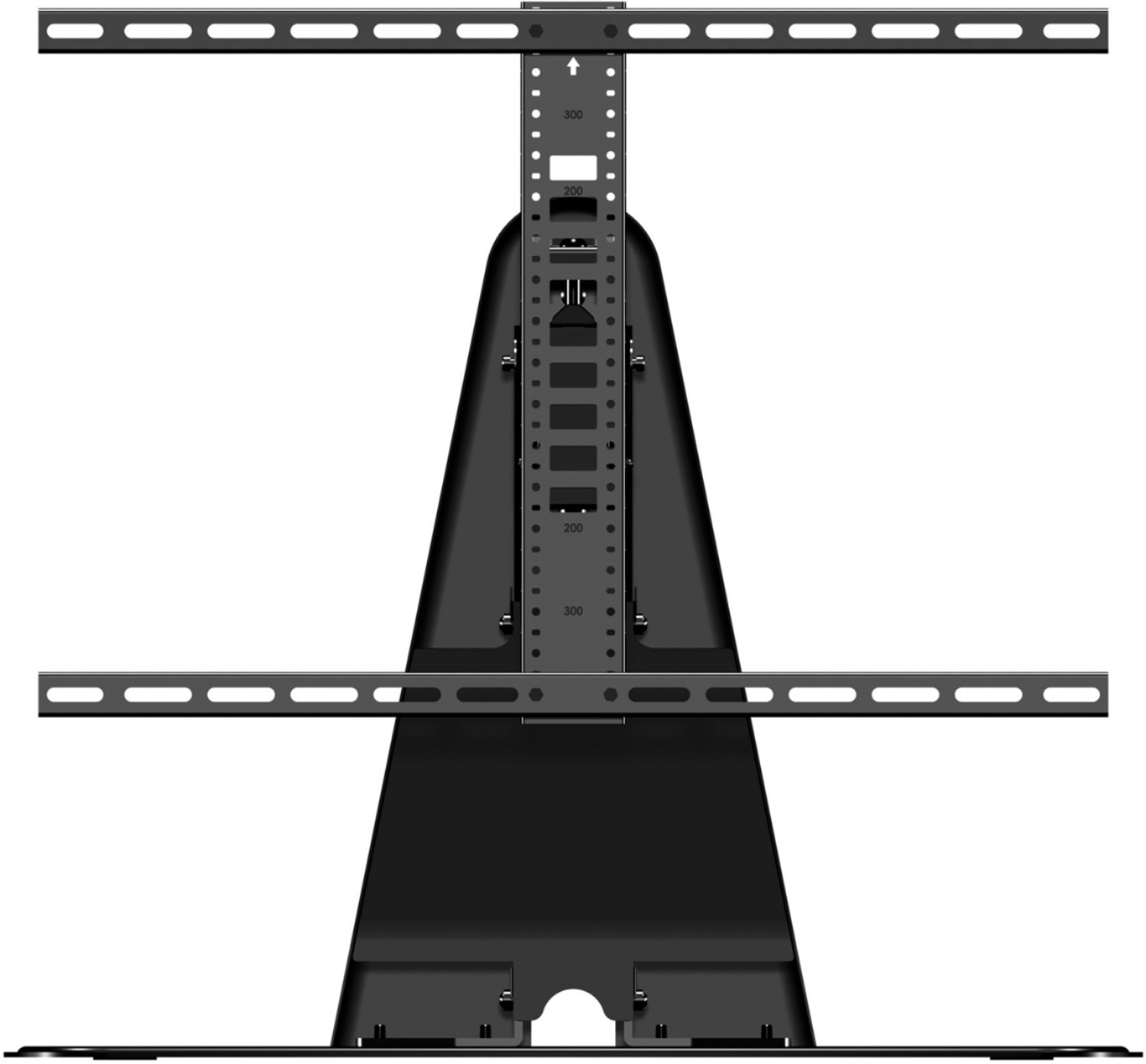
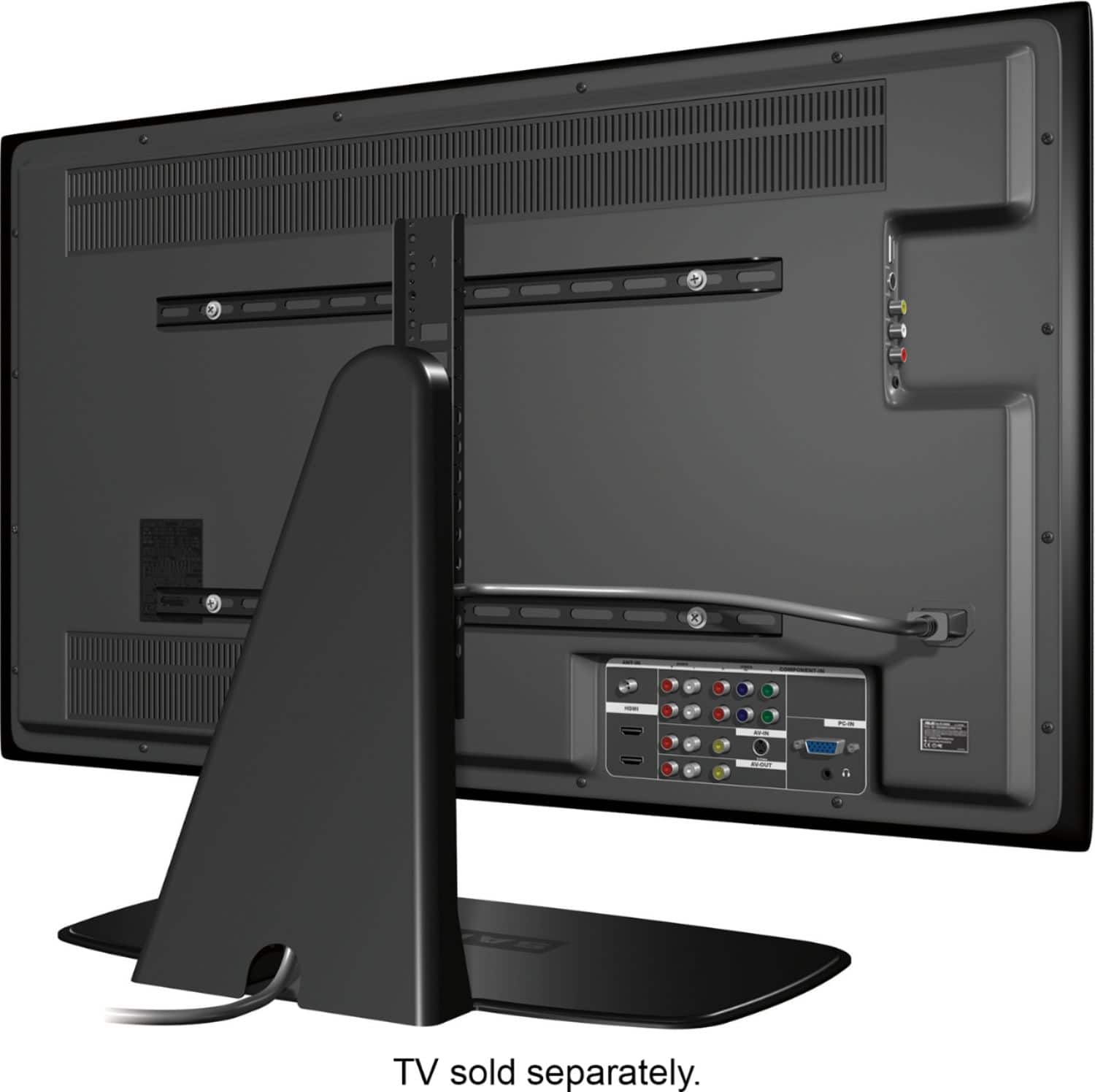
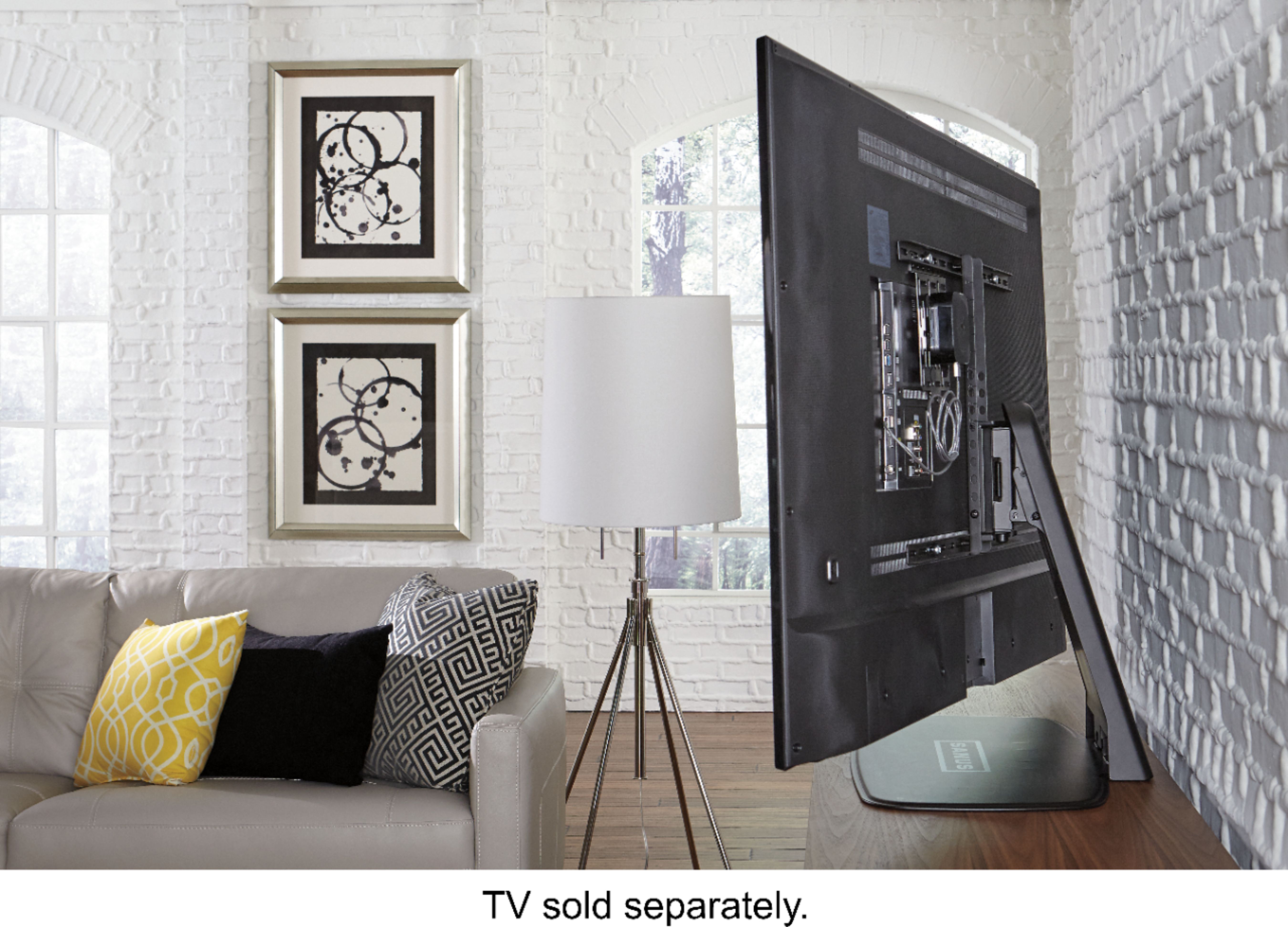
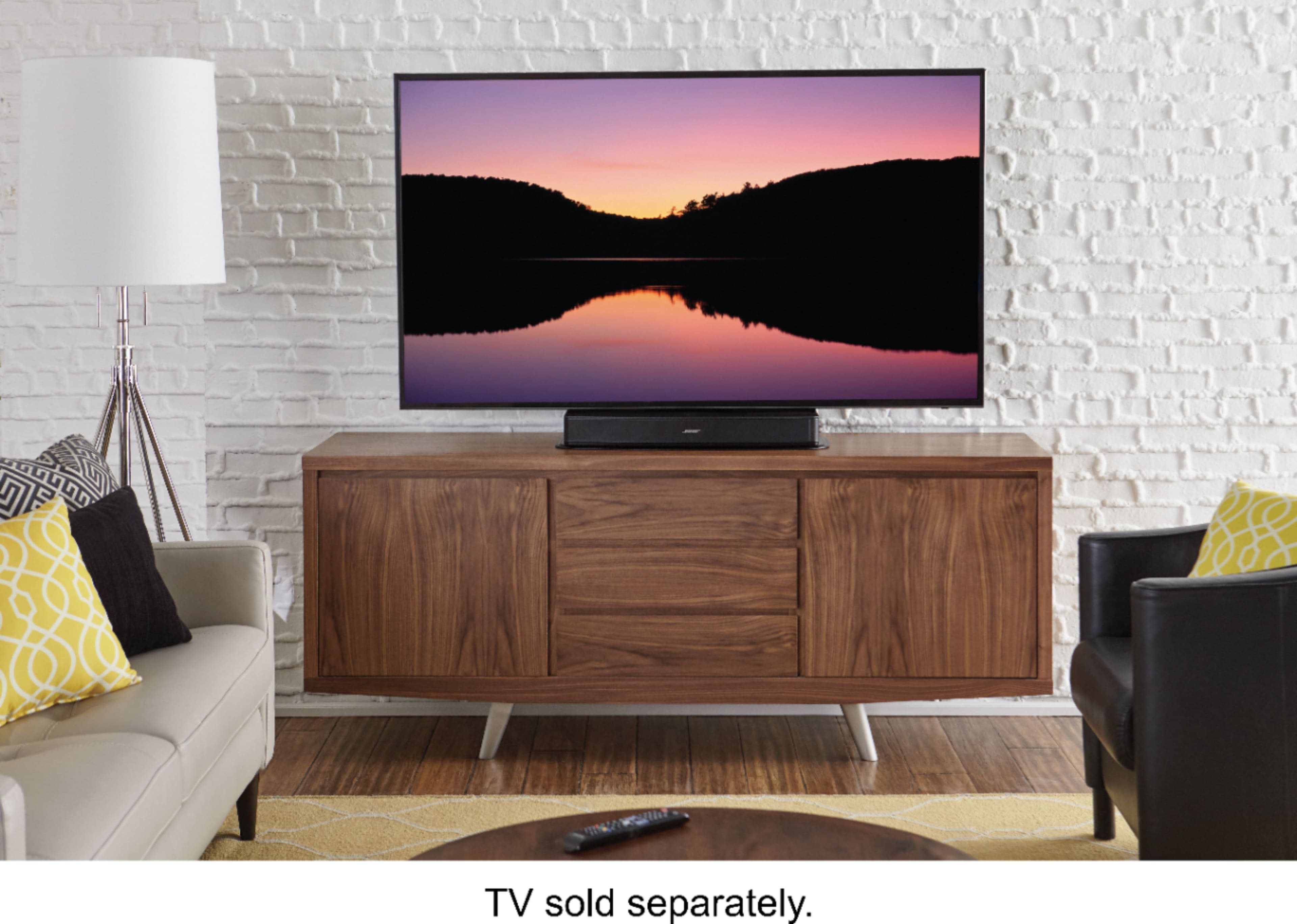
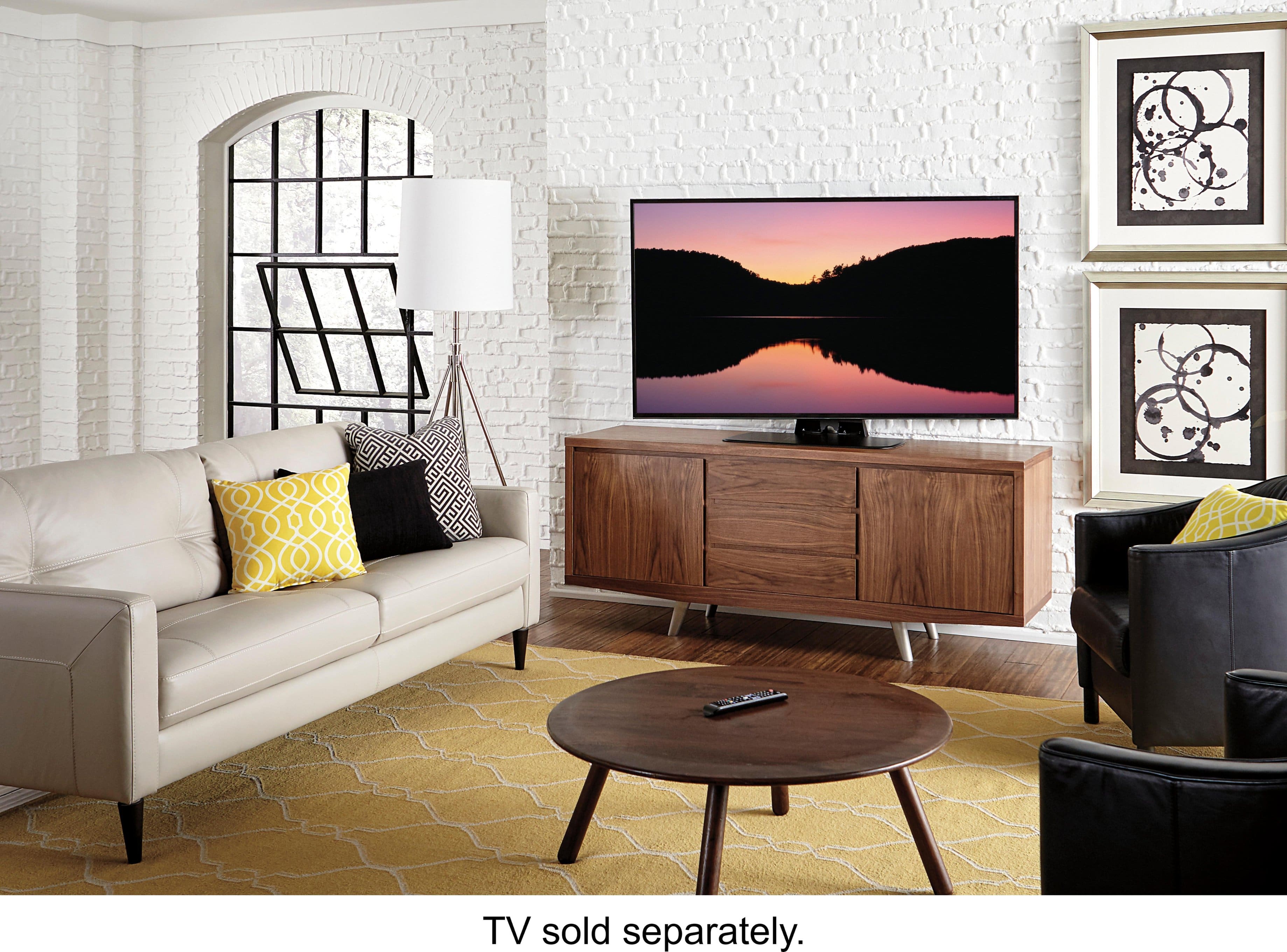
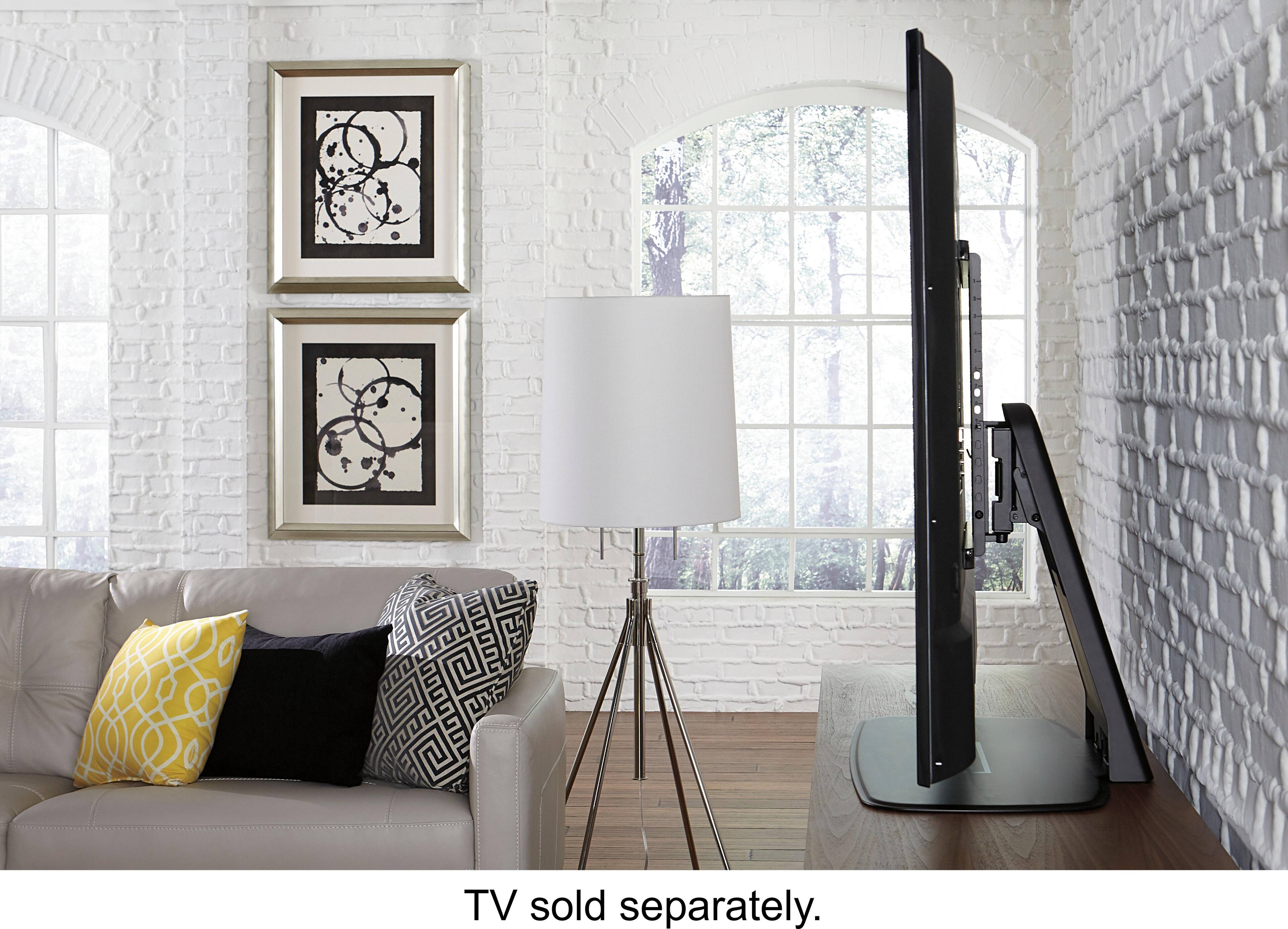
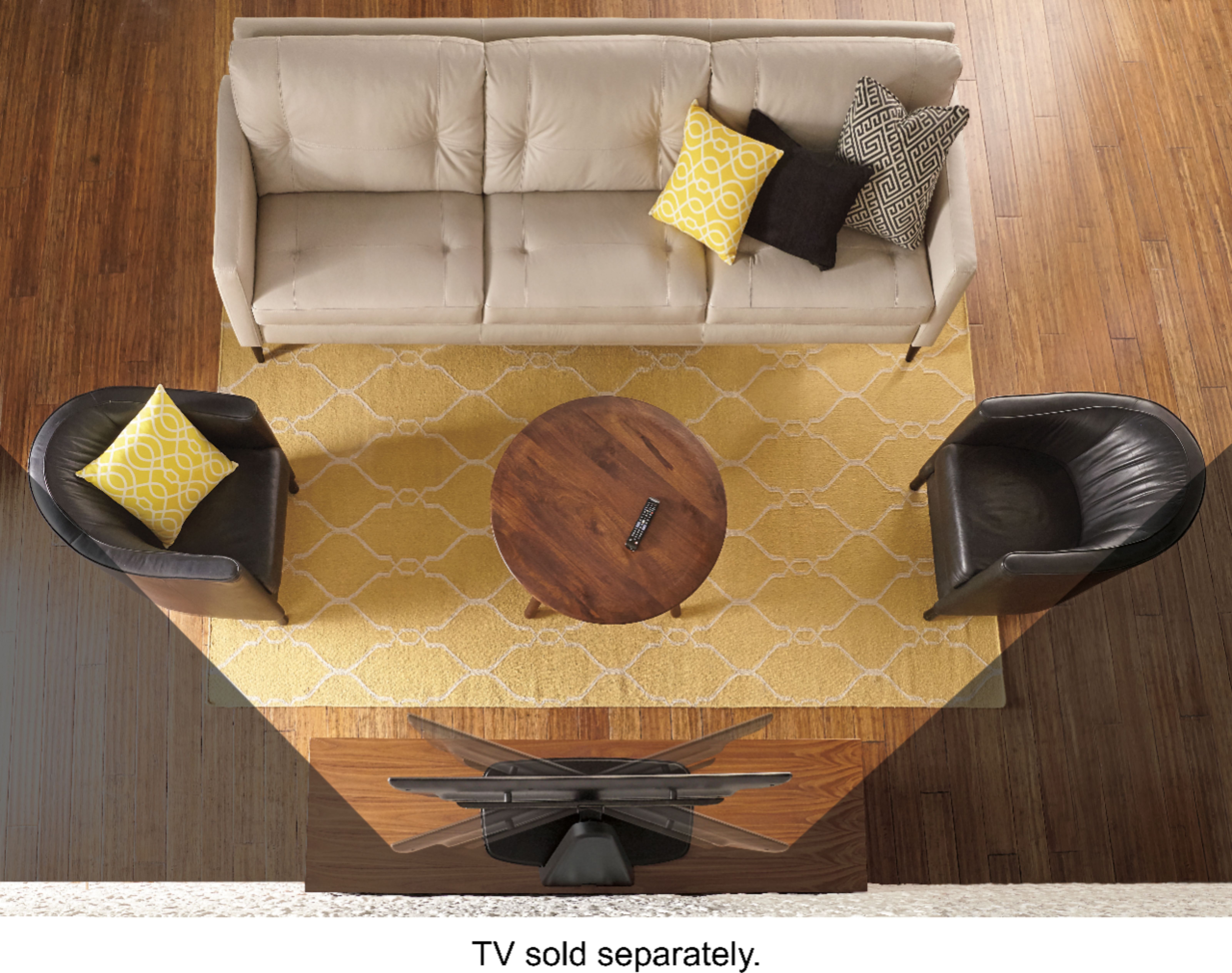
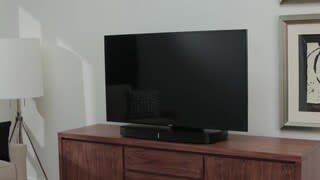
A:AnswerProbably not. This stand fits TVs up to 60" diagonal and 60 lbs. in weight. The problem you may have is the configuration of the holes in the back fitting the stand brackets. I would look at a model that would be appropriate for your 65" Panasonic.
A:AnswerLook at the instructions. It says to contact the Sanus company directly. The interface screws are small flat head silver colored screws. In the packet that contains the hardware, there's a label that says interface screws.
A:AnswerI have never actually measured the exact amount, but there are a wide variety of heights to pick from and I would say that 8 inches is definitely an option. I believe the adjustments are at one inch intervals which allows for small moves or drastic moves. Because the base has a good amount of weight, you won't have to worry about it being too heavy. It is easy to assemble and removing 1 or 2 screws allows for height adjustment. Hope this helps.
A:AnswerHello Que,
To triple check that this stand will work for you, feel free to plug in the exact model # of your Sharp into our mountfinder tool here:
http://mf1.bestbuy.selectionassistant.com/. Hope this helps!
Kathryn @SANUS
A:AnswerIt worked fine for my Sony 55" TV but the tilt capability is very limited. The manual states 1 1/2 degrees of maximum tilt. It seems like more than that and is plenty for my application. The stand is very heavy and sturdy.
A:AnswerWorks up to most 60 inch TVs. If your TV has the typical 4 screw mounting holes in back then yes it work. It is VESA mounting compliant. Might have to use spacers and different size screws but it comes with a variety of spaces and screws to make it universal for most TVs.
A:AnswerTry a different HDMI cable. See if that works first. Sometimes the HDMI cables are poor quality and will cause loss of signal and TV will shut off or appear to shut off. Also double check the plug and coaxial cable coming into the satellite TV or cable box. Make sure there is good connection. If all plugs are nice and tight and cords are good then next try starting TV and downloading the latest firmware. If firmware is outdated it can cause issues. Have to go to Smart Hub or settings to do this on TV. Might take a few tries if keeps cutting off. Also make sure using surge protector to plug in TV to prevent power fluctuations. If none of this works need to use Samsung 1 year warranty service and have them replace the TV or repair it.
A:AnswerUsually below the TV. If using enterainment center there is a TV stand mount that elevates the TV to allow for this so it is not blocking the screen. If wall mounting then will need to buy a sound bar mounting bracket. It comes with directions and look for one that is universal. The soundbars are also designed to rest on a piece of furniture below the TV. Soundbars are like center channel speakers. Position it below TV symmetrically below TV in midline. This gives best sound for what it achieves. If have a sub woofer they go on floor usually off to side or behind furniture but make sure you do not block the speaker with furniture for best quality sound. Best Buy sells TV mounts and soundbar mounts.