A:AnswerDPaige has it correct. Use an external USB-C power adapter for best results. This will allow you to use the USB-C port(s) on your PC (especially important if data in/out is needed), won't drain your battery, and deliver the maximum amount of power for the other devices you connect.
A:AnswerHi there,
Thank you for reaching Satechi! We appreciate your interest in our products.
This greatly depends on your Host device and the devices that you are planning to connect to the adapter. Generally, it is important to know the limitations of your host device and the power requirements of the devices you plan to connect to the adapter.
For any additional questions or concerns please reach out to us directly at [email protected] or call us at +1(858)268-1800 (US).
We look forward to hearing from you!
A:AnswerHello Ron,
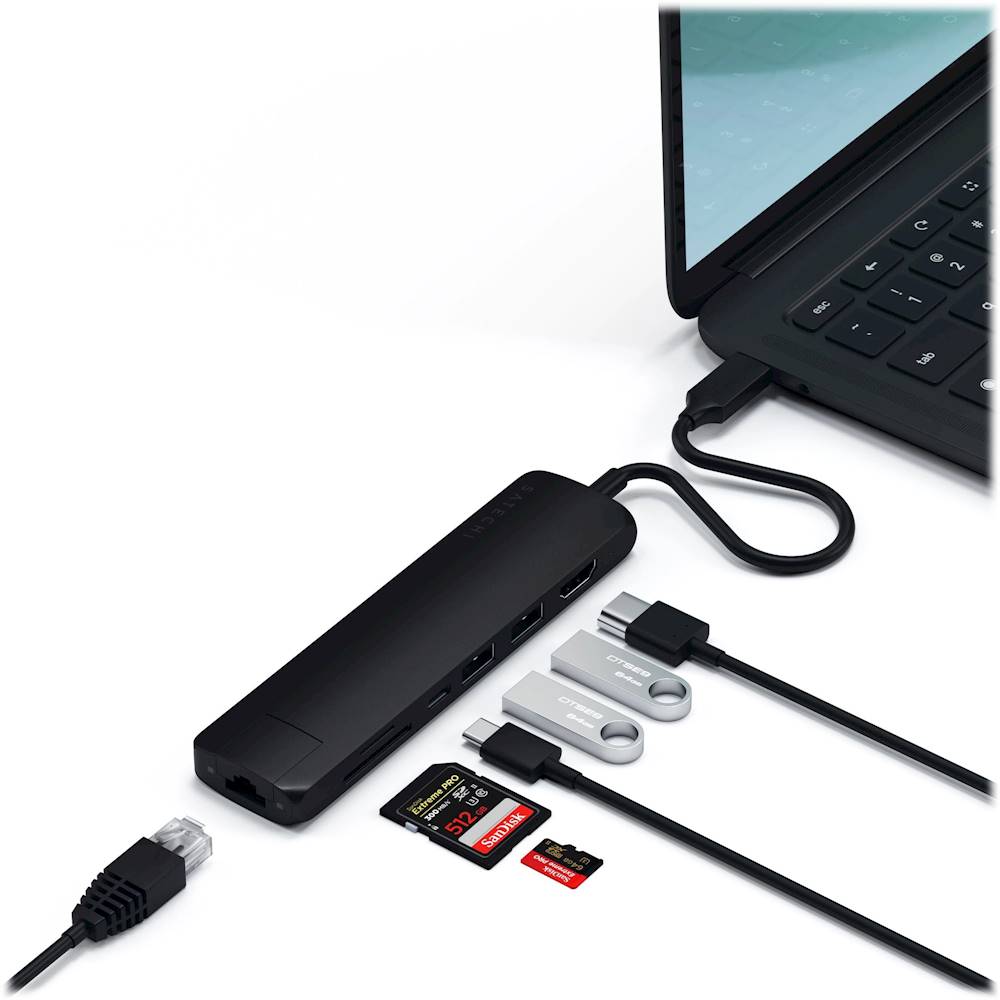
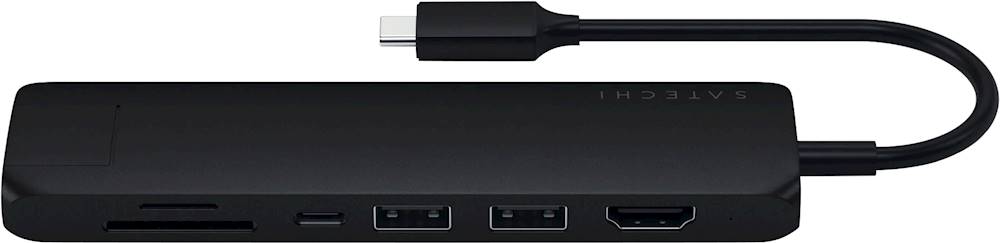
Yes, we can confirm that the USB-C PD port can allow passthrough charging up to 60W.
For Windows PC System Requirements: Thunderbolt 4, Thunderbolt 3, USB4, or USB 3.2 Gen2 with DP Alt Mode Type-C ports required for optimal use
Please note that the charging passthrough port nor the USB-A data ports will not support output charging.
For any additional questions or concerns you may email us at [email protected] or call us at +1(858)268-1800 (US).
We look forward to hearing from you!
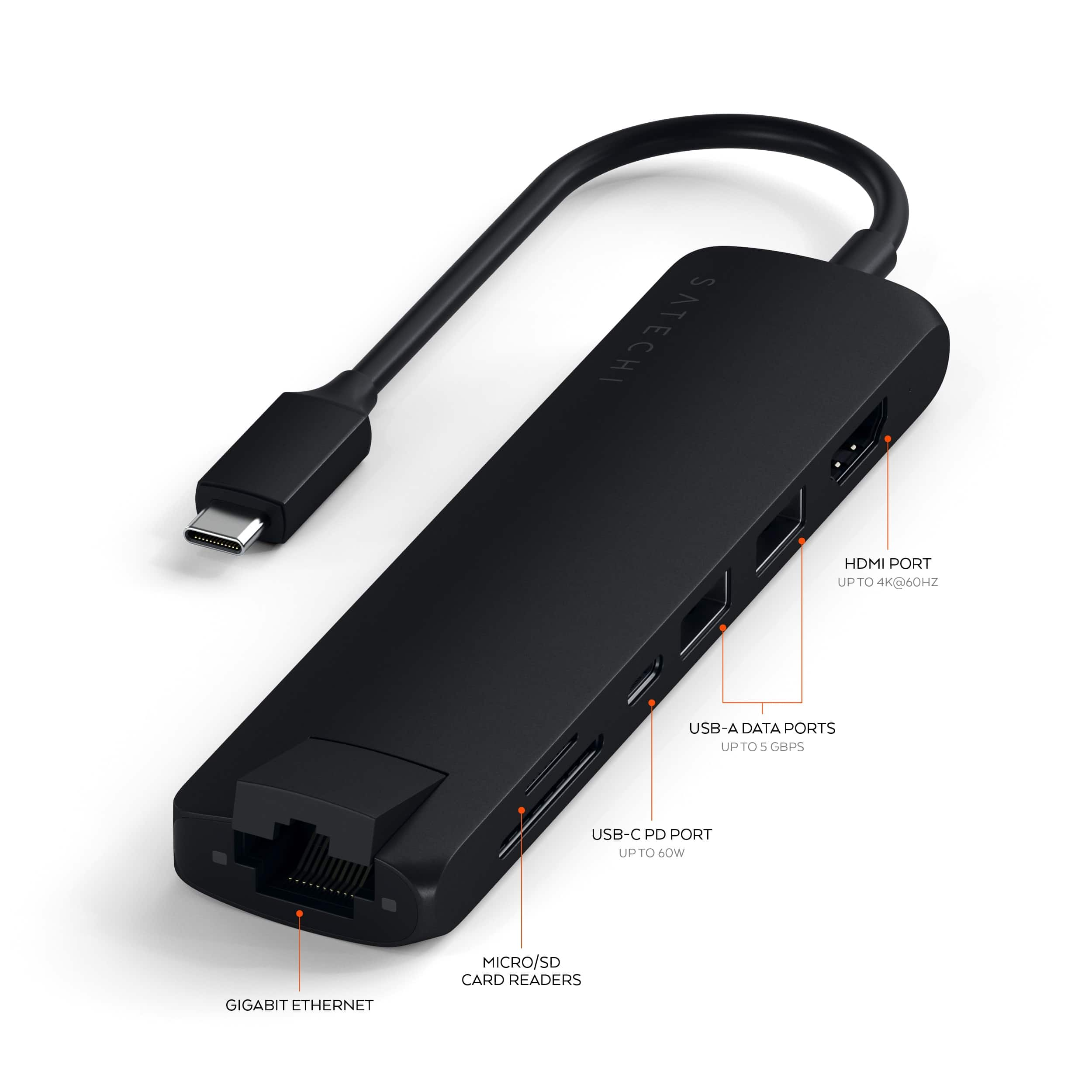
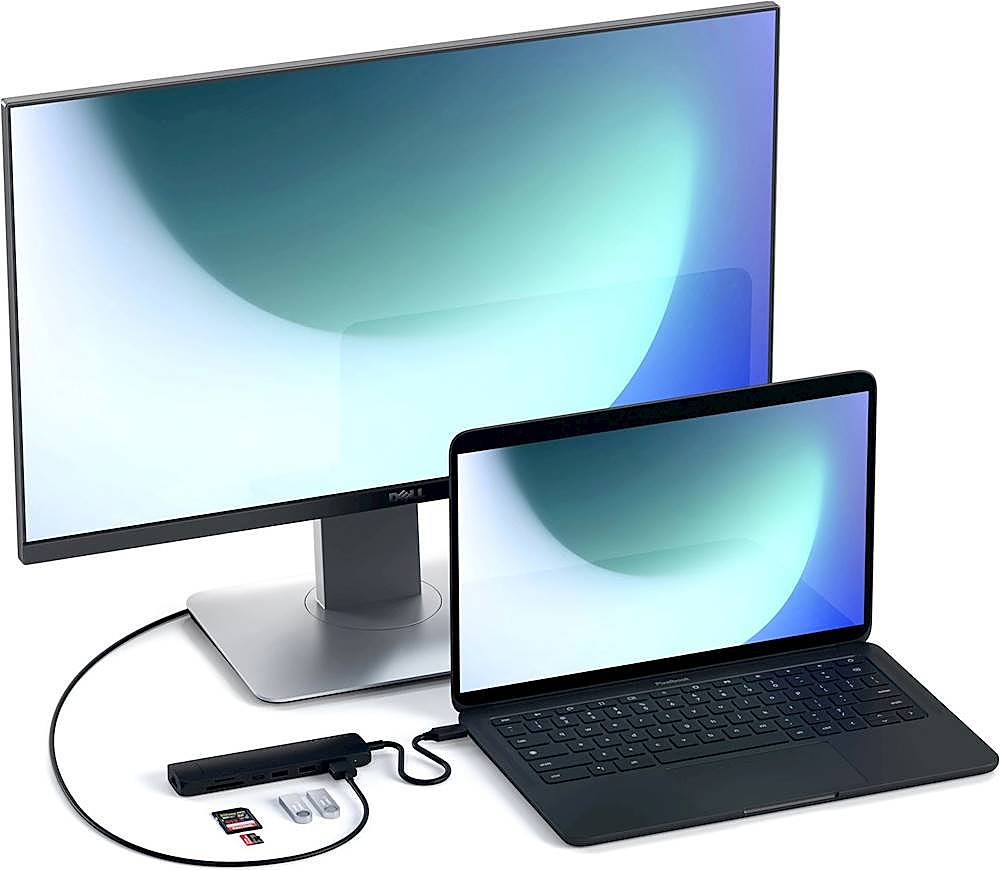
A:AnswerNot sure about a television, but I just used the Satechi HDMI port to connect my iPad Pro to my external Acer monitor. It pulled up Stage Manager and gave me the option to use the Acer as an extra screen or mirror what was on the iPad. The nice thing about the Satechi is that its connection cord allows room for the power connection on a MacBook Air.
A:AnswerHello Don,
We can confirm that power is not required at all times in order for you to use the Slim Multiport Hub Adapter with your laptop. It is a BUS-powered device meaning it draws power directly from the host device in order to function.
You may take advantage of the include USB-C power delivery charging port to connect your USB-C charger when needed as to not occupy another USB-C port on your laptop should you have more than one.
We hope this information helps! Feel free to contact us at [email protected] if you have any other questions or concerns.
Many regards,
Satechi Technical Support
A:AnswerHi Jim,
While the Satechi USB-C Slim Multiport Adapter supports most devices with USB-C Power Delivery protocol and USB-C DisplayPort (DP Alt Mode).
To better assist, we recommend speaking to our technical support team and reach out to us at [email protected] or call us at +1(858)268-1800 (US).
We also encourage you to reach your computer's manufacturers to confirm if the USB-C port(s) on your device supports the specifications of the Satechi Multiport adapter.
A:AnswerHello,
Thank you for choosing Satechi and for reaching out to us!
We recommend connecting our hubs and adapters directly to the host device's USB interface to ensure full functionality and optimum performance. In addition, the USB-A to USB-C adapter will only transit data and does not support video output and charging.
For any additional questions or concerns you may reach out to us directly at [email protected] or call us at +1(858)268-1800 (US).
A:AnswerHello,
Thank you for reaching Satechi! We appreciate your interest in our products.
Our hubs and adapters were designed and tailored to work best with Mac/Apple products including with most Windows and Android devices.
We have not tested our hub and adapters with any Smart TVs or with any similar devices.
For any additional questions or concerns please reach out to us directly at [email protected]
A:AnswerHello there,
Thank you for reaching Satechi! We appreciate your interest in our products.
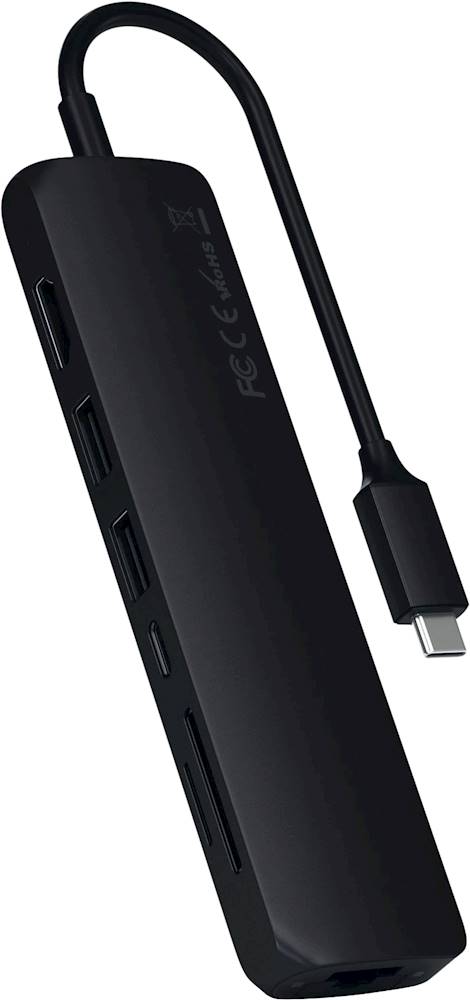
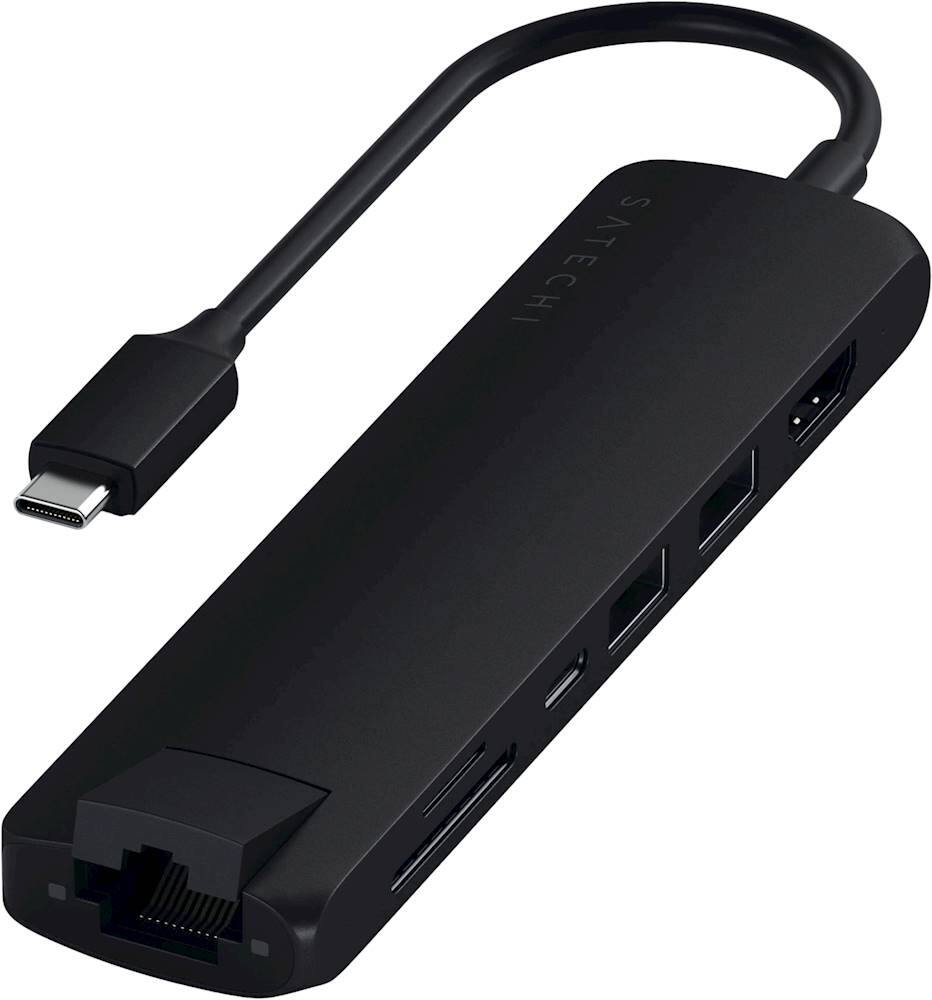
Keep in mind that the USB-C port on this specific adapter is a dedicated pass-through charging port that does not support data transfer or video output.
Note: The USB-C port will only provide pass-through charging to the host device and will not serve as a charging port for your devices.
For any additional questions or concerns please reach out to us directly at [email protected]