A:AnswerThis drive will work fine for a system image backup. I keep my system files in one (C)partition and my data on a separate (F)Partition this makes it much easier to manage both system backup and data backup.
A:AnswerYou can use this like any other drive, just keep an eye on space allocation and available disk space for your backups.
You can not use it to speed up your system and still use it as a functional storage disc drive.
A:AnswerYou need to check the format of the drive. It wasn't compatible with my PS4. Check what file system your computer is, and format it before using it. Of course, you'll lose any programs/data on the drive when you do that. That was not an issue for me.
A:AnswerYes but it depends if the router will allow such action. My old dsl router by net gear allowed me to hook one up and be able to pull from it rather than be hooked to laptop.
A:AnswerIt's compatible. Nothing more needed. If you use it as a backup drive, you can use Windows services to backup or most security suites offer backup these days OR this drive comes with its own set of programs. As for hardware though, it comes with the USB cord and that's all you need. You're up and running when you plug it into your machine.
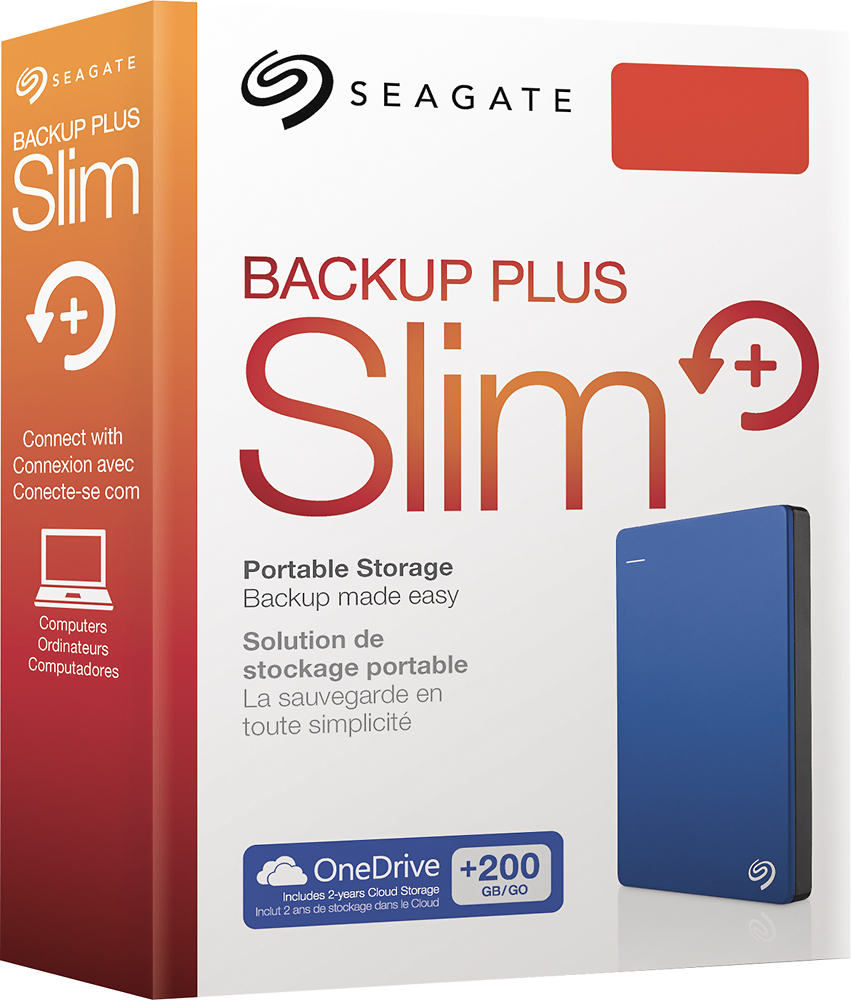
A:AnswerLook on the box. The box will tell the system requirements. Some of the newer ones will work on XP, some will not. I have a couple of them, one of which is XP compatible and the other one is not.