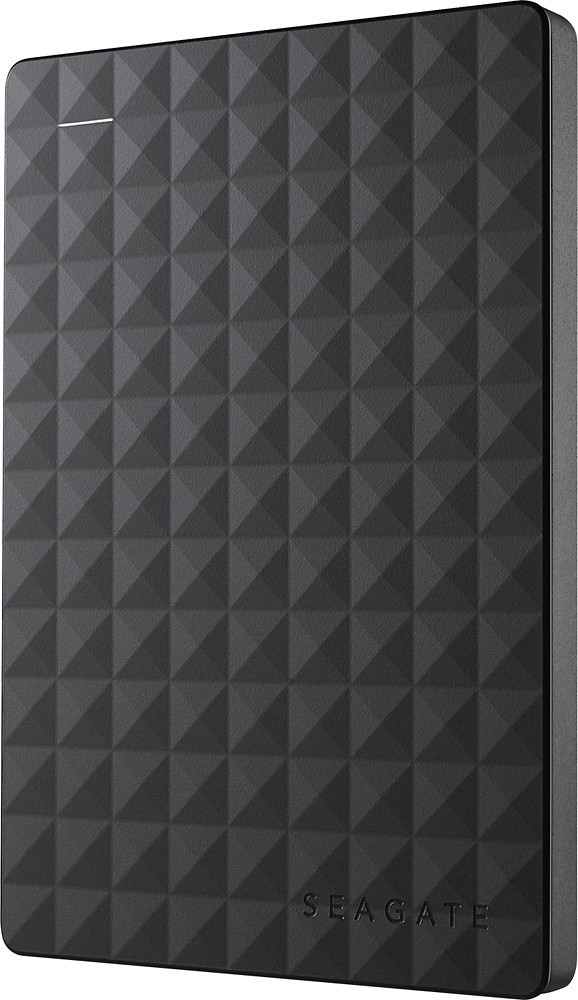
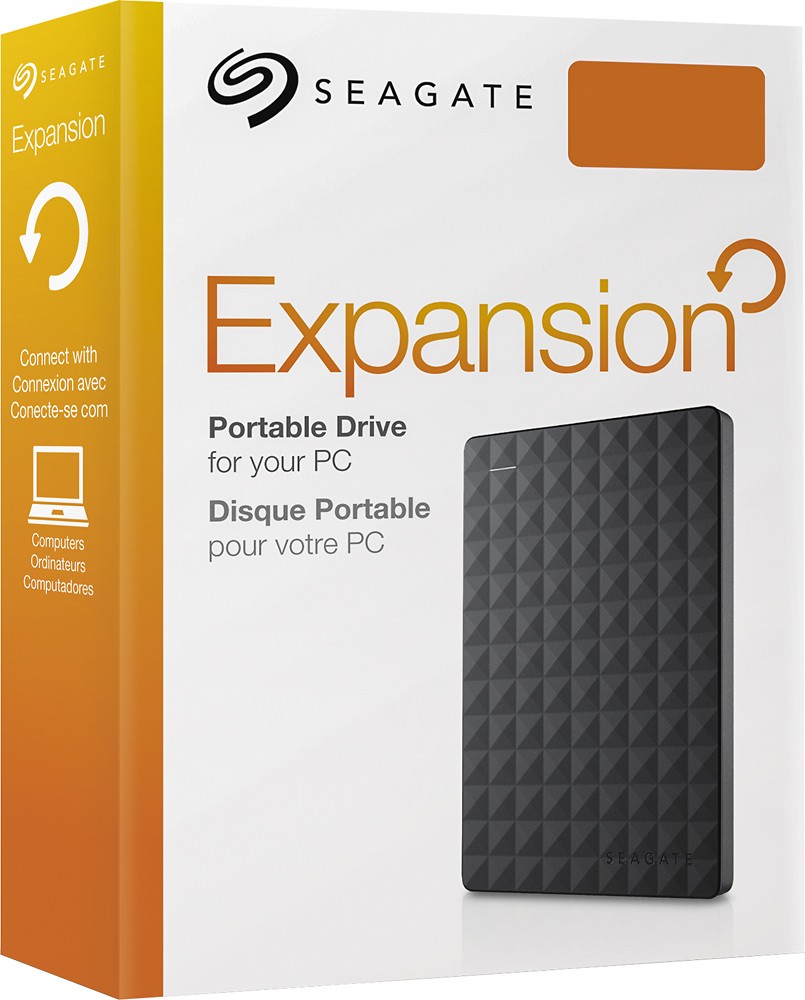
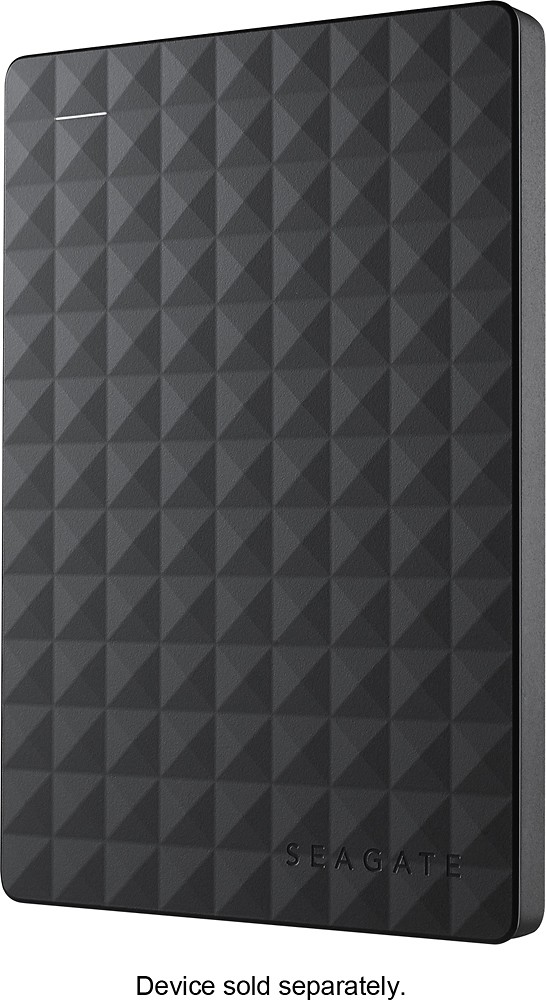
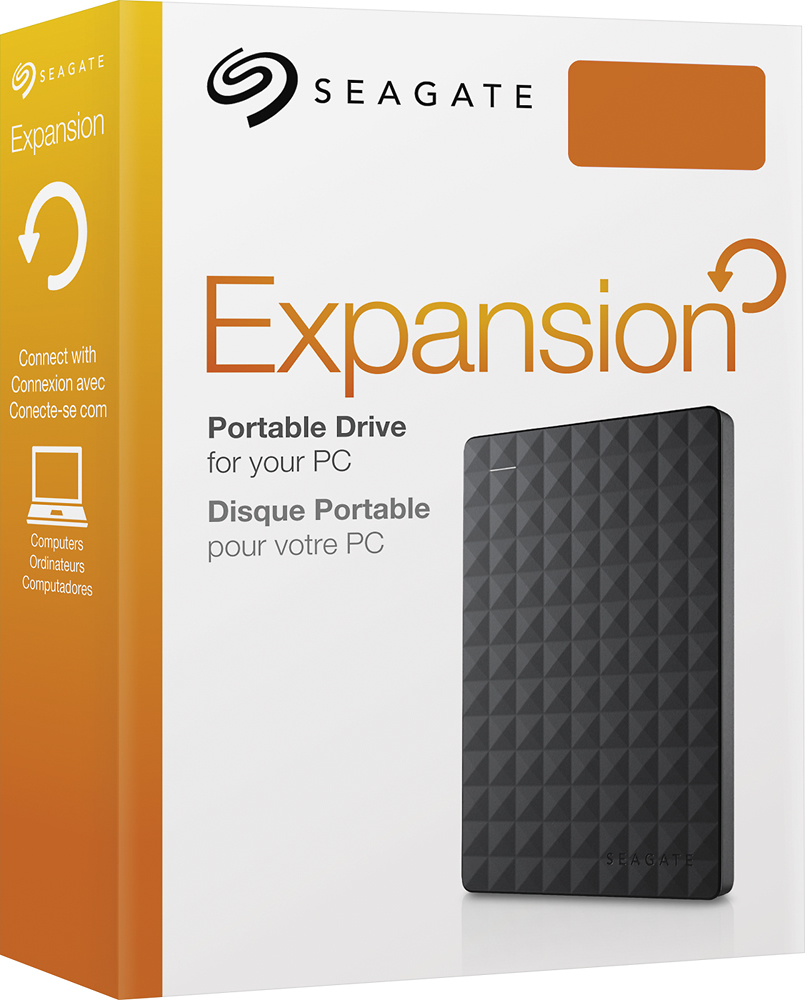
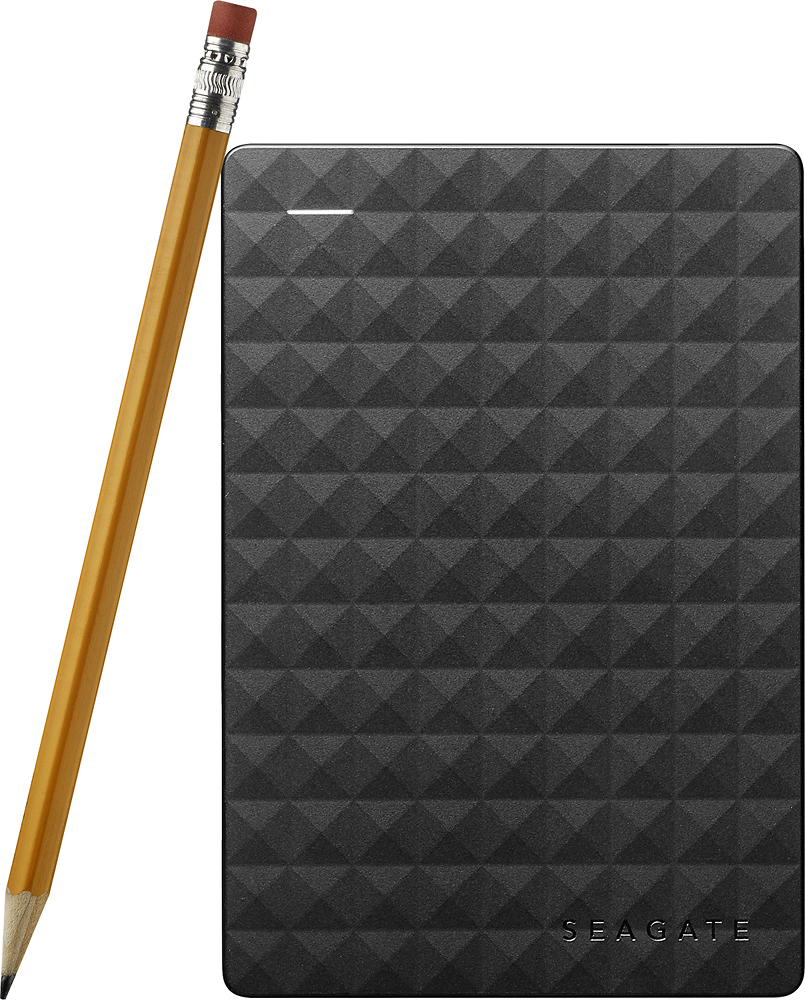
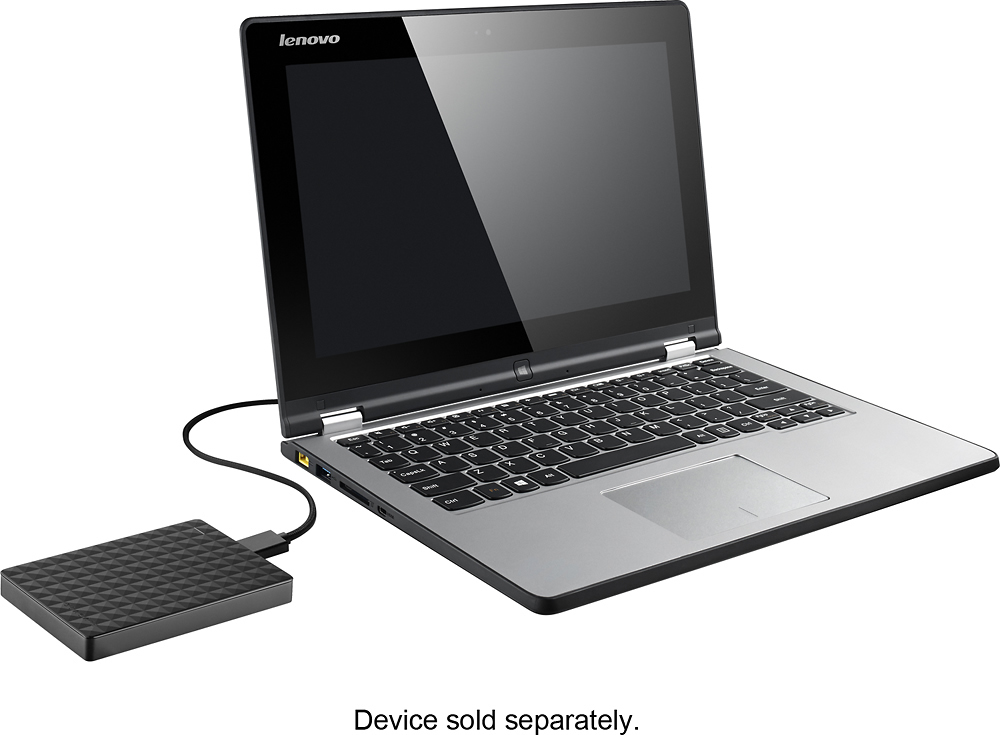
A:Answer You can get files easily off the external hard drive. You simply plug it into a USB port on your computer. Then, go to File Explorer and look for the external drive, example, F: drive, and copy files to and from it. Pretend the external drive is plugged into your laptop and you do an initial copy of your Documents and Pictures folders and then paste them to your external drive. Next time you do a backup, follow the same copy/paste steps. It will say it found existing files and asks if you want to override existing. I say yes, then it essentially re-cpoies over existing files and adds any new files since the last backup. You can choose to skip existing files. Took a few hours for my initial backup but it had large files.