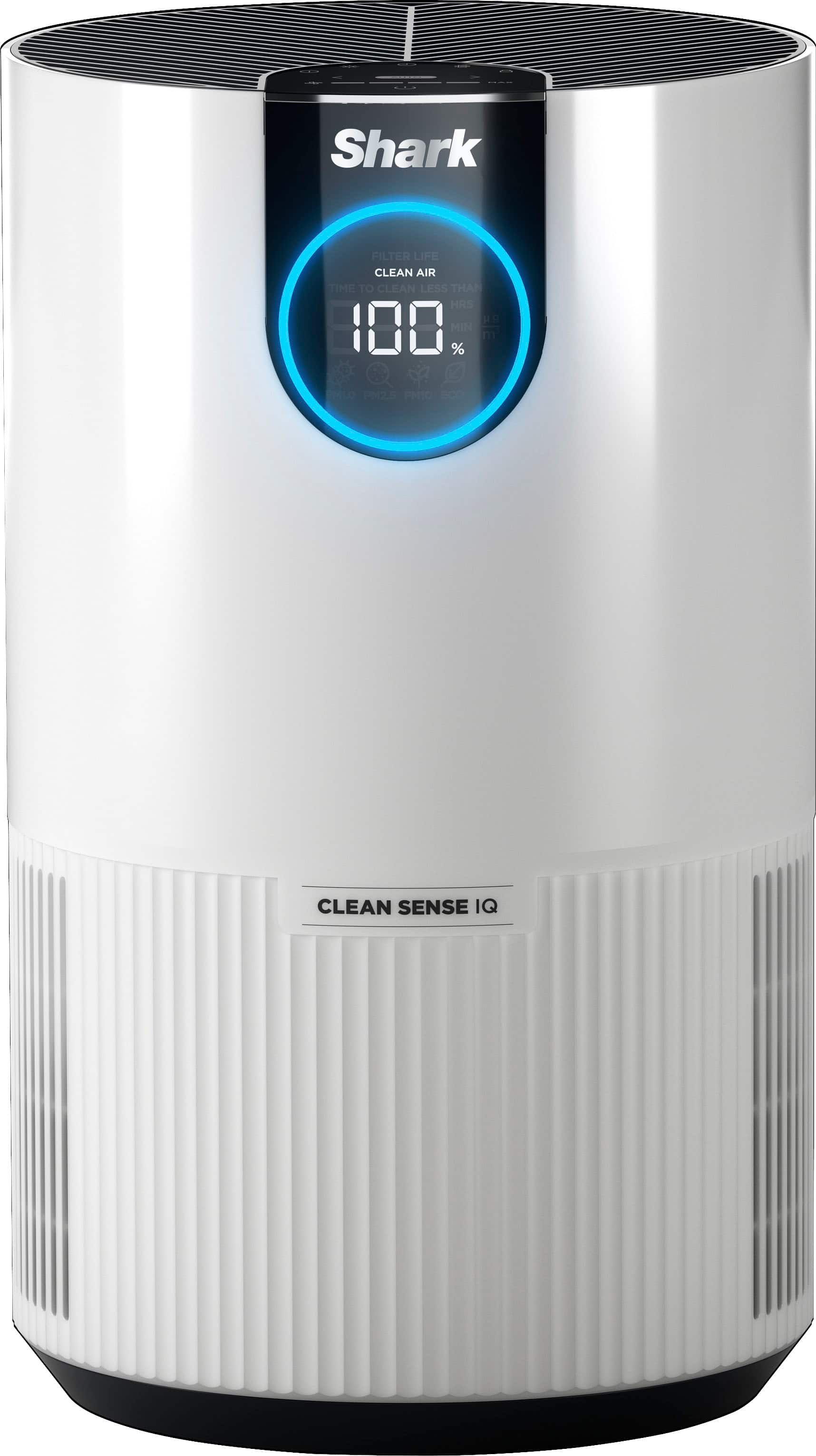
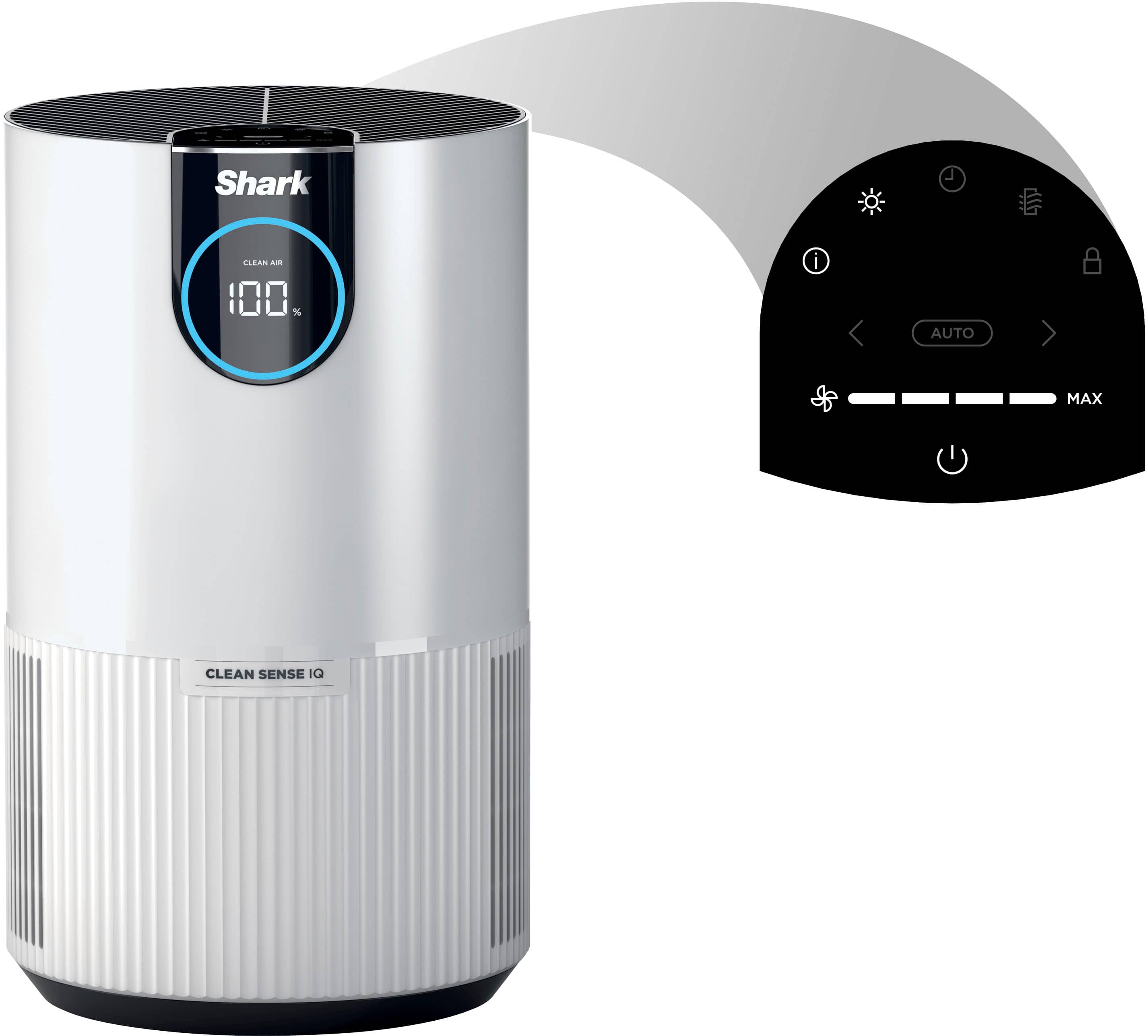
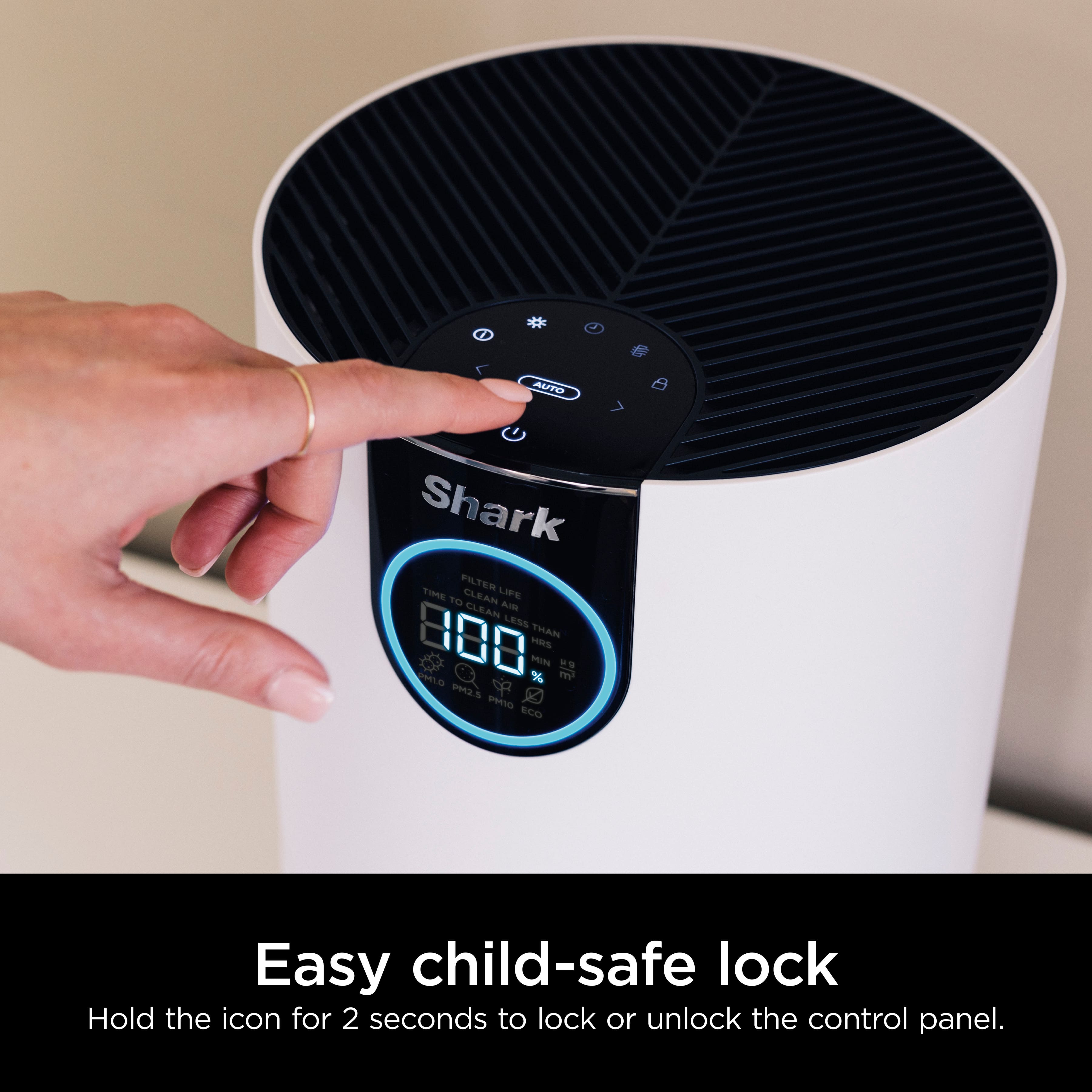
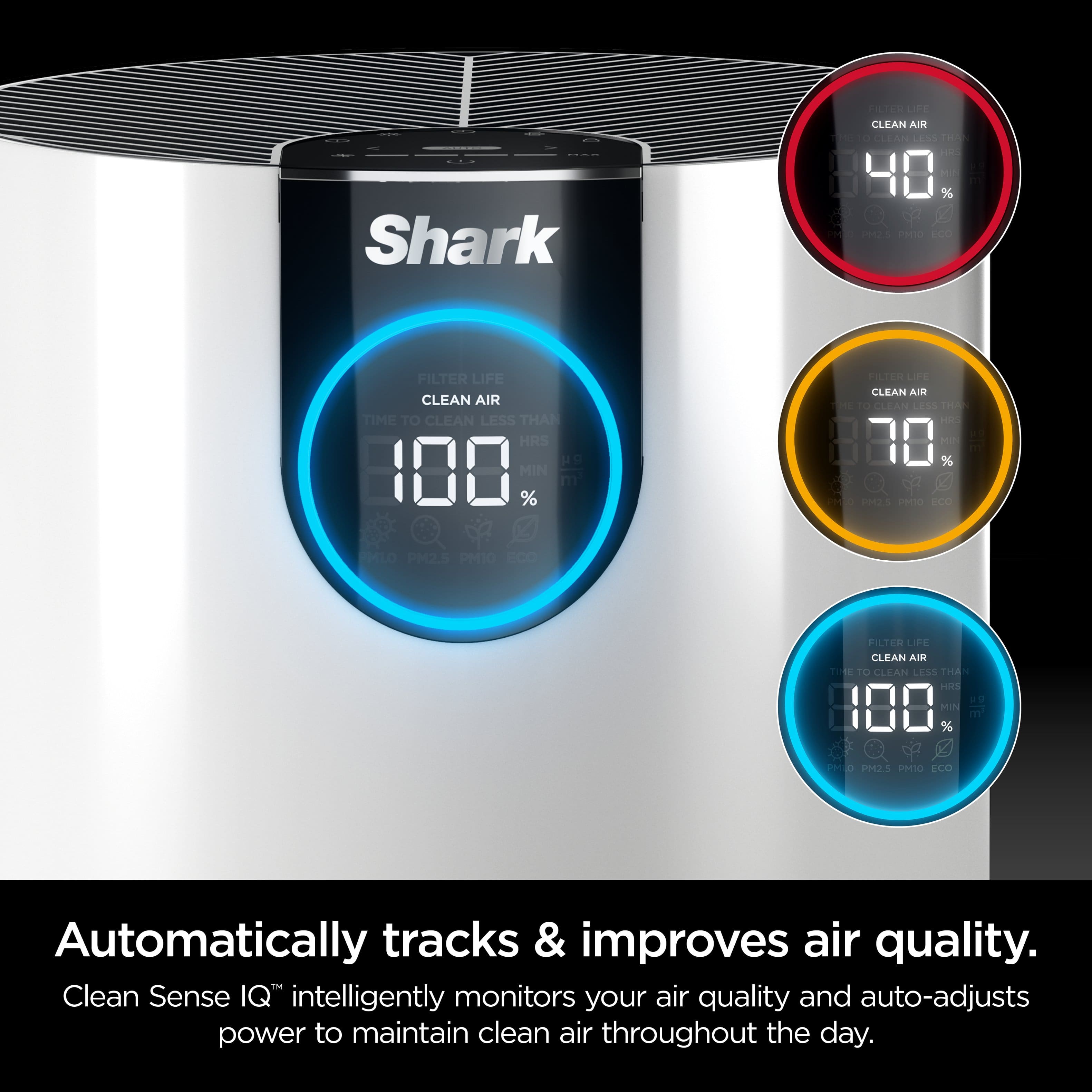
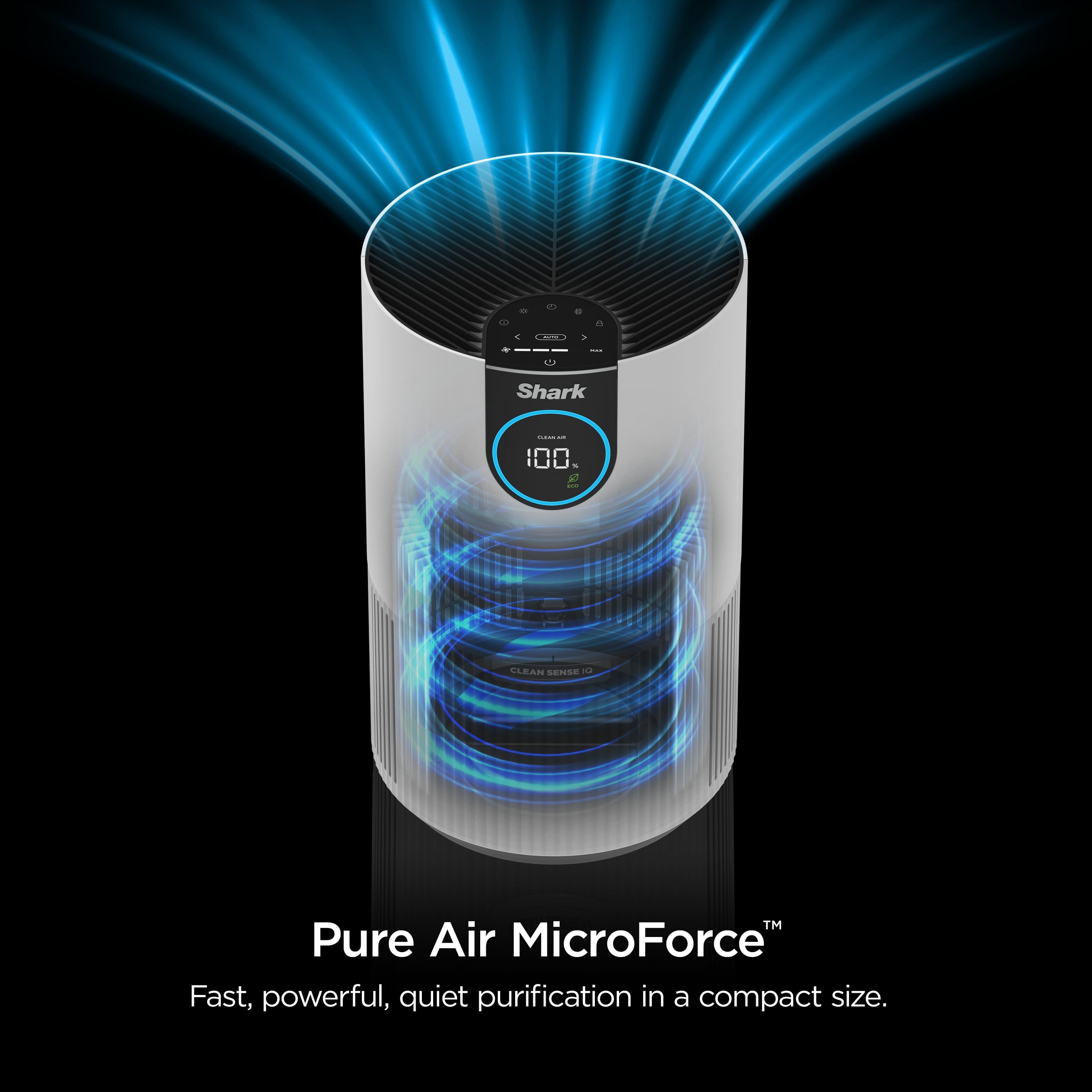
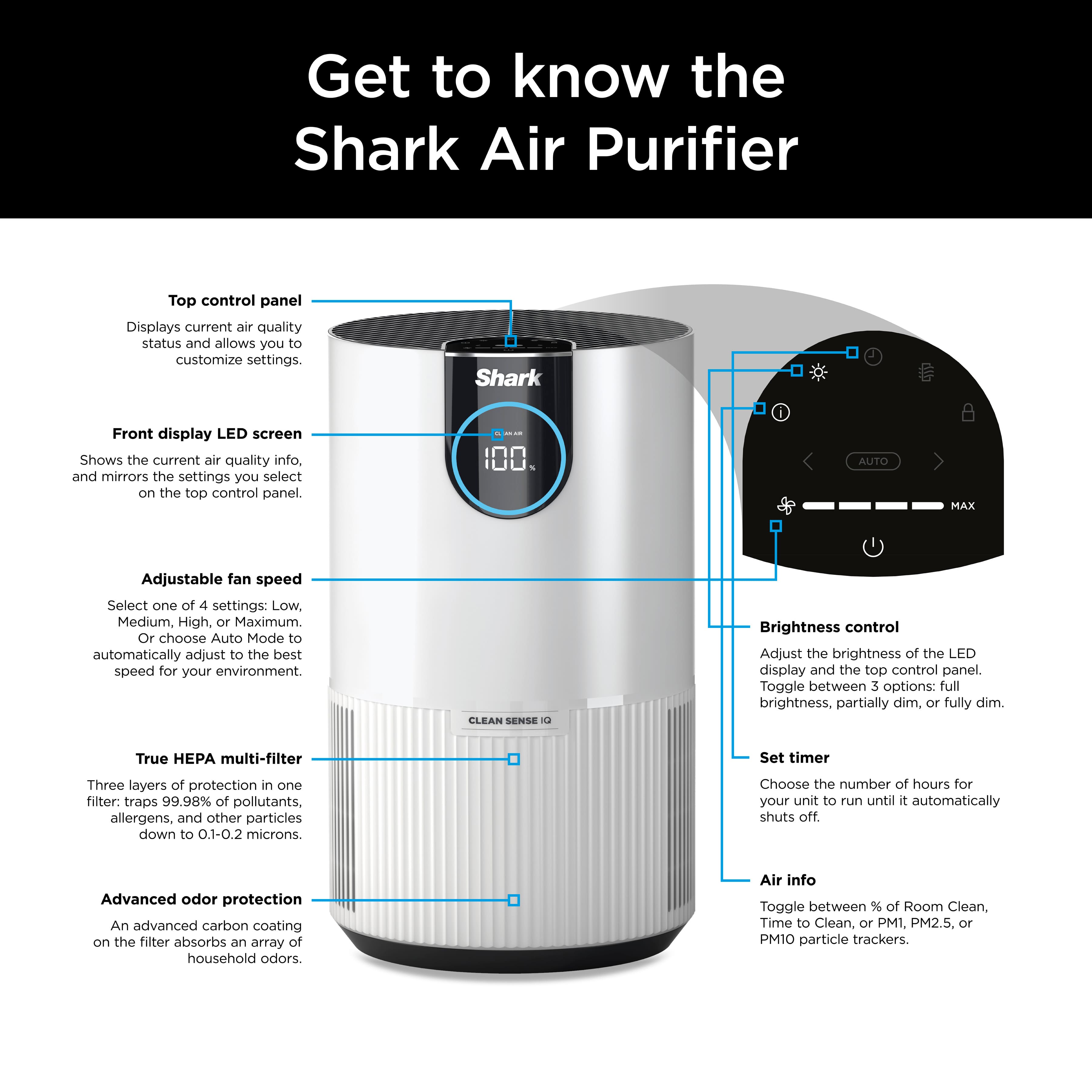
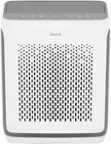
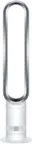
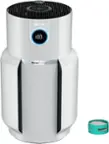
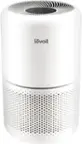
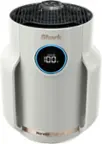
A:AnswerYes, the brightness button adjusts the brightness of both the front display screen and the top control panel. Press the button to switch between 3 options: full brightness, partially dim, and fully dim.
A:AnswerUnless you remove the carcass, the smell will likely continue. The machine may temporarily help to reduce the smell; however, until the decay has completed, it’s probably an ongoing battle.
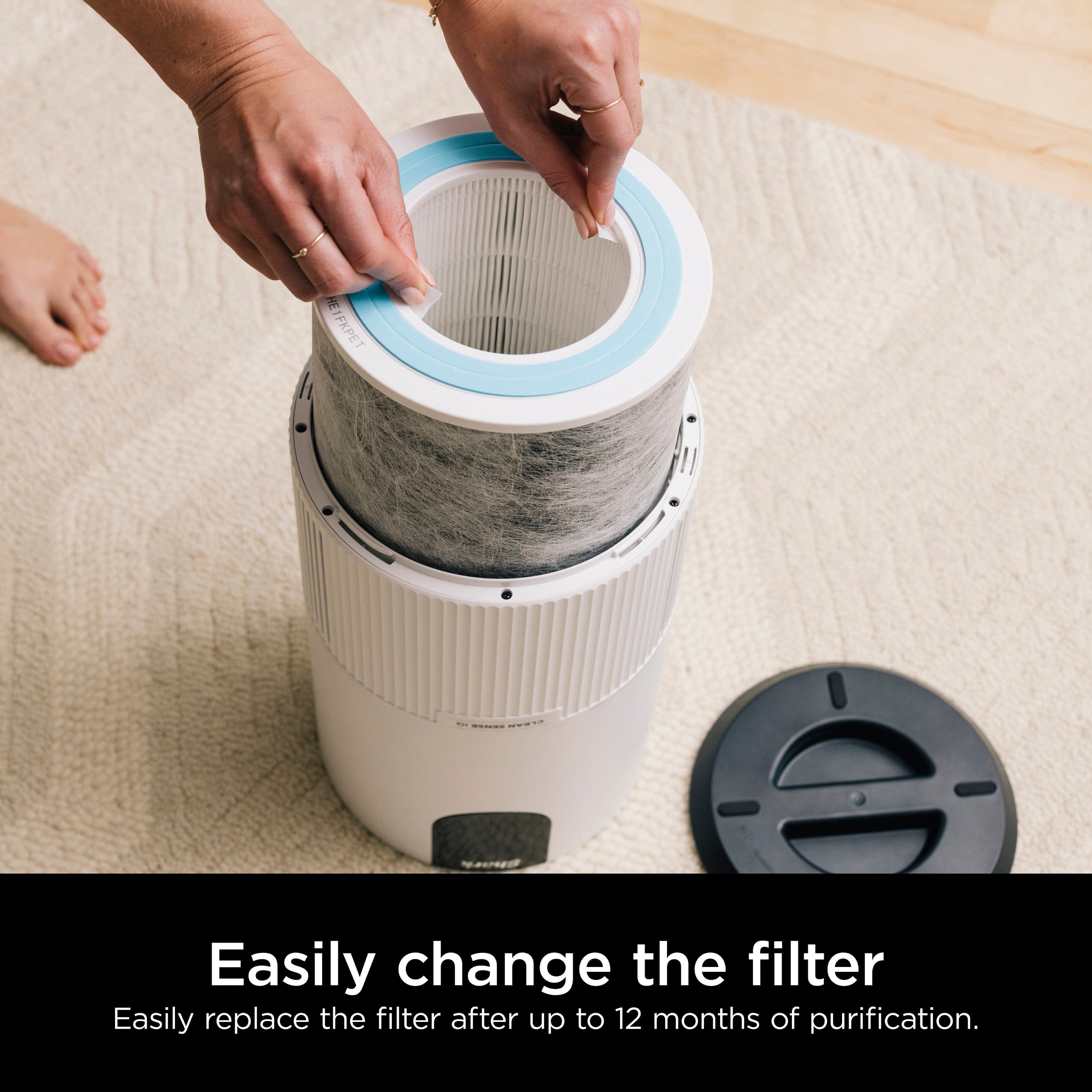
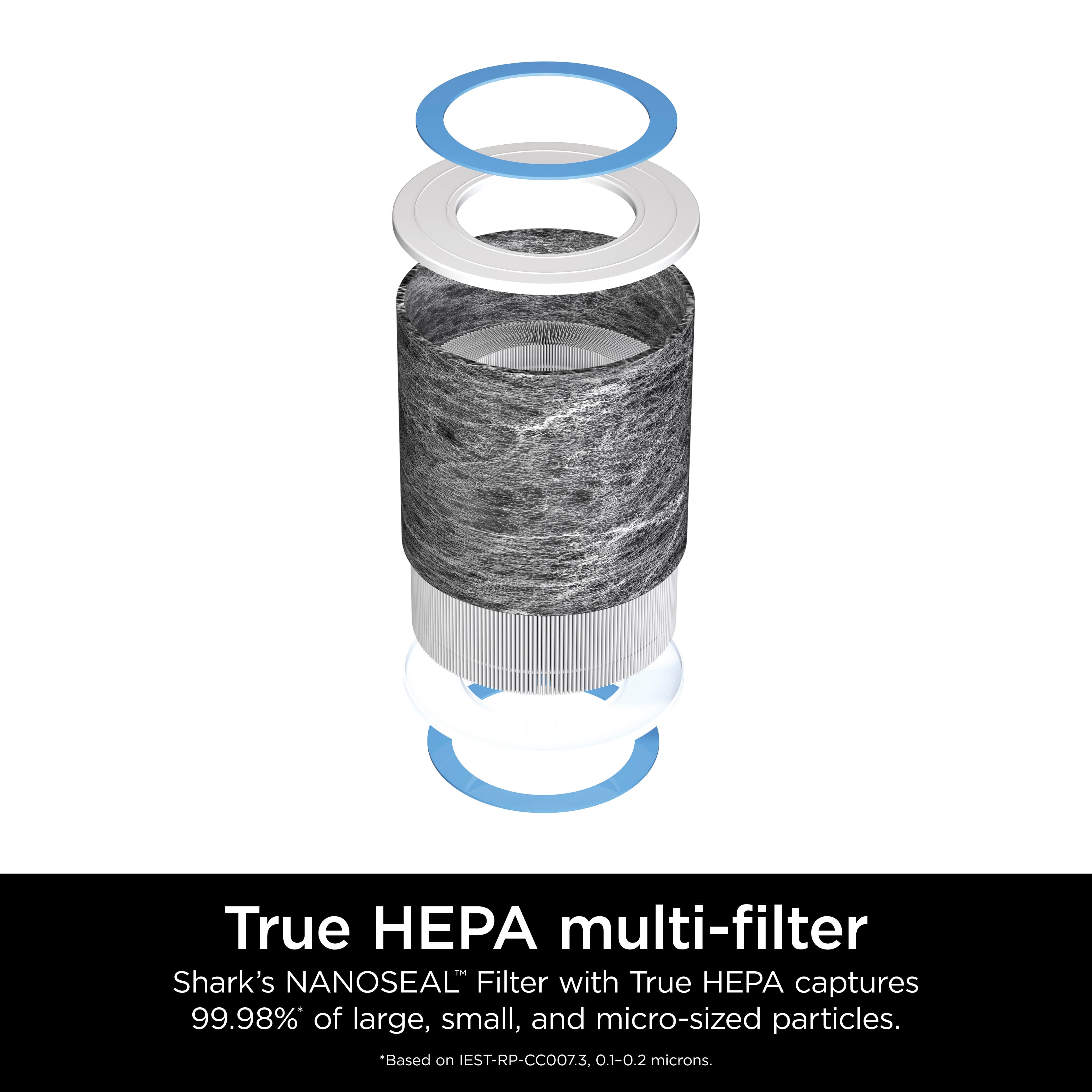
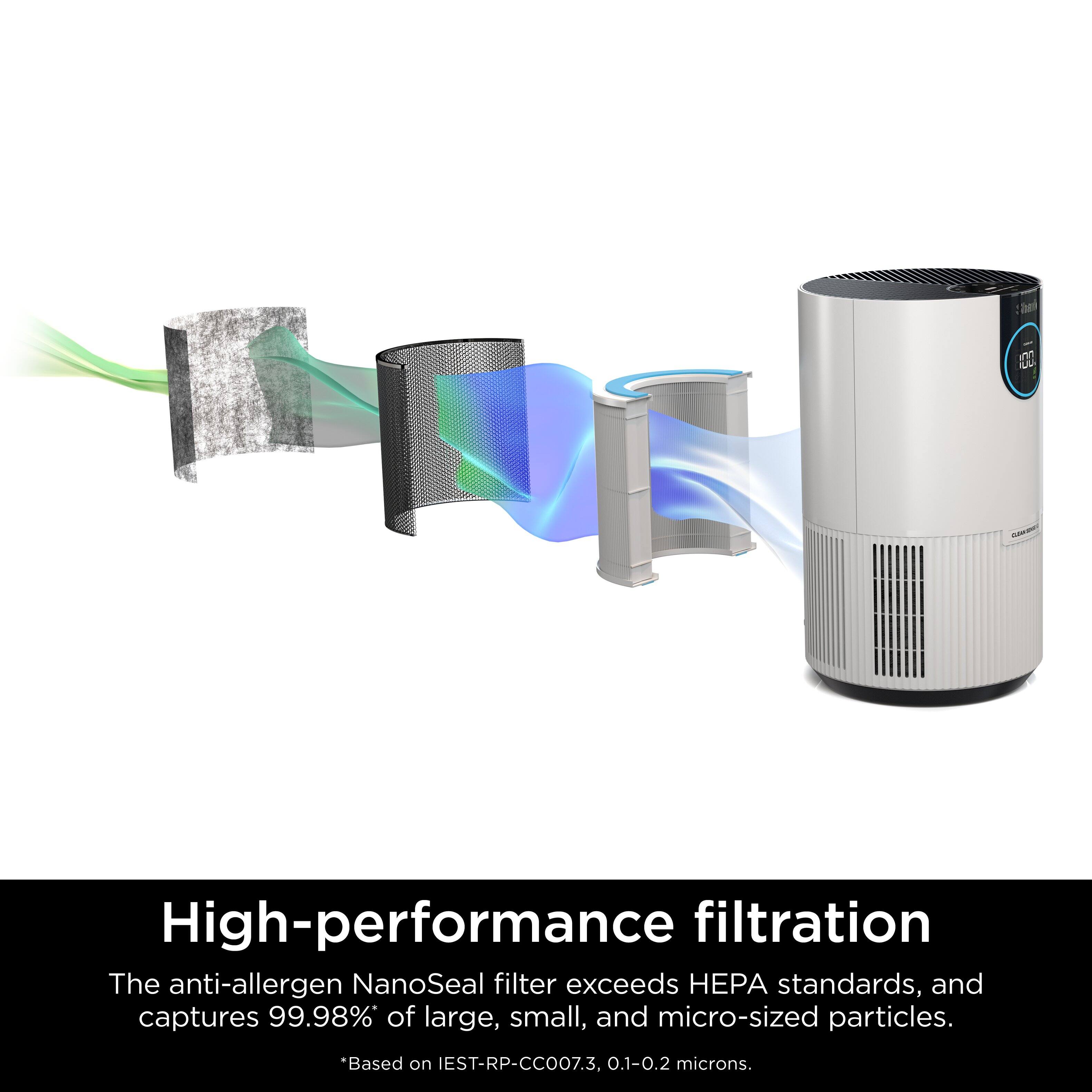
A:AnswerWe would like to let you know that you purchase the filter for this unit by reaching out to our Customer Care Team at 1-877-581-7375 Monday to Friday, 9:00 am - 9:00 pm EST, as well as Saturday from 9:00 am to 6:00 pm EST.
A:AnswerIt’s the sound that it makes when it’s working to pull the particles out of the air. As it clears the air the sound gets fainter.
When the digital display is at 100 you won’t hear anything letting you know the air is clean.
A:AnswerI found if you have it near a window or close to a vent it will go down when they are open/on. Mine did the same and i moved it away from the vents and it cleans the air fine.
A:AnswerWe would like to let you know that you can purchase the filter for this unit by reaching out to our Customer Care Team at 1-877-581-7375 Monday to Friday, 9:00 am - 9:00 pm EST, as well as Saturday from 9:00 am to 6:00 pm EST.