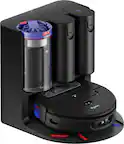
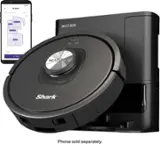
A:AnswerWe are sorry to hear that you are experiencing a difficulty with your Shark® robot. We ask that you reach out to Shark® Customer Care at 877-581-7375. Representatives are available Mon.-Fri. 9am - 9pm ET | Sat. 9am - 6pm ET.
A:AnswerWe are sorry to hear that you are experiencing a difficulty with your robot. We ask that you reach out to Shark® Customer Care at 877-581-7375. Representatives are available Mon.-Fri. 9am - 9pm ET | Sat. 9am - 6pm ET.
A:AnswerWe are happy to assist you with this. Once the robot is fully charged, carry the robot to another level of your home and press the clean button. Once the robot needs to dock to charge, pause the cleaning and carry it back to the dock for charging.
A:AnswerWe are sorry to hear that you are experiencing a difficulty with your robot. We ask that you reach out to Shark® Customer Care at 877-581-7375. Representatives are available Mon.-Fri. 9am - 9pm ET | Sat. 9am - 6pm ET.
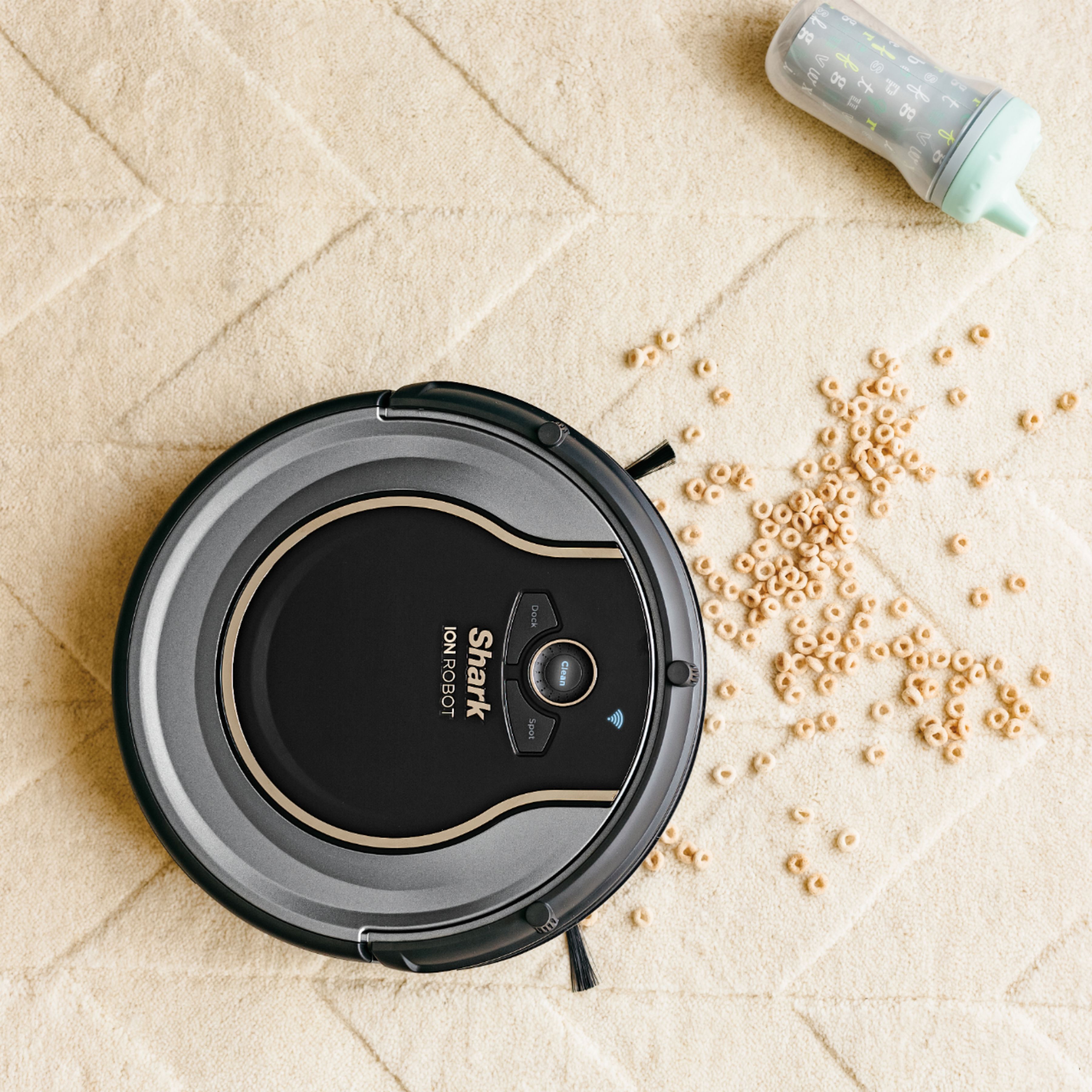
A:AnswerWe recommend that you empty the dust bin for the robot after each cleaning run. The dust bin slides out of the robot when you press on the dust bin removal latch. While holding it over a trash receptacle, open the dust bin and empty the debris and dust into the trash.
A:AnswerThe only time I have had that happen is if I run it manually and then also have it scheduled to run later. In the settings you should be able to also set the length of time it runs so that it will dock after that amount of time. Hope that helps.
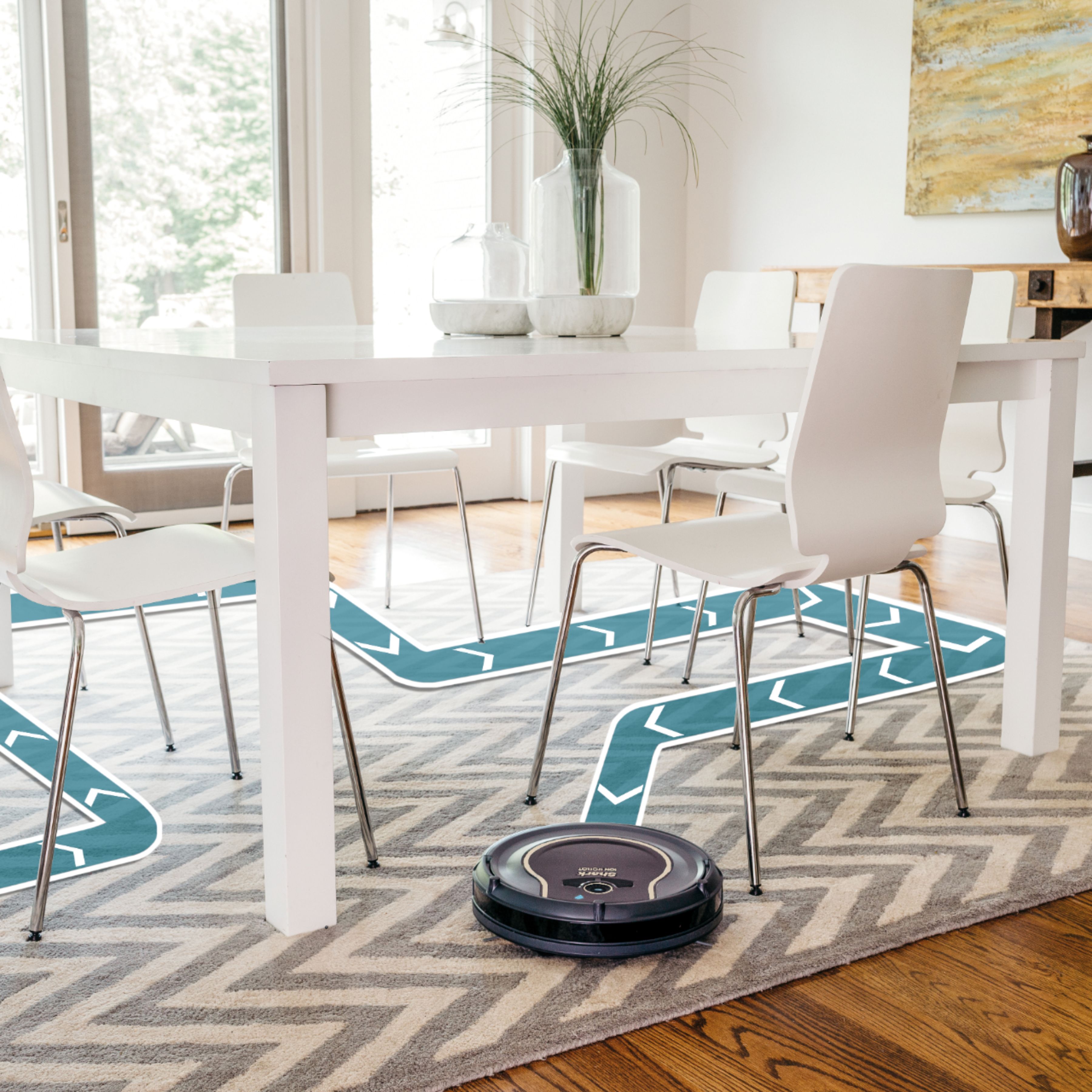
A:AnswerWe would like to inform you that this model does not have mapping capabilities. It is designed with Smart Sensor Technology so it can navigate around obstructions as it cleans your floor. By using an array of sensors, the robot will steer itself around your home, using walls and objects as its guide and gently bumping them. This method allows the robot to travel in and out of rooms and around obstacles. If your robot appears to be spending a lot of time in one spot, don't worry-over time, its programming will help it cover the full area. The robot might not hit every area in one cleaning, but by scheduling daily cleaning, you'll notice its cleaning path will differ with each run to ensure it is maintaining your floors.
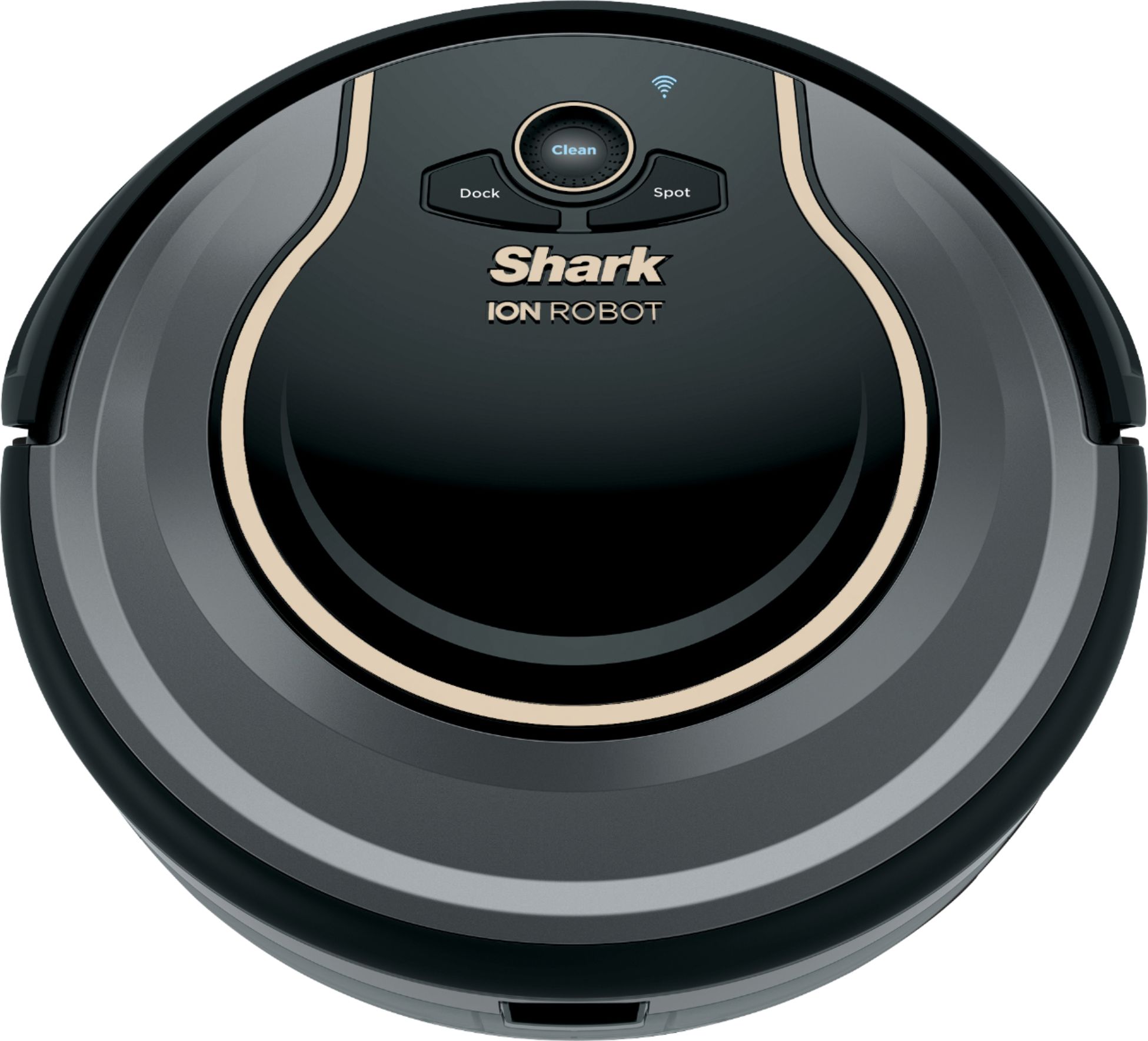
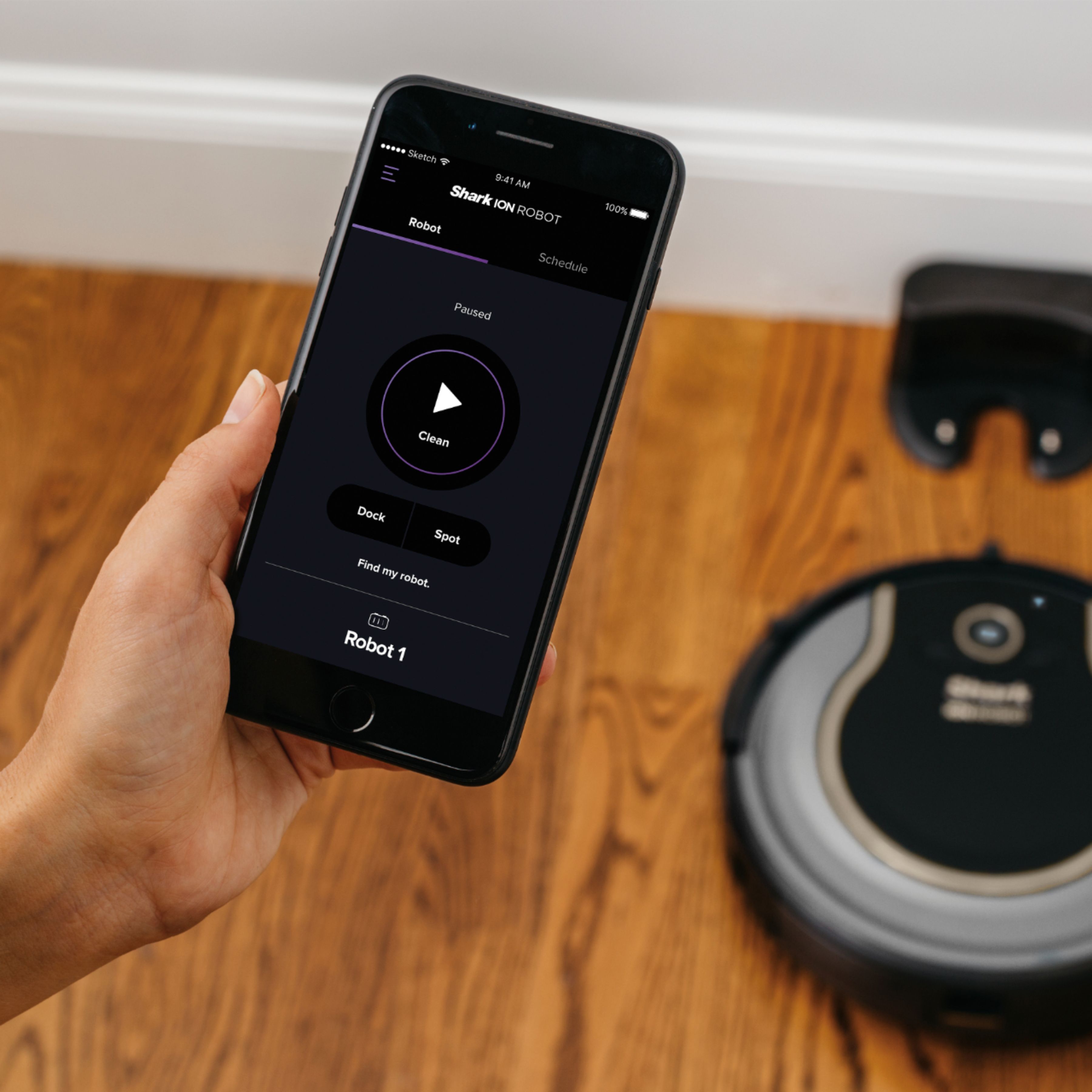
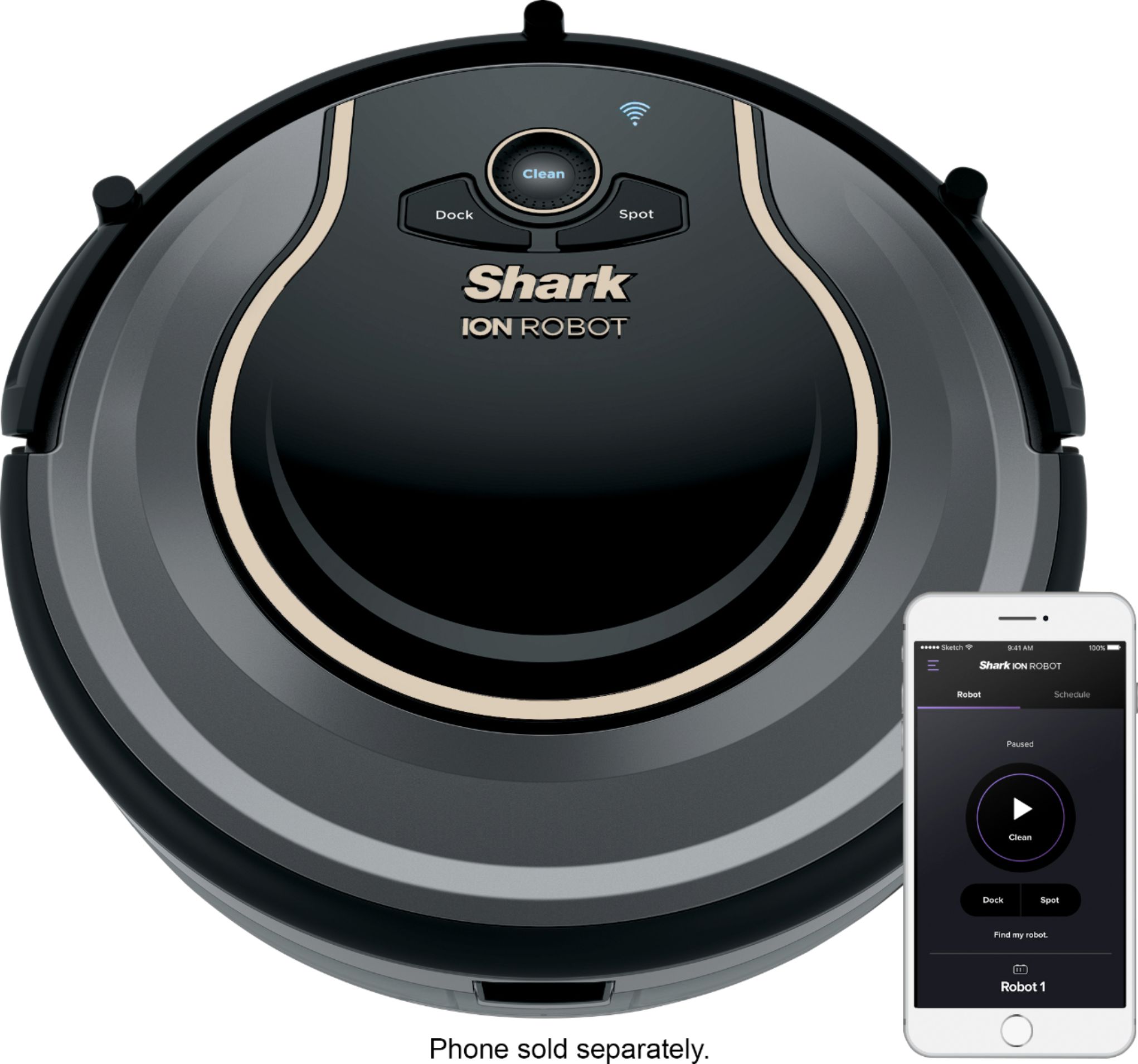
A:AnswerWe would like to inform you that this robot can be used without WiFi. You can manually control the robot by pressing the buttons on the robot. With this being said, we recommend pairing the robot with the Shark App to receive regular updates to the robot and the app. This will ensure that the robot is maintaining optimal performance. By connecting to the app, you can also schedule daily cleanings.
A:AnswerWe are happy to assist you with your inquiry. The robot is designed with Smart Sensor Technology so it can navigate around obstructions as it cleans your floor. By using an array of sensors, the robot will steer itself around your home, using walls and objects as its guide and gently bumping them. This method allows the robot to travel in and out of rooms and around obstacles. The robot might not hit every area in one cleaning, but by scheduling daily cleaning, you'll notice its cleaning path will differ with each run to ensure it is maintaining your floors.
A:AnswerWe are sorry to hear that you are experiencing a difficulty with your Shark®. We ask that you reach out to Shark® Customer Care at 877-581-7375. Representatives are available Mon.-Fri. 9am - 9pm ET | Sat. 9am - 6pm ET.
A:AnswerWe are sorry to hear that you are experiencing a difficulty with your Shark® vacuum. We ask that you reach out to Shark® Customer Care at 877-581-7375. Representatives are available Mon.-Fri. 9am - 9pm ET | Sat. 9am - 6pm ET.
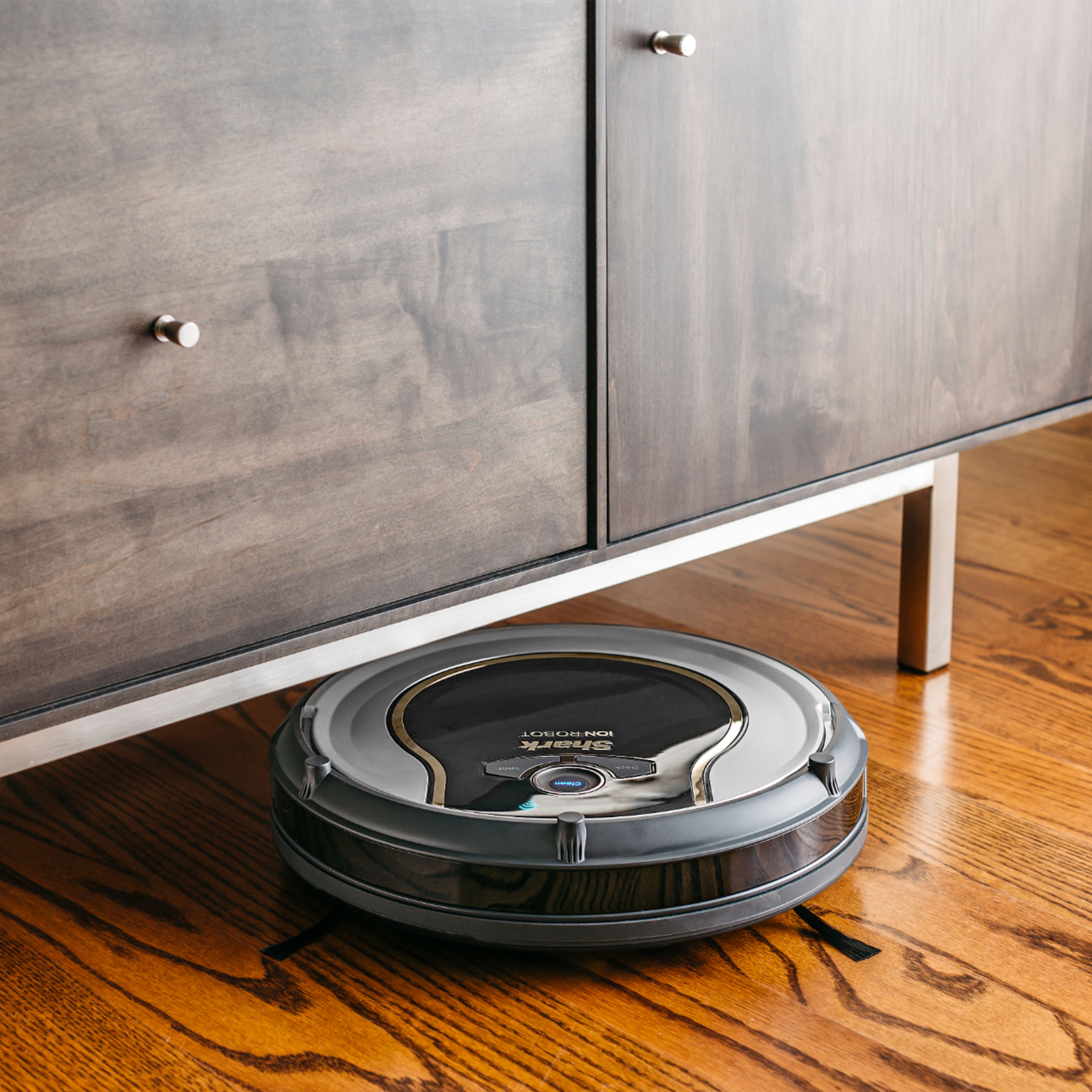
A:AnswerIt has been working well on our floors. We have dark wood floors, light color rugs with dark and light borders. The rugs also vary in thickness. We have a step down into the utility room as well. This robot hasn’t faltered with any of those “obstacles”. We also have an older roomba for upstairs. It won’t go onto the rugs that have deeply contrasting borders. I think this performs far greater than the old roomba... I can’t compare to newer tech though.