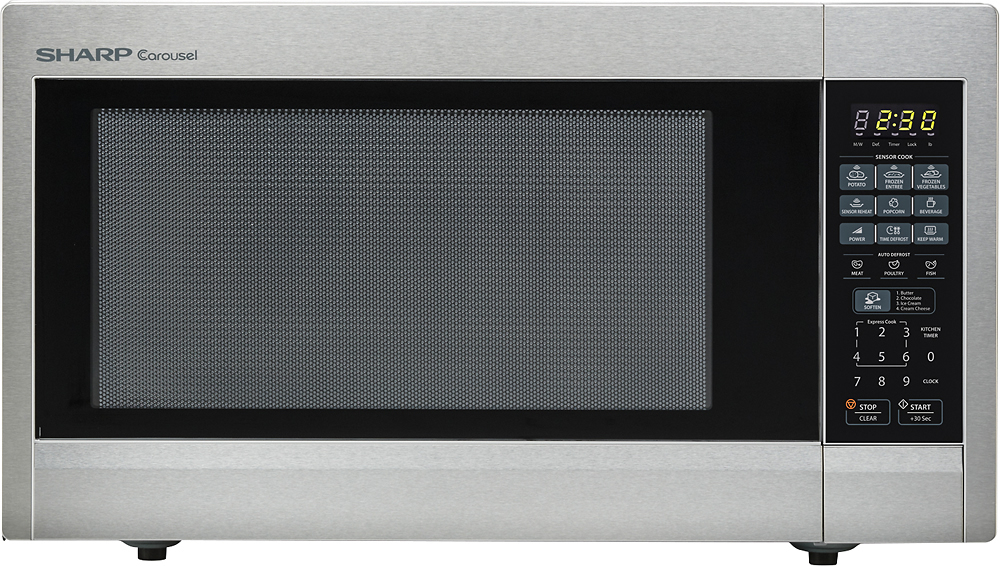
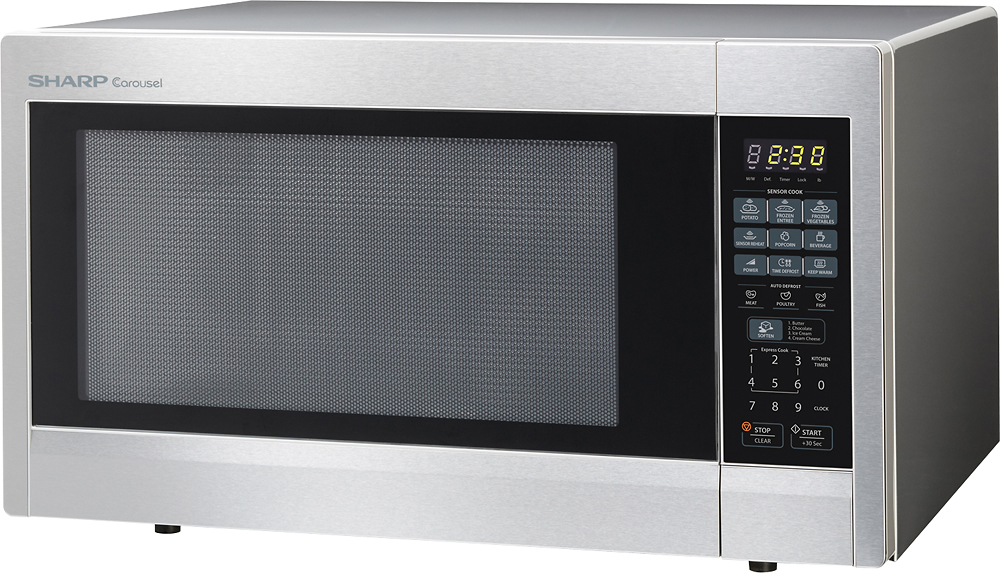
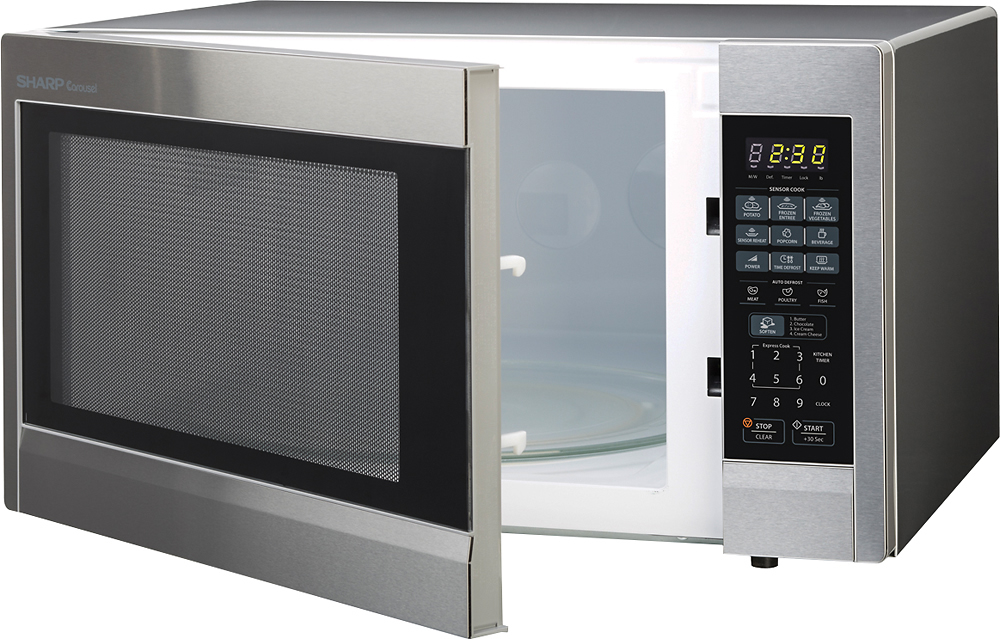
A:AnswerFrom the very back of the unit to the absolute front of the unit (measured from the outside of the unit) I measured 17-9/16 inches on my tape measure. Hopes this helps
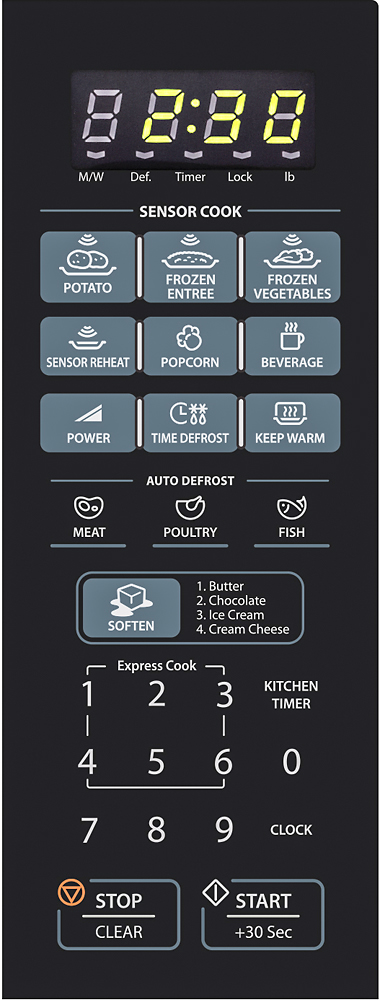
A:AnswerYes, the clock is meant to be on all the time. The only time the clock is off is when my husband presses the clock button by mistake and it messes up the clock or we have a power-outage. You should be able to press the "clock button" and directly key in the local time, then press the clock button again to set the time. The "colon" display should now be blinking "off and on" indicating the time has been set and locked in. I usually have to reset the time display several times a week because my husband presses the clock button while 'keying-in" the minutes for cooking.
A:AnswerIt has a 30 sec. feature which means that if your food requires just a little bit more time to cook then you press this button to add 30 sec. to your cook time. To answer your question that is not right. You have to press the power button to set your own cook time which could be 1 sec to whatever. I have melted butter so I can verify that.
A:AnswerYes, there are actually two trim kits available for this unit. Taken directly from the placard inside our unit, it reads, "This oven can be installed with built-in kit: RK-52S27 or RK-52S30". Hopes this helps.
A:AnswerHello, at this time we do not have any products that fits your needs, but will be sure to pass this information along to our engineering team. Thank you for the suggestion.
A:AnswerHello, please accept our sincerest apologies for the inconveniences caused. Please contact us at [email protected]. Be sure to include your contact details and also the model/ serial number and the manufactured date of the unit.