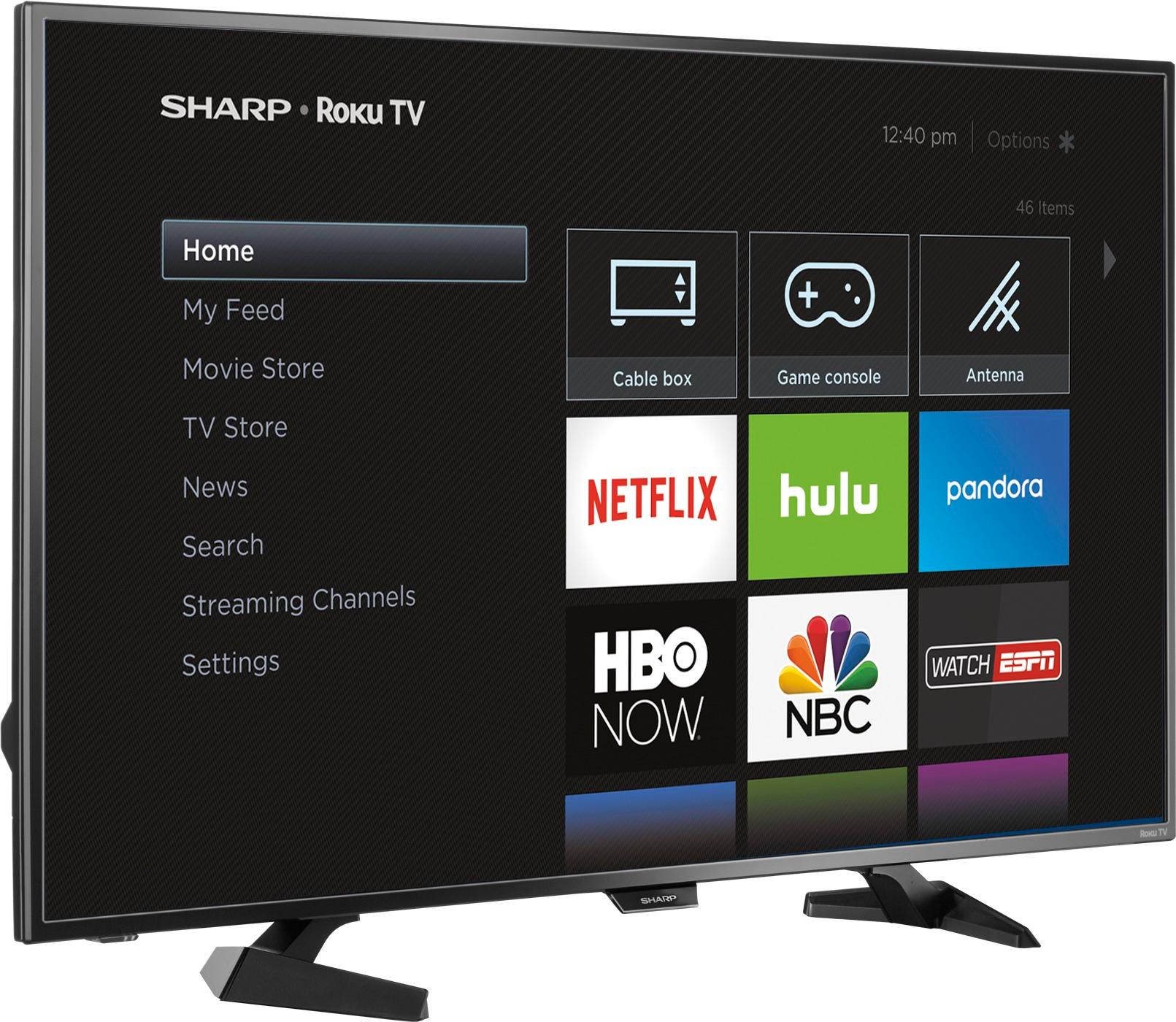
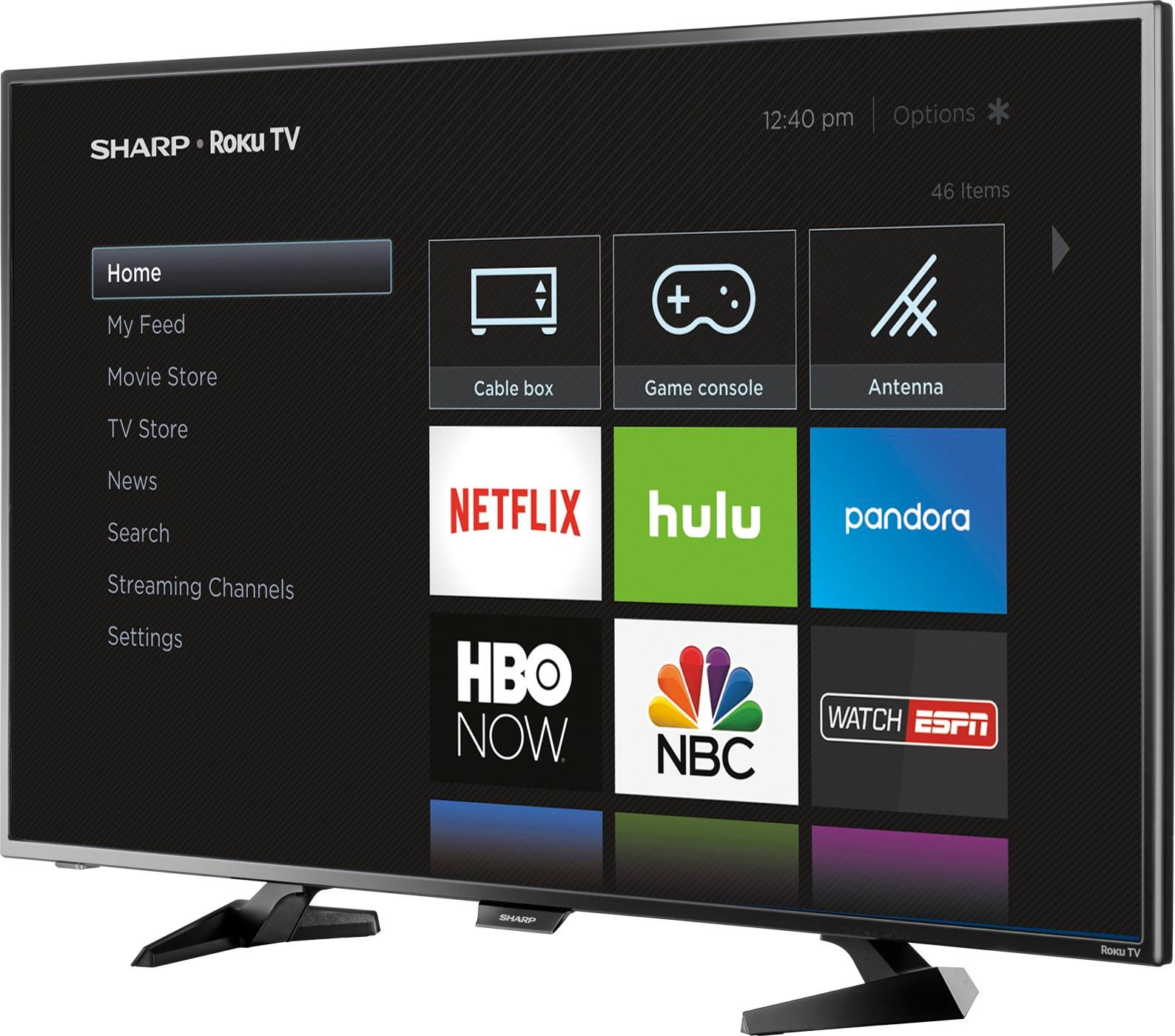
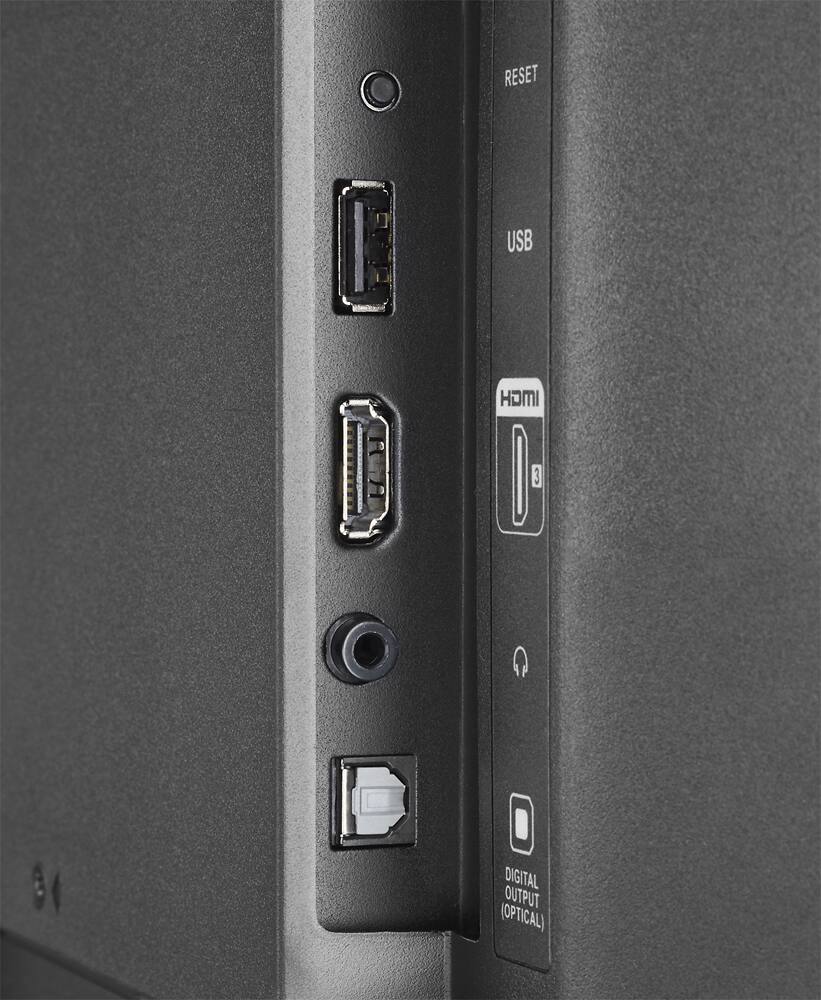
A:AnswerYep. On the home menu there is an option to always start with a particular connection. Navigate to Settings | System | Power to select the default initial input.
A:AnswerThe Roku control,controls Apps as well as regular programming. You have to move the cursor between Antenna, Apps,Cable, etc., and select. Then can use Roku device to increase/decrease volume, change channels, and silence in case you get a phone call. When watching Netflix for example can use Roku remote to switch between categories, start/pause and resume picture you are watching. There is no sharp remote. Why would you need one when the Roku remote controls all of the functions of the TV. The TV comes with one Roku remote and is all you need. Hope this information helps.
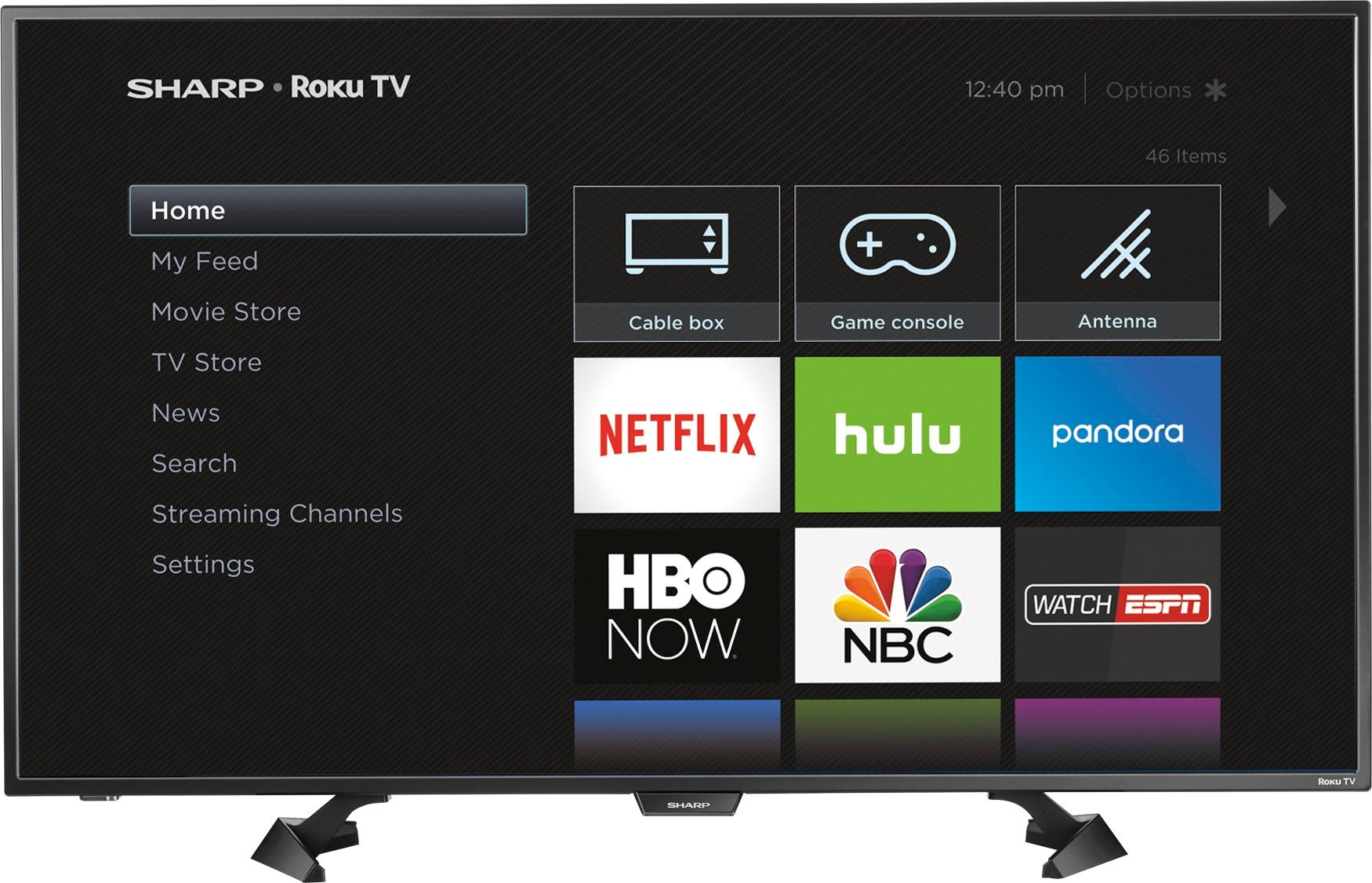
A:AnswerWhen turning the tv back on mine takes a minute to find the wifi signal, until it does it will display that it has no connection. If it still doesn't find a signal you can manually go into settings & go to network & set it up, if it still cannot find it try resetting the tv through the remote by pressing the HOME button 5 times, the UP button once, the REWIND button 2 times, and the FAST FORWARD button 2 times (this has to be done very quickly with no delays in between pressing buttons). This should cause the tv to shut down (after a few seconds) and then it will restart. I had to do this a week ago because it suddenly couldn't find my wifi signal, then after restarting it was able to find the signal again.
A:AnswerHI BARB! I KNOW EXACTLY WHAT YOU ARE GOING THROUGH AS I AM NOT ELECTRONICALLY OR COMPUTER KNOWLEDGEABLE. WHAT I WOULD DO IS LOOK IN YOUR MANUEL, GET THE NUMBER FOR SHARP AND CALL THEIR TECH TEAM. THEY CAN PROBABLY WALK YOU THROUGH THE PROCESS TO SOLVE THE PROBLEM.
A:AnswerHello, thank you for your interest in our TV. In response to your inquiry, your TV has a feature called screen mirroring; however this is a beta feature.
Deneb M.- Sharp Support