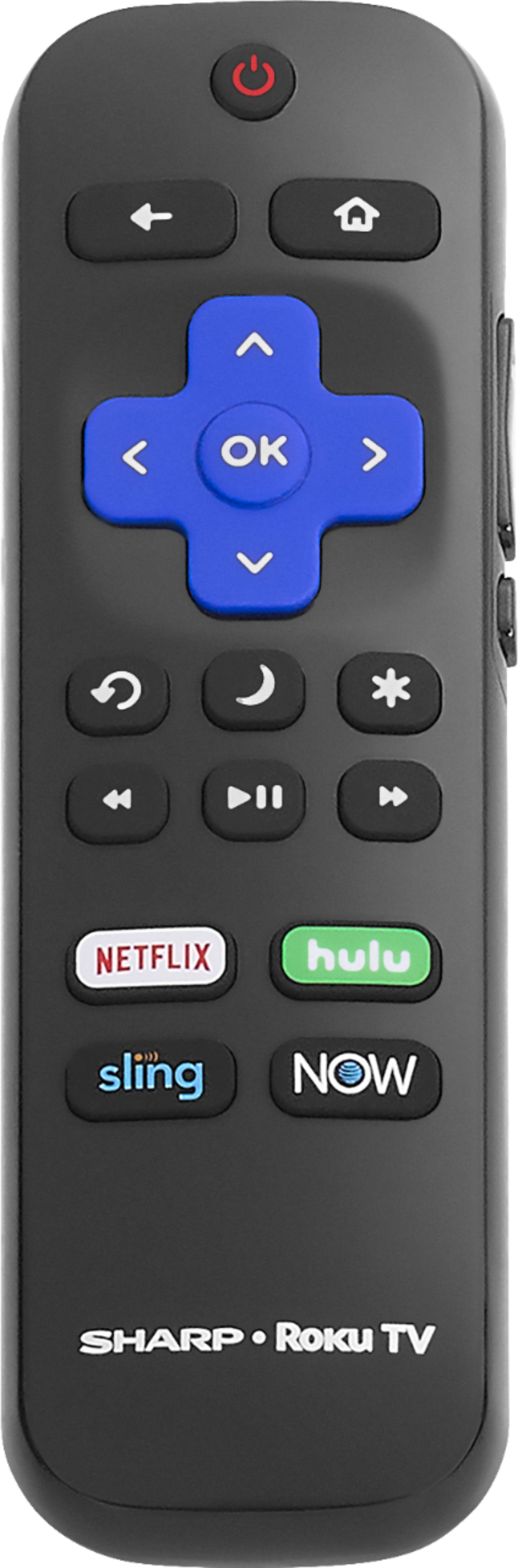
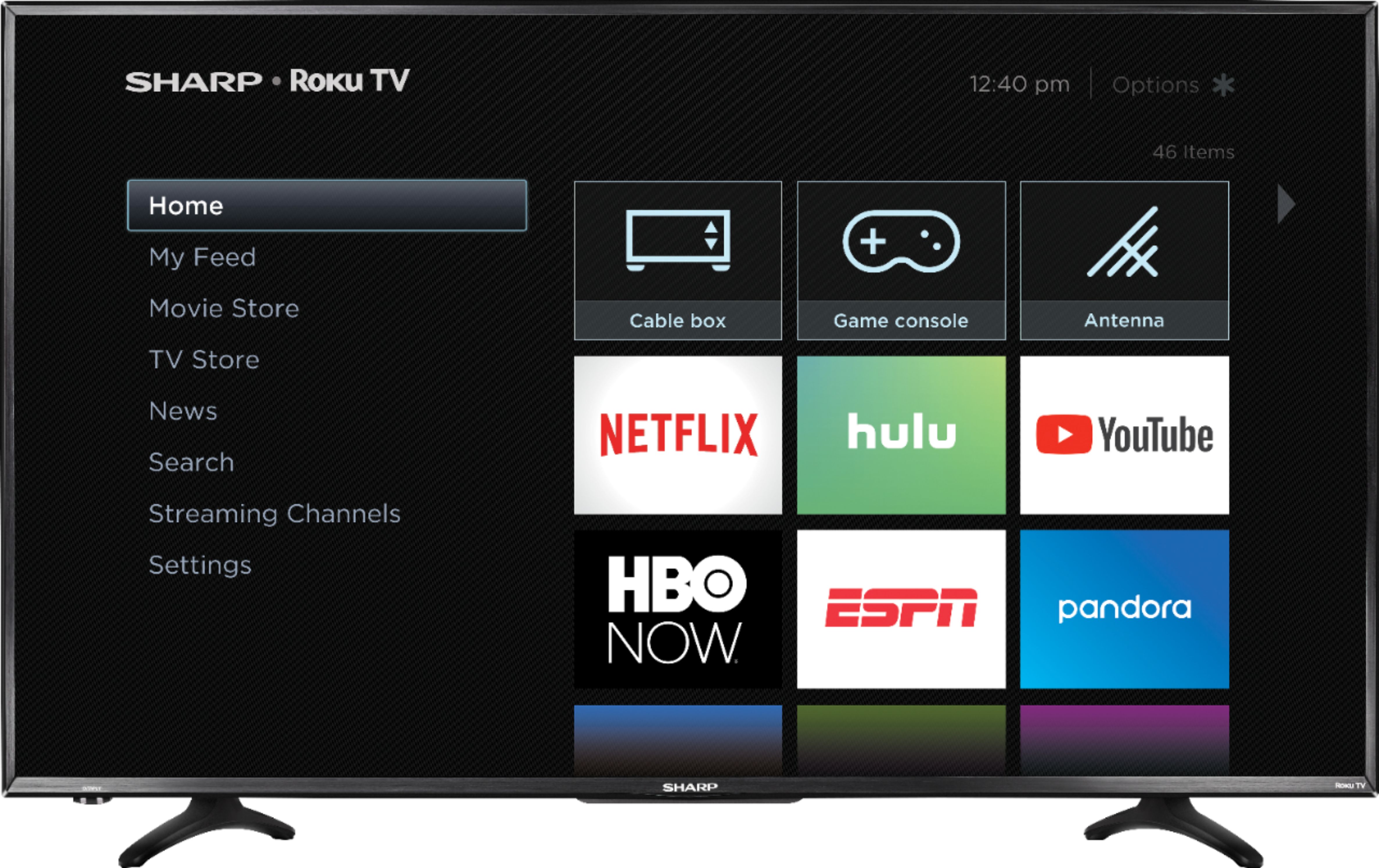
A:AnswerIt has to be a Roku remote for a smart tv... you need the power and volume buttons. An alternative is to manually power up the tv and use the Roku App on your phone... I love this because I can push the audio to my phone and listen to the tv without interrupting anyone's sleep.
A:AnswerNo just Roku. I will say you can cast to YouTube from your phone though. Blood YouTube on your smart phone and than your Sharp TV than on the side left there shall be a small gear for setting. Go to that add phone/connect and just add numbers. 3 numbers per box but it will skip to next box so just worry about entering numbers. I will add the remote control isn't like LG Smart TV[Web Broser]I'm able to connect my phone using WiFi and being able to type on my phone like a text and has a raindrop like cursor to navigate on the TV screen itself off my phone ☺️.
I also bought this for my grandma and she loves it.
*Sorry if I couldn't be much help.
A:AnswerHello, thank you for your interest in this TV. To answer your question, the Roku/USB Media Player supports these file formats for video: MKV (H.264/262), MP4, MOV (H.264)
Deneb M.- Sharp Support.
A:AnswerNo it is not 4k. If you want a 4k version of this TV, you want the LC-43LBU591U, Here is the link:
https://www.bestbuy.com/site/sharp-43-class-led-2160p-smart-4k-uhd-tv-with-hdr-roku-tv/5746801.p?skuId=5746801
A:AnswerHello Juns, we are happy to assist with this. Please contact us at 855-544-2030 so we may provide you with the necessary steps. We look forward to hearing from you!
A:AnswerI don't believe so. If you have a picture of the two electronics your speaking of I might have a better answer. Other than that I wish to have been more help.