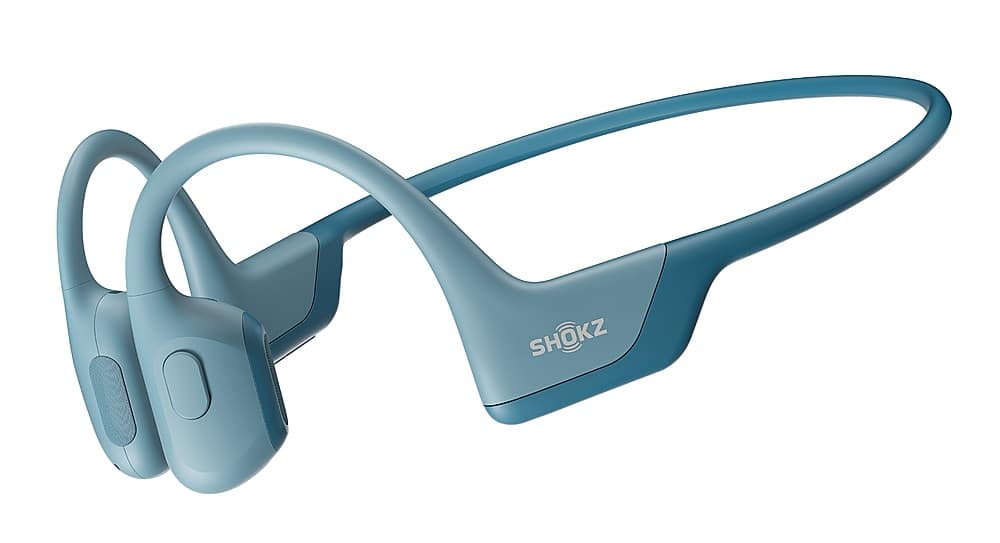
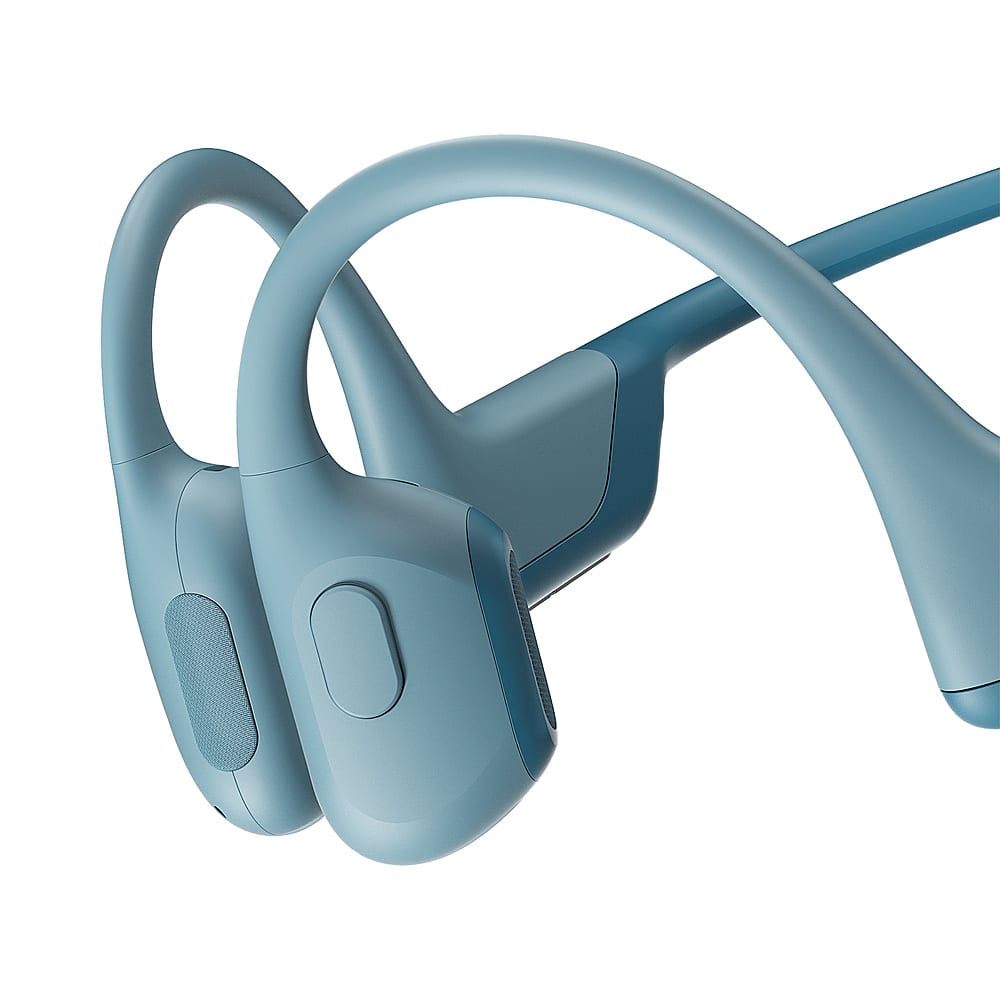
A:AnswerHi there- Shokz here! It's possible with some adjusting to find a comfortable sleeping position with the OpenRun Pro, however some find the headband difficult to lay back with. We kindly ask that you reach out to BestBuy Customer Service to learn of their return policy in case these are not a good fit for you. Our OpenFit has no headband and may be more comfortable for sleeping. Please reach out to our Customer Happiness Team if you have any other questions. Thanks!
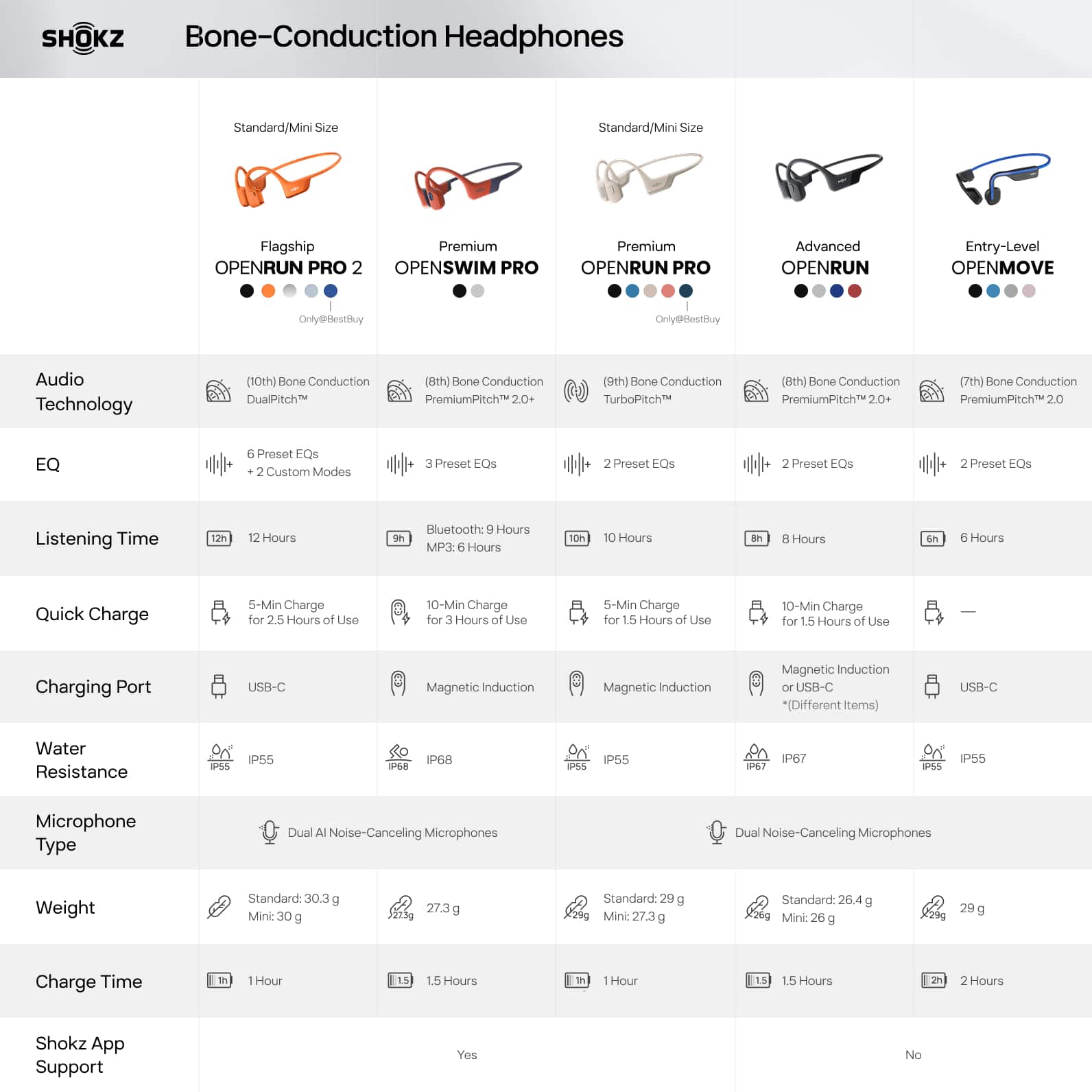
A:AnswerHello- Shokz here! Yes, the OpenRun Pro have a Dual Noise-Canceling Mic. Please reach out to our Customer Happiness Team if you have any other questions. Thanks!
A:AnswerHello- Shokz here! Yes. the OpenRun can be used with an iPad and most devices with Bluetooth capability. Please reach out to our Customer Happiness Team if you have any other questions. Thanks!
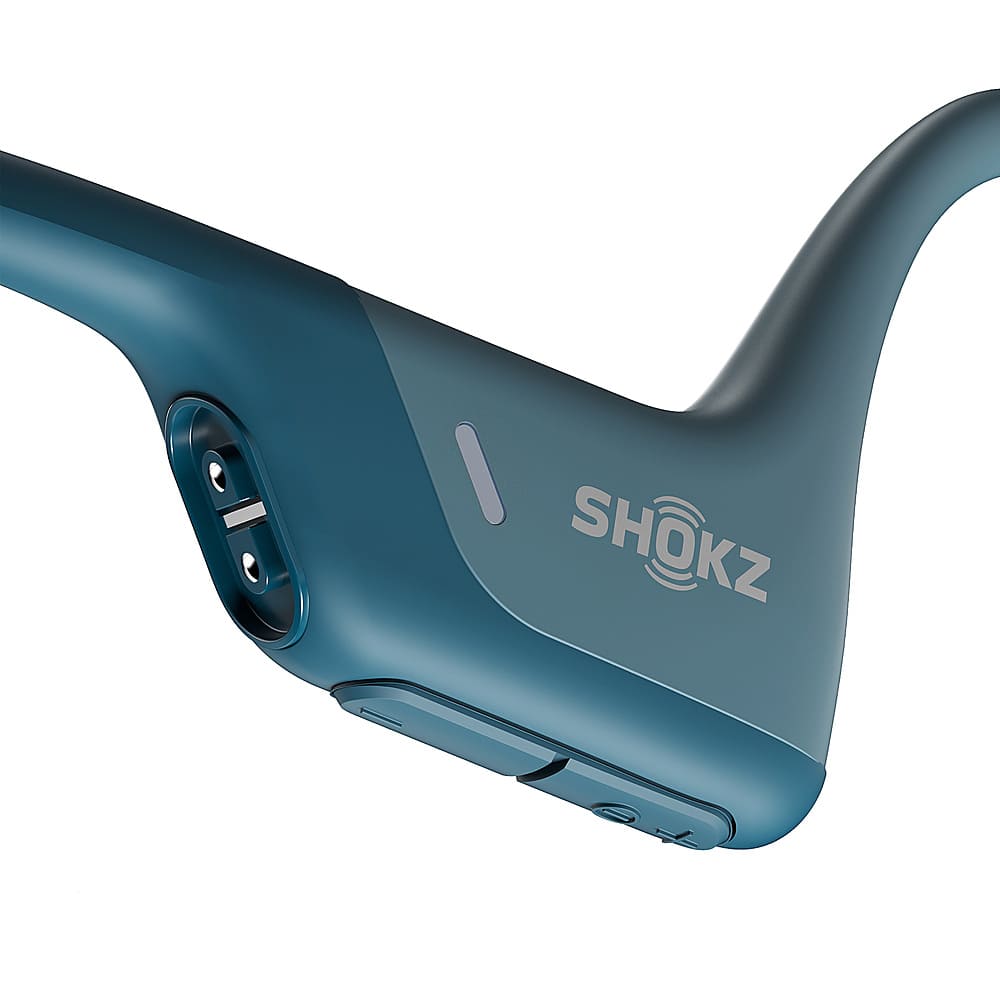
A:AnswerHi there- Shokz here! The OpenRun Pro does not have a mute button. The OpenComm2 UC does. We sincerely apologize for any inconvenience this may cause. Please reach out to our Customer Happiness Team or Best Buy directly if you have any other questions. Thanks!
A:AnswerHello-Shokz here! Since this sale is happening at Best Buy, we kindly ask that you reach out to their customer service directly so they may assist you with this. Thanks!
A:AnswerHello-Shokz here! Since this sale is happening at Best Buy, we kindly ask that you reach out to their customer service directly so they may assist you with this. Thanks!
A:AnswerHello- Shokz here! This will depend on the fit of the hearing aids. However, we have had many people use their open-ear Shokz with hearing aids with much success! Please reach out to our Customer Happiness Team if you have any other questions. Thanks :)
A:AnswerI don't know about radio but it pairs with with 75" smart TV and I can watch at night without any noise. I suppose it should connect just as well with a Bluetooth radio.
A:AnswerThere is an app for that. The headset has proven to be effective for people with hearing issues, so combined with an app you might actually achieve the hearing aid like setup you desire.
A:AnswerIn my limited testing with a client who wears hearing aids, these are definitely good for people with hearing issues. Paired with an app on your phone, you could theoretically use these and a smartphone as a budget set of bluetooth hearing aids.