A:AnswerHi Tiffani,
Sideclick can replace the functions of your TV remote however you need the remote in order to program Sideclick. Sideclick needs an IR remote to learn from and doesn't have the ability to use source codes. There is a potential work-around if you do not have your original remote.
Option 1) Some smartphones have an IR transmitter. Peel Smart Remote is a free app that can be used to program Sideclick using your smartphone.
Option 2) If your phone does not have an IR transmitter, what we recommend is getting a cheap universal remote under $5. Use this remote to program your TV using code search and then in-turn use that remote to program your Sideclick using its IR learning capability.
I know it's not the simplest solution but that would get your Sideclick functioning as intended.
Thank you your inquiry and let us know if you have any other questions. We can be reached at [email protected]
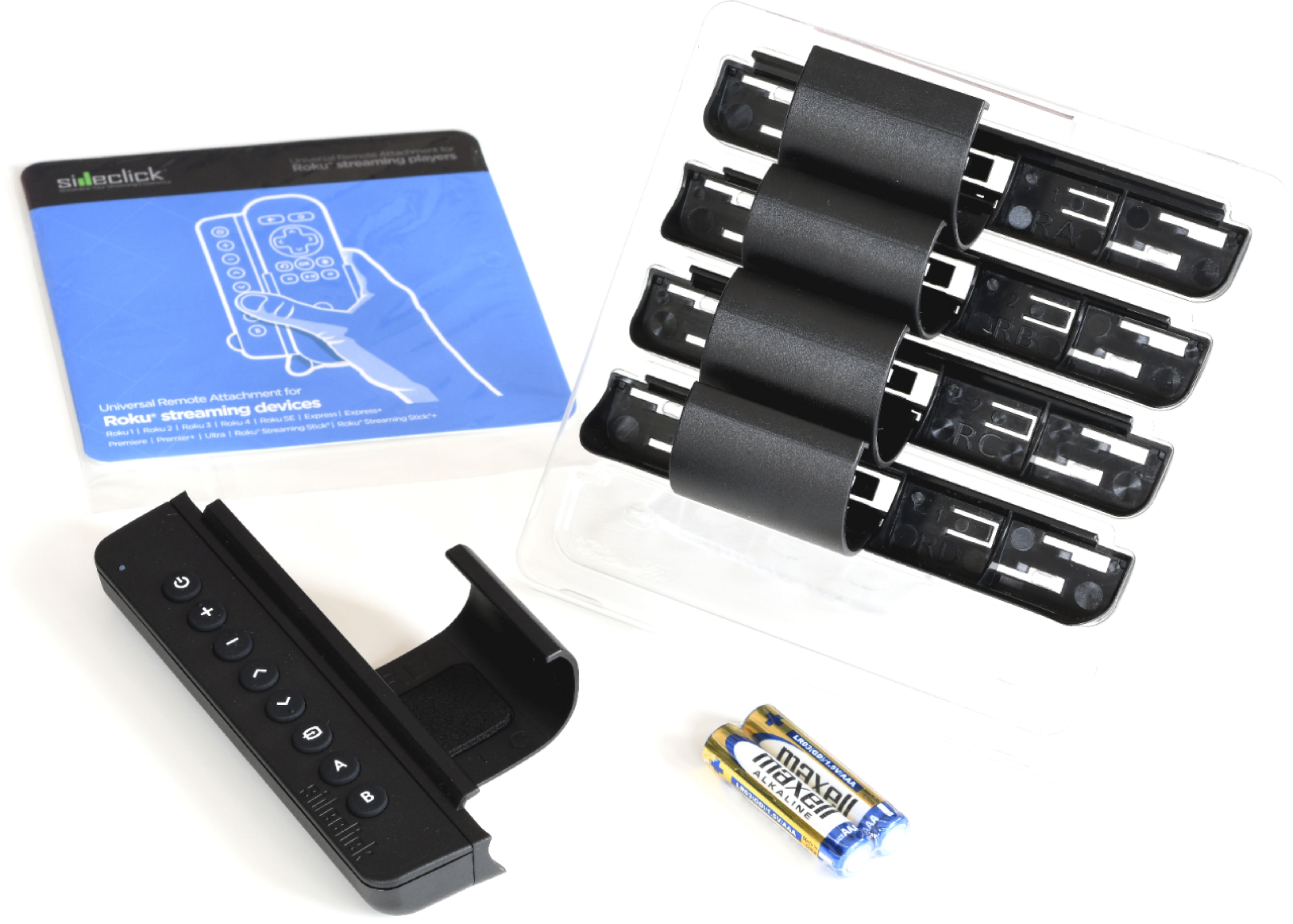
A:AnswerWe have a TCL tv (Roku operating system) and this works great with it. The side-click itself has no headphone plug, but comes with several different adapters for the different Roku remotes. If your Roku remote has a headphone jack you can move things around and still have access to it.
A:AnswerThe sidekick has 8 buttons that can be programmed individually. The buttons on the sideckick are power, volume +/-, arrow up/down, change input, A, B and you would traditionally program all these buttons to control 1 additional device to the roku. However, you could program these buttons to several different devices since it is a learning remote. IE - you could use power to turn on the tv, A to turn on the comcast box, B to turn on the receiver with the volume going to the receiver, the input change to the tv, and the arrows to the comcast box. You may not be able to get all of your devices in a way that makes sense, but you can program each button individually. As for the PS3/PS4, if you have an IR remote for the PS3/PS4 you can program the sidekick for it, but you would need that to do it.
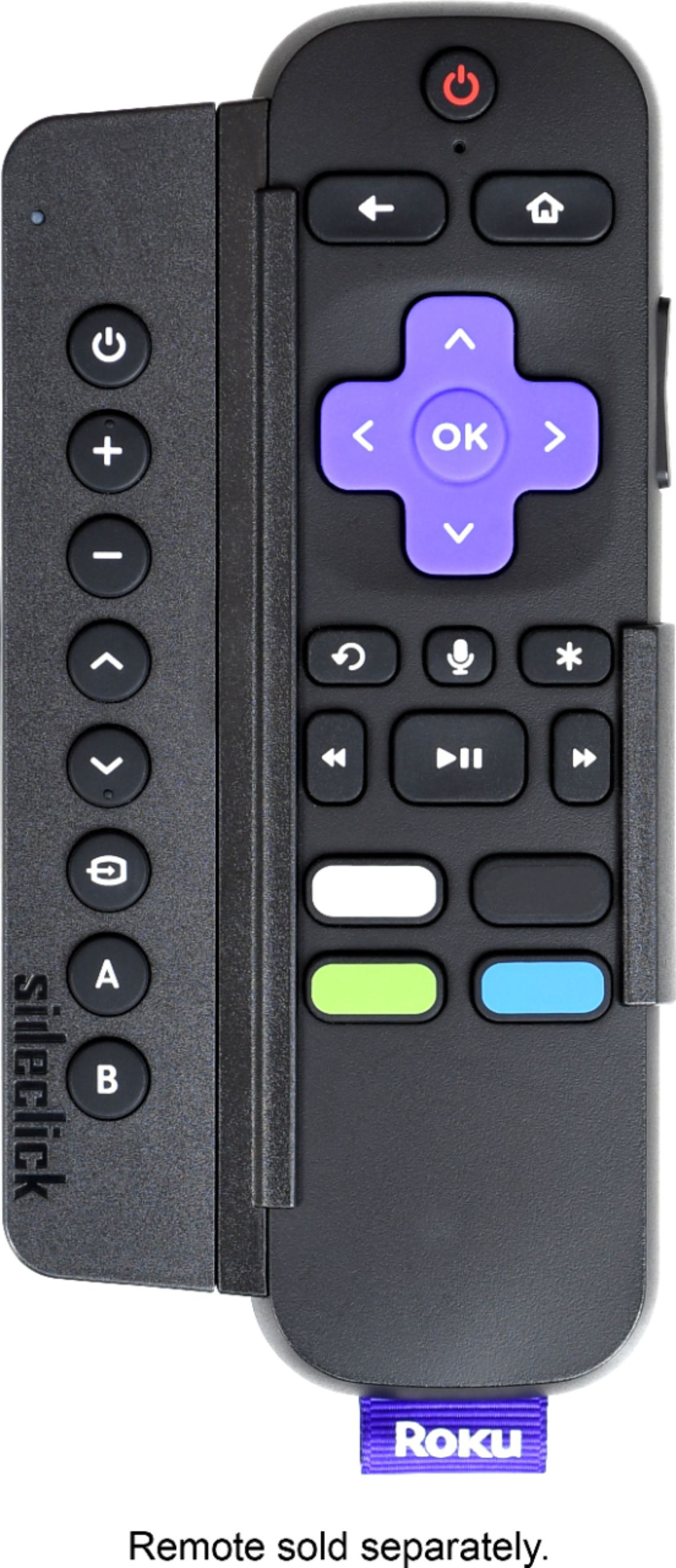
A:AnswerNo, this attaches beside the Roku remote so you use one for tv power, volume, channel up and down, etc. while using your normal Roku remote for its normal functions.
A:AnswerHello yes this remote works with ROKU 1-4 FOR QUESTIONS WITH COMPATIBILITY YOU CAN FIND THESE ANSWERS ON THE SIDEKICKS BOX JUST ENHANCE THE BOX :)
I HOPE THIS HELPS YOU. HAVE A FANTASTIC DAY.. PAMMY
A:AnswerIt comes with several adapters for, I assume, every Roku remote type. You program the remote using your other remote programming each button at a time so yeah it should work with any remote, also that method was a lot easier than I had imagined.
A:AnswerThe way to achieve this goal is you have to find the original TV remote and then look on that remote for tv the source button…. Using the instructions that came with the side click you can then Dedicate one of the buttons on the side click as the source button So whenever you press this button on the side click theoretically this should work… it may take a few tries… but it should work
A:AnswerWe have a SideClick for our Roku but it's only programmable to one device. We programmed ours to turn our TV on and off and to control the volume.
A:AnswerThe sideclick works with ANY remote, you program it by pointing it at the remote you want to learn from, and then you can program each individual button (It's very easy to do).
A:AnswerThis is not a Roku, it's a companion device that clips onto the remote. It's programmed by pointing your TV remote at it and pressing the relevant button to mirror the functionality of your TV remote.
A:AnswerIn short no. But your tv needs to work with remote controls. The sidekick basically mirrors what your remote (of your choice does) for several commands. You take your current remote point it at the sidekick and the sidekick remembers that command. I use my sidekick to control my soundbar that I have attached to my tv.
A:AnswerThat’s exactly what I bought it for. It has a learn mode so I believe you can get that to work. The instructions are pretty clear and simple. This made my remote life neater.
A:AnswerYes the side click is meant to just do simple commands I talk about this in my review people are expecting this item to do mapping which for those reading this if you don’t know what that means basically you press one button and it does several commands at once that’s not the side click is for. The main purpose of the side click is for people Who just want to be able to control the TV power & the volume buttons, or maybe the TV menu and do a few simple things like that or to be able to mute the tv press the mute instead of having to pick up one controller for the streaming device or cable box and then the other controller for the TV and the volume. If you want a device that does mapping then I suggest you purchase a logitech universal remote also known as the Harmony remote. I do have one of those and while they work great they are expensive.
A:AnswerI’m trying to understand the question, if you’re complaining about batteries constantly having to be replaced you might want to try rechargeable ones. The stick itself does not need batteries it plugs either into the TV via USB or into the wall…. However if you noticed that your remote is constantly eating a battery power there may be something wrong with the remote it may need to either be completely reset or be replaced… hope that helps!