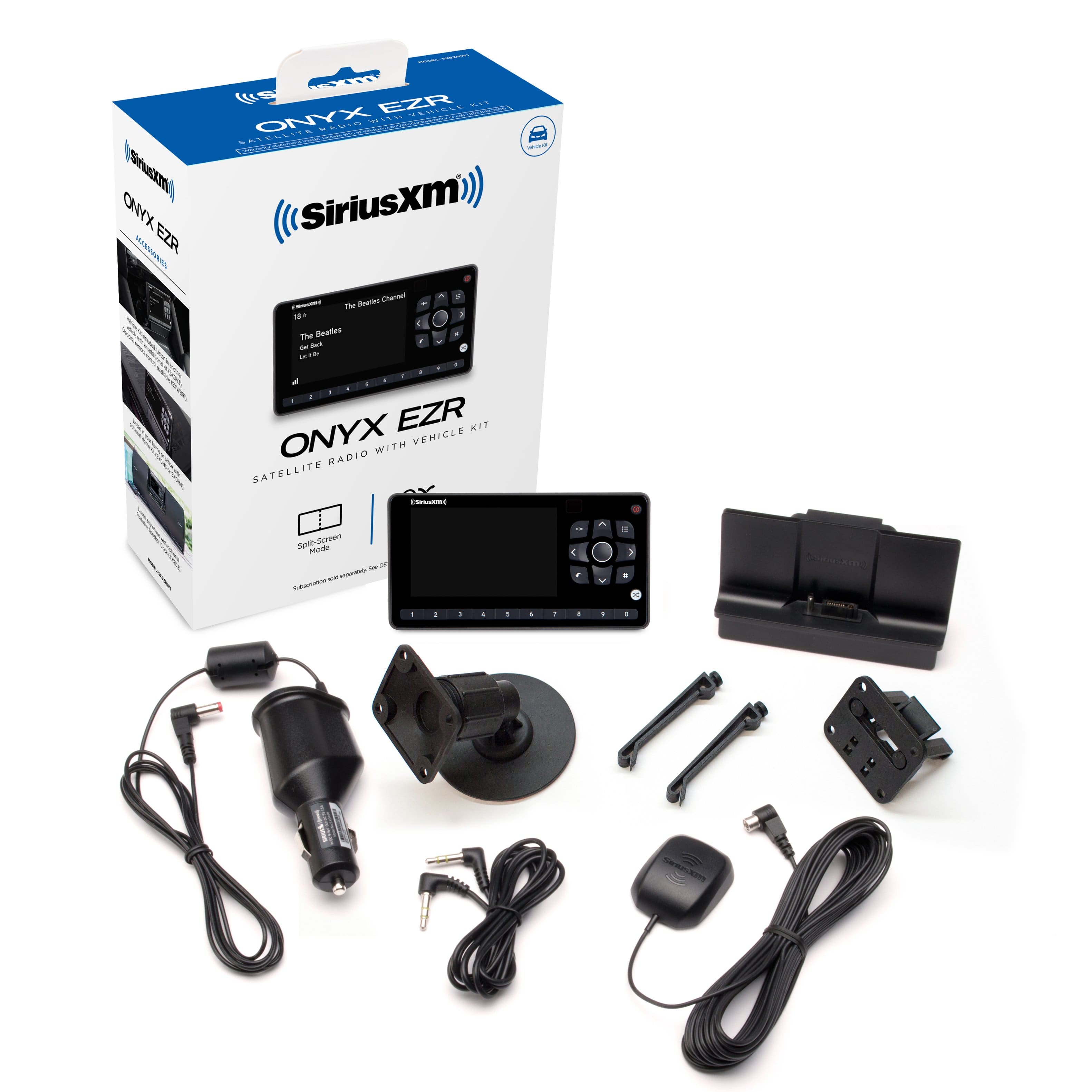
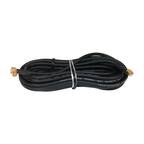
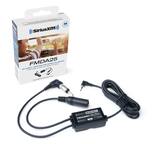
A:AnswerSure, the Onyx EZR can connect to any vehicle via its' included 3.5mm (1/8in) stereo cable to a vehicle's Auxiliary input or you can use the optional FM Direct Adapter model #FMDA25 to connect to your vehicle's FM radio. One or both of these options should work for your 2006 Titan.
A:AnswerThe 2021 Kia Soul does not have Auxiliary input so you would need to purchase the optional FM Direct Adapter and have it professionally installed as it connects to the back of your vehicle head unit between the head unit and the vehicle's AM/FM antenna.
Alternately you could use the Onyx EZR radio with the optional SiriusXM Bluetooth Car dock to connect via Bluetooth to your Kia's head unit. The Bluetooth car dock is available here: https://shop.siriusxm.com/sxm-bluetooth-car-dock
Or you may want to consider the SiriusXM Roady BT which has Bluetooth already built in and can also connect via Bluetooth to your Kia's head unit. The Roady BT is on sale at Best Buy here: https://www.bestbuy.com/site/siriusxm-roady-bt-satellite-radio-black/6488588.p?skuId=6488588
A:AnswerOur research shows that your 2022 Altima has an Aux input port located in the center console just below the heating/AC controls. The Onyx EZR comes with an included auxiliary stereo plug that will plug right into your Aux input port. So yes, the Onyx EZR will work with your vehicle.
A:AnswerYour truck doesn’t have auxiliary input so your satellite radio would need to connect via one of these other options for the Onyx EZR:
Connect via Bluetooth using the optional Bluetooth Car dock accessory: https://shop.siriusxm.com/sxm-bluetooth-car-dock
Connect via the Onyx EZXR’s built in FM modulator using the optional FM Direct Adapter: https://www.bestbuy.com/site/siriusxm-fm-direct-adapter-for-satellite-radios-black/8116585.p?skuId=8116585
The FM Direct adapter connects to the back of your truck’s radio (between the FM antenna and the radio, so professional installation is recommended unless you are comfortable removing the radio. The FM direct adapter is powered by your satellite radio and automatically disconnects your truck's FM antenna when the satellite radio is turned on and reconnects your FM antenna when the satellite radio is turned off. This completely eliminates external interference from FM broadcasts so you can set one FM Frequency for Satellite reception and never need to change as you drive across the USA.
If you don’t already have the Onyx EZR you might want to consider the Roady BT which has built in support for Bluetooth: https://www.bestbuy.com/site/siriusxm-roady-bt-satellite-radio-black-black/6488588.p?skuId=6488588
A:AnswerThe SiriusXM Onyx EZR won't properly dock into a Kenwood Sirius Boombox. But if your Kenwood Sirius Boombox has an auxiliary input then you can use that aux input to connect the SiriusXM Onyx EZR Radio to your Kenwood boombox to play audio through the boombox.
A:AnswerBest satellite reception requires the antenna to be mounted on the roof of your car with the flat top of the antenna facing the sky. Don't mount your antenna inside the car because the antenna won't be able to 'see' the satellites through the roof from inside your car. Also some glass may be coated with materials that block the signal so outside on the highest part of your vehicle (e.g. the roof) and away from roof racks is the best place to avoid any part of the car is blocking satellite signal.
This video provides a lot of good examples of where to located the antenna and how to safely route the antenna cable back to your Onyx EZR's vehicle dock where the antenna cable plugs into. https://www.youtube.com/watch?v=tCqif9PIu5E&ab_channel=SatelliteRadioSuperstore%C2%AE
A:AnswerThe Onyx EZR Radio can receive all of SiriusXM's high band satellite radio programming when it is paired with a Platinum subscription. The exact number of channels varies from time to time as the sports channels pop up for games and as seasonal programming airs. The number varies but Onyx EZR can receive all of the programming channels broadcast on our high band satellites.