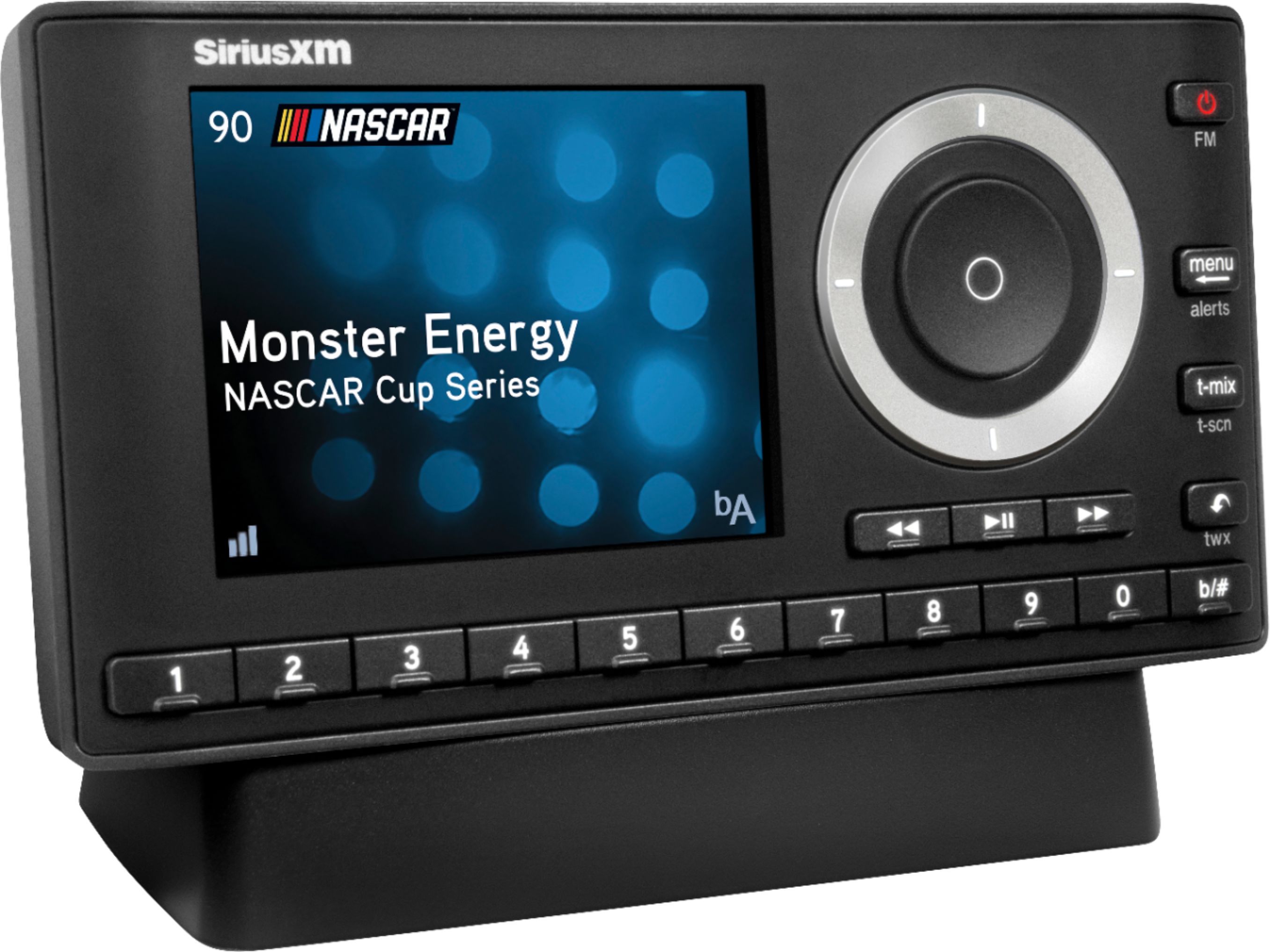
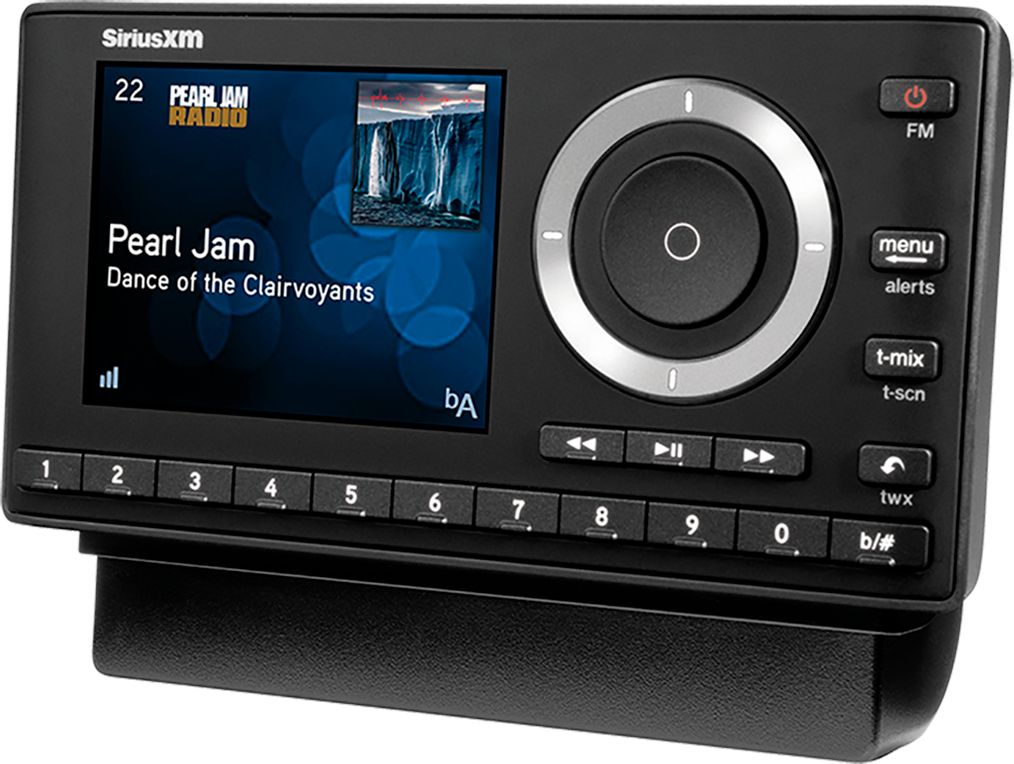
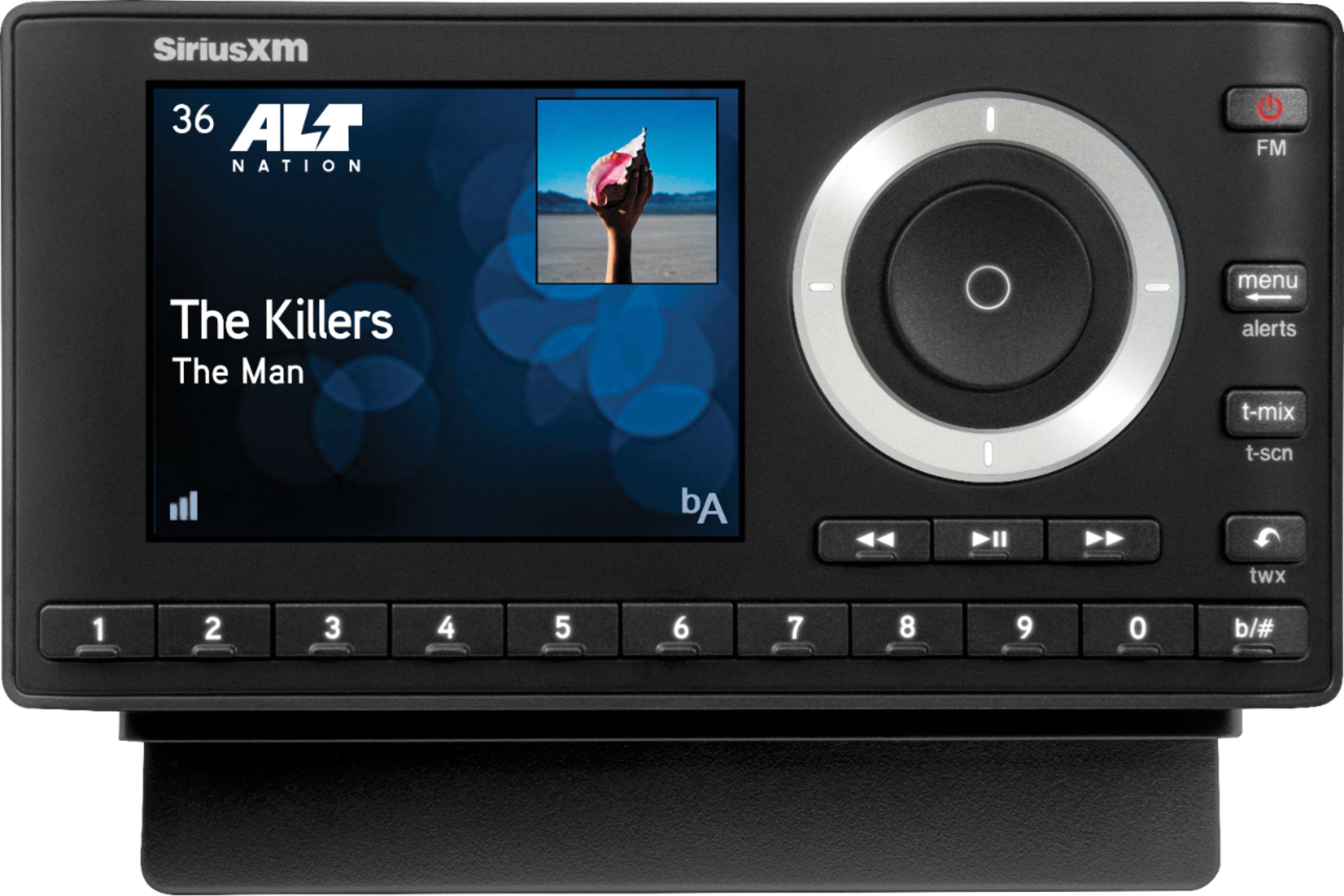
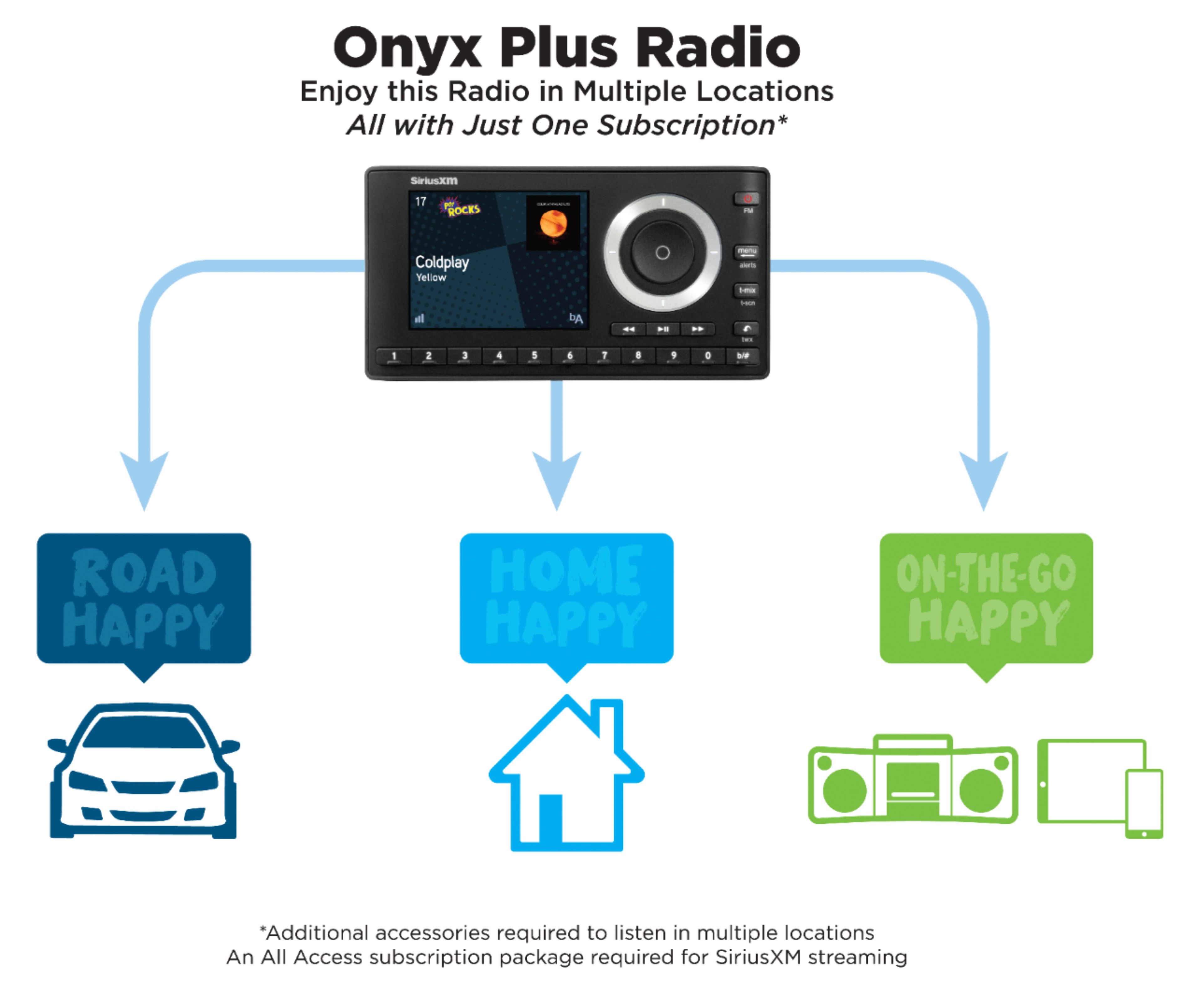
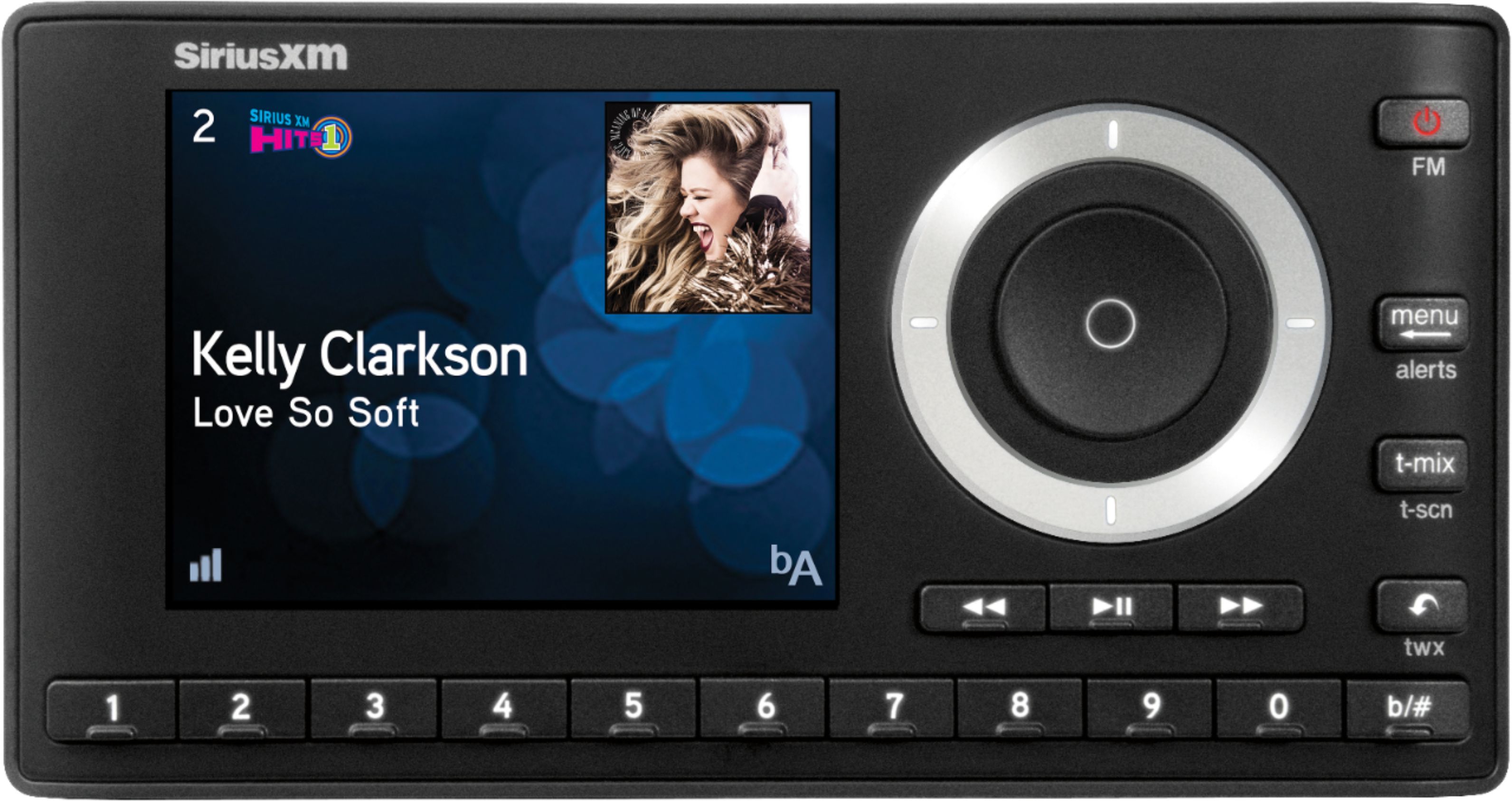
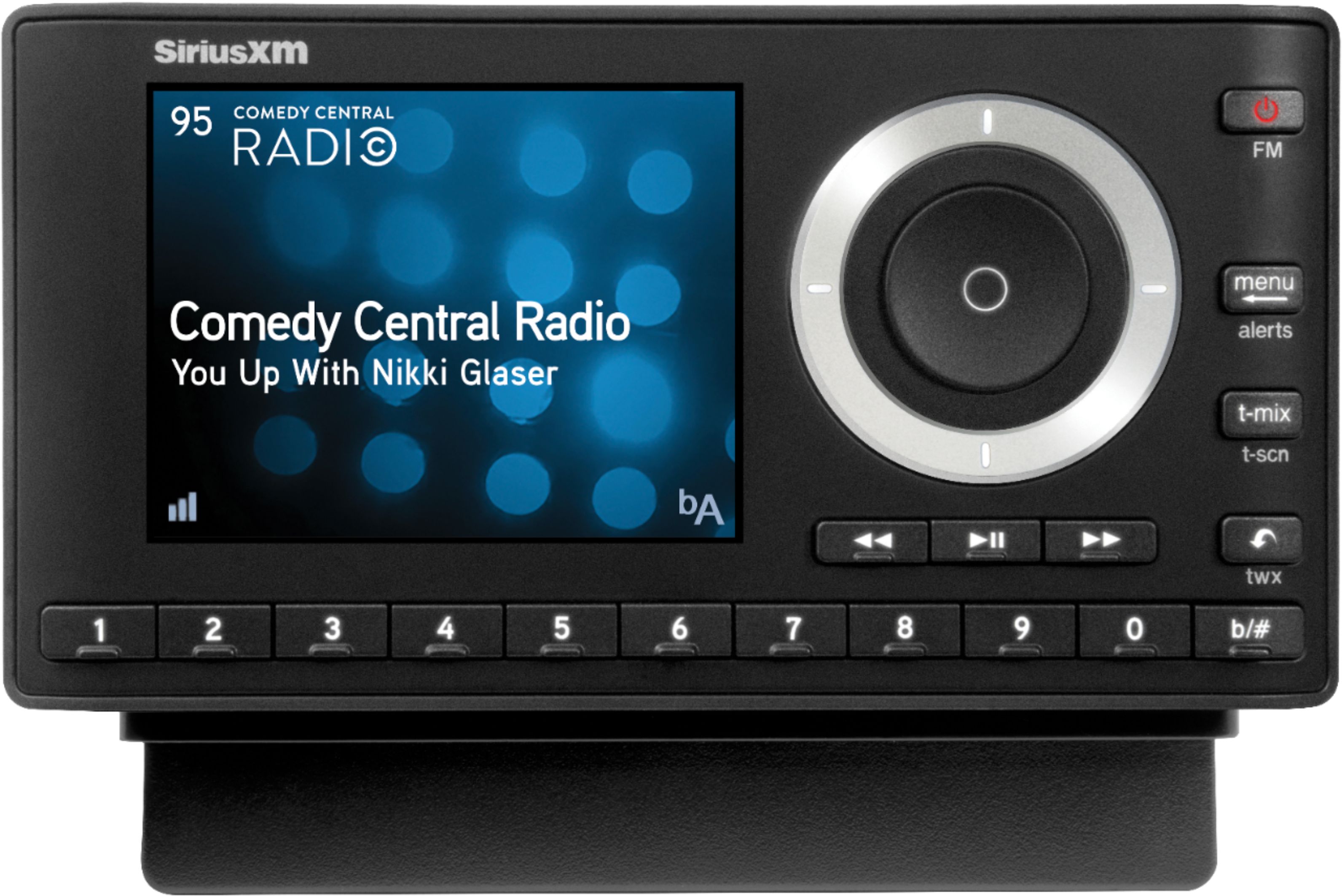
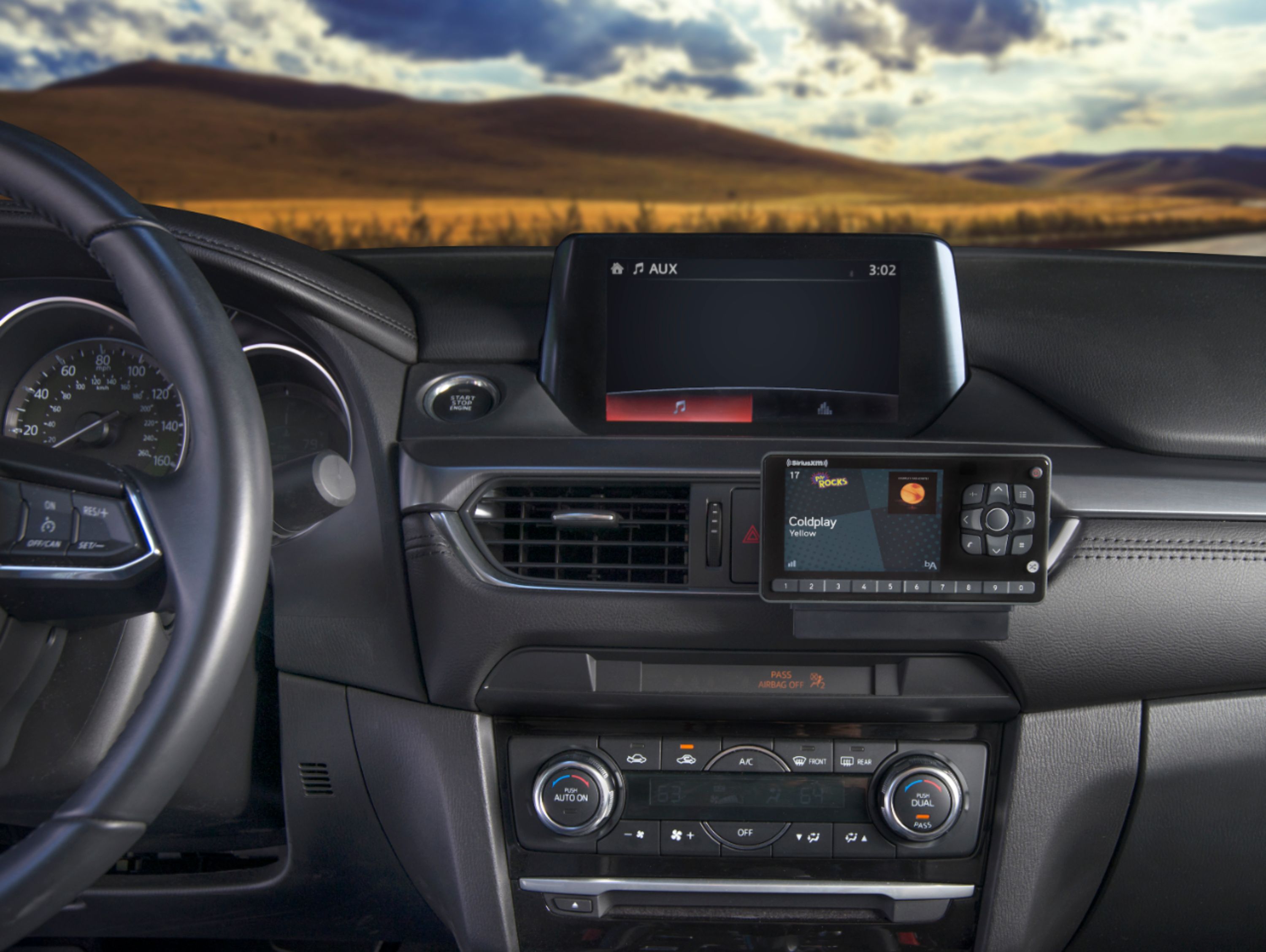
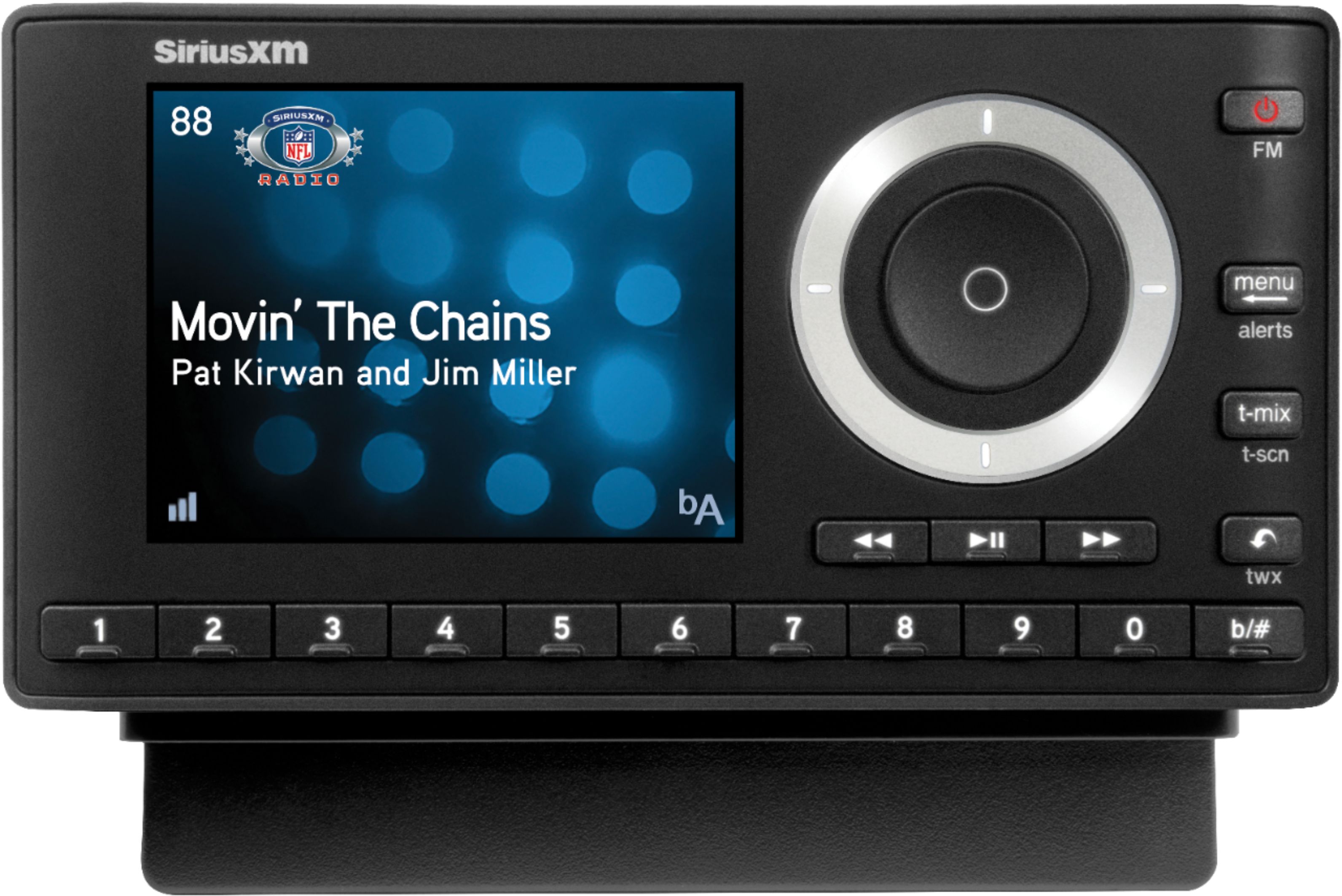
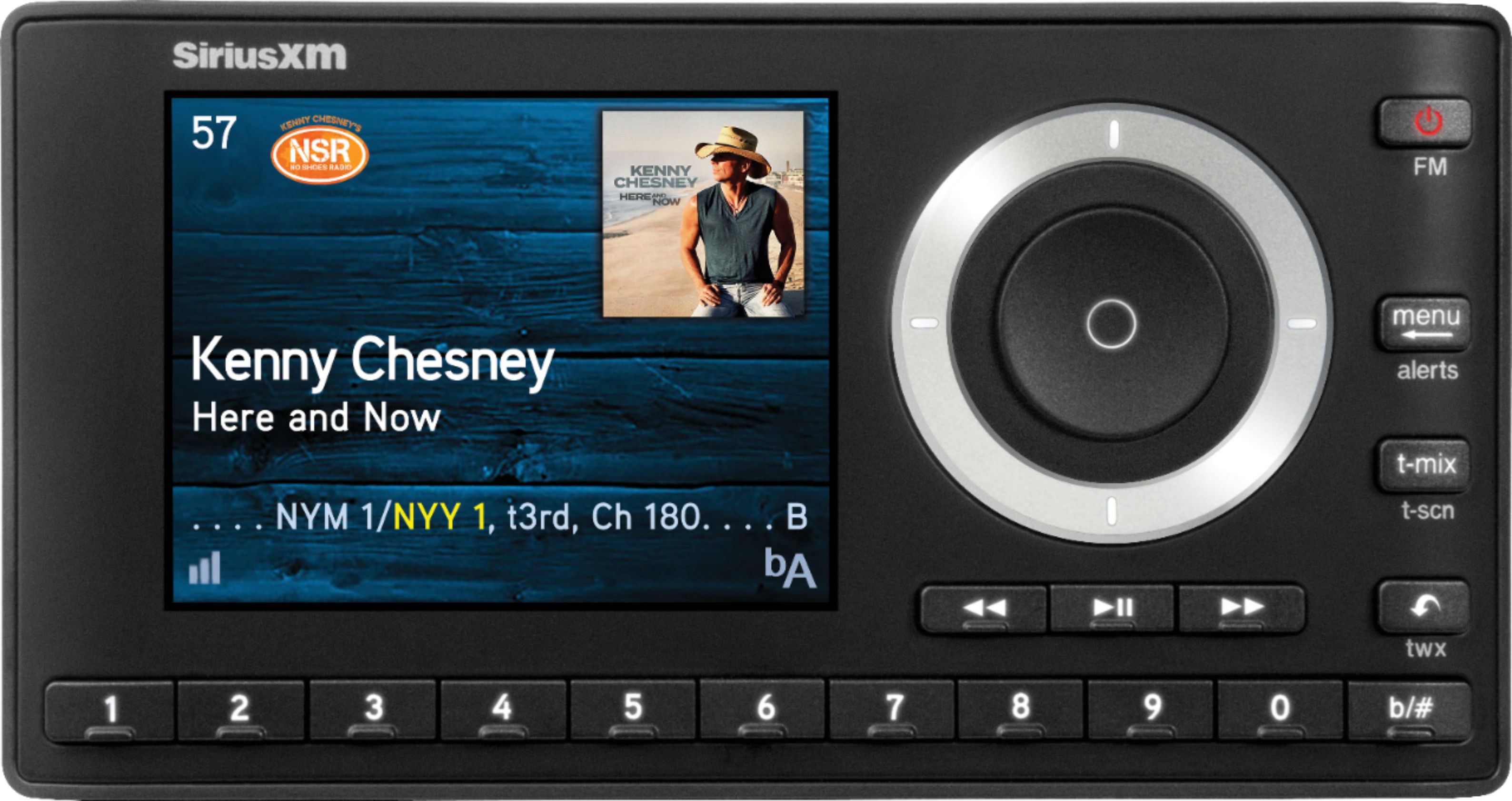
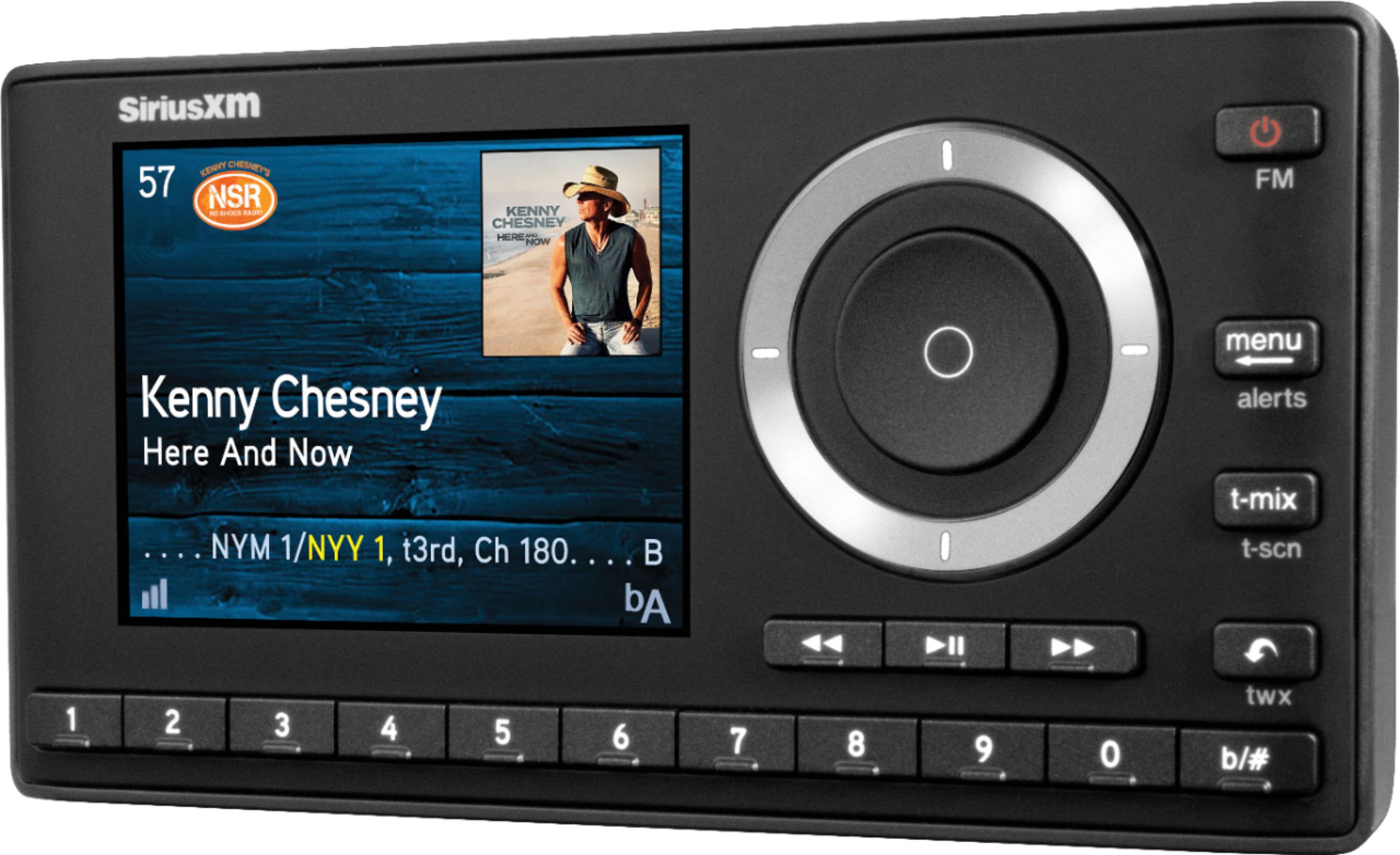
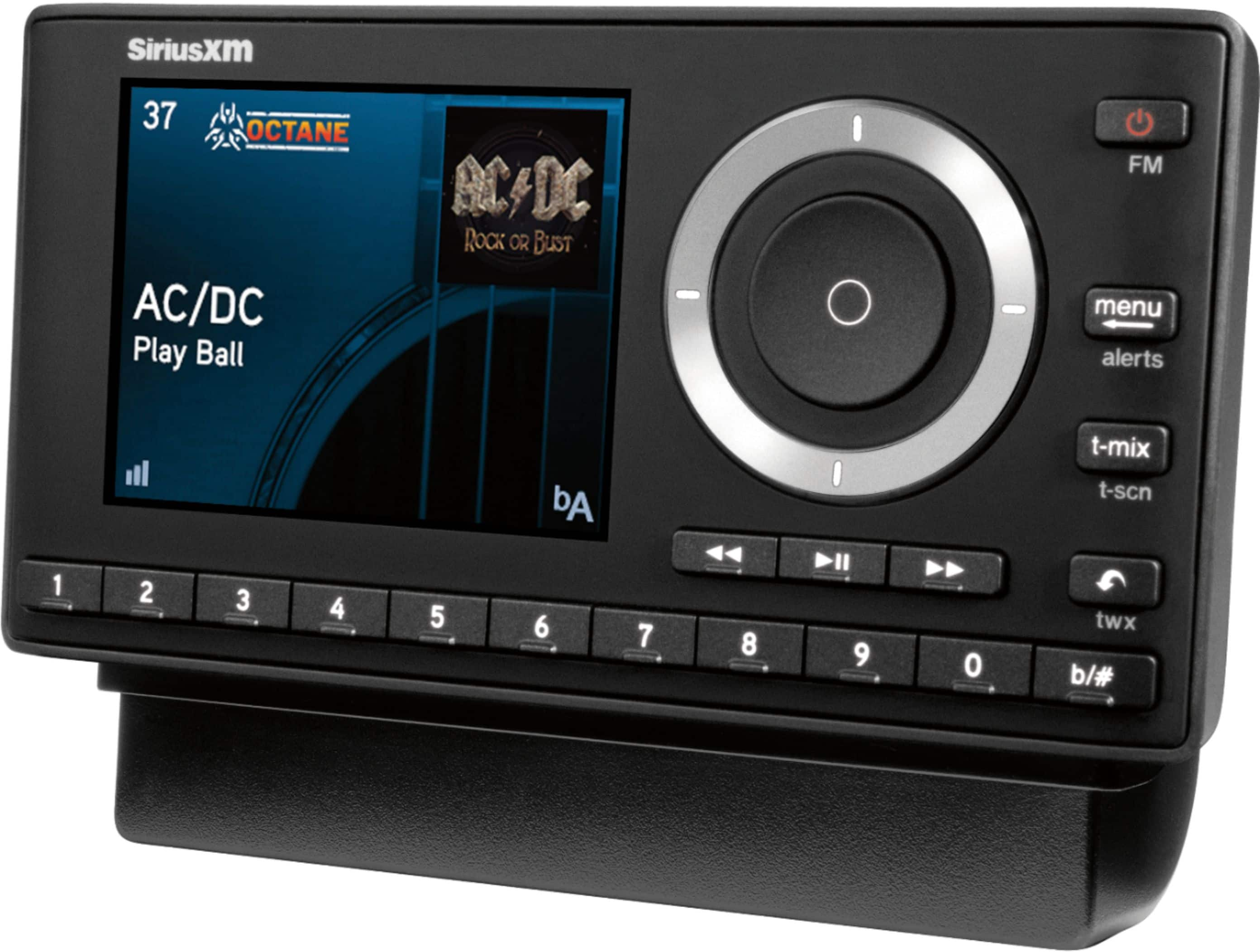
A:AnswerThis radio is for your vehicle if you don't have Sirius XM Radio as an option. It does not run any type of battery. It is powered by your vehicle only. Nor does it have earbub port. This product only has an auxiliary cord that is if your vehicle has a port. If not...you will have to follow the directions, like I did, for using the magnetic antenna that comes with it. Again...it is for your vehicle. You can also use it via radio system at home but you have to buy the radio dock. Other words, not a portable radio you can take around and just listen to on a charge like a mp3 player, tablet, or your phone.
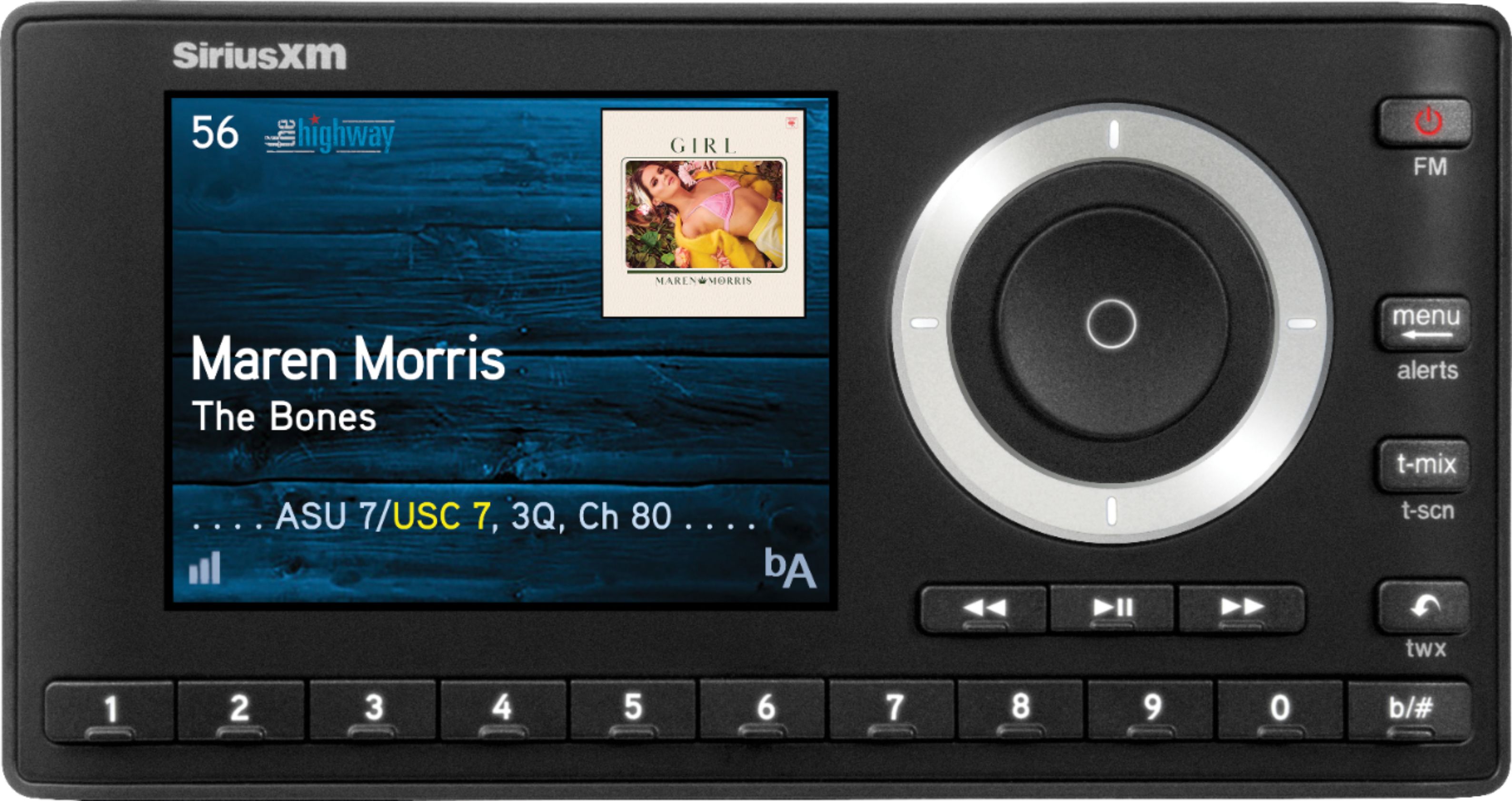
A:AnswerIf you are looking to add this radio to your home, I'd recommend that you buy the Onyx Plus with Home Kit instead, SKU 1489751. If you want to use this radio in your car and home, you could just add a interoperable home kit, SKU 6408108.
This is radio comes with 3 months free service if you sign up for an All Access, our best subscription plan. We have many subscription plans available to meet your price point and listening needs. I'd recommend that you visit www.siriusxm.com/packages to see all the available options.
A:AnswerIt is possible to install the Onyx Plus with Vehicle kit in the vehicle. Please consult with your local Best Buy Geek Squad installers for pricing, availability and scheduling.
A:AnswerNot likely. The Onyx Plus radio needs to connect to some type of an FM radio as it does not have any speaker outputs or volume controls. If you want to replace your current FM Cassette radio, look for a SiriusXM-Ready model and then add the SXV300 tuner, sku 8110015, and then you'll get SiriusXM.
A:AnswerIf you have an existing account, you will need to do an account transfer to this radio and also pay a $15 activation fee for this new radio. I recommend logging in to your account online or contacting our customer service at 1-866-635-2349 and they'll walk you through the process.
A:AnswerNo, you can use an aux-in cable to the Bluetooth speakers or a Bluetooth Transmitter if purchasing the Onyx Plus radio. Or you could purchase the SiriusXM Tour Radio (SKU: 6408173) and SXDH4 Home Kit (SKU: 6408108) which does include Bluetooth.
A:AnswerPowerConnect transmits the SiriusXM audio signal over an FM channel that is radiated over the vehicles power wires. On many cars this allows the FM signal to be picked up by the factory radio. We would prefer that you connect using an AUX input, but if your vehicle does not have the AUX connection, PowerConnect could work. If you have a hard time picking up the signal, you may need to try using the FM Direct (The FMDA25 adapter, SKU: 8116585) to plug into your antenna lines directly.
A:AnswerYou need to purchase the home kit, I think it looks like a boom box I’m not sure but it has speakers and the radio connects to it somehow. Then you can use it outside of the car.