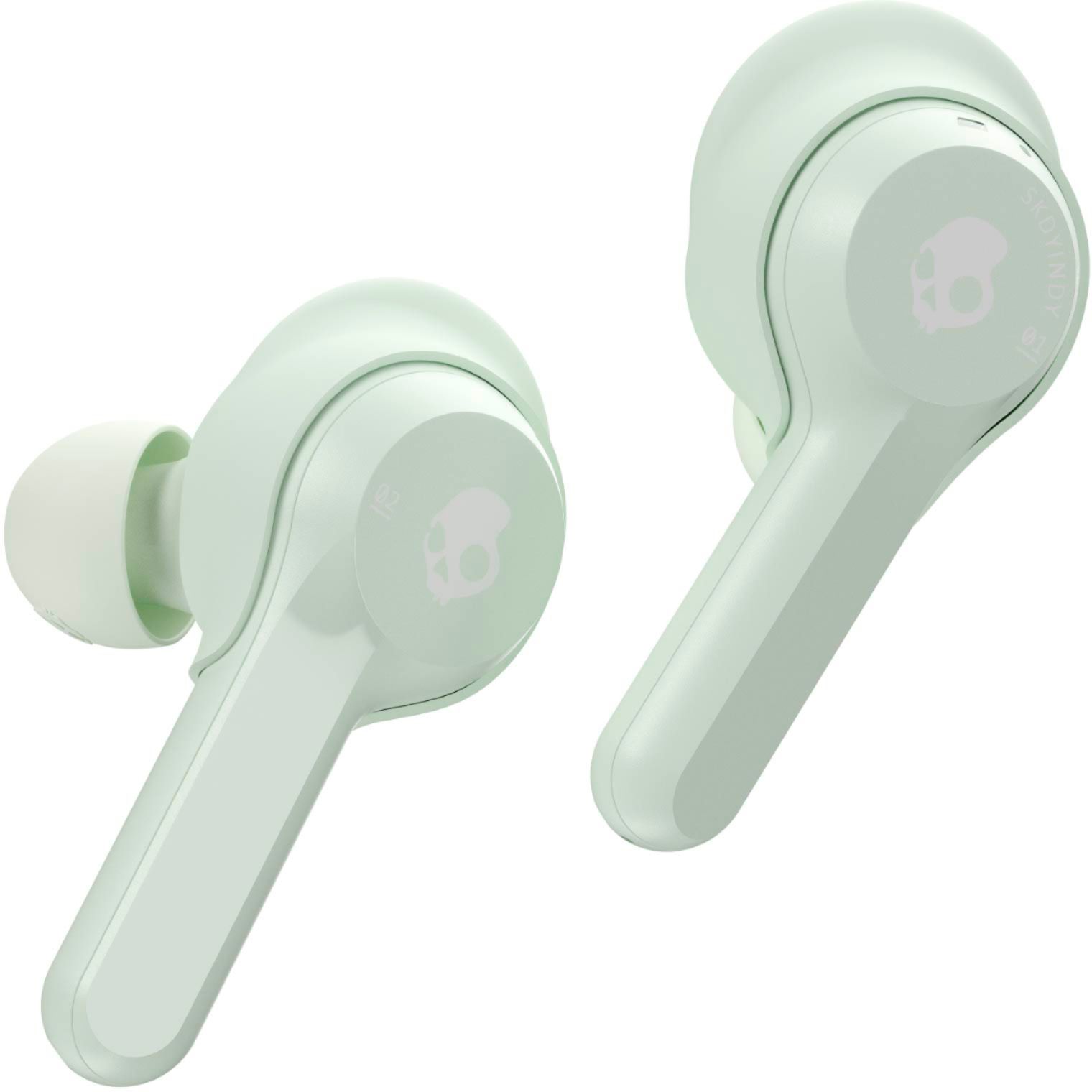
A:Answer I had that problem after using them a while. I watched the Skullcandy videos on YouTube and still had the problem. I went to the Skullcandy website and emailed them. They responded within 24 hours. They sent me these directions:
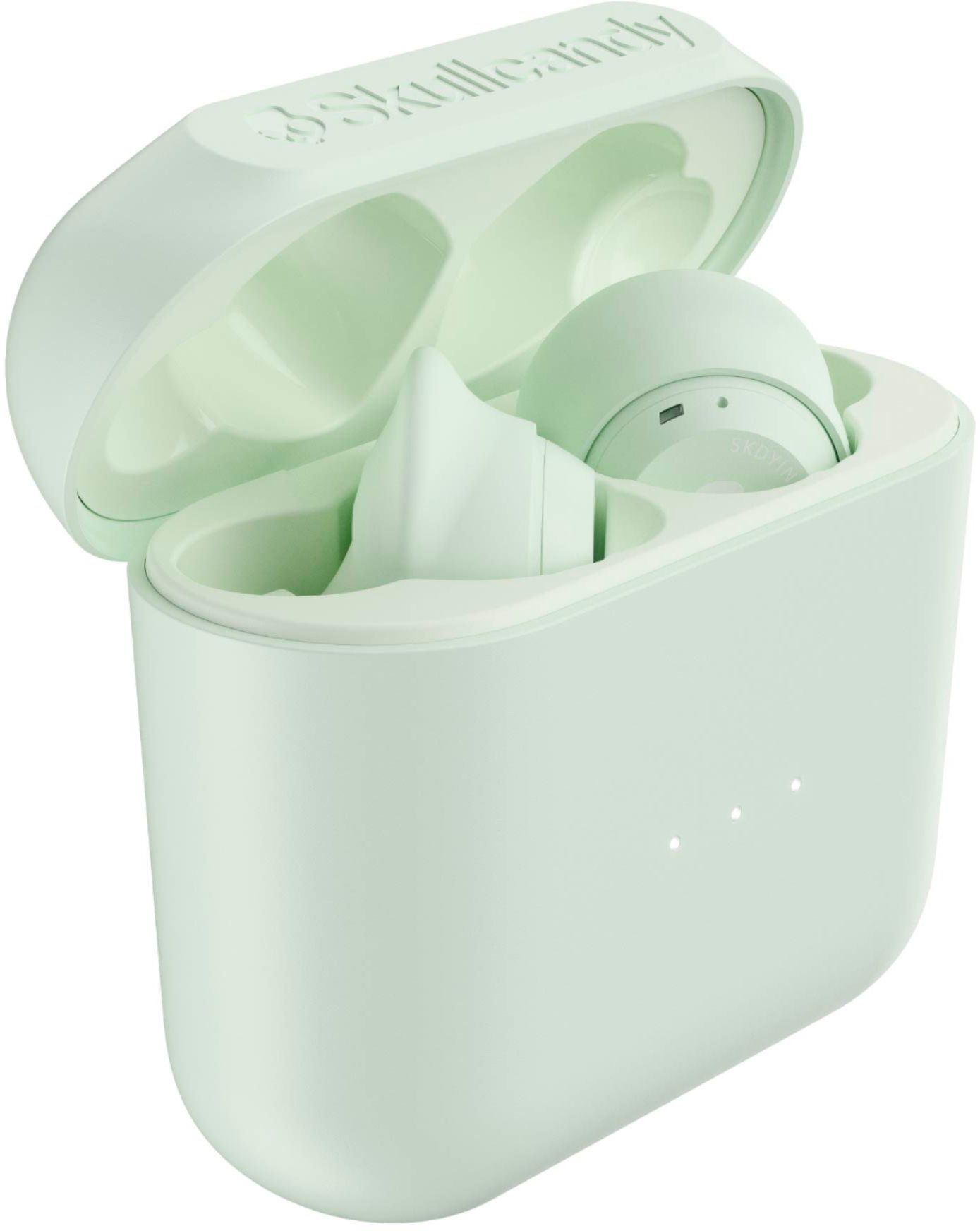
1.) Place your Indy earbuds in the charging case.
2.) Remove Indy from your device’s paired list.
3.) Turn off Bluetooth mode on your device (mobile or computer)
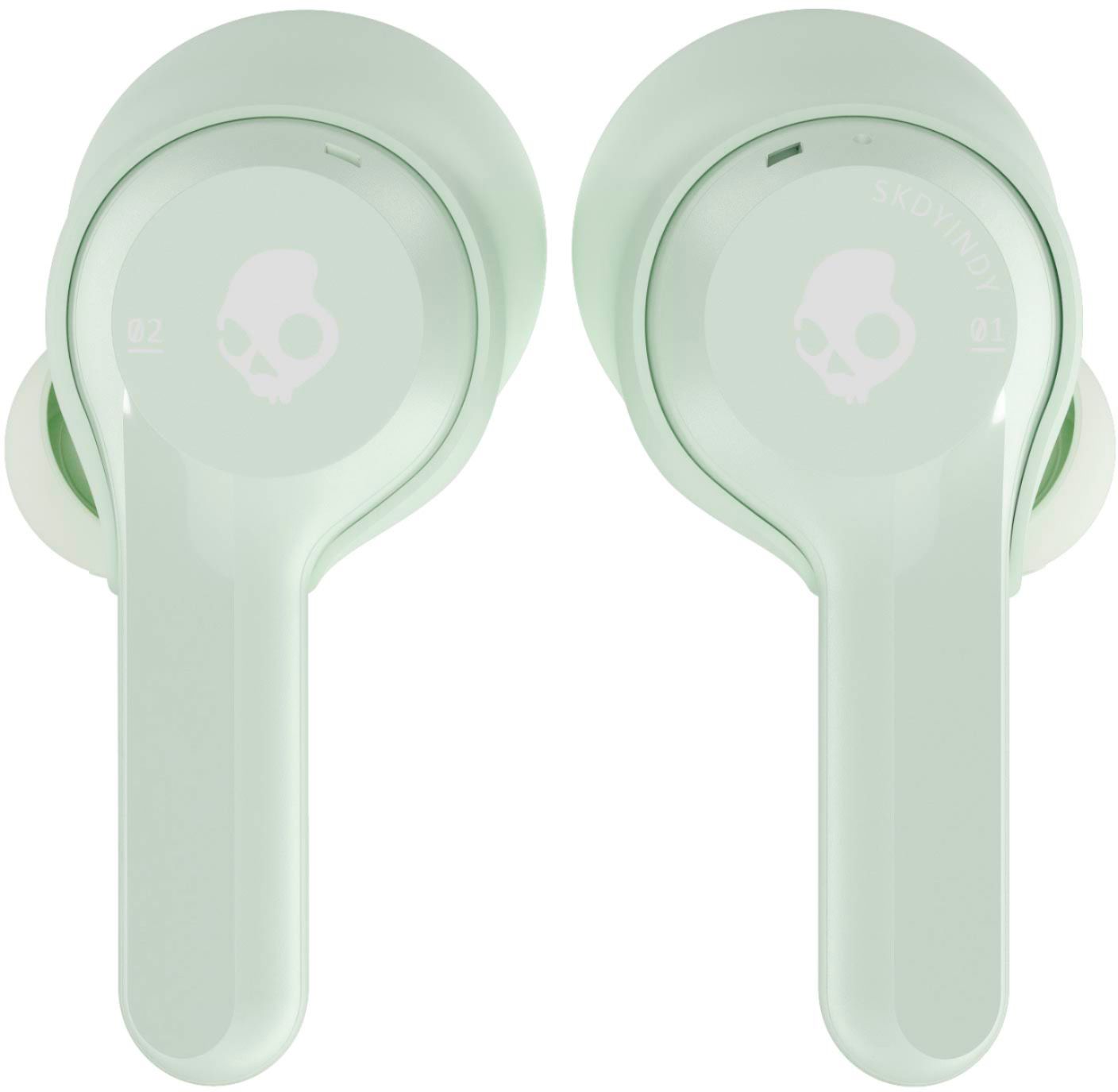
4.) Power on only your right Indy earbud by removing it from the case. It will be in a non-connected state at this point.
5.) Tap the center of the earbud 4x. This will automatically power off the earbud and reset it. You will know this was successful when the light on the earbud turns red. If the 6.) light does not turn red please repeat step 5 until the light turns red. Place the right earbud back in the case.
7.) Now repeat those same steps only with the left earbud. (steps 4 and 5)
8.) Next, remove both earbuds from the case to have them automatically power on and begin pairing to one another.
9.) You’ll hear one beep indicating the buds have paired together, and then a voice prompt that will notify you that Indy is now “Pairing”, meaning it’s searching for your device.
10.) At this point, turn your device’s Bluetooth mode back on and re-pair to Indy.
For additional support, feel free to watch this video:
https://youtu.be/A-247Tr2e-l
I had to repeat Step 5 two or three times for my left earbud before the light turned red.
If the instructions don't work for you, you can contact Skullcandy at their website: https://contact.skullcandy.com/