A:AnswerPretty far I'd like to say. I live in a townhome my phone is downstairs and I'm upstairs in the bedroom or closets vice versa I'm still connected with the caller no worries.
A:AnswerPlease feel free to visit info.skullcandy.com for troubleshooting information for connectivity. If that doesn't remedy your issue, please reach out to us at contact.skullcandy.com and we can assist you in getting a new pair that functions properly.
A:AnswerYou have to listen to one of the buds to know when it's paired. Also, if you connected them to more than one device, make sure none of them are on. When you go into the Bluetooth on the ipad, it should show Jib+ when it's ready to pair.
A:AnswerYou first have to make sure your device's Bluetooth signal is on. Then you need to turn the earbuds on by holding the power button for a few seconds until it says "Power On", then you can select the earbuds in the Bluetooth connection settings.
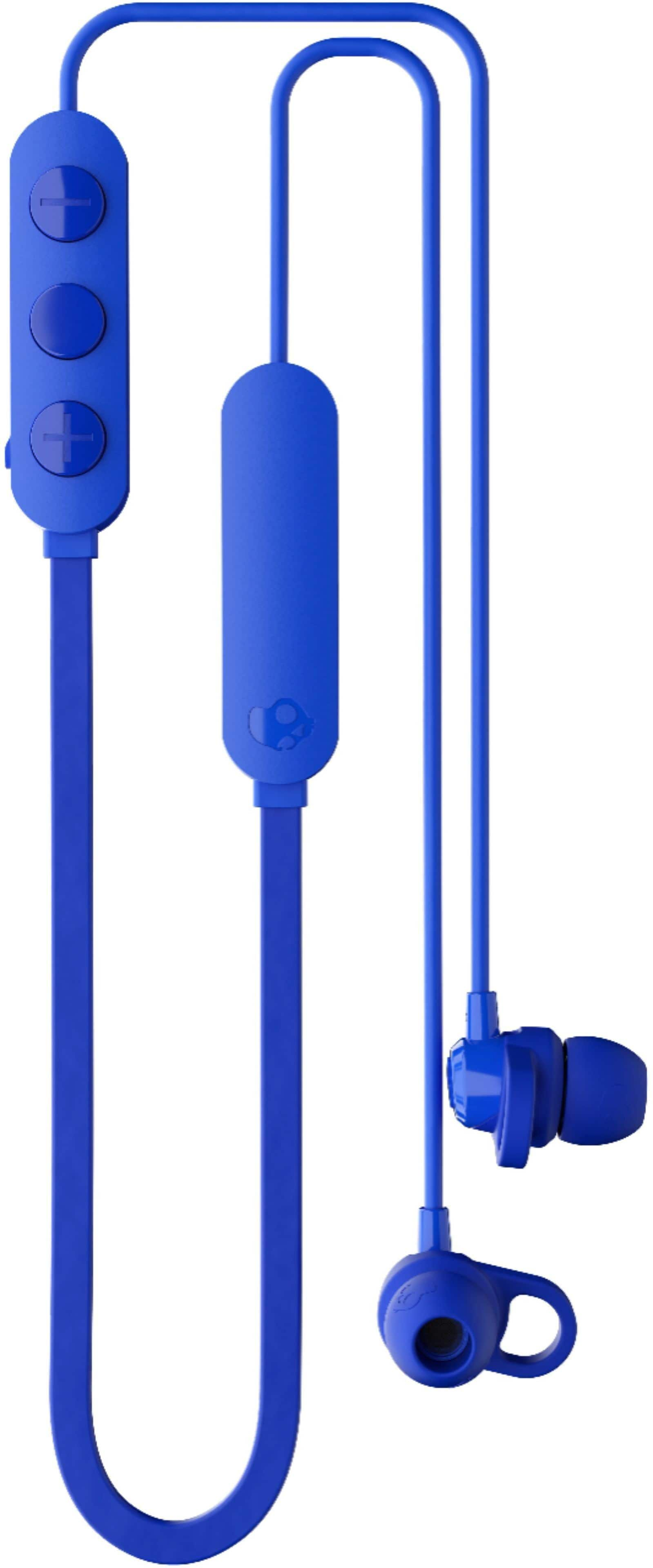
A:AnswerGo to your WiFi and Bluetooth settings on your phone turn your Bluetooth on and wait for the different device names to show up when one comes on called "jib" that is the device name of your headphones click on it and pair it the volume control is on the left side the plus and minus on it the middle turns on & off