Questions & Answers
- Model:
- S2JPW-M101
- |
- SKU:
- 6348342
Highly rated by customers for: Sound Quality, Battery Life, Ease of use
Page Showing 61-69 of 69 questions
Q: QuestionMY SKU MODELS2JPW DOES NOT COME ON SOLUTION PLEASE THANK YOU
Asked by Anonymous.
- A:Answer We're so sorry to hear your headphones broke. We would love to get you a new pair! All Skullcandy products have a 2-year warranty. Please feel free to visit warranty.skullcandy.com to submit a warranty claim to receive a replacement pair of headphones as quickly as possible!
Answered by Skullcandy
Q: Questionwhat is the blue tooth address code for these head phones. I have a one plus 7 cell phone and the name of the actual buds does not come up.. only blue tooth address does.
Asked by Anonymous.
- A:Answer Jib+ or something like that. Lol!!
Answered by JoArchie
Q: QuestionI destroyed my phone and now have a new one, When I try to pair my ear buds they are asking for my PIN. I don't have the original packaging and don't remember what it was... how can I find it in order to pair to my new phone?
Asked by Chrissy.
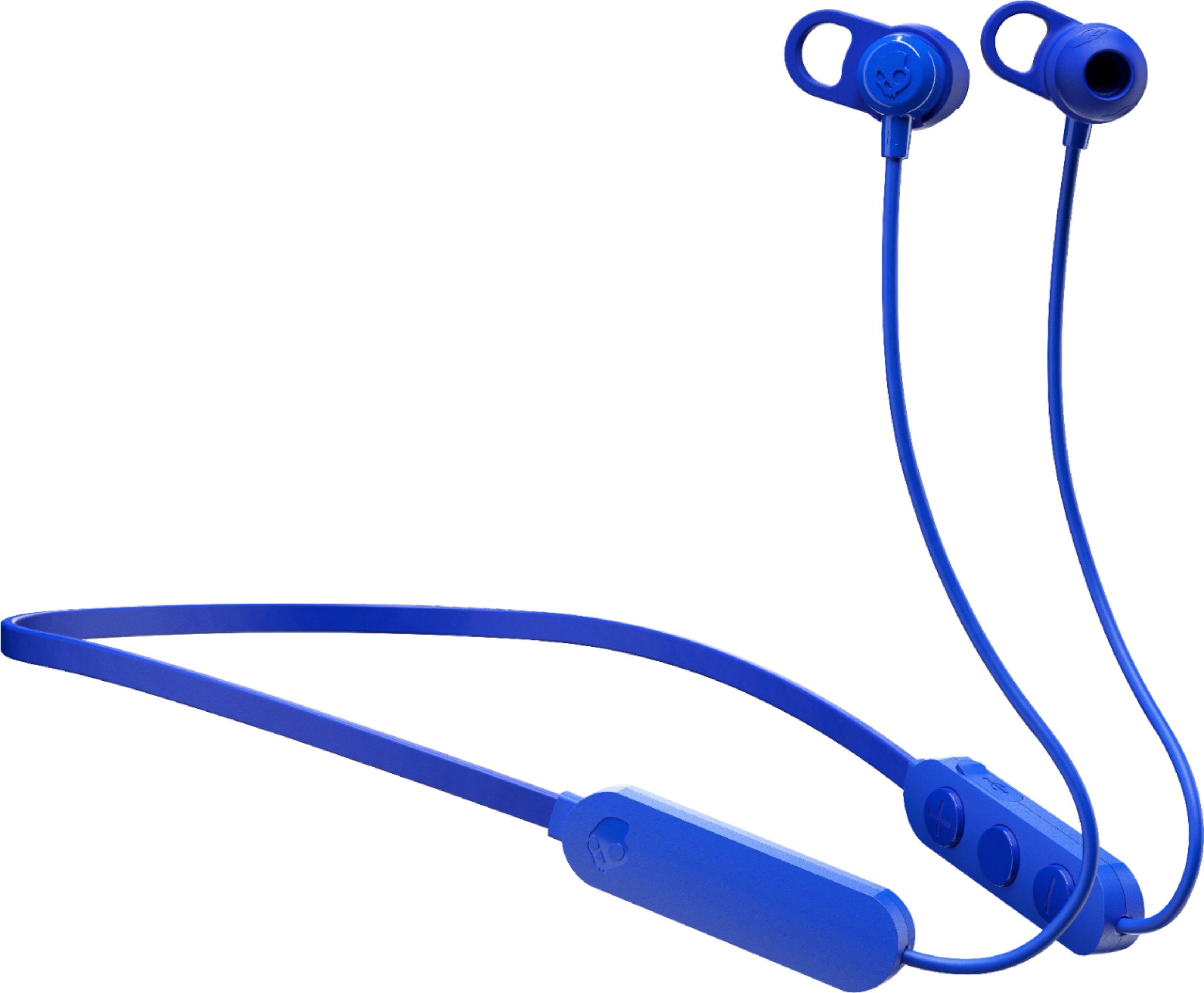
- A:Answer Hey Chrissy, Thanks you for reaching out and choosing skullcandy. I am sorry to hear about the pairing issues that you are having with your Jib+ earbuds. When it comes to the pin, that is a setting on your personal device. The Skullcandy headphones do not have a pin to activate bluetooth. If this is still an issue, I reccomend reaching out to the provider that you have your phone service through. Thanks again for reaching out and choosing Skullcandy! Best, SKDY
Answered by Skullcandy
Q: QuestionI accidentally touch the forget device of this earphone on my phone's Bluetooth and now i can't find the earphone in my "add new device" pairing list. Idk what else should i do? I've tried so many times
Asked by Anonymous.
- A:Answer Sounds like a simple reinstall
Answered by Dick
Q: QuestionThey keep turning off and not turning back on and wont show that there charging.
Asked by logangray301.
- A:Answer We're sorry to hear your Jib+ headphones are not working properly. We'd love to get you a fresh pair that doesn't have this issue - please submit a claim directly with Skullcandy at warranty.skullcandy.com
Answered by Skullcandy
Q: QuestionWhat the pin to connect it?
Asked by Cheriem.
- A:Answer I have a Samsung S9+ and I did not have to have a PIN to connect them. In my Bluetooth settings, it showed up as Jib+. I chose that and it connected without any problems. Make sure you have the earphones and the phone close to each other.
Answered by spunkygran
Q: QuestionThese headphones won’t connect to my IPhone 8+ at all and I tired turning it on and off and my phone on and off but nothing happens and it won’t connect still
Asked by Arvonna.
- A:Answer Try holding the on button down until hey mate
Answered by Dick
Q: QuestionHow do I pair Bluetooth to phone
Asked by Boo.
- A:Answer Sorry , this was a gift for my son , seems like he had no issues pairing with his phone
Answered by Mimi
Q: QuestionTrying to Bluetooth my Skullcandy Bluetooth around the neck headphones need pin number
Asked by Anonymous.
- A:Answer I wasn’t asked for a PIN number and connected to my IPhone 6 and IPad without any problem
Answered by Dick
Most-viewed items
- $1,299.99$1,299.99The price was $2,999.99
- $329.99$329.99The price was $469.99
- $149.00$149.00The price was $399.00
- $449.99$449.99The price was $649.99
- $199.99$199.99The price was $349.99
- $249.99$249.99The price was $379.99