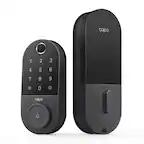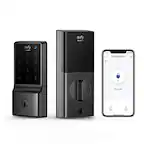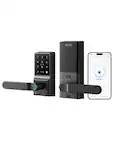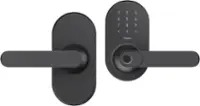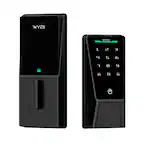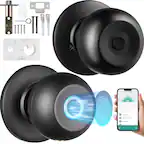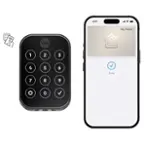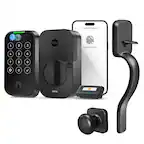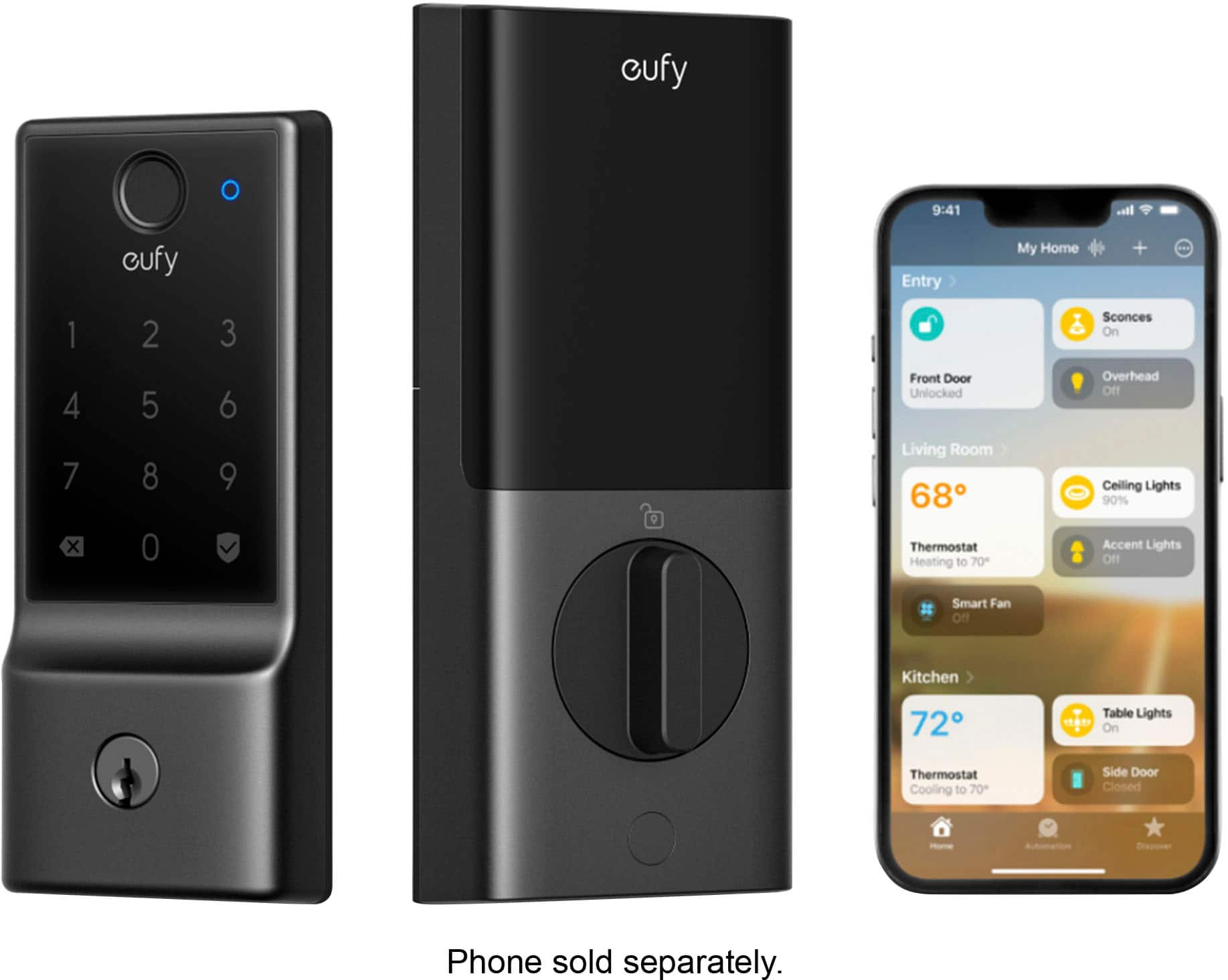
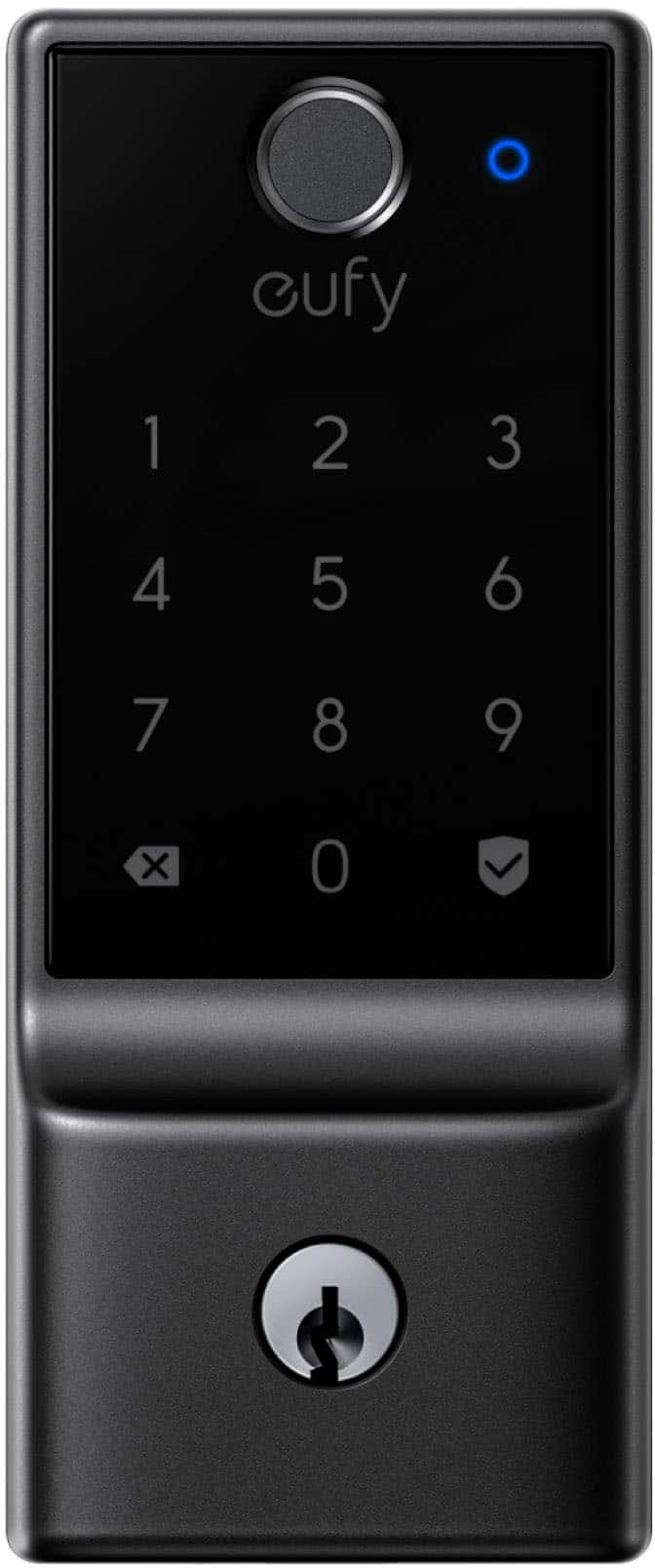
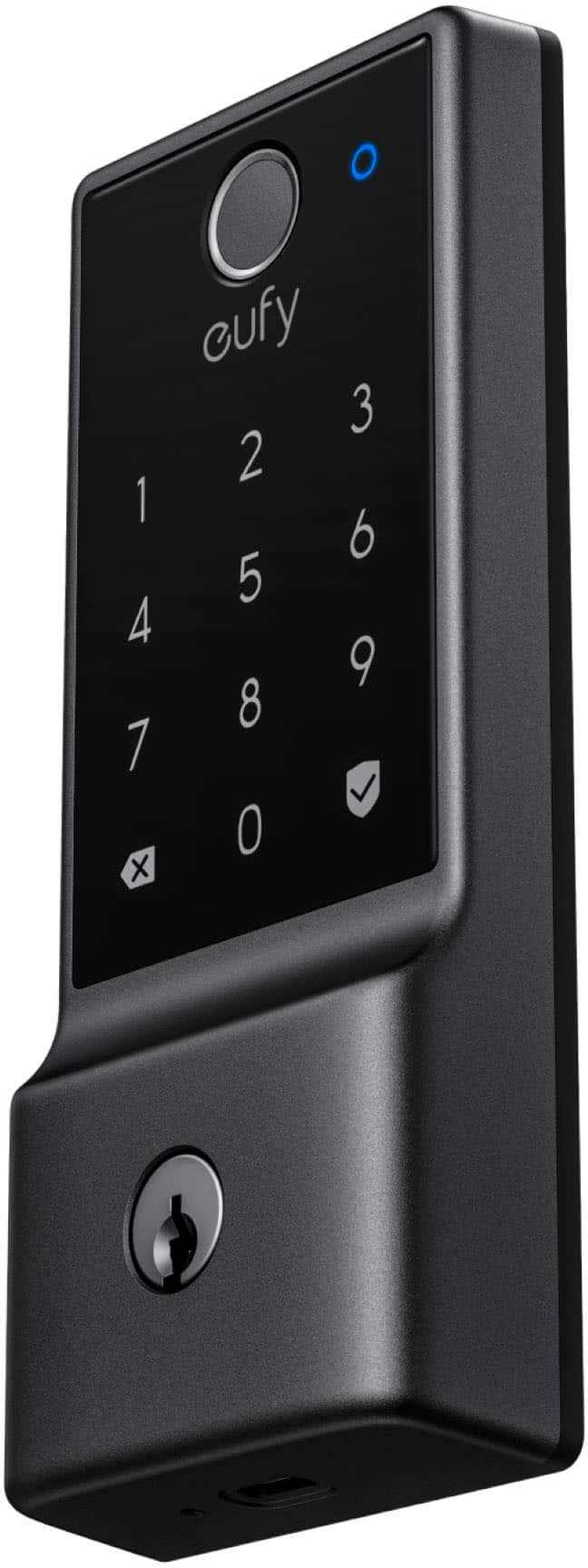
A:AnswerYes, with the Eufy Smart Lock series, it is possible to replace or rekey the cylinder without needing to buy a new lock. Since this lock is equipped with a physical keyhole (usually located under the keypad and accessible by rotating the cylinder cover), you can work with a professional locksmith to either rekey the cylinder or replace it entirely.
A:AnswerYes, the eufy Smart Lock includes a feature that sends low-battery notifications through the app, ensuring you are alerted when the battery needs to be replaced.
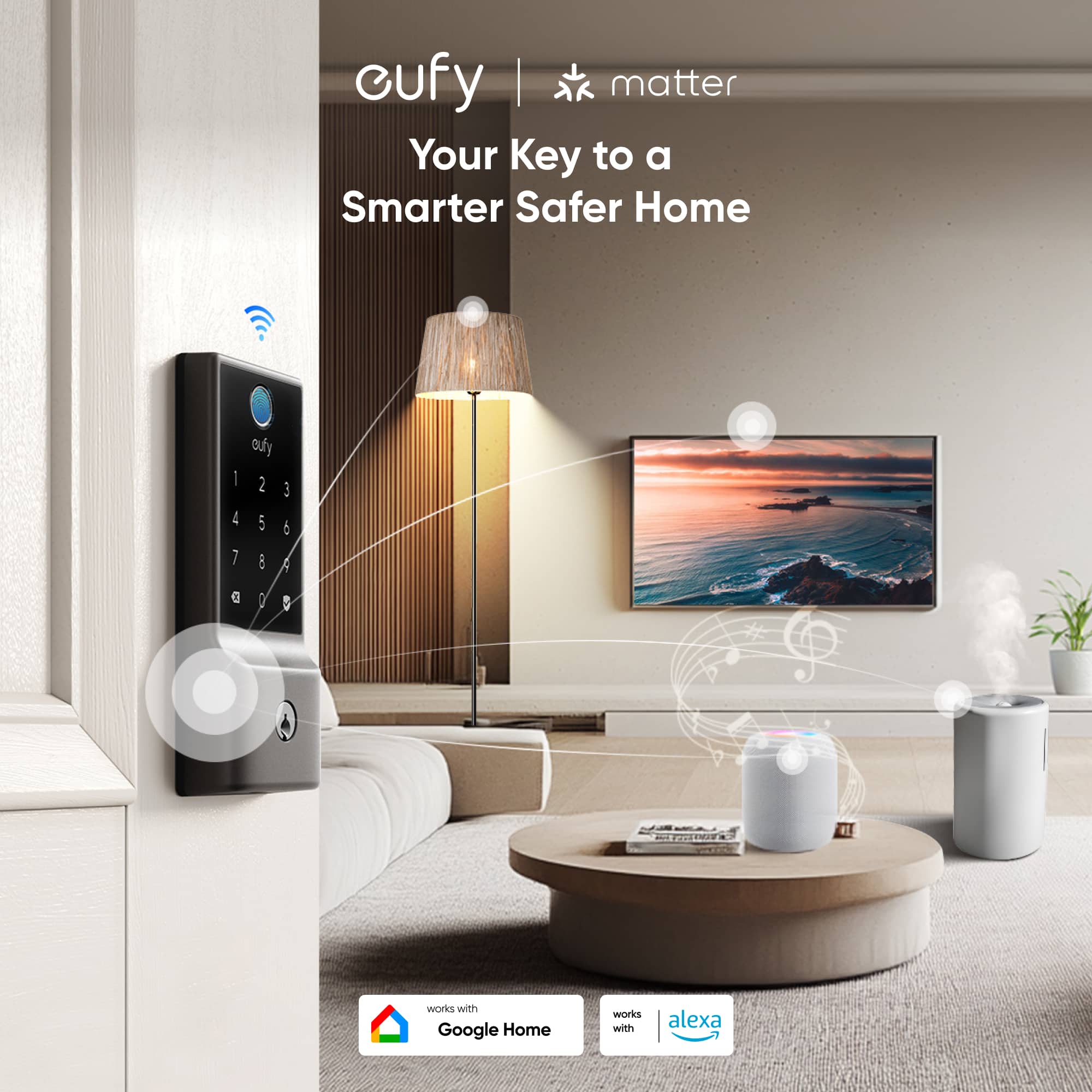
Additionally, with WiFi connectivity, you can unlock the door remotely via the eufy app, even when you are not at home. This is especially convenient for granting access from anywhere without requiring physical presence.
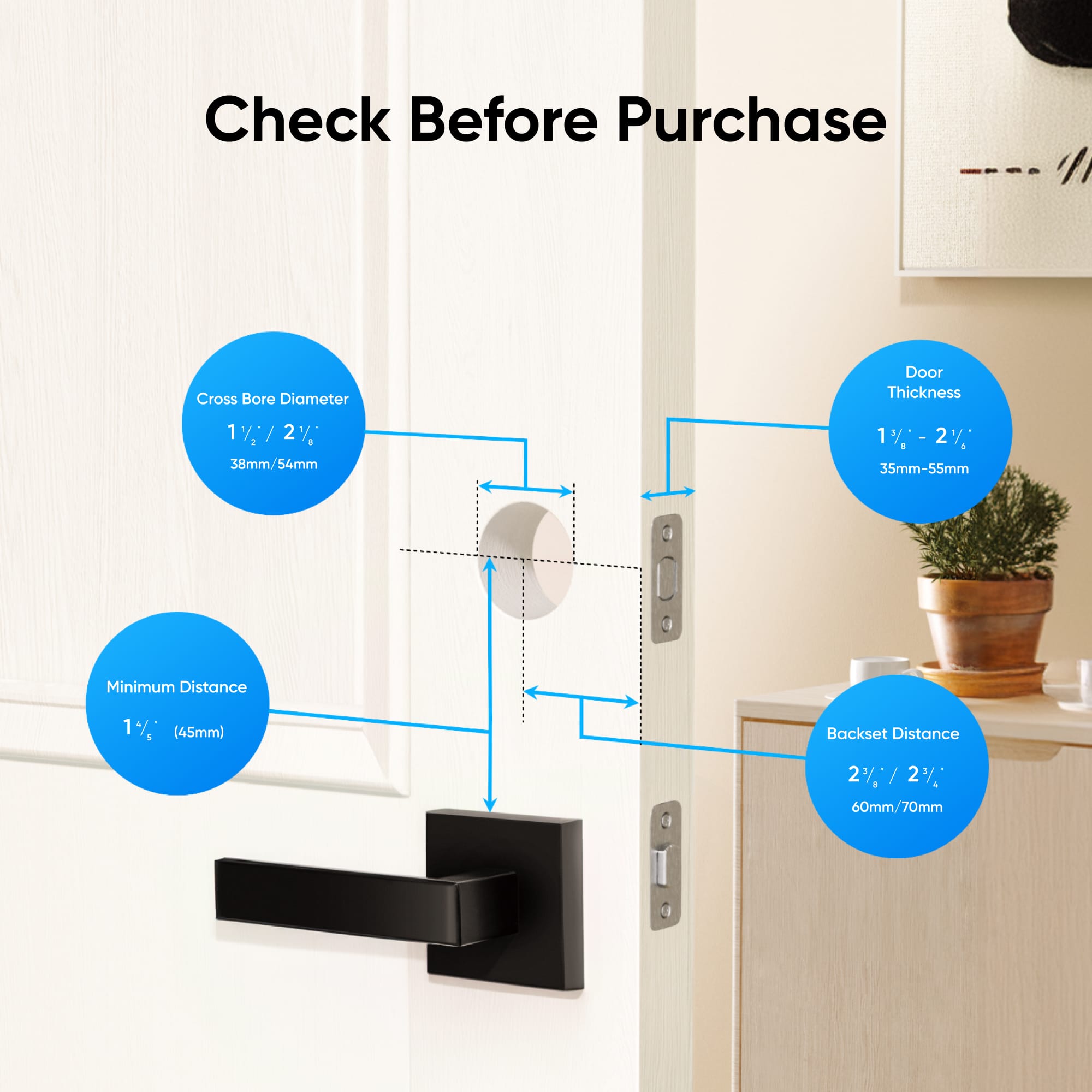
A:AnswerThe eufy Smart Lock E31 is designed for maximum compatibility and supports both the Kwikset and Schlage keyways. It comes with adapters for both of the most common U.S. residential deadbolt types.
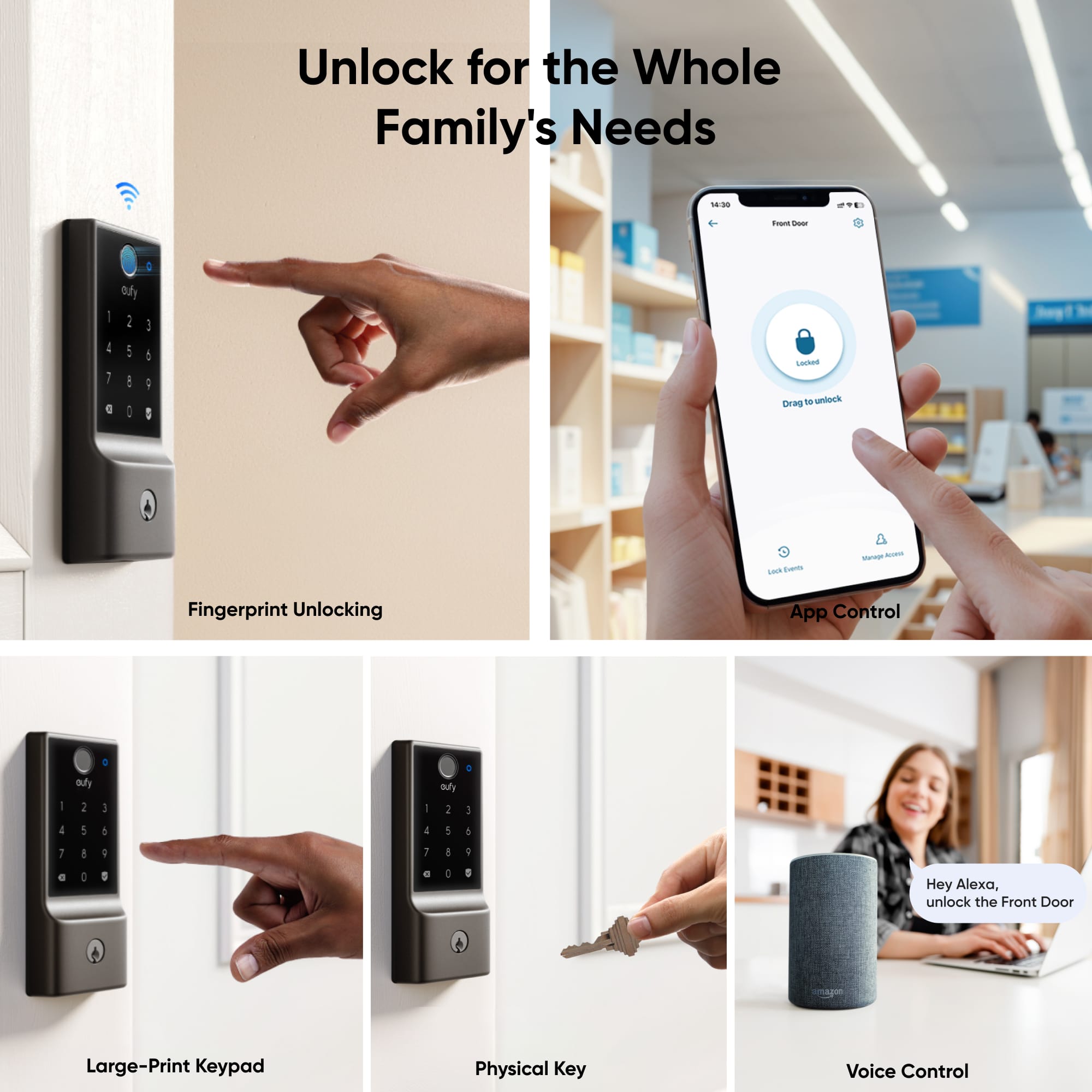
A:AnswerThe eufy Smart Lock Touch & WiFi does not support unlocking via Android NFC without using an app. It offers various unlocking methods, including fingerprint, entry code, Bluetooth, and app-based options, but there is no mention of NFC unlocking functionality.
A:AnswerYes, the Smart Lock E31 is designed to be waterproof and has an IP65 rating. This means it can withstand prolonged exposure to heavy rain. The hardware is built to handle such weather conditions, and the software includes an automatic locking mechanism if constant heavy rain is detected to prevent damage.
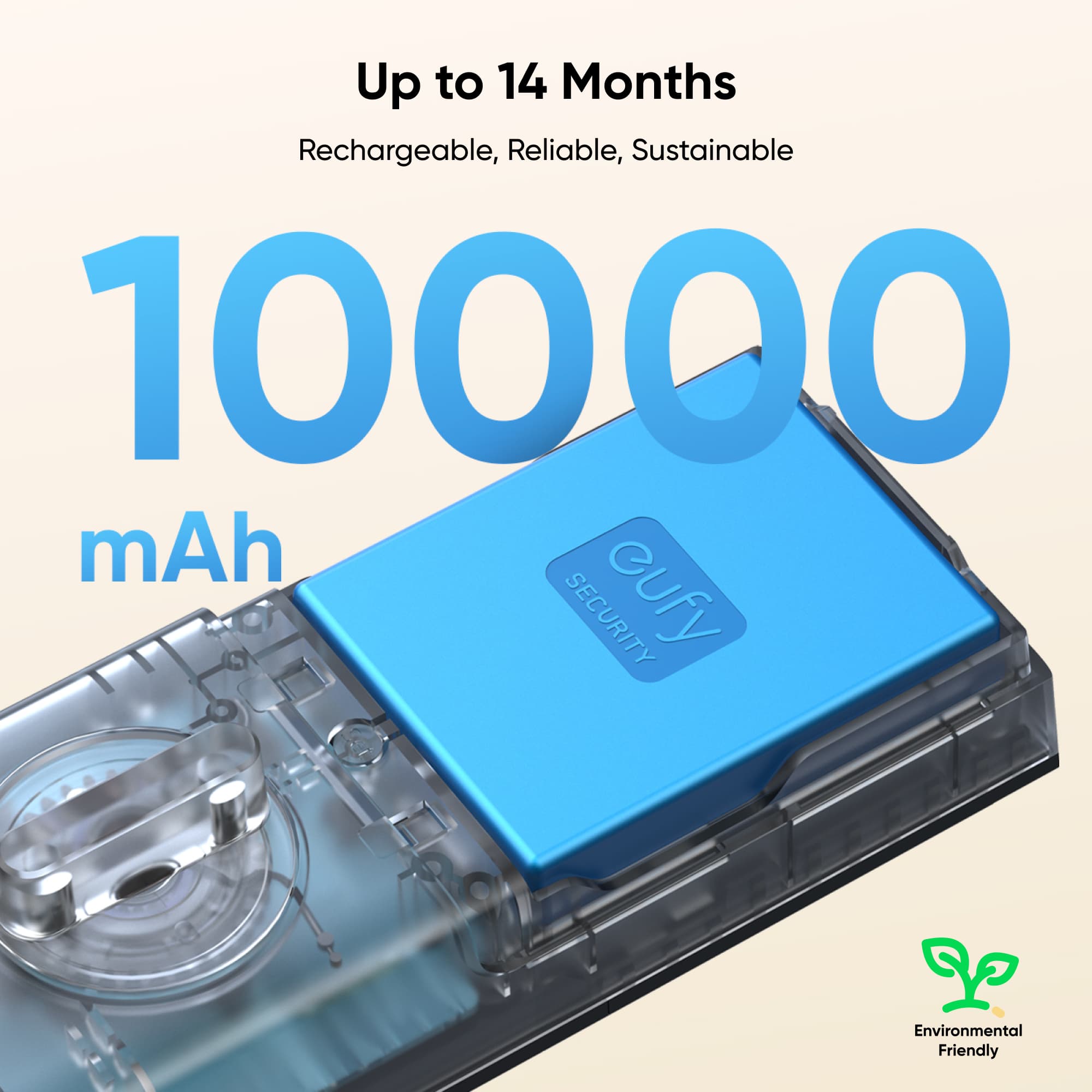
A:AnswerThe Smart Lock E31 WiFi Replacement Deadbolt uses 4 AA batteries, which are included but are non-rechargeable. If you wish to get additional batteries, you can purchase standard AA batteries at most retail or online stores. Make sure to replace the batteries with compatible AA types for maintaining the lock's functionality.
If your goal is to use an alternate or rechargeable power source in emergency situations, you can charge the smart lock using a micro USB cable and a power bank via the USB port located at the bottom of the smart lock.
A:AnswerBased on the information available, there isn't any mention regarding whether the Smart Lock E31 WiFi Replacement Deadbolt model can be purchased keyed alike. Keyed alike functionality usually depends on the availability of such customization during the purchase.
You might need to check directly with the manufacturer or supplier for confirmation on whether they offer this option for this specific model.
A:AnswerYou initially connect it to your phone via Bluetooth and will need location on, if you have an android phone. Just Bluetooth if you have an iPhone.
During the initial setup in the app it will have you connect to your wifi. After it's set up it will use Wi-Fi for managing it.
A:AnswerThe Smart Lock E31 is weather-safe, with an IPX3 weatherproof rating. It can withstand temperatures ranging from -30°C (-22°F) to 70°C (158°F) and rainfall, making it suitable for protecting your home in various weather conditions.