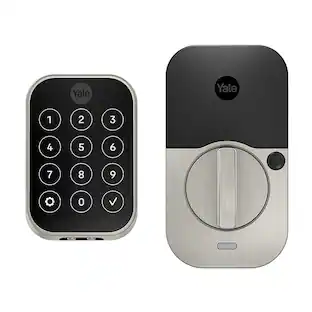
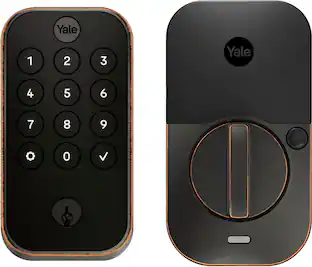
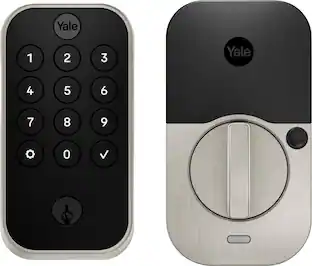
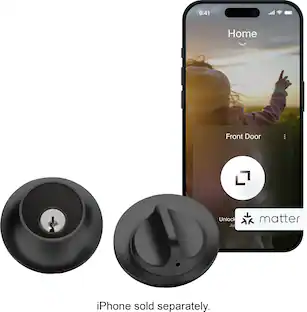
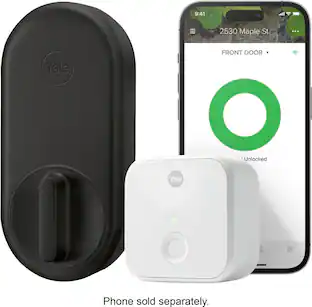
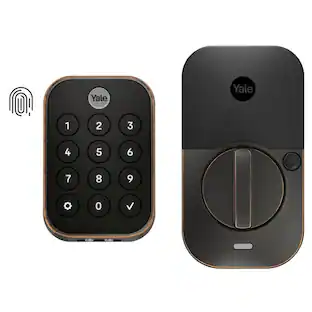
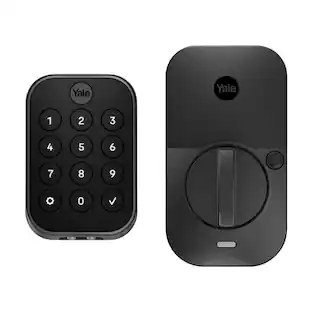
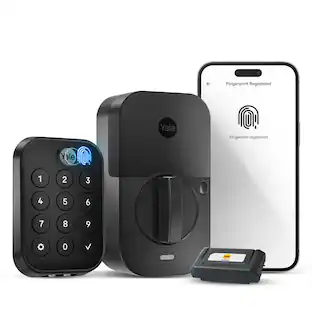
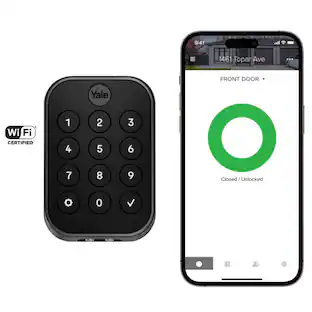
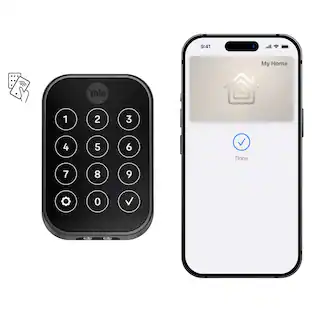
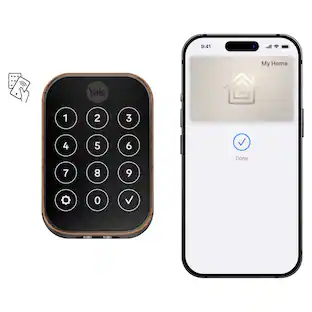
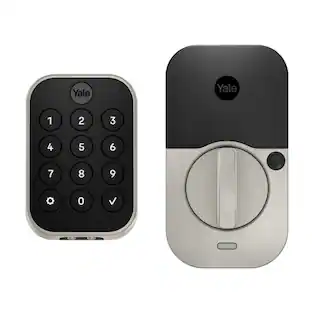
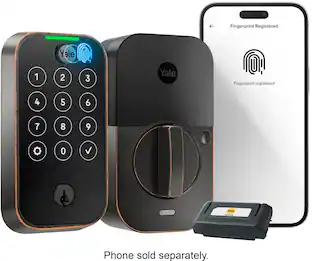
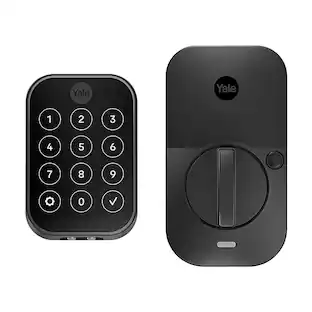
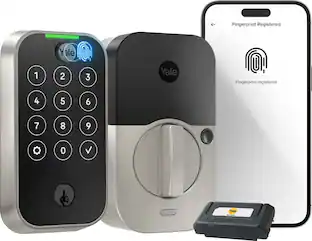
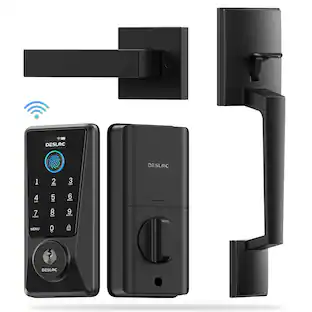
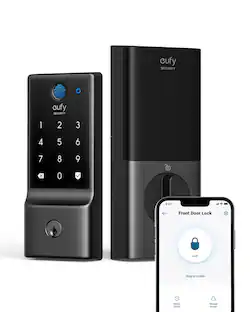
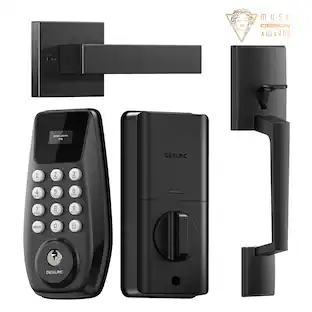
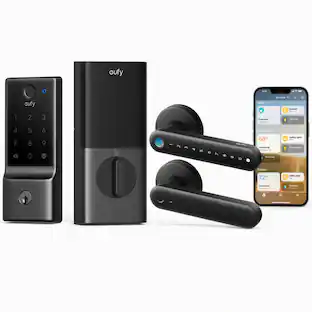
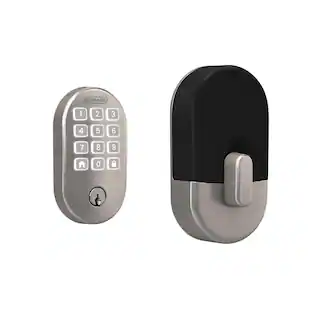
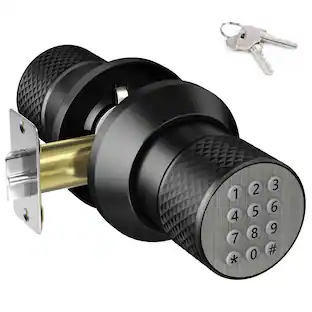
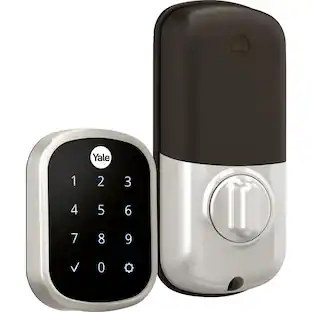
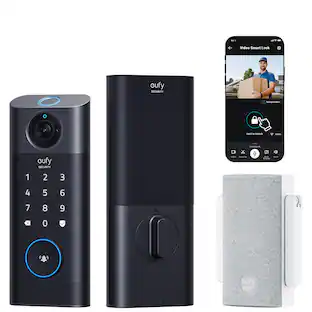
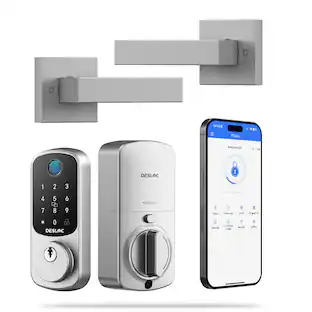
YALE ASSURE LOCK 2 TOUCH. A LOCK AS UNIQUE AS YOU. Make coming home more seamless than ever with the Yale Assure Lock 2 Touch. Thanks to the new biometric keypad, a simple touch of your finger is all it takes. Explore multiple ways to access your home including your fingerprint, entry code on the keypad, hands-free Auto-Unlock, or using the app on your phone (at the door only). For added peace of mind, never worry about locking the door behind you with advanced Auto-Lock and DoorSense. The Yale Assure Lock 2 Touch can be upgraded with a Wi-Fi Smart Module whenever you’re ready, so unlike other smart locks, you won’t have to buy a new one if your smart home needs change.
Q: How many fingerprints can you add
A: Thank you for your question. This lock can store up to 20 fingerprints. If you have any further questions, please contact [email protected] or call 855.213.5841.

YALE ASSURE LOCK 2 TOUCH. A LOCK AS UNIQUE AS YOU. Make coming home more seamless than ever with the Yale Assure Lock 2 Touch. Thanks to the new biometric keypad, a simple touch of your finger is all it takes. Explore multiple ways to access your home including your fingerprint, entry code on the keypad, hands-free Auto-Unlock, or using the app on your phone (at the door only). For added peace of mind, never worry about locking the door behind you with advanced Auto-Lock and DoorSense. The Yale Assure Lock 2 Touch can be upgraded with a Wi-Fi Smart Module whenever you’re ready, so unlike other smart locks, you won’t have to buy a new one if your smart home needs change.

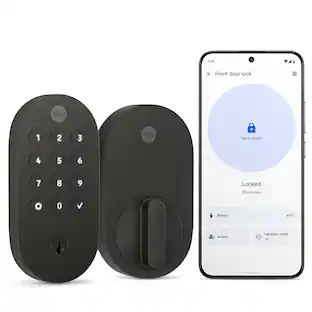
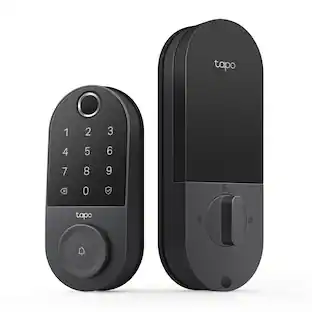
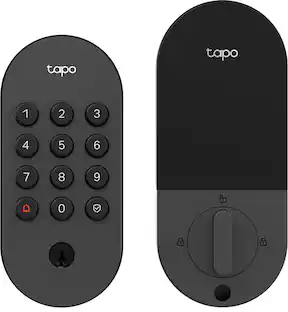
Unlock convenience and security with Tapo DL110. Its lightning-fast fingerprint sensor unlocks your door in under 1 second, and the ultra-long battery life keeps it powered for up to 1 year. Access in six different ways: by fingerprint recognition, using custom passcodes on the keypad, manage from anywhere with Wi-Fi, via close-range Bluetooth, your smart home assistant, or by using the included backup keys. Manage residents and guests with ease by creating custom permanent, one-time or scheduled passcodes. Pair with your Amazon Alexa, Google Home or Samsung SmartThings for hands-free voice operation and mangement. Security features such as auto-lock, real-time alerts for suspicious activity, and a detailed activity log give you ultimate peace of mind. Finally, the Tapo DL110 boasts a hassle-free installation with all necessary tools included so that you can take control of your front door security in no time.

You've got enough on your plate, let Yale get the door with the Yale Assure Lock 2. With multiple ways to unlock, the ability to easily share and track entry codes and advanced Auto-Lock with DoorSense(R), this Wi-Fi smart lock gives you one less thing to worry about. With built-in Wi-Fi, you can easily check in on home, from wherever you are.

YALE ASSURE LOCK 2 TOUCH. A LOCK AS UNIQUE AS YOU. Make coming home more seamless than ever with the Yale Assure Lock 2 Touch. Thanks to the new biometric keypad, a simple touch of your finger is all it takes. Explore multiple ways to access your home including your fingerprint, entry code on the keypad, hands-free Auto-Unlock, or using the app on your phone (at the door only). For added peace of mind, never worry about locking the door behind you with advanced Auto-Lock and DoorSense. The Yale Assure Lock 2 Touch can be upgraded with a Wi-F Smart Module whenever you’re ready, so unlike other smart locks, you won’t have to buy a new one if your smart home needs change.
| Pros for Yale - Assure Lock 2 Smart Lock Touch Key-Free Keypad with Bluetooth - Black Suede | |||
|---|---|---|---|
| There were no pros for this product— | |||
| Cons for Yale - Assure Lock 2 Smart Lock Touch Key-Free Keypad with Bluetooth - Black Suede | |||
| There were no cons for this product— | There were no cons for this product— |
Customers are pleased with the Assure Lock 2 Smart Lock, highlighting its easy installation, reliable fingerprint reader, and robust build quality. The door detection feature is also appreciated for its ability to indicate whether the door is open or closed, and many find the lock visually appealing. However, some customers have noted that this particular version does not have WiFi connectivity.
The vast majority of our reviews come from verified purchases. Reviews from customers may include My Best Buy members, employees, and Tech Insider Network members (as tagged). Select reviewers may receive discounted products, promotional considerations or entries into drawings for honest, helpful reviews.

Works great! The keyless entry allows me to add family members their own personal keyless pad entry code or finger printing image. Awesome product
Posted by AnthonyZ
Yale has released their new Assure Smart Lock 2 Touch, and it doesn't disappoint. The box includes the exterior keypad, interior lock, strike plate, adjustable deadbolt, 4 AA batteries, mounting plate, mounting hardware, DoorSense module w/hardware, reset pin, and full user manual/paperwork. The electronics of the lock come with a manufacturer's 2-year warranty; however, has multiple warranty periods depending if the lock is used for a single family home or a rental. Refer to the warranties on Yale's website for more information. DISCLAIMER: My door already had a "regular" Yale deadbolt lock installed, so I did not have to do any special cutting or measuring. I simply removed the old lock, and the new one fit perfectly in its place. The lock I installed did NOT have the Wi-Fi module installed. It was key-free and used a keypad instead of a touchscreen. PROS: ----------- * NO MORE FUMBLING WITH KEYS!! * The lock was extremely easy to install. If no cutting is involved, the installer can simply use the instructions that are dictated by the app (with video too) to get through the installation quickly and easily. It took me about 10-15 minutes to install. * The lock looks great. The finish is classy, and it has a matte finish. * The fingerprint reader works great. There is no code needed when using the fingerprint reader (which is the Yale logo on the keypad). Just choose your finger to save to the system, press it on the Yale symbol, and it opens immediately. To lock, simply touch the Yale logo with any finger - it only needs the actual fingerprint to UNLOCK, but can LOCK with any finger. * Another option is to set up a PIN code for a user. The user can have the option to use a code OR the fingerprint reader - both are not required together to UNLOCK. * The backlit buttons appear when the Yale logo is touched so the user can see the buttons and enter their code. The buttons are easy to see when lit and easy to press. Press the checkmark after entering the PIN in order to UNLOCK the lock. This allows for multiple lengths of PINs to be used and can keep people from simply trying different codes. The software will also create a delay for the next code to be entered if you have too many failed attempts. * The DoorSense module can be installed on the door facing beside the lock or embedded in the door frame for a more stealth look. This is useful if you want to ensure the lock locks itself automatically if someone forgets to lock the door behind them after a predetermined amount of time. If you have the Wi-Fi module, I believe it can also notify a user if the door has been left ajar or is unlocked. * You can also lock or unlock the lock via the app (owner) from the main screen. * You can create guest PINs for anyone in the app. Just enter their name into the app and give them their unique PIN. Then you'll know exactly who entered the home. If you give everyone a generic code, that's fine; however, you won't see in the logs who actually unlocked the lock. * The AA batteries are extremely easy to access on the inside lock module. The top cover slides off easily for access. CONS: ----------- * It comes with a "basic" strike plate. I did not use the one that came in the box. Instead I installed a longer 5-7/8" rectangular strike plate which offers a bit more security. I would have liked to have had that longer strike plate made available in the hardware included. OTHER OBSERVATIONS: ----------- * My lock did not include a wi-fi module, but one can be purchased separately. My lock can only be setup and configured when within bluetooth range if using the app. The wi-fi option would give the user the ability to open the lock from anywhere in the world as long as the lock was wi-fi connected. * A user has to have the Yale lock app in order to be classified as an "owner" in order to have the option to enter a code OR use a fingerprint. A user can still be defined and given a PIN without them having the Yale lock app; however, they won't be able to use the fingerprint reader unless they get the app and become an "owner". * If the Wi-Fi module is used, battery life will be slightly shortened; however, I don't know by how much. Life is shortened because it has to be constantly connected to the wi-fi network. * You can set up the lock to auto-lock or unlock when your phone approaches or gets too far from the lock. This feature will force you to "allow access" all the time on your phone which may cause your phone battery to use more power more often than if this feature is OFF. If activated, then you won't have to enter a PIN or use your fingerprint to get in. This is another user convenience that the user will have to determine if it's worth doing. Keep in mind that if you have a garage door (for your car to enter) that's near this lock, when you pull in, you may trigger the door to unlock even though you're not using it. This could pose a security risk if someone is lurking nearby, so keep proximity or multiple garage door scenarios in mind before using the auto-unlock feature. * The lock has to be lined up perfectly for when the door is closed so it doesn't jam up against or rub hard against the strike plate. It simply won't work unless the deadbolt is lined up correctly to go into the strike plate hole without being obstructed in some way. * This lock works with Apple Home (tap phone to lock); however, I don't utilize this feature since we use Android devices. The manual states it can also works with Google HOme, Alexa, SmartThings, Phillips Hue, ecobee Smart Security, and AirBnB. * The lock can hold up to 250 codes CONCLUSION: ===================== This lock is exactly what I have been wanting for a while now. The biggest positive is that we no longer have to leave with keys or fumble with keys upon returning. If you need the keyed version for a backup option to get in, that's fine; however a majority of the time, a fingerprint or code will be used, making this super easy to unlock without digging into pockets or purses. Even the Apple Home connection is great since most people use iPhones. If you turn on auto-lock, it may be even easier and more convenient if you're able to utilize that feature without creating a security risk. Overall, I love the lock and will absolutely buy another one in the future. Keep in mind that it's not fully remote unless you get the Wi-Fi module. This is an incredible product. Great job, Yale!
Posted by BADog
A few years ago I reviewed a Yale lock that is pretty much the same lock as this one. However, it included the optional WiFi module and this lock is Bluetooth only. Some things have been improved and some not so much. Keep in mind that since this lock is Bluetooth only, you Must be in range of the lock to use the app. WiFi module needed to use Alexa or use app when not in BT range. Pros: Feels very solid and well-made, like a lock should. I like the fact that you can verify if the door is ajar or locked with the sense feature on the app. You can lock and unlock with the app, fingerprint and PIN number. Being able to give different pass codes to family and friends that can be permanent or expire is a very useful feature. The app can log every time the door is opened and closed, locked and unlocked and by whom or if manually with the knob. I like the auto-lock feature and the “passage” mode that is easy to turn on by pressing a button on the inside part of the lock. It automatically turns this feature off when you manually lock the door or tell it to lock with the app. You can enable the LED under the lock knob to flash the lock’s status. Red is locked and green is unlocked. The fingerprint scanner works great and consistently. They got that Right! Options for requiring password or biometric verification to operate the lock from a mobile device. As in additional security in addition to what is required to access the phone normally. Numbers on the screen are easy to read in the dark. Makes clicking sound when you touch numbers. Plays a little melody upon correct entry and unlocks the door. You can set how many incorrect attempts before a delay, and delay time, and or lock the device out. Comes with 4 AA batteries. Battery cover is easy to remove and replace. The app works fine on our Android phones. What’s better with this lock than the older one: The keypad is improved so that you can see (circles) where the numbers are, but the numbers are not printed on the circles. Meaning that in direct sunlight the backlighting to show the numbers is insufficient. The older lock had a smooth matte finish, and you had to hope you were hitting the exact right spot. The lock mechanically operates faster than the older one. Needs fixed: The keypad is just a backlit membrane numeric pad. It’s completely black until you touch Yale at the top or a circle where a number should be Printed. For anyone that’s visually impaired this could be a problem because it’s smooth with no tactile feel at all. Just makes a clicking sound when you touch the buttons. The numbers are pretty much invisible in direct sunlight. See photo. They should have printed them or embossed them white into the touchpad. If you have someone in your household that is visually impaired, they might not be able to use the keypad to gain entry. But the fingerprint scanner solves that. All of the manufacturer’s photos for all of the Yale smart locks show the numbers visible on the screens / touchpads. There’s no way to tell if the numbers are printed on the pad or not unless you look at reviewer’s photos where some reviewers show a blank dormant screen. Installation: You have two options for installing the door status sensor magnet. Attach it to the case molding around the door inside the house or drill a hole into the doorframe, insert the magnet and then cap it. The manual tells you to use a ⅝” inch wide paddle bit to drill a ½” deep hole. The magnet and cap looked and measured correctly for ⅝”, but I drilled both sizes in a scrap piece of wood just to make sure. I didn’t have to drill holes in my door since I already had to with the previous Yale electronic lock I reviewed. Conclusion: I think the Yale Smart Lock is built tough and looks great. I think it would be just about perfect if they had the numbers printed on the screen and the app worked faster. I think the lack of printed numbers is a style design but not a well thought out one. That cost it a star, again. Recommended.
Posted by MrLowNotes