Black Friday is hereShop new DoorbustersShop now

Main Content

Questions & Answers

Your price for this item is $119.99
The comparable value price is $199.99
Page Showing 1-20 of 24 questions
  • QuestionWhat is the field of view of the camera on this drone?

    • Answer The drone's camera has an adjustable 90-degree field of view.
    This question and answer was generated by AI based on customer and product data.
  • QuestionCan I use a memory card with this drone?

    • Answer Yes, the drone supports microSD cards for expandable memory up to 128GB.
    This question and answer was generated by AI based on customer and product data.
  • QuestionWhat is the maximum video resolution of the drone?

    • Answer The drone can record videos at a maximum resolution of 2K (1440p).
    This question and answer was generated by AI based on customer and product data.
  • QuestionDoes this drone have a built-in camera?

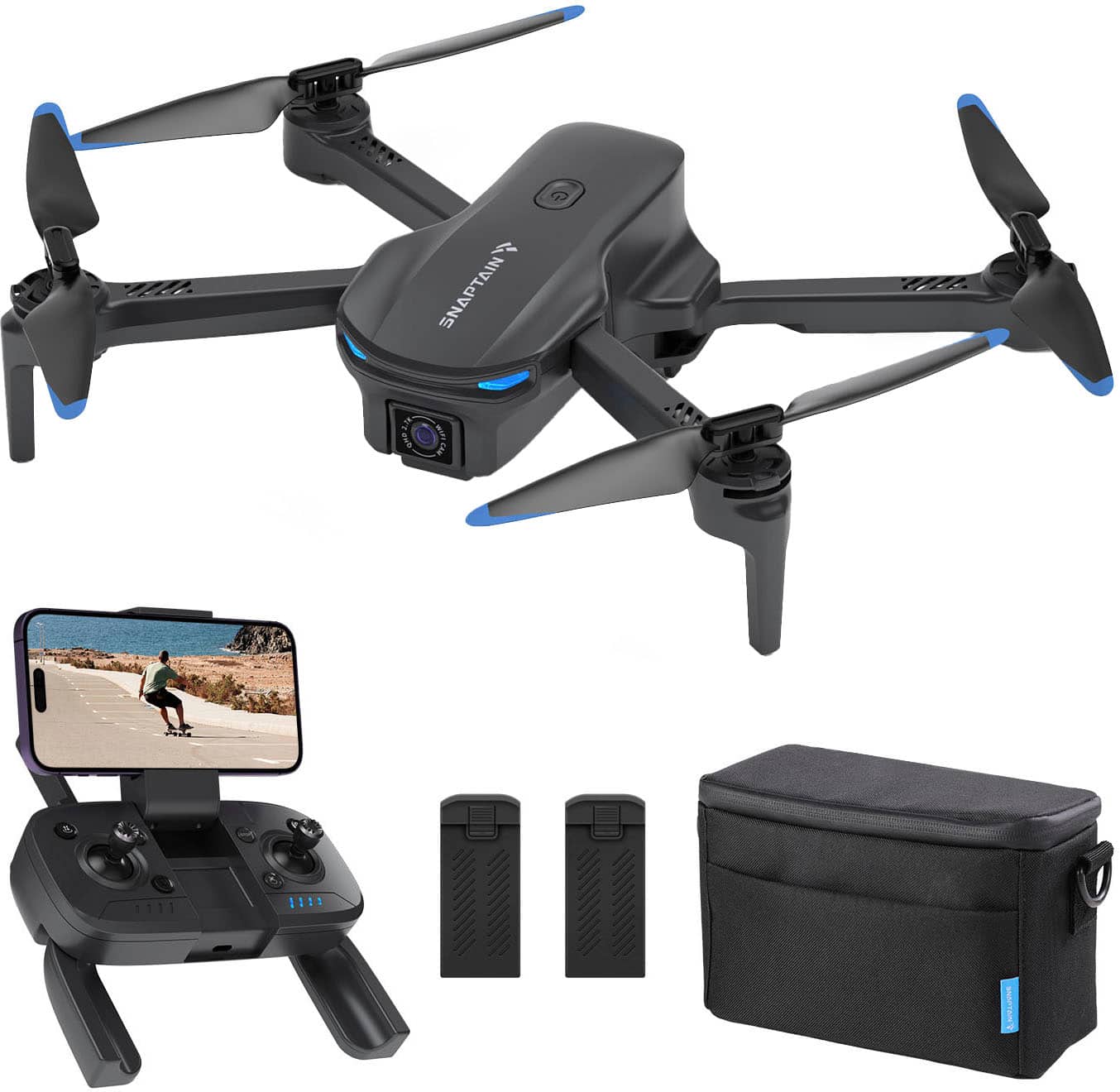
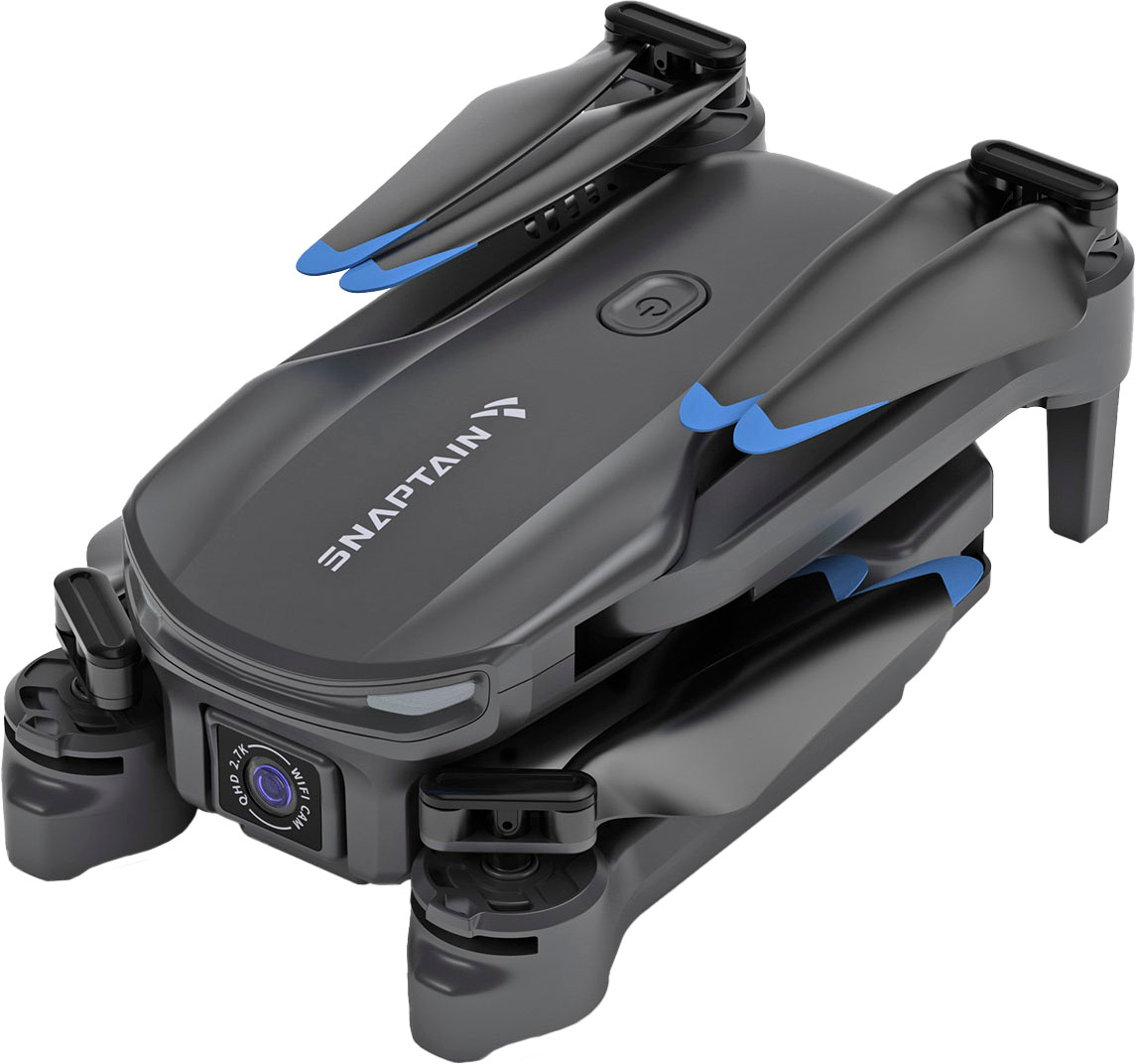
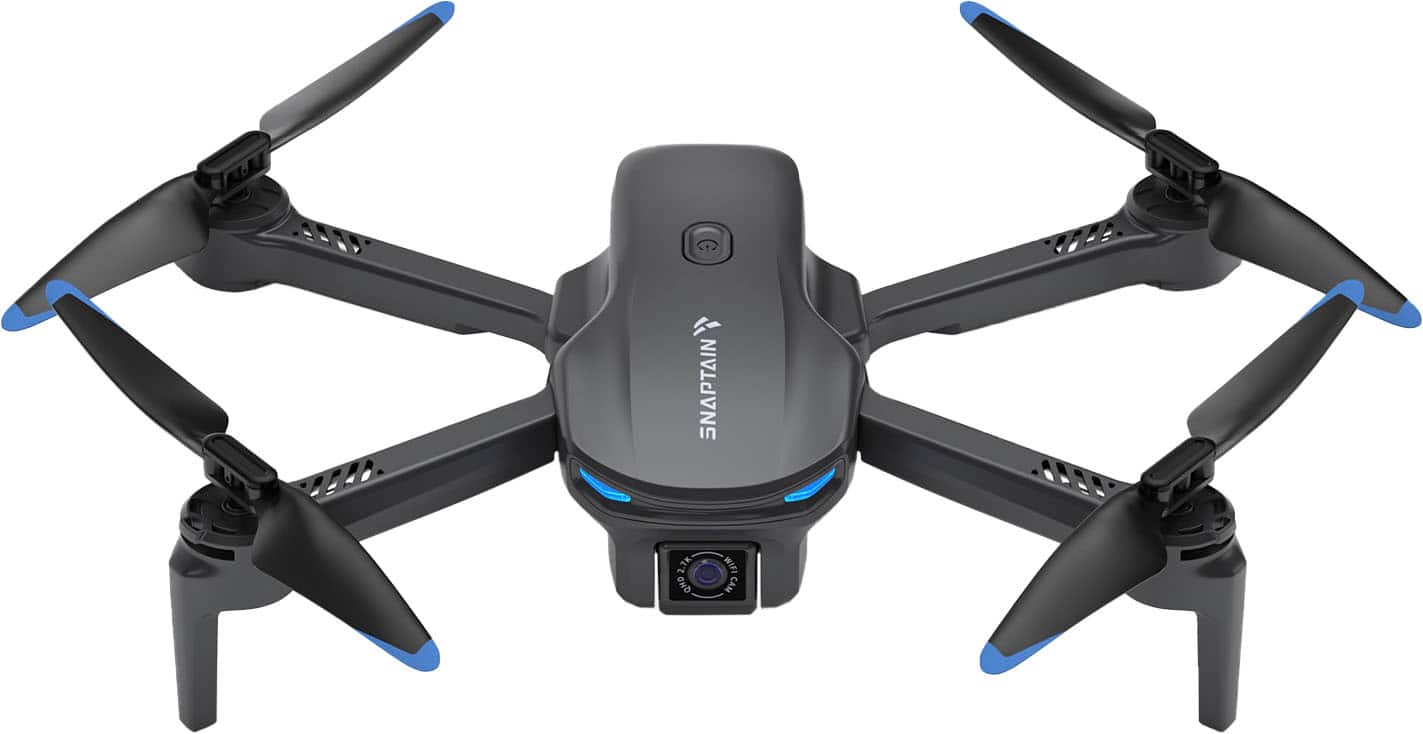
    • Answer Yes, the drone has a built-in 2.7K QHD camera.
    This question and answer was generated by AI based on customer and product data.
  • QuestionHow far can this drone fly?

    • Answer The drone has a maximum transmission range of 0.09 miles.
    This question and answer was generated by AI based on customer and product data.
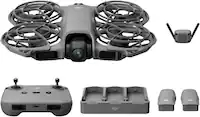
  • QuestionWhat is the maximum flight time of this drone?

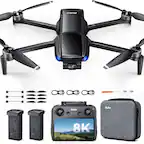
    • Answer The maximum flight time of the drone is 18 minutes with a single battery, and with 2 batteries provided it gives you up to 36 minutes of flight experience.
    This question and answer was generated by AI based on customer and product data.
  • QuestionWhat is the flight altitude of the drone?

    Asked by Nicole8654.

    • Answer Brand response from Snaptain Team The maximum relative height of the drone after takeoff is 263 feet. Since high-altitude drones are easily affected by wind and difficult to control, the new version of the APP has a height limit to protect novice drones. When using the default new version of the APP, the relative flying altitude of the drone cannot exceed 66 feet, which means that it is in the novice height limit protection state at this time. After you are more experienced flying drones, you can adjust the relative altitude limit of the drone flight through the More-Height menu on the homepage of the Snaptain FPV APP. We are dedicated to ensuring your 100% satisfaction. If you have any other questions, please reach out to us via [email protected]. We are more than happy to assist you further.

      Answered by Snaptain Team

  • QuestionHow long is the flight time and charging time of the drone?

    Asked by aaa22.

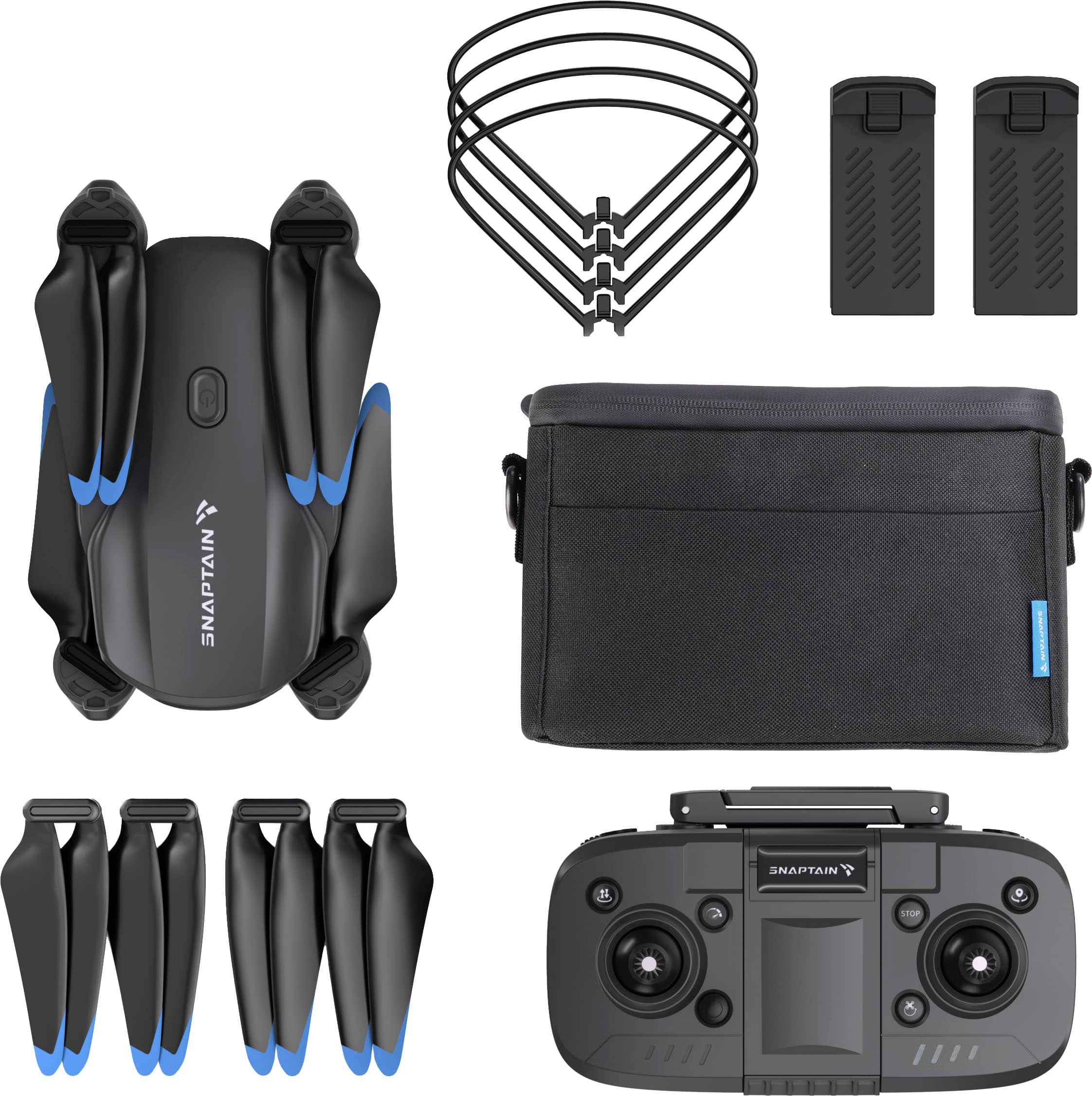
    • Answer Brand response from Snaptain Team The drone comes with 2pcs lithium batteries, and the flight time of each battery is approximately 18 minutes. The charging time of each lithium battery is about 3 hours. We are dedicated to ensuring your 100% satisfaction. If you have any other questions, please reach out to us via [email protected]. We are more than happy to assist you further.

      Answered by Snaptain Team

  • QuestionHow is the stability and wind resistance performance of this drone E20?

    Asked by JayC.

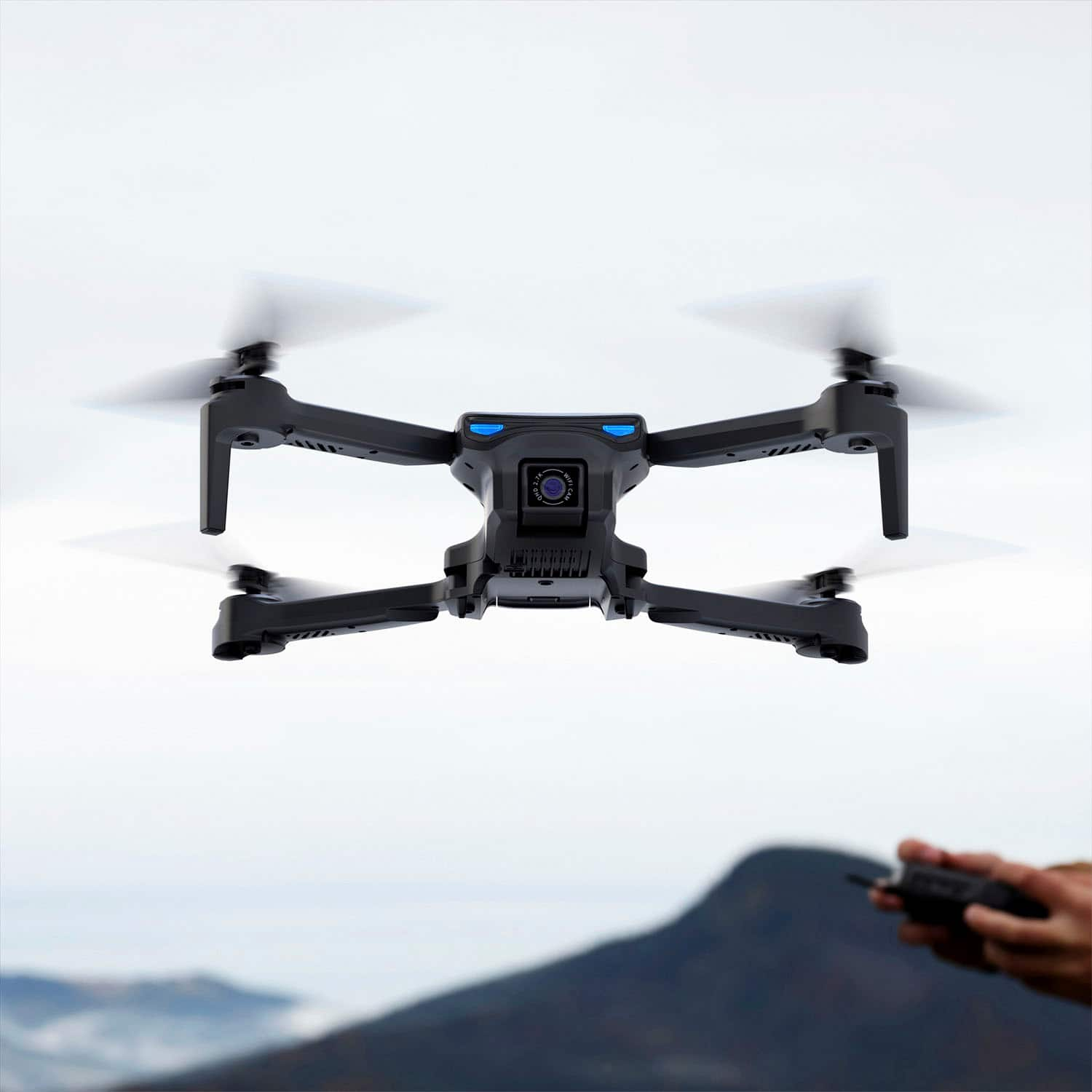
    • Answer Brand response from Snaptain Team In regard to your query, the E20 drone uses optical flow sensing for altitude positioning, which helps the drone hover more effectively in the air. Due to the weight of the drone, we recommend flying it in light wind conditions. We are dedicated to ensuring your 100% satisfaction. If you have any other questions, please reach out to us via [email protected]. We are more than happy to assist you further.

      Answered by Snaptain Team

  • QuestionBrushless motor?

    Asked by Anonymous.

    • Answer Brand response from Snaptain Team In regard to your query, it is a brushless motor. We are dedicated to ensuring your 100% satisfaction. If you have any other questions, please reach out to us via [email protected]. We are more than happy to assist you further.

      Answered by Snaptain Team

  • QuestionHow to do you connect the drone to Wifi and view real-time footage through the APP?

    Asked by AJ2024.

    • Answer Brand response from Snaptain Team After turning on the drone, open the smartphone Settings--Network&internet or WLAN, find the drone hotspot Snaptain-Ex0-xxxxxx and click to connect (the smartphone must support the 5G Wifi protocol). Then open the mobile APP "SNAPTAIN FPV", enter the main page, and click the FUNCTIONAL DISAPLAY menu to view the drone camera screen. If the WLAN connection is unsuccessful, please reconnect or restart the phone's WLAN and restart the drone, and try again. If the WLAN connection is successful and you cannot view the drone camera screen, please return to the main interface and try entering the 'FUNCTIONAL DISPLAY' again. We are dedicated to ensuring your 100% satisfaction. If you have any other questions, please reach out to us via [email protected]. We are more than happy to assist you further.

      Answered by Snaptain Team

  • QuestionCan you adjust the quality of the video from 2.7k to 1080p because my video editing is picky about the size of the video quality when I edit my videos

    Asked by EvanS.

    • Answer Brand response from Snaptain Team In regard to your query, you can't adjust the quality of the video from 2.7k to 1080p. We are dedicated to ensuring your 100% satisfaction. If you have any other questions, please reach out to us via [email protected]. We are more than happy to assist you further.

      Answered by Snaptain Team

  • QuestionDoes it have a cable to connect to phone without using wifi?

    Asked by Billy.

    • Answer Brand response from Snaptain Team In regard to your query, it doesn't have a cable to connect to phone without using Wi-Fi. Please kindly note that the drone supports 5G Wi-Fi transmission. Thus, please make sure that your phone's Wi-Fi band supports 802.11ac. We are dedicated to ensuring your 100% satisfaction. If you have any other questions, please reach out to us via [email protected]. We are more than happy to assist you further.

      Answered by Snaptain Team

  • QuestionWhat is the app and is it free

    Asked by Anonymous.

    • Answer Brand response from Snaptain Team In regard to your query, the drone uses the Snaptain FPV app, and the app is at no cost. We are dedicated to ensuring your 100% satisfaction. If you have any other questions, please reach out to us via [email protected]. We are more than happy to assist you further.

      Answered by Snaptain Team

  • QuestionHow do I change the controller setting from Meter’s to Feet?

    Asked by Controller.

    • Answer Brand response from Snaptain Team In regard to your query, we regret that you can't change the controller setting from Meter’s to Feet. We are dedicated to ensuring your 100% satisfaction. If you have any other questions, please reach out to us via [email protected]. We are more than happy to assist you further.

      Answered by Snaptain Team

  • QuestionCan i get drone protection plan

    Asked by Ron.

    • Answer Brand response from Snaptain Team In regard to your query, we guarantee a 1-year manufacturer's warranty on products purchased from our authorized stores. The protection plan is provided by the platform, you can contact platform for further verifying. We are dedicated to ensuring your 100% satisfaction. If you have any other questions, please reach out to us via [email protected]. We are more than happy to assist you further.

      Answered by Snaptain Team

  • Questionhow much does drone weigh ?

    Asked by 13579.

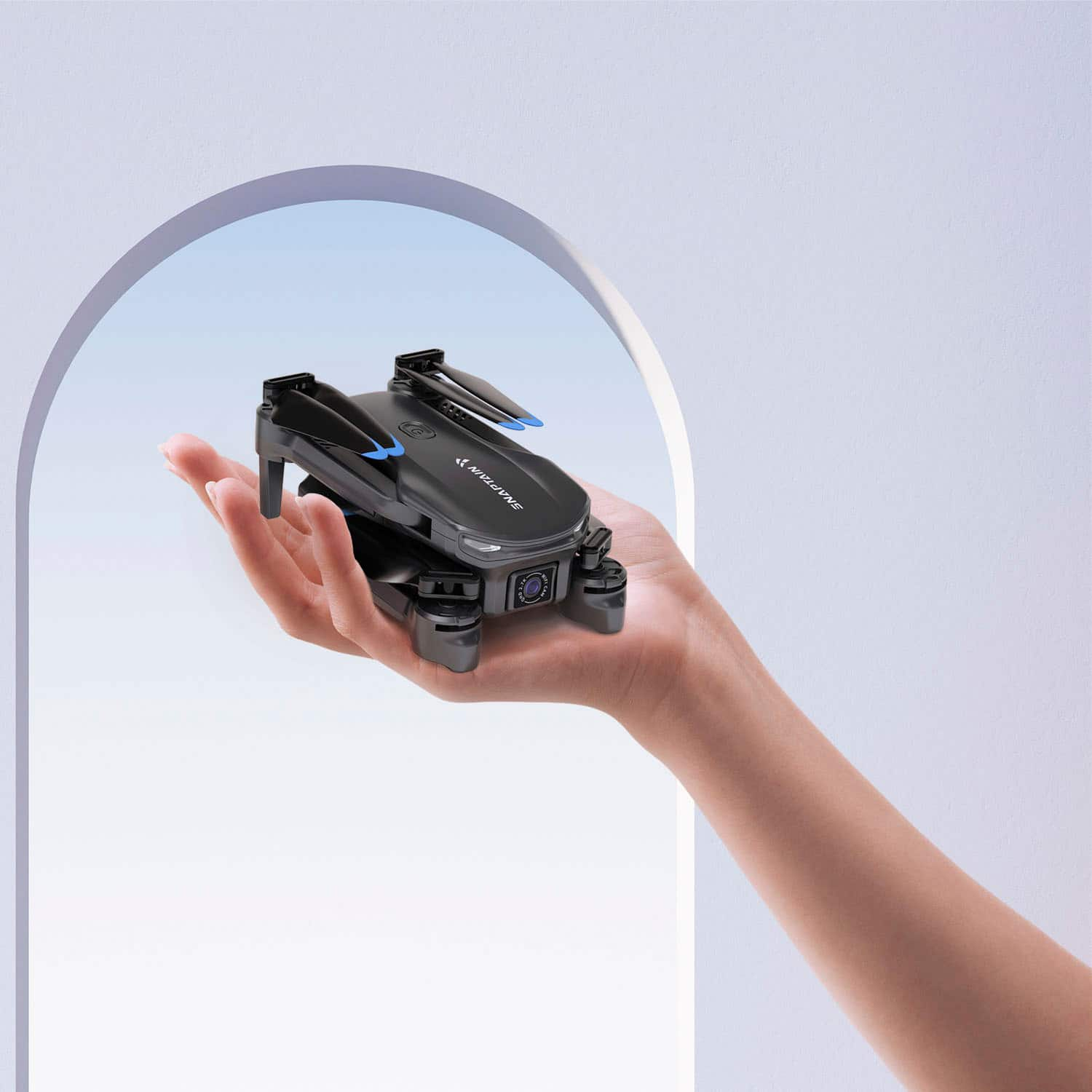
    • Answer Brand response from Snaptain Team In regard to your query, the dronewith Battery weighs 185 grams. We are dedicated to ensuring your 100% satisfaction. If you have any other questions, please reach out to us via [email protected]. We are more than happy to assist you further.

      Answered by Snaptain Team

  • QuestionHow to adjust trim on e20drone how to calibrat

    Asked by David.

    • Answer Brand response from Snaptain Team In regard to your query, the E20 doesn't have trim features. After pairing, please simultaneously push the Left Control Stick to the lower left at 45° and the Right Control Stick to the lower right at 45° until the 4 propellers start rotating. Then you can take off the drone. We are dedicated to ensuring your 100% satisfaction. If you have any other questions, please reach out to us via [email protected]. We are more than happy to assist you further.

      Answered by Snaptain Team

  • QuestionDoes the drone record audio for your video?

    Asked by Eli.

    • Answer Brand response from Snaptain Team In regard to your query, the drone will not record audio for the video. We are dedicated to ensuring your 100% satisfaction. If you have any other questions, please reach out to us via [email protected]. We are more than happy to assist you further.

      Answered by Snaptain Team

  • QuestionIf I encounter problems while using the product, how to contact after-sales customer service and solve the problem?

    Asked by ninnllll913.

    • Answer Brand response from Snaptain Team In regard to your query, If you encounter issues or unexpected situations during outdoor drone flying, you can contact customer service through the Contact US menu on the homepage of the drone APP, send an email, or contact customer service by phone. Our customer service team will assist you to solve the issues ASAP. We are dedicated to ensuring your 100% satisfaction. If you have any other questions, please reach out to us via [email protected]. We are more than happy to assist you further.

      Answered by Snaptain Team