A:AnswerMy home is 2982 square feet and I bought 3. One in kitchen, one in quite and one in master bedroom. That’s only because I don’t want to move it from room to room. The range will depend on your internet speed.
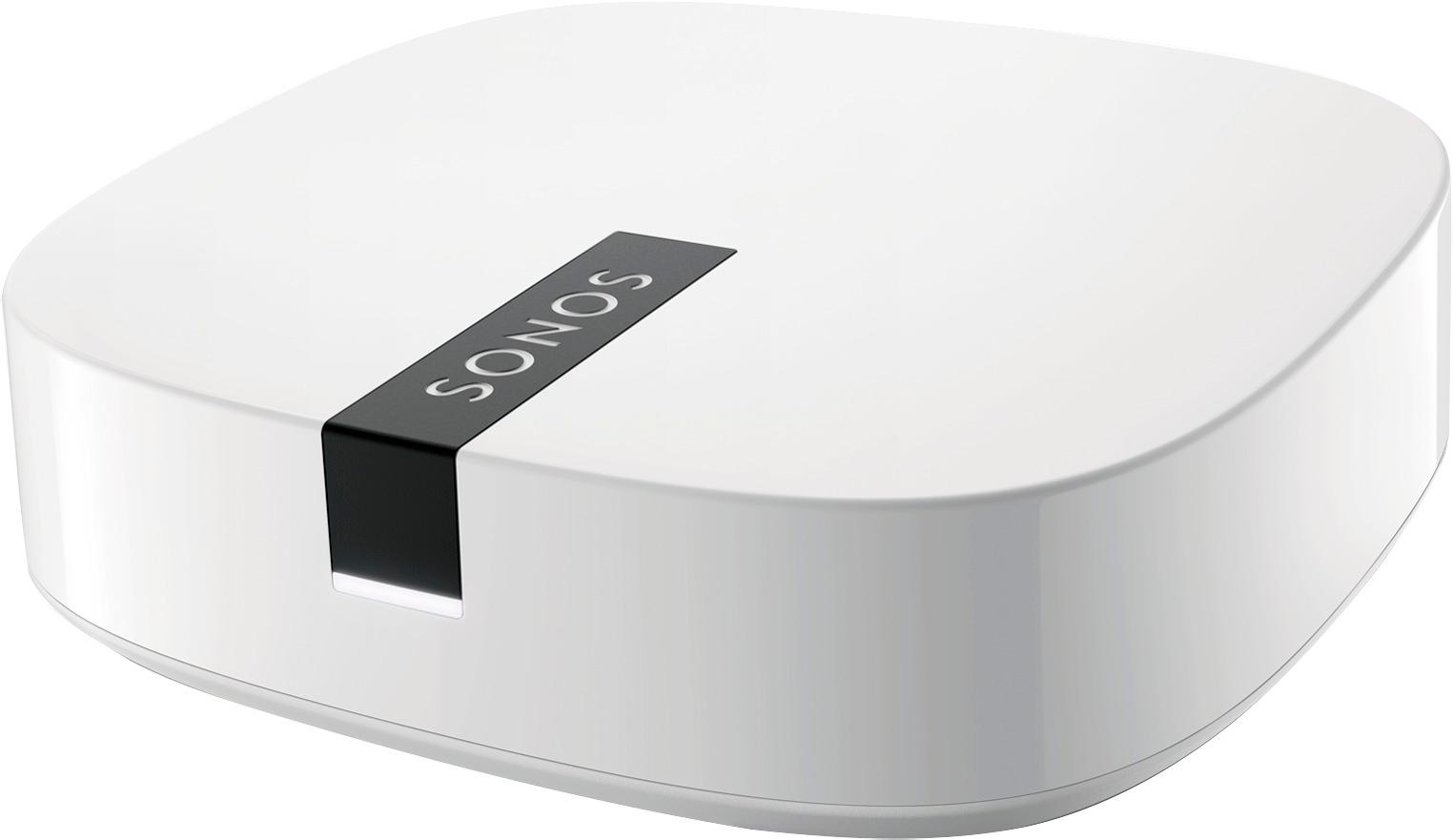
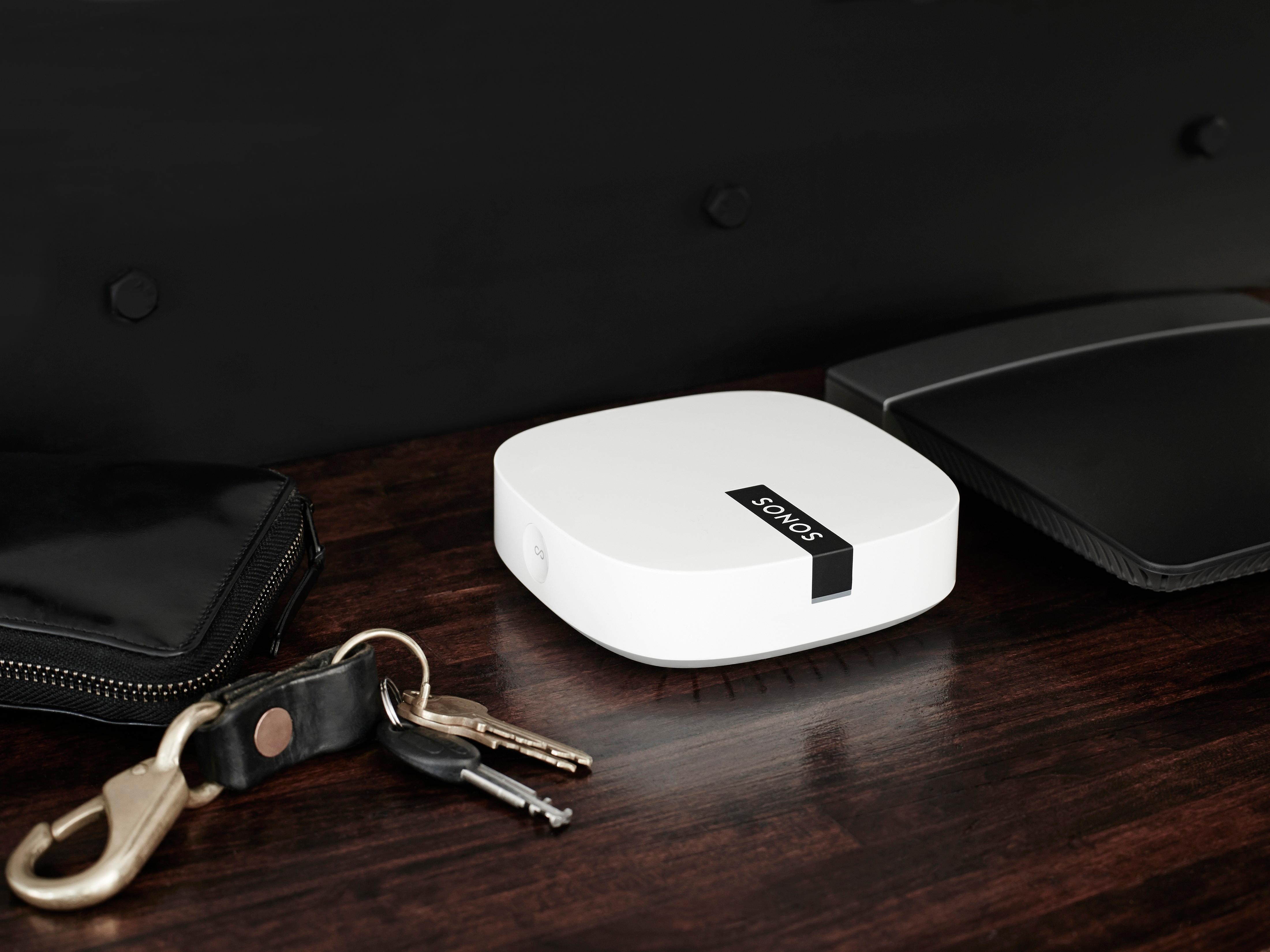
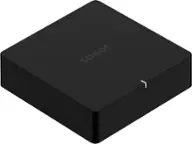
A:AnswerHi, and thank you for reaching out. We recommend one Boost being plugged directly into your router and then using your other Sonos products wirelessly. Boost creates a dedicated mesh network that your speakers will receive and repeat. So, we aren't as concerned where it's placed as long as each products is getting a strong signal.
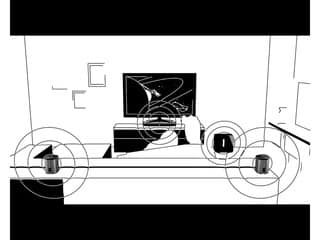
Feel free to reach out to us. Sonos.com/support - from there you can contact us whichever way is best for you and we can help you with any questions you have! Hopefully this article from our support site helps. https://support.sonos.com/s/article/3235?language=en_US - Note here, the Sonos One in the diagram at the bottom would be a Boost in your case.
A:AnswerPlug it in and cone t to your internet then give your Sonos a name. It takes about 2 minutes to setup. They call it wireless because it connects to internet but, it ‘requires’ a plugin to work.
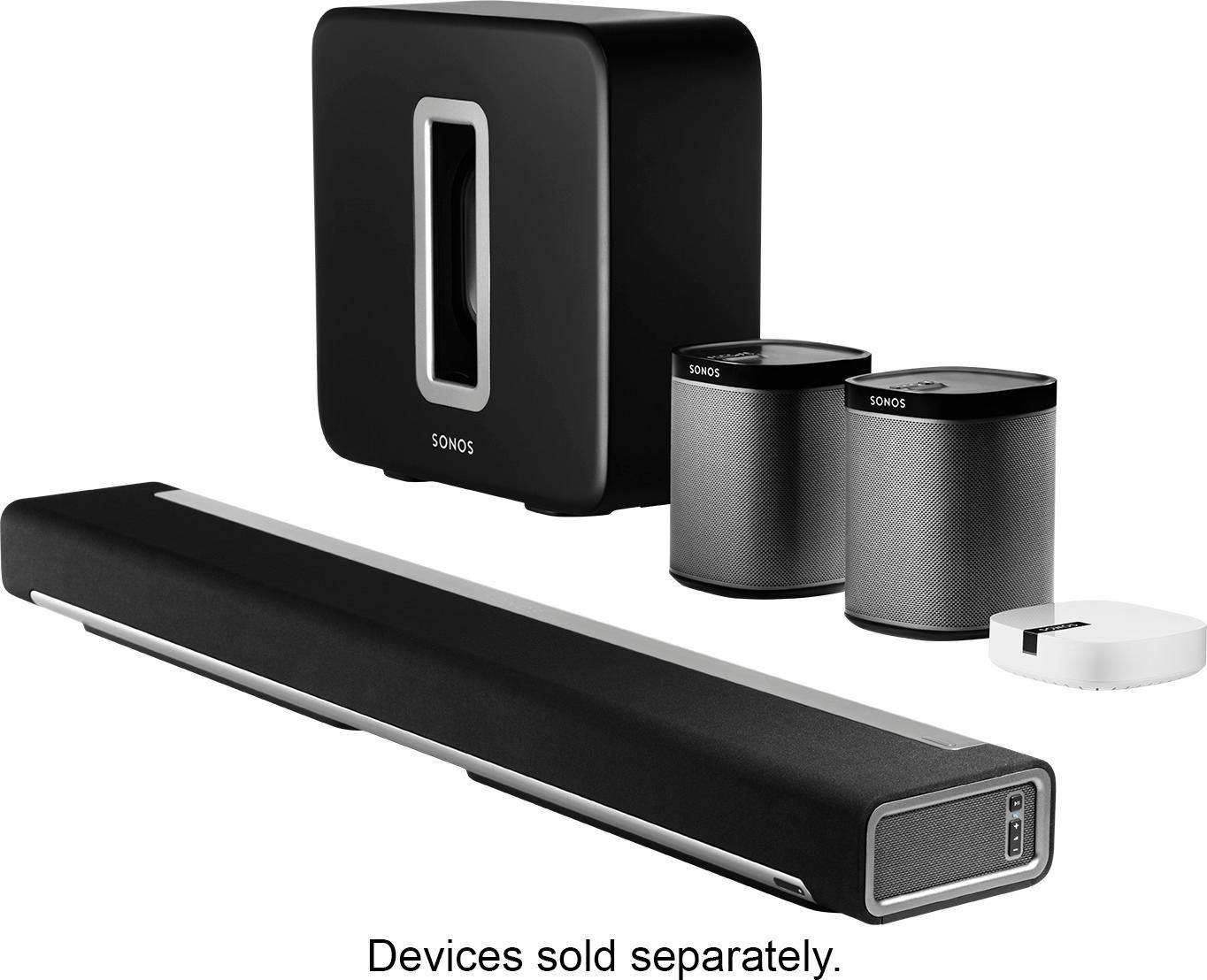
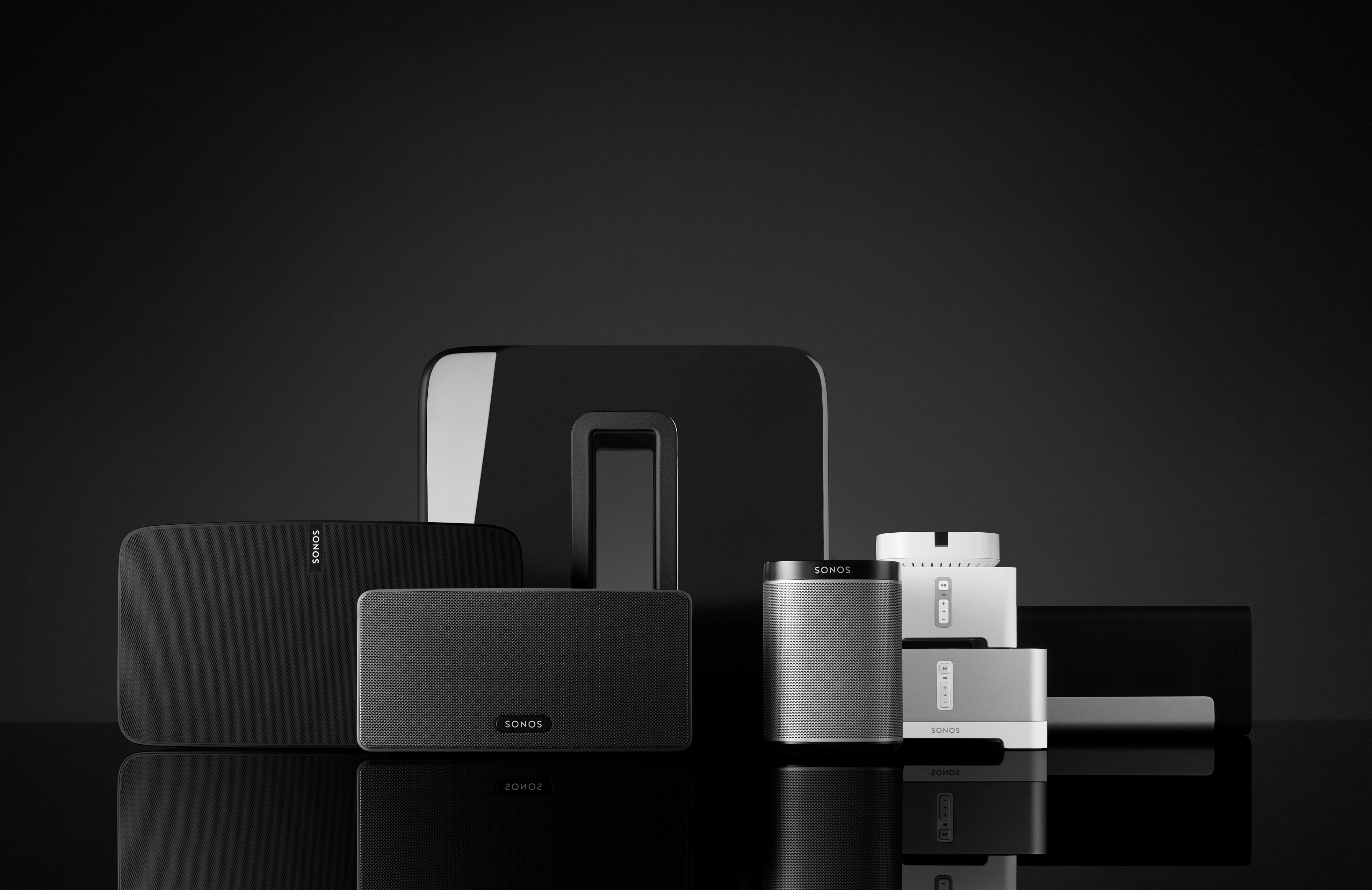
A:AnswerHi, and thank you for your question! It is possible, however you would have to have one of our Home theater products (Arc, Beam, Amp) plugged in to your tv. Then, you would need one of our speakers by your chair. Then, those two products can be grouped together with separate volume controls through our free app.
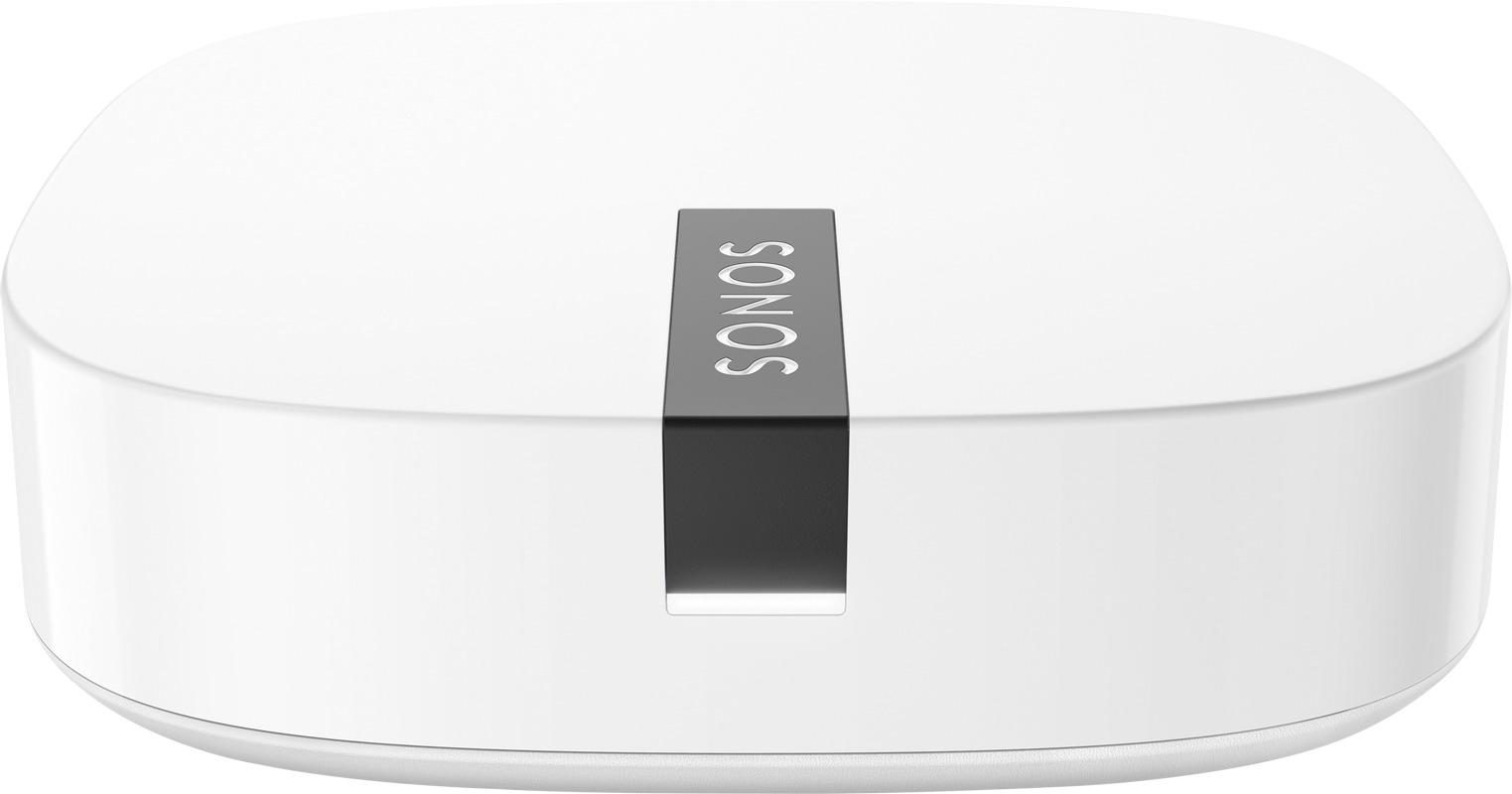
A:AnswerI found that the Boost has considerably improved the function of my sonos ap and the sonos speakers throughout the house. I have occasional borderline wifi, especially outside or at opposite ends of the house. The Boost has helped a lot with playing music, but it was a problem when connected to the router. This made the internet access much worse. When I disconnected it from the router, it worked great.
A:AnswerI did an upgrade from the Sonos Bridge to the Boost. Setup is simple. Keep your Bridge connected to your router and powered on. Plug in and power up your Boost. The speakers in your system will find the Boost (which sets up a separate invisible WiFi connection) automatically. Once all speakers have “migrated” over to the Boost you can unplug your Bridge from your router and power outlet. You are done.....Couldn’t be easier!
This process took about 15 minutes (seems long but that’s because I have 10 speakers connected to my system.
A:AnswerI am using the Sonos Playbase with my TV, and use it to play music from my ipad.
You don't always need this device with your speakers, but it does help with connecting them.
A:AnswerNo. This does not have Alexa enabled. Just use Alexa dot and use a 3.5mm cable from Alexa dot to connect to your onkyo and then simply use Alexa to play music
A:AnswerWith adding boost you should not have any. Problem s no matter how many users. And now you can blue tooth. But you have to buy sonos blue tooth spww ewww aler