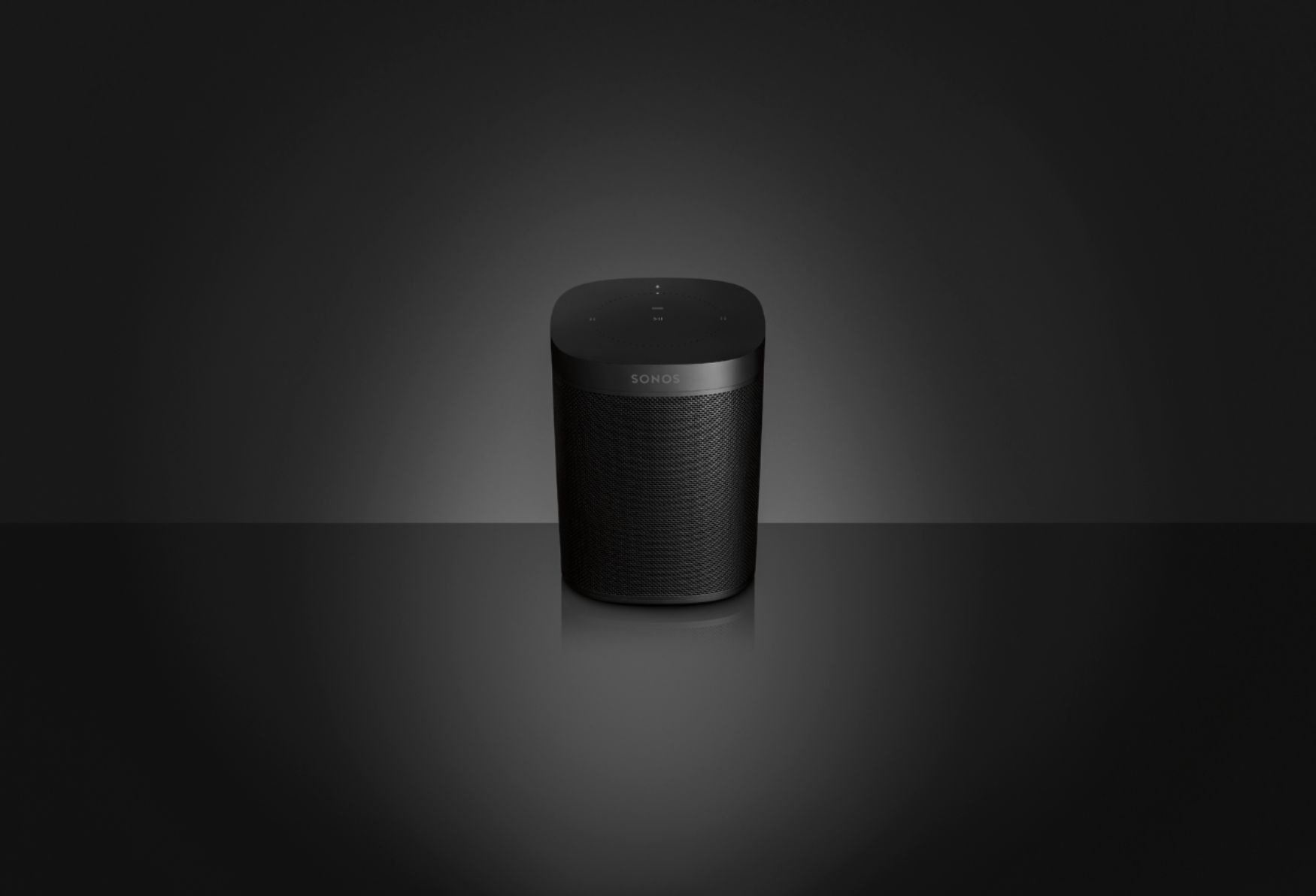
A:AnswerDescription says it supports everything that echo does but now that I have one I can see that it does not.
You can not play on multiple speakers unless they are all Sonos (tried group option but speakers not available). You can not drop in on the speaker or use as intercom. You can not change the wake word from Alexa like with the Dot.
Perhaps these will be fixed with a future software update. There might be more but that is what I found today on release date.
A:AnswerNo you don't need a subscription to use them, you can use any files you own, add your free Pandora or use several of the free stream app supports.
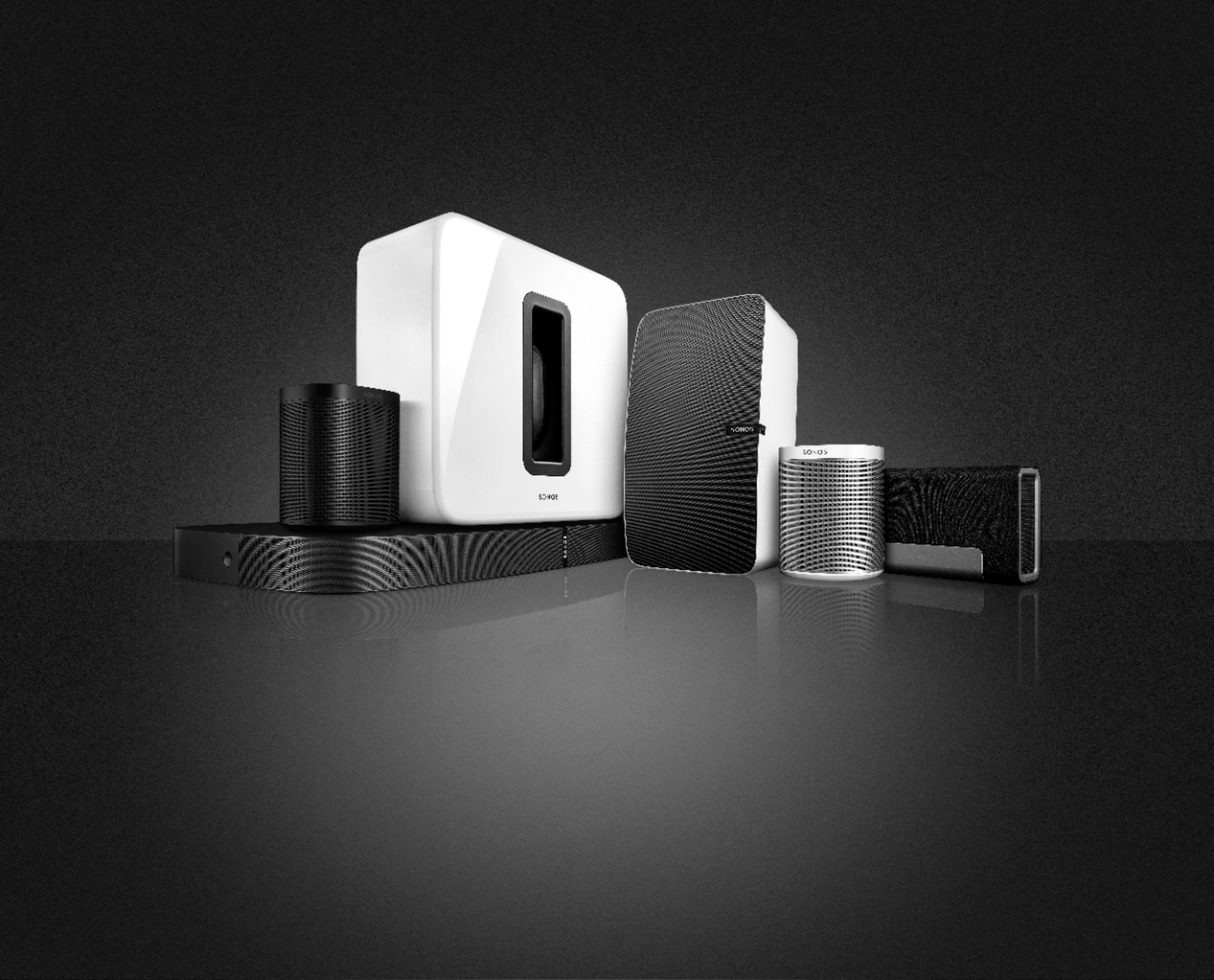
A:AnswerYes. We have sonos soundbar, sub and many sonos. I’ve added the sonos one. It’s nice to be able to change the volume or song just by talking to your speaker. Any sonos is very compatible with other sonos.
A:AnswerNO you don't need to own an Echo for your speaker to connect to Alexa. Alexa comes with your speaker and is already built in. yes you can control your speaker hands free.
A:AnswerYes, you can play straight from Apple music and just select which or all of the speakers to play. You can use the Sonos app to play Apple music also.
A:AnswerWe tried both and are far happier with the Sonos system. We love the deep resonate sound and the ability to easily add to the system over time.
A:AnswerIf you're already in the Bose ecosystem probably isn't the device for you. This is great for someone who has already bought into the Sonos ecosystem then this is a great addition. The benefit to this is you're getting the great sound Sonos is famous for but also adding the ability to use an Echo enabled device (not having to plug in two separate devices)
A:AnswerYou can not link your sonos to your echo, they are not built for that. You use the sonos app to send music to your sonos and it cant control the echo. I instead sold my alexa, and bought the sonos alexa to replace it. Good luck
A:AnswerOnly the Sonos Playbar has a optical input. If you set up the Sonos One speakers with the Playbar the Playbar will communicate with the Sonos One speakers.
A:AnswerAnswering my own question: NO.
There are 3rd party connectivity devices that will allow but you cannot add a Sonos to your echo “group” of speakers in the Alexa app, or just to work together simultaneously.
Thank you for the answered.
A:AnswerIt is expected that they will have additional stock available for sale on release day but quantity and how quickly they sell out are the unknown variables. Your best chance of getting one on release day is to pre-order or be at the store when they open.
A:AnswerI would try making sure the WIFI is connected to the device. Also, the questions asked might also be the problem. This device does not have the capabilities of other full fledged voice assistant devices.