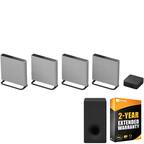
A:AnswerYes. I have the beam and have a pair of Sonos one hooked up for surround sound. You can go to the Sonos website and see if it’s compatible with you soundbar if you have something different than the beam.
A:AnswerThe Sonos One can not be grouped with the Echo Studio to play content across rooms. The Echo Studio can be used to control music on the Sonos One from the other room.
A:AnswerYou can use streaming services and locally stored files over WiFi and control them using the Sonos App for your computer. If you have an Apple computer that is Airplay 2 compatible you could stream directly from the computer using Airplay 2. For a Windows based PC the Sonos One will not play as a speaker for the computer.
A:AnswerThis should not be a problem with the system. If you are getting a humming noise contact customer experience so they can help troubleshoot the system.
A:AnswerAbsolutely! With two devices on your Sonos system you can stream the same content on both simultaneously, something different in each room, or only in one room at a time. The Sonos system gives you freedom to play whatever content whenever you want in your home!
A:AnswerThe Sonos system can currently only control services that Alexa and Google Assistant can control. This means that you would have transport controls (play, pause, skip, previous, volume up, volume down) with locally stored music you would not be able to start music or search your library using your voice. Those functions would have to be done in the Sonos app.
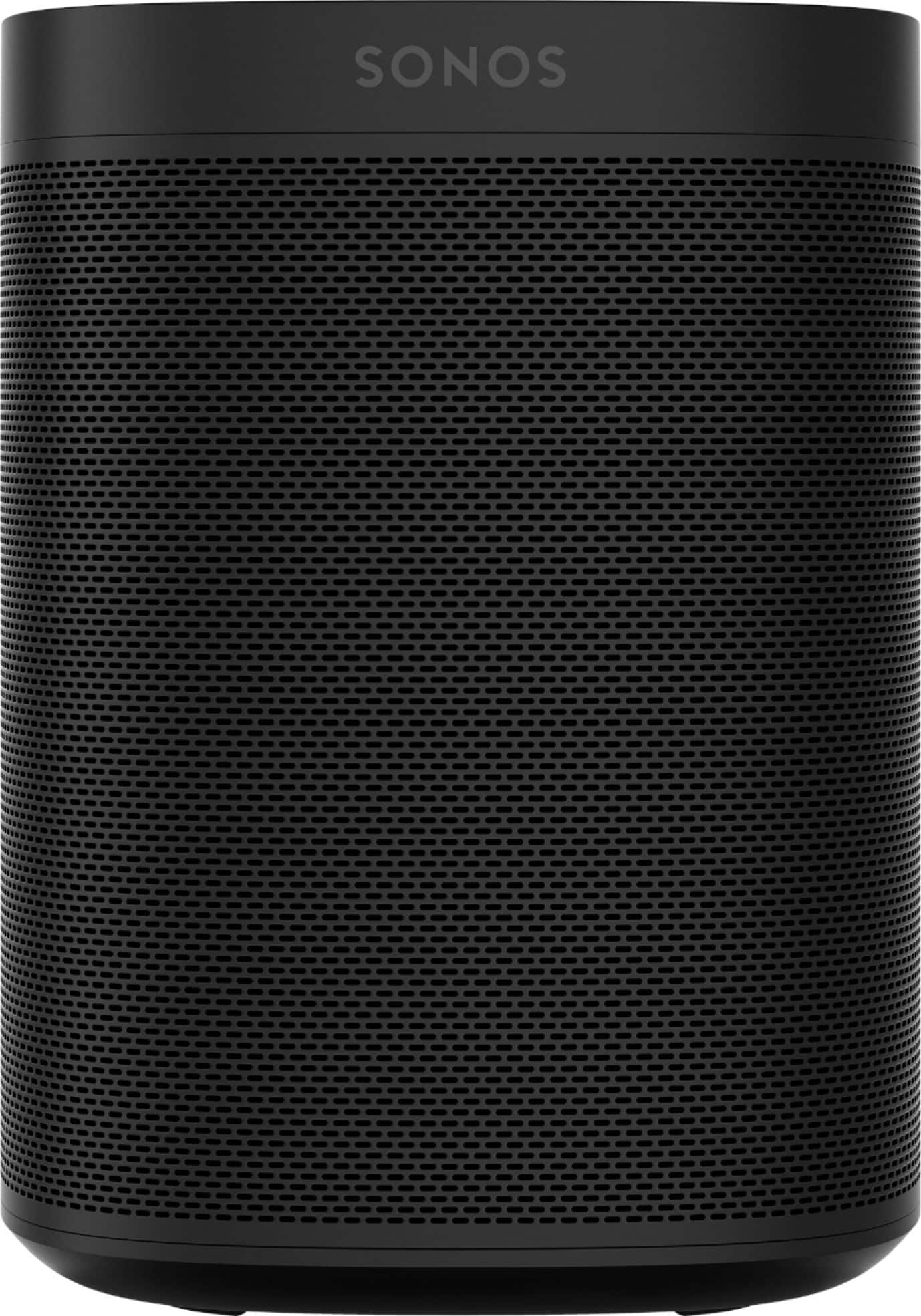
A:AnswerI have a 13 by 23 tv room with two play1 surround speakers a playbar with optical input and a subwoofer. I find this to be great. The app allows for real tuning to your room. Adjust the level of surround volume. I have several Sonos ones in other rooms. Set in stereo pairs. I am very happy with all setups. As for the tv room, one set with the new arc and a subwoofer will do more than please your music tastes and tv surround. If you feel you want more you can add more later with out trouble. But there can be only one surround pair. Start there and go from there. Research your tv for ARC compatibility. Hope this helps.
A:AnswerYes, it is the normal set-up as you did for any other of your purchased Sonos. Once it is plugged in, open your Sonos Application up on your phone, laptop or other device will recognize the new device and it is ready to go. Remember to name it, as I named my latest "Pool" since we mounted it on the wall under the patio for use during pool time or grilling.
A:AnswerYes you can. All sonos speakers are able to be grouped in the sonos app. You can put each speaker in a different room to start your whole home audio system or put them all in the same room.
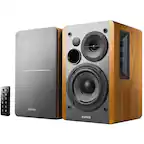
A:AnswerYes, these will! I've slowly been adding to my system over 7 years. Started with the bar and 2 Play3s. Added the woofer, and been gradually expanding throughout the house. Up to 12 total, with relatively little issue.
A:AnswerThe Sonos One (Gen 2) can be used in a Dolby Digital 5.0 set up with a Playbar, Playbase, or Beam as the front channels and two Sonos Ones as rear channels. If you have a Sonos One in another room from where you have a home theater product connected to the television the Sonos One could play the sound from the television in sync with the home theater product.