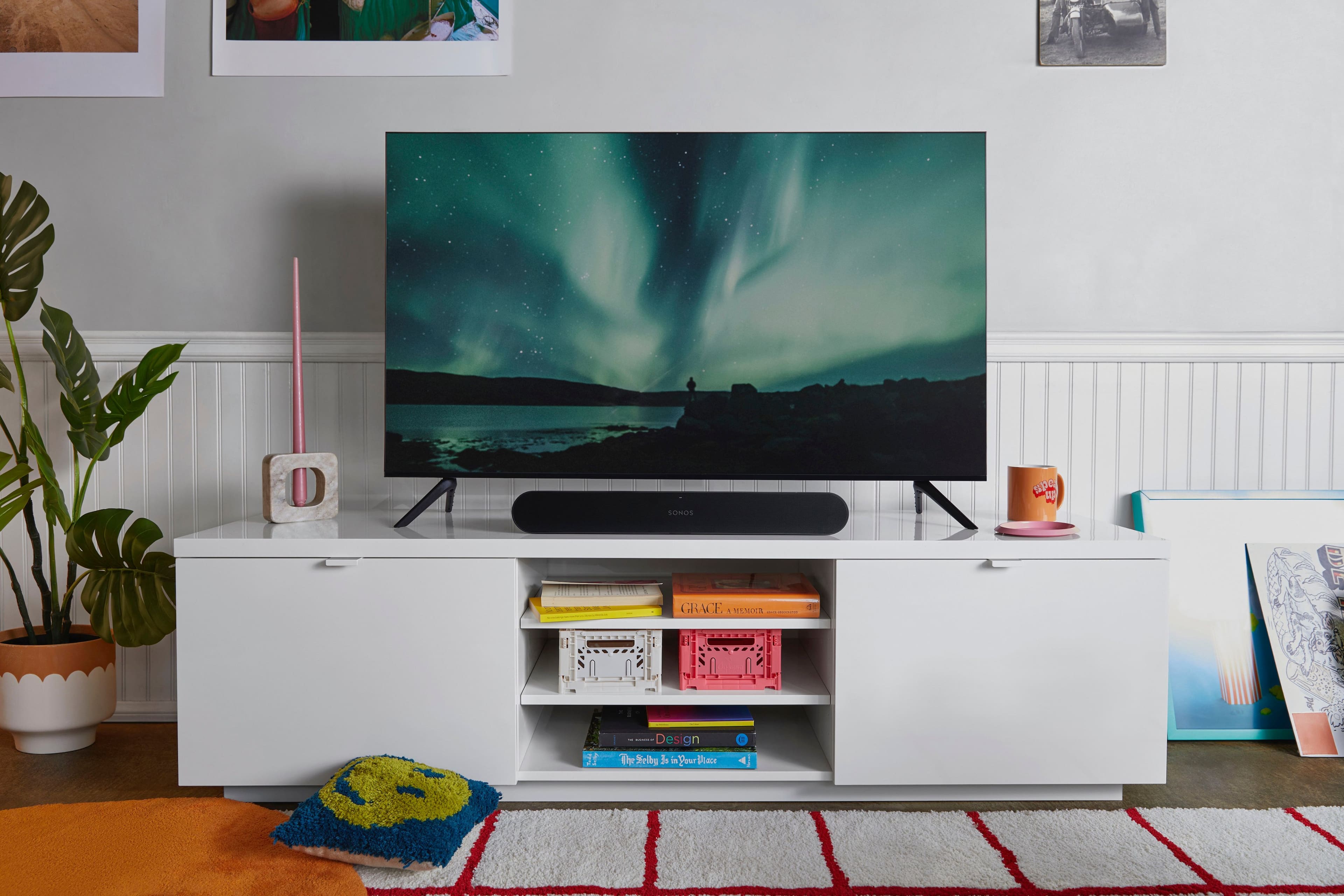
A:Answer Found a way to do it set up you remote with Ray To add a new remote control, you need to open the app, select Settings, System and then select your Sonos Ray. Tap Use IR and then tap the Remote Control Setup option.
Follow the wizard through and tap the buttons on your remote control while it’s pointing at the Ray. This should work, although we had the problem that our TV uses Bit Toggling: each button alternates between two IR codes.
https://www.trustedreviews.com/how-to/how-to-set-up-the-sonos-ray-4236285?fbclid=IwAR3mdVXM14LogJpVOIUSoobtFxgS7r_IFyg5VxreCCF_avB7mgW4Hi_g7s0