A:AnswerHi Ryosaeba, having HDMI as the source when using the soundbar's Wireless Multi-Room feature is not supported. You may check this link for more information about the said feature: https://www.sony.com/electronics/wireless-multi-room-audio Thanks, -Mark
A:AnswerHi RyoSaeba, the Wireless Multi-Room feature of our soundbars is designed for audio only, with the use of the SongPal app. It does not support audio from video sources, only its Wireless Surround feature will work for this setup. Thanks, -Mark
A:AnswerHi Jack, please reach us at [email protected] with your concern so we can further assist you. Please also include your contact and product information. Regards, ^Ron
A:AnswerLate to the party here, user SonyListens, you've contradicted yourself completely. Are we plugging the components into the soundbar or into the TV? :-)
Personally, I follow step 2 in your setup guide, although one loses the use of the NT5 display button with Enhanced HDMI active.
https://docs.sony.com/release//QSG_4585894141.pdf
A:AnswerHi Aton, you will need to use the Wireless Multi-Room feature of the soundbar through the Music Center app in order to achieve full audio with your existing soundbar and speaker setup. Pressing the RX/TX button on the remote is not required as sound will be output to the paired speaker/headphone, not on the soundbar. You may check this link for information on how to setup Wireless Multi-Room: https://us.en.kb.sony.com/app/answers/detail/a_id/76612/p/41901,44406,92955,96053/c/65,66/kw/wireless%20multi%20room Thanks, -Mark
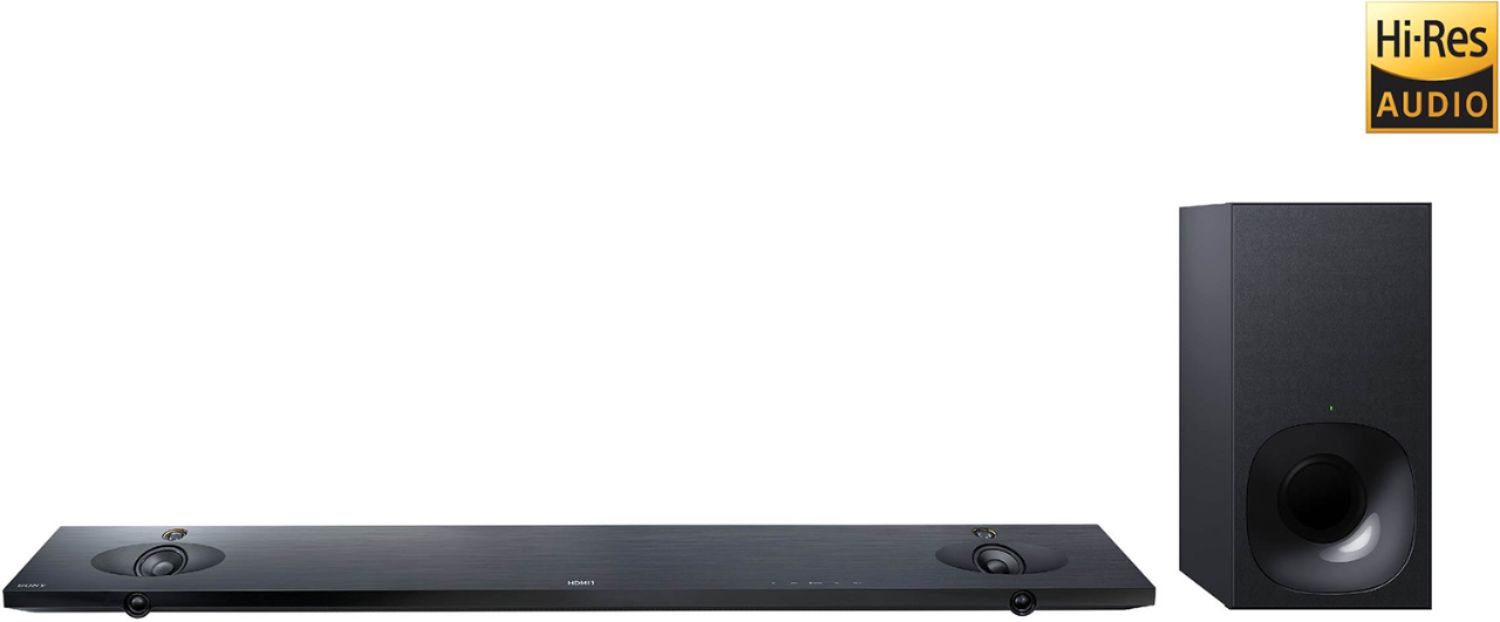
A:AnswerYou have to stop watching your program. Go in to setting on your TV. Find the audio section. After about 5 more sections you will find the setting for the sound bar. You can see and change them there. It really sucks. If only you could read them on the front of the sound bar. Like others do. Would make it so nice.
A:AnswerHi clod, we recommend using a projector that supports HDMI/HDMI ARC with this soundbar. You will be needing a high-speed HDMI cable for you to be able to achieve HD/4K audio and video output. You may refer to this link for more information about this soundbar: https://docs.sony.com/release//specs/HTNT5_mksp.pdf Thanks, -Mark

A:AnswerHi FollowUpOctober162017, thanks for the question. However, we highly suggest to reach us at [email protected] with your concern so we can further assist you. Also, give us more information regarding your set-up. Please also include your contact and product information. Thanks! ^Ron
A:AnswerHi there! If you are referring to a wireless surround sound setup, this soundbar requires two of the same wireless speakers for it. You may refer to this link for more information about connecting additional speakers to the HTNT5: https://us.en.kb.sony.com/app/answers/detail/a_id/75516/p/41901,44406,92955,96053/c/65,66/kw/wireless%20surround Regards, -Mark