A:AnswerHi Interested,
Thank you for your inquiry!
Typically, Sony TVs receive software updates for up to seven years, so you can rest assured that future updates will be available for several years to come.
We appreciate your choice of Sony products!
Best regards,
Gus
Sony Social Media Team
A:AnswerI wanted to include a link here for you, but BB's rules frown on that when answering questions. If you go to the manufacturer's website and then search for model number K-43S30, you should get to a screen that includes links that address various issues. Unfortunately, it doesn't appear you can download the materials.
I wanted a manual too and was surprised one doesn't come with the TV; I needed to seek out this info because I feel the picture is way too dark. Good luck to you.
A:AnswerHi CJ, thank you for your interest on Sony BRAVIA 3! You can easily stream to your TV with support for AirPlay® 2 and Chromecast built-in™. Hope this answers your question! Thank you for choosing Sony. Best regards, -Jenn.
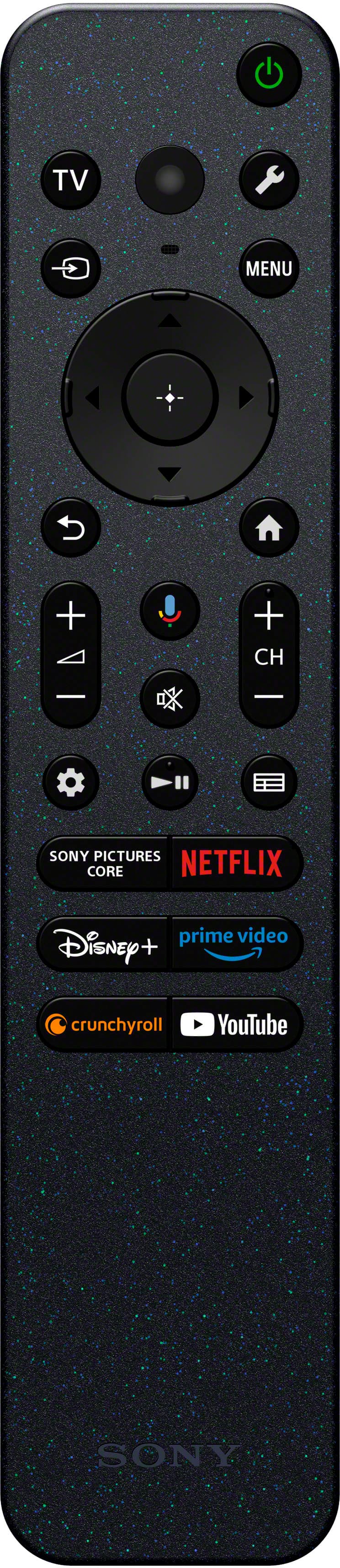
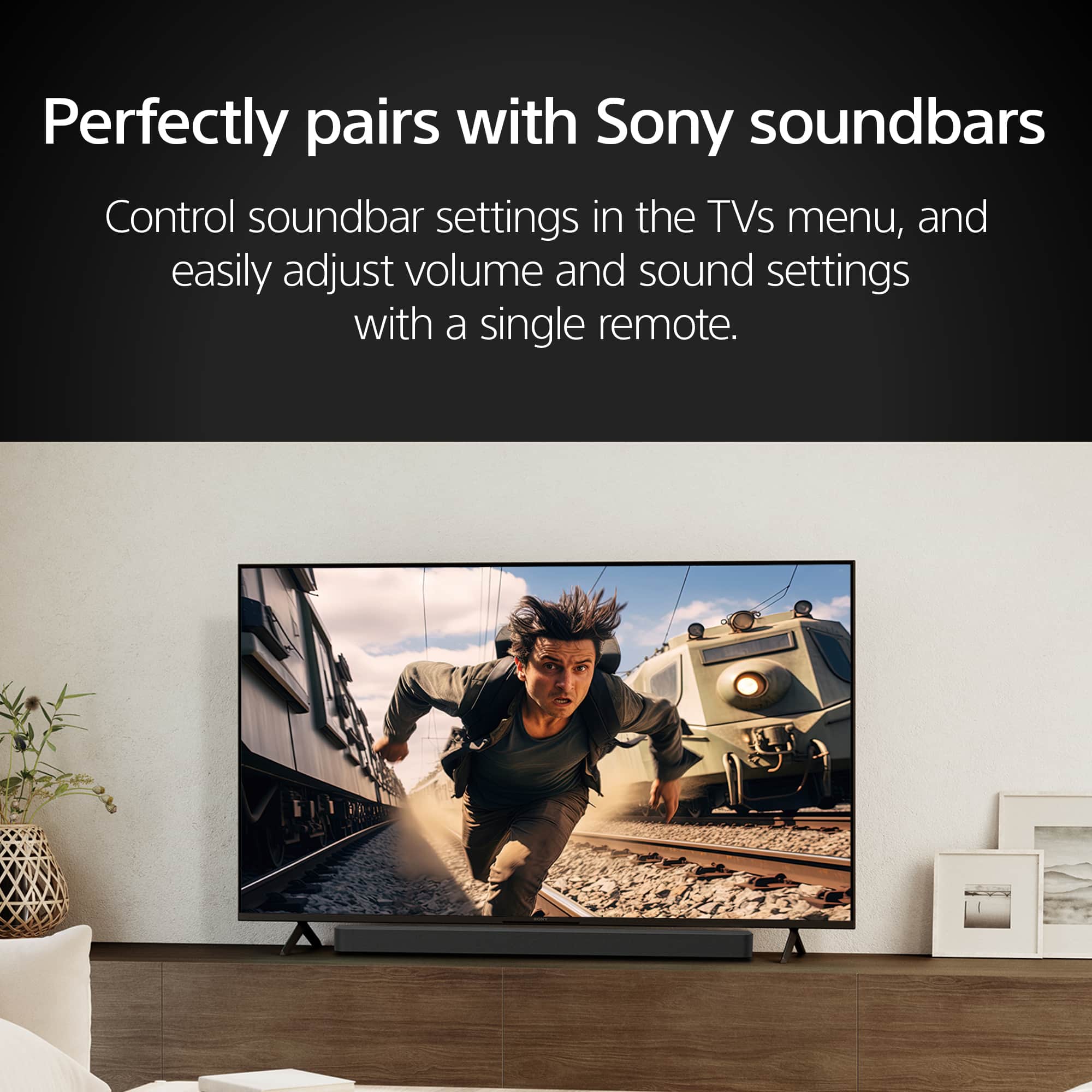
A:AnswerNo it does not. Only a microphone button on the remote for voice control. Need to go up to a Sony X90L to get the built-in-mic. As far as the camera, Sony sells a Bravia Cam *SEPERATE* accessory- theres no built in cameras in any Sony TVs.
A:AnswerHi Jerry, Thanks for the inquiry. The K-43S30 4K LED TV is a plug-and-play TV. This TV designed to be easy to set up and use immediately upon connecting it to a power source and input devices. There is no need for additional software or extensive configuration to begin using the TV for basic functions. To fully enjoy all the streaming apps available in your TV, it would require your to login your Google account. Regards, -Craig
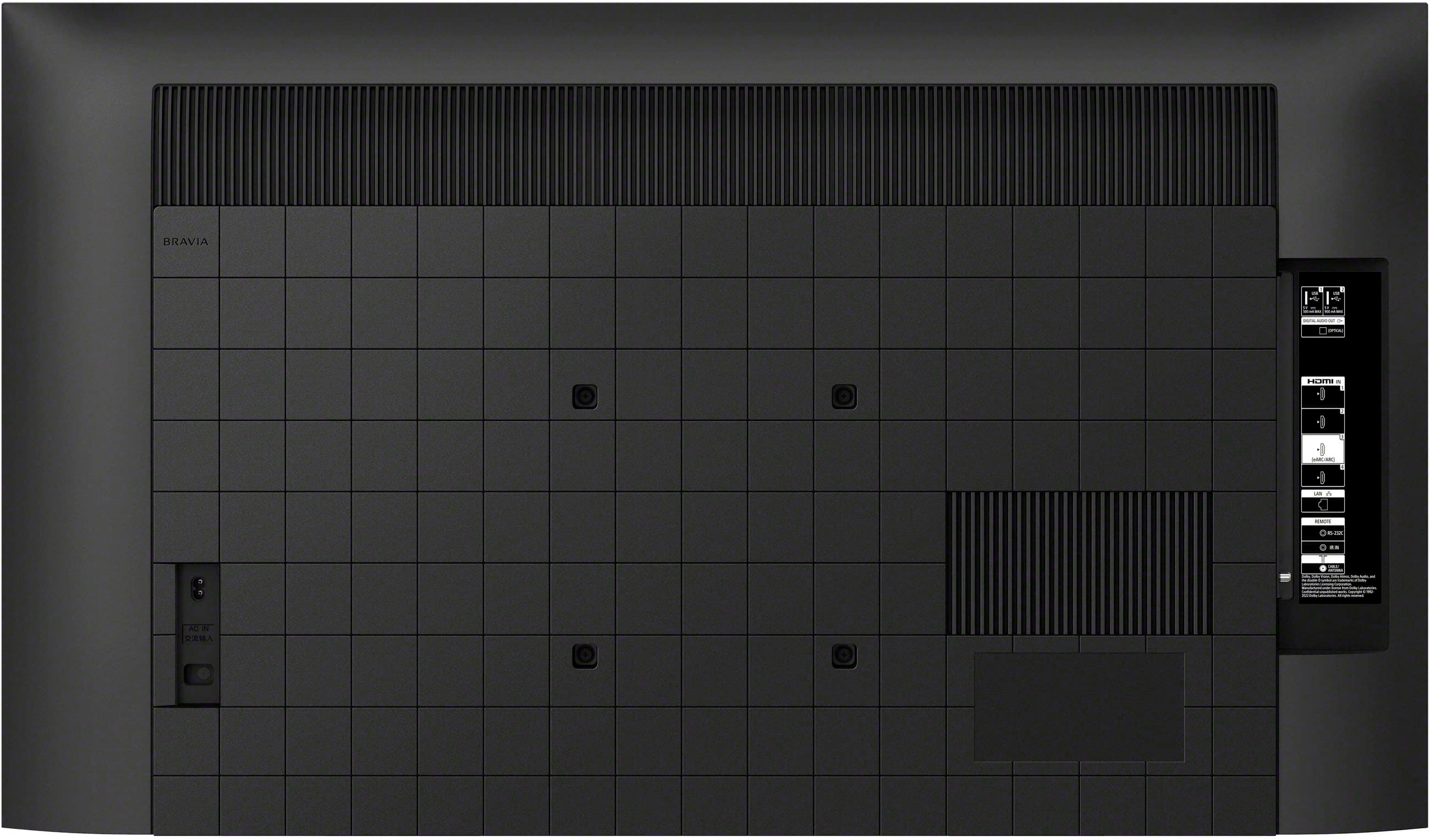
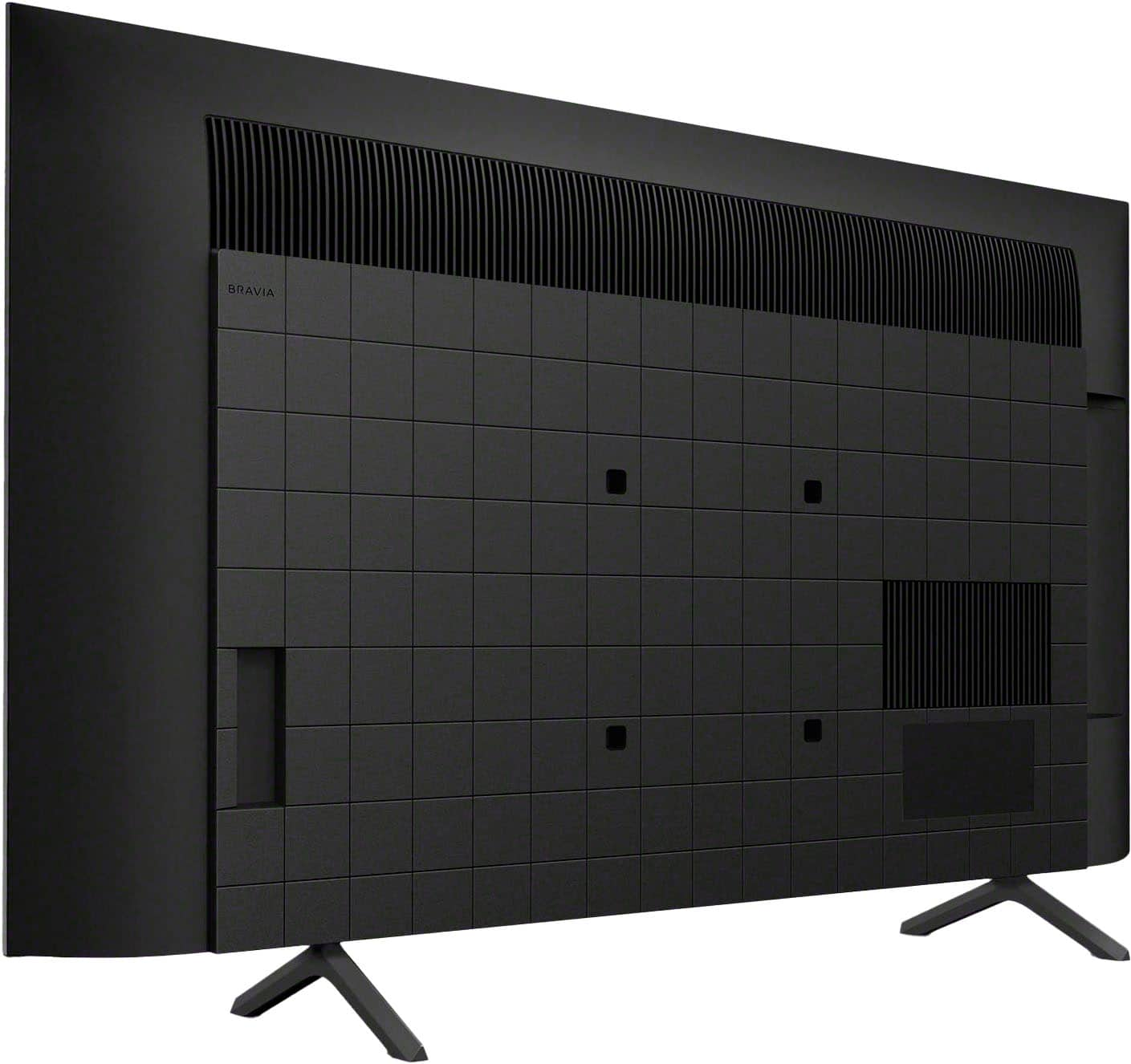
A:AnswerHi TVTVTVTV, Thanks for the inquiry. Yes, the K43S30 model can be mounted on a wall. It conforms to the VESA Mount Standard with a specific hole pattern that would fit a compatible wall-mount bracket. For safety and the protection of the product, it is recommended to have a qualified professional perform the installation. Regards, -Craig
A:AnswerHi Doug,
Thank you for reaching out with your inquiry. To address your question, the BRAVIA 3 TV operates on an AC power source (120 V AC, 60 Hz) and cannot function on DC power alone. If you plan to use a DC power source, you will need an inverter to convert the DC to AC.
Experience all your favorite content with the BRAVIA 3 Smart TV, designed for seamless use and featuring a wide array of smart functionalities for an enjoyable viewing experience. With its large screen, vibrant picture quality, and immersive sound, your preferred shows and movies will be even more captivating.
I hope this information is helpful.
Best regards,
Romeo
A:AnswerThere is no reason why it shouldn't. It is fully compatible with Hulu. I would check your Wi-Fi & Internet settings and username/password credentials to make sure everything's set up and inputted correctly.
A:Answer1yr Factory Warranty on pretty much every TV regardless of brand or quality level. Best Buy offers 2yr and 5yr extended warranty protection plans you can purchase.
A:AnswerHi Jim,
Thank you for your interest in the Sony K43S30 (BRAVIA 3)!
In response to your question, this television features Bluetooth version 5.3 and is compatible with the following Bluetooth profiles: HID, HOGP, SPP, A2DP, and AVRCP.
We recommend checking the specifications provided by your device manufacturer to ensure compatibility.
I hope this helps.
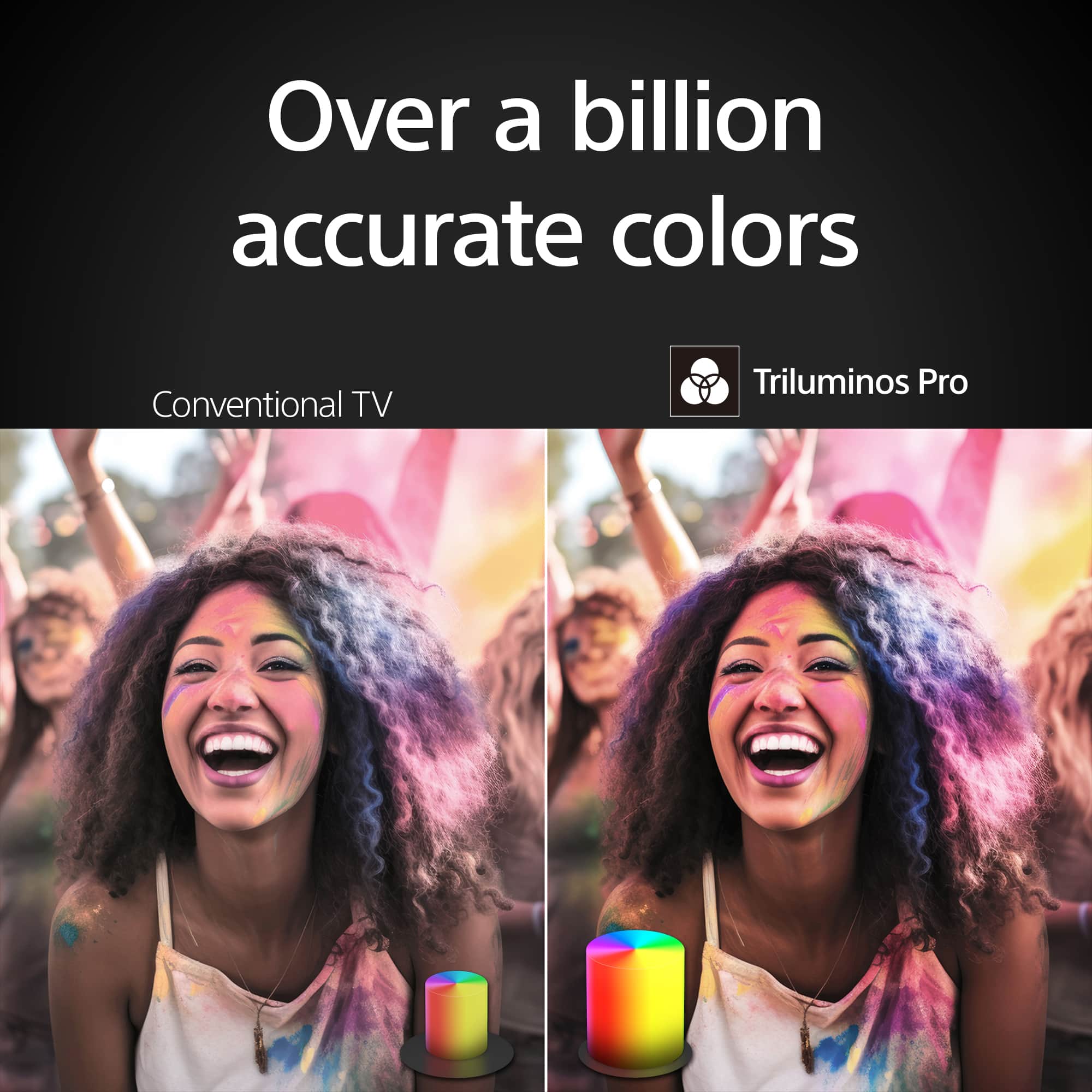
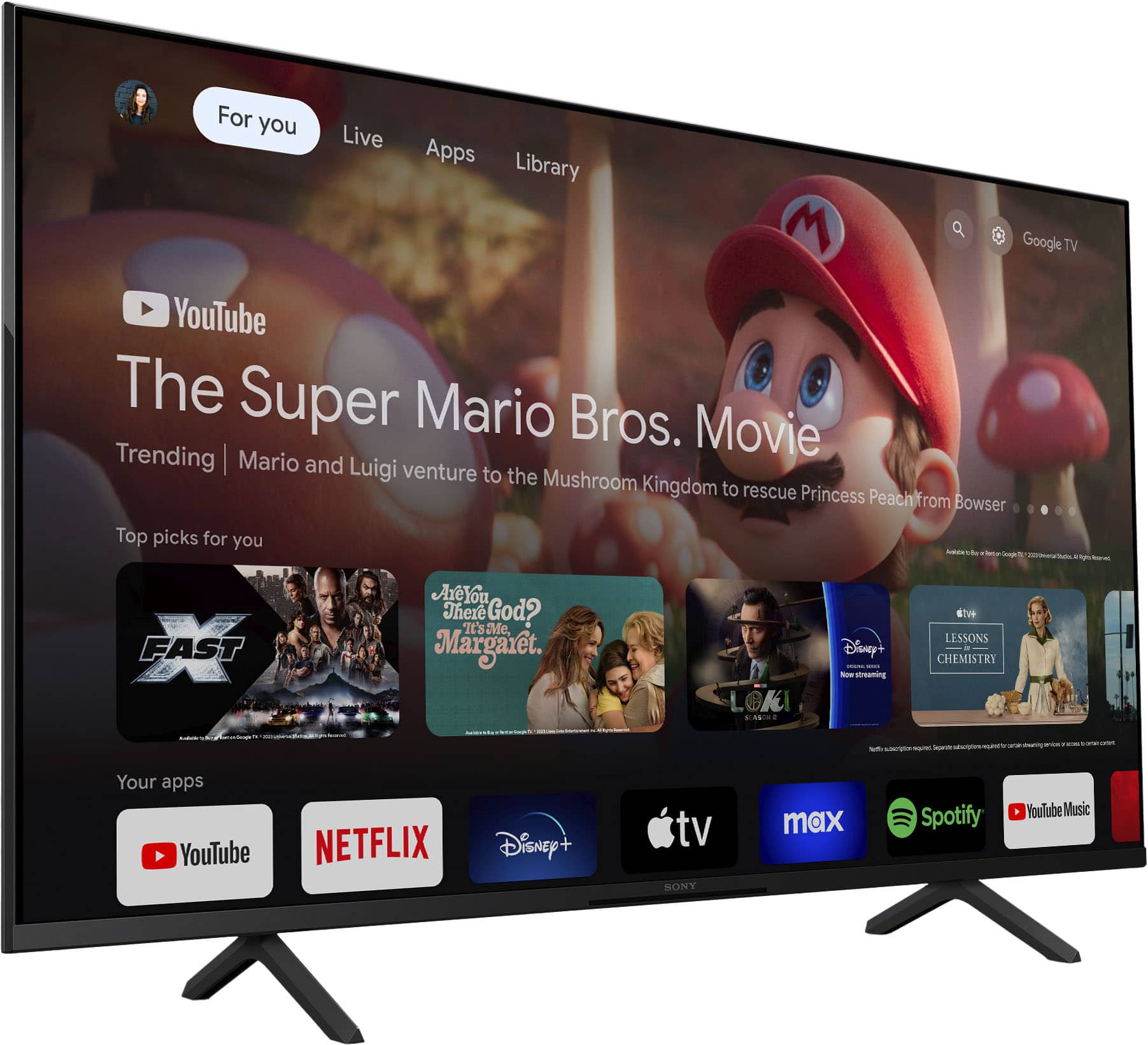
The Sony BRAVIA 3 combines HDR color support with Sony's intelligent picture processing to analyze and enhance every scene with accurate, lifelike color. Connect HD and UHD devices via HDMI 2.1 inputs with advanced features like ALLM and eARC. For streaming, the built-in Google TV OS provides a plethora of apps and options, with your favorite and frequently watched shows brought together on one convenient home screen.
Best regards,
Romeo