A:AnswerHi there! This specific model doesn't support Alexa. You may check this link out for more information about the supported models:
https://us.en.kb.sony.com/app/answers/detail/a_id/76414
~Ralph
A:AnswerHi jello, No, it's not an Android TV. You may check the link below for more product information:
https://docs.sony.com/release//SPECS/KD43X720E_mksp.pdf
~Ralph
A:AnswerSony KD43X720E 43" 4K UHD TV has IPS panel.
Please see this comprehensive review and testing of this TV at the Rtings.com page -
http://www.rtings.com/tv/reviews/sony/x720e
A:AnswerHi Headphones, it is possible with this TV. This TV has a setting which allows the audio to output on both its speakers and a connected headphone. It is the Headphone Speaker Link option under the TV's AV Settings. This can be achieved regardless of the video source. Thanks, -Mark
A:AnswerHi twirth5, please visit the link below for possible troubleshooting steps to fix this issue. I hope it helps. Regards, ^Ron
https://us.en.kb.sony.com/app/answers/detail/a_id/76778/
A:AnswerHi HDMIquestion, please visit the link below for possible troubleshooting steps to fix this issue. I hope it helps. Regards, ^Ron
https://us.en.kb.sony.com/app/answers/detail/a_id/75776/
A:AnswerWhile you cannot pin apps to the Home screen (unlike Google Play Store found in Android TVs), you can access additional apps from the Opera Vewd App Store. Each time you want to access an app that isn't preloaded, you would need to go back into the Opera browser to open it.
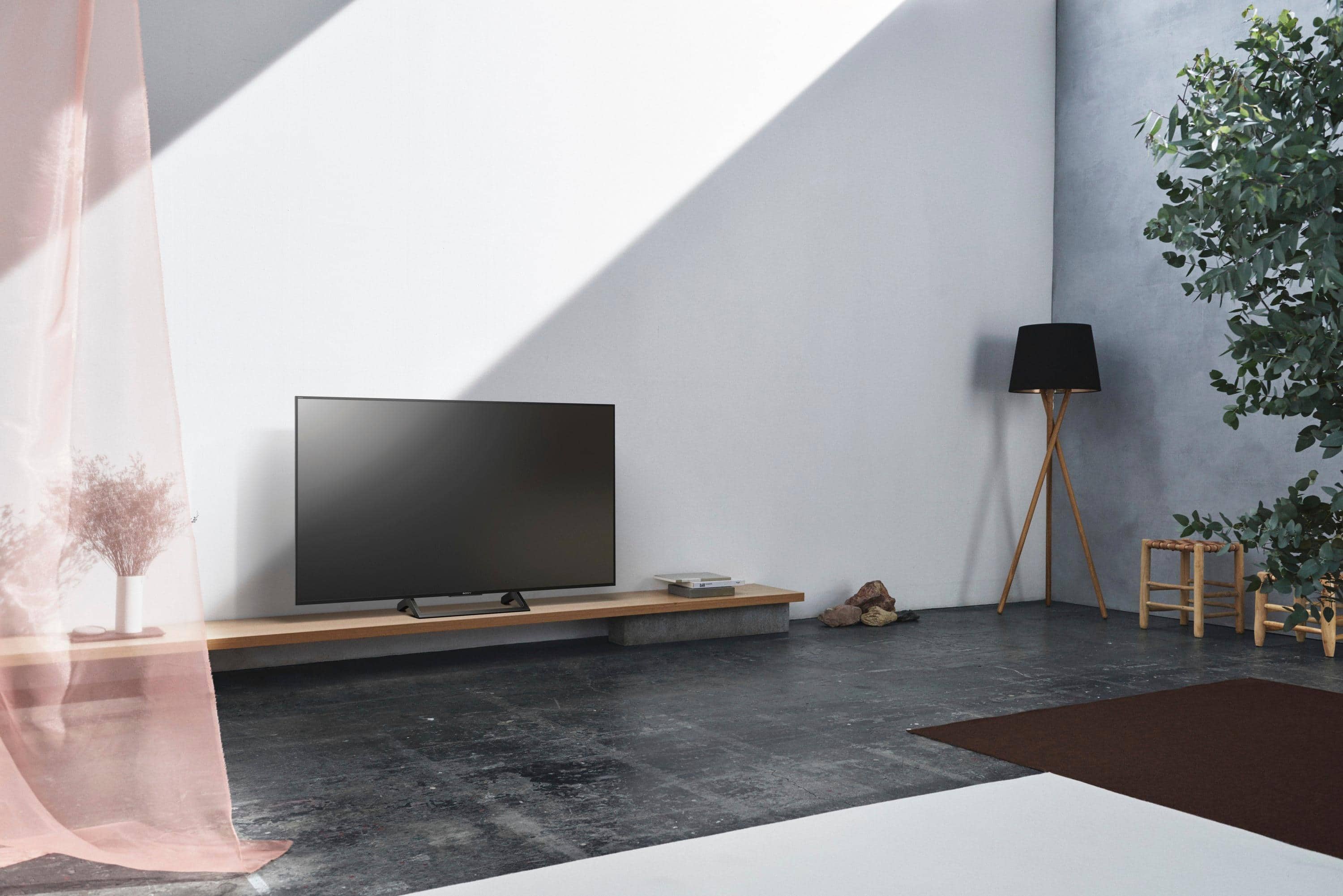
A:AnswerOf course you can mount this TV to the wall. You will need a good mount and you will need to decide if you want it to swivel side-to-side. If you are not handy with tools then I would suggest professional installation, especially if you want the TV to be level ! Check with your dealer for mounts and for installers.
A:AnswerThere are a number of differences, too many to list here.
Do an internet search using KD43X720E and KD43X800E or use this address I used to review:
www.hdrtvcomparison.com/sony-x720e-vs-x800e-review-kd43x720e-vs-xbr43x800e-kd49x720e-vs-xbr49x800e-kd55x720e-vs-xbr55x800e/
A:AnswerHi Headphones, this TV allows you to use the TV speakers and headphones at the same time. You may refer to page 30 of the link below (headphone speaker link) for more information:
https://docs.sony.com/release//Manual_4686051111.pdf
~Ralph
A:AnswerHi Headphones,
This TV supports Netflix. You can access your favorite movies and shows quicker than ever. With YouTube and Netflix buttons built into the remote. Make sure it is connected to a stable internet.
Thanks,
>Joffrey
A:AnswerI know the tv speakers will work simultaneously with headphones when watching tv - I'm asking if the tv speakers and headphones will work simultaneously when specifically watching Netflix. Has anyone successfully tried this?
A:AnswerHi 2000bc, No, it doesn't have a browser function. You may refer to the link below for more information:
https://us.en.kb.sony.com/app/answers/detail/a_id/69498
~Ralph